

$449.00

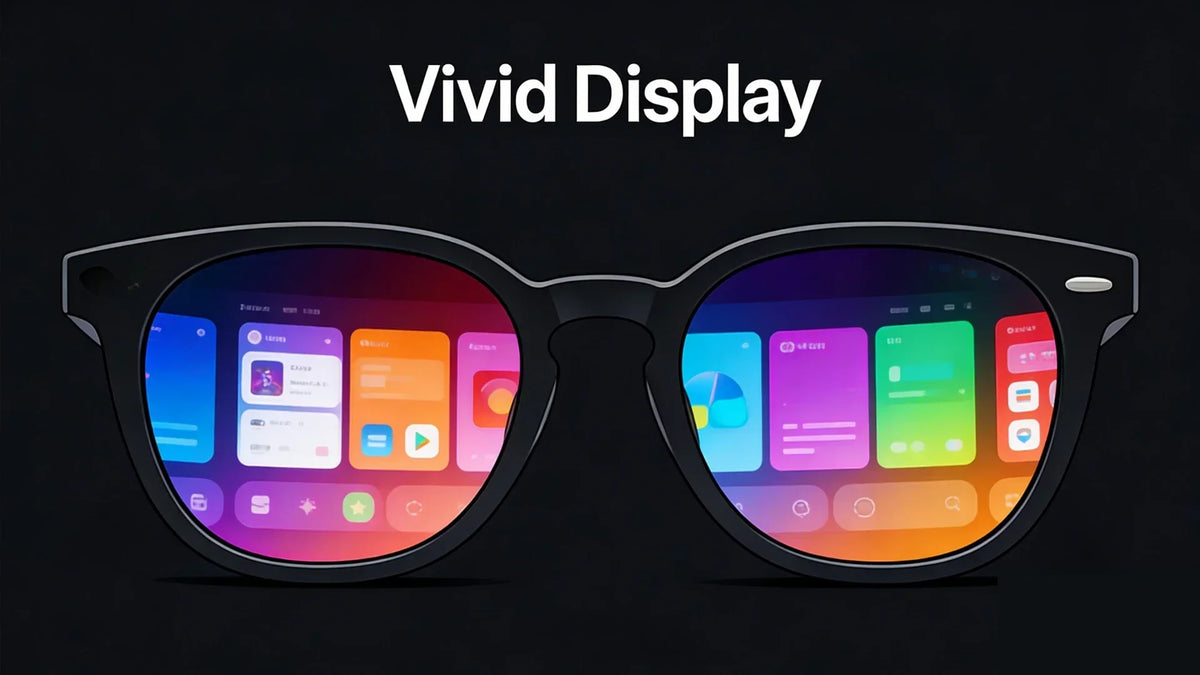
Choosing the right pair of Ray-Ban AI glasses is about how you plan to use them day to day. Maybe you want to capture moments hands free without pulling out your phone. Or maybe you’re wondering whether a built-in display actually adds value to your routine, or just extra complexity.
This guide breaks down the real differences between audio first smart glasses and newer display based models. By understanding how each approach works in everyday situations, you can choose a pair that fits your lifestyle without falling into the usual traps that come with first generation tech.

Meta took smart glasses in two different directions with this lineup. One path focuses on improving the familiar camera and audio experience. The other adds a visual layer, turning the glasses into something closer to everyday augmented reality. Which one makes sense depends on how you plan to use them.
The Ray-Ban Meta AI Glasses Gen 2 are a smarter version of classic sunglasses. They’re built around capturing moments, staying connected, and using voice commands without pulling out your phone. For people who want to stay present while still recording high quality 3K video, this model acts as a lightweight, wearable companion.
The Ray-Ban Meta Display AI Glasses, on the other hand, move beyond audio and into visual interaction. With a built-in display, they let you see information instead of just hearing it. That shift makes them more of a productivity tool, designed for users who want quick access to navigation, notifications, and visual data throughout the day. When weighing your options, it's often helpful to look at how Meta AI glasses vs RayNeo AI glasses compare, especially if you require a more robust visual interface.
The Gen 2 model is built around making hands-free use feel effortless. It’s aimed at social creators and busy professionals who want to capture moments, take calls, and interact with AI without constantly pulling out a phone, all while staying light enough for all-day wear.
12MP ultra wide camera that shoots sharp photos and 1080p vertical video, designed with social media sharing in mind
Open ear audio system with custom speakers that deliver deeper bass and noticeably louder volume than earlier versions, keeping calls and music clear
Voice first controls powered by the “Hey Meta” assistant from Meta, allowing you to send messages, make calls, or identify landmarks using only your voice
Five microphone array that captures spatial audio aligned with your video while reducing background noise
Wide style selection, including classic Wayfarer and Headliner frames, with more than 150 frame and lens combinations
Overall, the Gen 2 glasses are best suited for users who care more about capturing content and staying connected through audio and voice than adding a visual display to their field of view.
This version is made for people who want information they can see, not just hear. Instead of relying only on voice prompts or audio cues, the Display model puts key details directly into your line of sight, reducing how often you need to check your phone.
Waveguide display technology that projects a transparent, full-colour image into the right lens, so notifications appear without blocking your view
Real-time navigation, showing walking directions and transit alerts right in front of you
Visual AI assistance, using the camera and display together to translate foreign text or identify objects you’re looking at
Neural wristband compatibility, allowing subtle hand gestures for quieter, more private control
Multimodal interaction, including message previews and video call visuals, which is especially useful in loud or busy environments
Compared to the audio first Gen 2 model, the Display version shifts the experience toward productivity and visual awareness. It’s better suited for users who want constant access to navigation, translations, and notifications without pulling out a phone or relying entirely on voice feedback.
Ray-Ban Meta AI glasses are meant to sit quietly between your real life and your digital one. They’re not just something you wear, they’re something you interact with throughout the day. What makes them stand out is how a few core features work together in real, everyday situations.
These glasses basically act like a personal assistant that’s always with you. By saying “Hey Meta,” you can get things done without touching your phone, powered by Meta’s AI.
Visual intelligence, so you can ask what you’re looking at, like identifying a landmark, a plant, or translating a menu in another language
Everyday tasks help, such as setting reminders, starting timers, or sending messages through WhatsApp and Messenger
Creative suggestions, including caption ideas or outfit tips based on what the camera sees
It’s especially useful when your hands are full or when pulling out your phone would break the moment.
The Meta View app is where everything is managed. It acts as the control center for both your content and the glasses themselves, keeping things simple and organized.
Content management lets you quickly import your 12MP photos and 1080p videos to your phone for easy editing.
Direct sharing makes it easy to post moments straight to Instagram, Facebook, or WhatsApp Stories without jumping between apps.
Device health tools show exact battery levels for both the glasses and the charging case, and handle firmware updates in the background.
It helps the glasses feel like an extension of your phone rather than another device you have to manage.
On models with a built-in display, staying connected becomes more visual instead of relying only on audio. Important information shows up right in front of you, so you don’t have to keep checking your phone.
Heads up notifications let you see incoming texts and caller IDs at a glance without pulling your phone out of your pocket.
Live stream interaction allows you to read real-time comments directly in the lens while streaming on Instagram or Facebook.
Shared perspective during video calls makes it easier to see who you’re talking to and confirm exactly what you’re sharing from your point of view.
It’s a small shift, but it makes social interactions feel more natural, especially when your hands are busy or you’re on the move.
The audio is designed so you can listen without tuning out the world around you. You get clear sound for calls and music, while still staying aware of what’s happening nearby.
Directional speakers send sound straight toward your ears, helping reduce leakage so people around you don’t hear your calls or music.
Improved bass and volume, with Gen 2 hardware delivering noticeably richer sound than earlier versions.
Better situational awareness, since the speakers sit outside your ears, letting you hear traffic, conversations, and other surroundings naturally.

It’s a practical setup that works well for everyday use, especially when you’re walking, commuting, or moving through busy areas.
When you’re wearing something all day, practicality matters more than specs on paper. Comfort, battery life, and how often you need to recharge will have a bigger impact on daily use than any single feature.
Comfort is one of the biggest differences you’ll notice over time. The Gen 2 frames are lightweight and come in familiar Ray-Ban styles like the Wayfarer and Headliner. Meta also reinforced the hinges and better balanced the weight, which helps reduce pressure during long wear.
The Display model is slightly heavier (around 60-70 grams depending on frame) due to the integrated waveguide display and components. To offset that, it uses titanium hinges and a curved front design that helps keep the glasses stable and comfortable on your head.
Battery life depends a lot on how often you use features like the camera, AI, and display.
Ray-Ban Meta Gen 2 delivers up to 8 hours of active use, with a charging case that adds up to 32 extra hours.
Ray-Ban Meta Display offers around 6 hours of mixed use, with the included Neural Band and charging accessories supporting up to approximately 6 hours on the glasses plus extended use via the band and case.
Fast charging helps in a pinch; about 20 minutes on the charger can restore up to 50% battery, which is useful for quick midday top-ups.
If you plan to record often or rely heavily on AI features, keeping the case nearby becomes important for all-day use.
Ray-Ban Meta AI glasses are available with prescription lenses through the official Ray-Ban store and authorized opticians. Both models support single vision and progressive lenses, as well as Transitions lenses that automatically darken in sunlight.
The Display model also supports prescription lenses, though the selection may be a bit more limited because of the built-in waveguide display.
Pricing mainly comes down to how much technology you want built into the glasses. The more advanced the features, the higher the cost.
|
Model |
Price (MSRP) |
Primary Selling Point |
Best For |
|
Ray-Ban Meta Gen 1 |
$224 - $299 |
Affordable entry point |
Budget-conscious beginners |
|
Ray-Ban Meta Gen 2 |
$379 - $459 |
Enhanced camera & audio |
Social media creators |
|
Ray-Ban Meta Display |
$799 |
Visual AR & HUD |
Early adopters & travellers |
If you’re looking for features that Ray-Ban Meta glasses don’t really focus on, like a large virtual screen, advanced AR navigation, or productivity-first tools, expanding your search to the best-alternatives-for-meta-smart-glasses can help you find a device tailored to your specific needs. Each of these targets a different use case.
The RayNeo X3 Pro is a strong option if you’re looking for a true AR experience rather than smart glasses that mostly focus on audio or cameras. It’s built as an AR playground, using one of the smallest light engines available to project a 43-inch floating virtual screen that stays visible without blocking your view.

Strong visual performance, powered by a MicroLED display with up to 6,000 nits of brightness, making it usable even in bright outdoor conditions
AI integration with Google Gemini 2.5, supporting real-time translation in 14 languages
Creator and developer-friendly setup, with 32GB of storage and tools suited for recording, note-taking, and AI-based summarization
Lightweight and comfortable, weighing just 76 grams with an ergonomic, all-weather design that works for extended wear
This model makes the most sense for users who want to experiment with AR, build creative workflows, or use AI tools beyond basic smart glasses features.
The Rokid GL is built for city life. It works like a lightweight digital layer that keeps useful information in front of you while you’re walking, commuting, or moving through busy streets.
Micro LED waveguide display with dual monochrome green panels that reach up to 1,500 nits, keeping text readable in different lighting conditions
GPT-powered assistant that handles meeting summaries, voice transcription, and real-time translation across 89 languages
AR navigation and HUD, using Google Maps to project directions, arrival times, and speed directly into your field of view
Ultra light design, weighing just 49 grams, with a durable TR90 frame and a 12MP Sony camera for first person photos and video
This model makes the most sense if navigation, quick information, and hands-free guidance matter more to you than content creation or fashion-first design.
The XREAL One is built for people who want a portable alternative to physical monitors. It’s especially useful for business travellers who need a large, private screen for presentations, documents, or extended work sessions on the go.
Large virtual display, powered by Sony Micro OLED panels that create a screen up to 171 inches with a 57-degree field of view
Smooth performance, supporting 120Hz refresh rates, and up to 240Hz on certain versions for fluid scrolling and gaming
X1 spatial computing chip, enabling native 3DoF tracking so the virtual screen stays anchored in place as you move your head
Built-in light control, using three-level electrochromic lenses to dim ambient light
This setup works particularly well on planes, trains, or shared spaces where a physical monitor isn’t practical and privacy matters.
Choosing the right pair of smart glasses really comes down to what you care about most: style, social sharing, or everyday utility. If you want something that looks and feels like classic eyewear while delivering solid camera and audio performance, the Ray-Ban Meta Gen 2 is the most practical choice for daily use. It blends into your routine without asking you to change how you live or work.
If you’re looking for a visual interface for navigation, translations, or quick access to information, the Ray-Ban Meta Display takes things a step further. And if you want to push deeper into augmented reality with more advanced visual tools, the RayNeo X3 Pro offers a more flexible, AR-focused experience. The best option isn’t about having the most features; it’s about choosing the one that fits naturally into how you move through your day.
Ray-Ban AI glasses let you take photos, record videos, listen to music, and handle phone calls hands free. They also include a built-in AI assistant that can answer questions, identify things you’re looking at, and translate text in real time.
The latest lineup includes two main models. The Ray-Ban Meta Gen 2 focuses on better audio and camera performance, while the Ray-Ban Meta Display adds a full color screen inside the lens for navigation, notifications, and visual information.
Yes. They can record high quality video using a 12MP ultra wide camera. Depending on the model and settings, video capture is typically 1080p, with higher-resolution capture available for certain recording modes.
On the Ray-Ban Meta Display model, you can view small video previews, notifications, and visual prompts directly in the lens. If you’re looking for a full movie style viewing experience, dedicated wearable display glasses are a better option than Ray-Ban’s smart glasses.
Yes. Ray-Ban Meta AI glasses are available with prescription lenses through authorized retailers. They support several lens options, including clear, polarized, and Transitions lenses that darken in sunlight.







Share:
Meta AR Glasses Alternatives in 2026: Practical Options You Can Use Today
VITURE Glasses vs. RayNeo Glasses: Key Differences & Buying Considerations