

$429.00

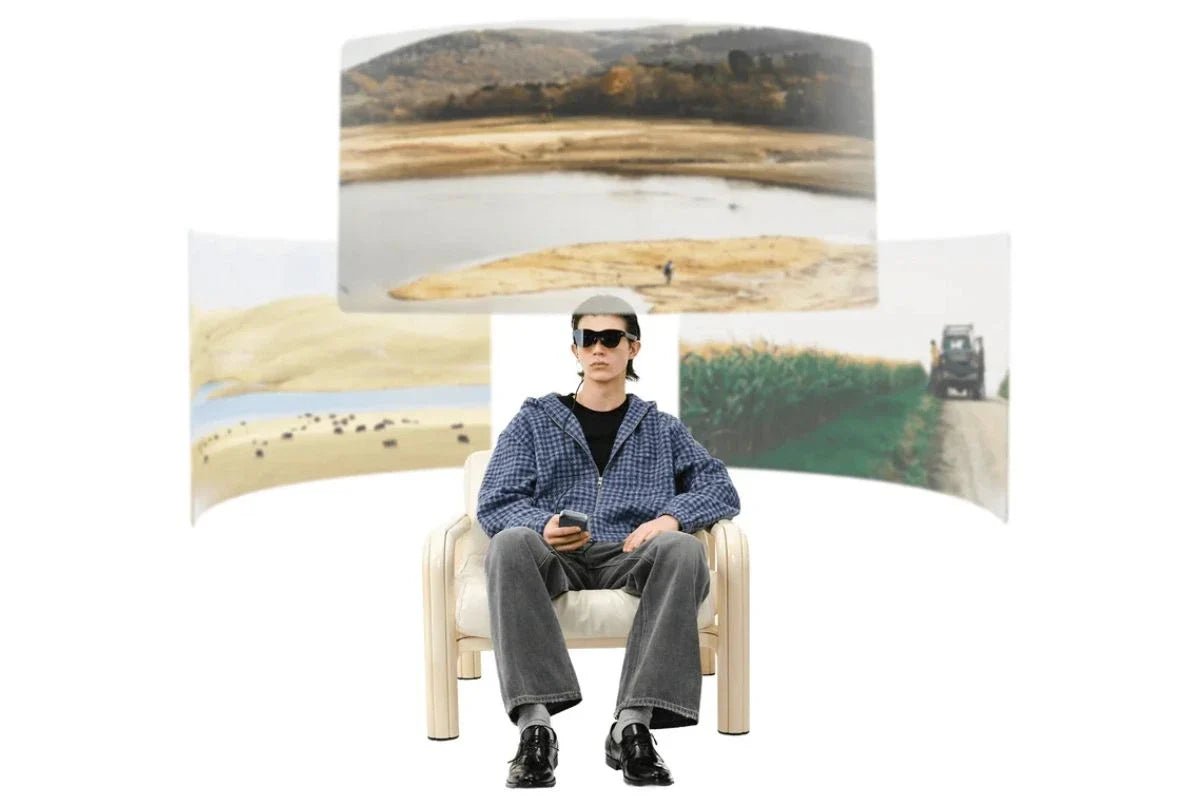
There is no single winner, and the reason is structural rather than evasive: the displays in smart glasses are built for three different jobs, and the specs that make one excellent make another useless. A screen designed to disappear behind the room in front of you cannot also be the brightest cinema display you have ever seen.
Within each type, though, the comparison is clean. Among RayNeo's current products, the answers are: X3 Pro has the brightest display at 3,500 nits average and 6,000 nits peak; GT Max has the largest and most immersive at 267 inches across 59 degrees; GT and Air 3s Pro render the finest detail thanks to a denser pixel layout; and iO has the display you notice least, which is exactly what it was built for.
One answer covers most cases: GT Max, which delivers the largest screen in the lineup at $399. The comparison that follows is for the priorities that point somewhere else.
Brightness, in nits. How much light reaches your eye. On see-through displays it decides whether text survives daylight. Higher is not automatically better, since a heads-up display that is too bright becomes a distraction at night.
Field of view, in degrees. How much of your vision the image fills. A wider view feels more cinematic; a narrower one keeps the image out of your way.
Pixels per degree, or PPD. How tightly pixels are packed within that view. This is the number that decides whether small text looks crisp, and it is the one most often left out of marketing. Two products with the same 1920x1080 panel will look different if one spreads it across a wider field.
Contrast and color. Micro-OLED panels switch individual pixels off, which is why the display glasses quote a 200,000:1 contrast ratio and 98% DCI-P3 color coverage. Deep blacks matter more than peak brightness for watching films in a dark room. The related figure, ΔE under 2, is a measure of color error, where anything below 2 is generally considered accurate enough that the eye stops noticing the difference from the source.
Put every current model against the same four measures and the pattern shows up immediately: nothing wins on all four, and each one gives up a different number.
| Model | Brightness | Field of view | Pixels per degree | Contrast and color |
|---|---|---|---|---|
| iO | 1,300 nits at eye level | 23.5 degrees | Sized for glanceable text | Monochrome green, 97% transparent lens |
| GT | Up to 1,200 nits perceived | 46 degrees | 49 | 200,000:1, 98% DCI-P3, ΔE under 2 |
| Air 3s Pro | 1,200 nits | 46 degrees | 49 by independent testing | 200,000:1, 98% DCI-P3, ΔE under 2 |
| GT Max | Up to 1,200 nits perceived | 59 degrees | 38 | 200,000:1, 98% DCI-P3, ΔE under 2 |
| X3 Pro | 3,500 average, 6,000 peak | Tuned for a heads-up overlay | 640x480 per eye, full color | Full color, see-through waveguide |
The rest of this section explains what each row is trading away. If what you want is a walkthrough of the three display technologies themselves, how a monochrome HUD, a full-color waveguide, and a Micro-OLED virtual screen each work, our guide to built-in displays covers that ground and this guide stays on the measurements.
The iO uses a binocular MicroLED engine paired with a diffractive waveguide, producing a monochrome green image optically equivalent to a 33-inch screen viewed from two meters. Eye-level brightness reaches 1,300 nits across a 23.5-degree field of view, with the lens holding 97% transparency.
Judged as a cinema screen, those numbers look modest. Judged for the job, they are the point. A caption or a calendar entry needs to be readable in sunlight and invisible to the person across the table, and a small monochrome image in a highly transparent lens does that while a large full-color one would not. The 97% transparency figure is the real headline: it is what keeps the lens looking like eyewear rather than a screen.
This type wins on being unobtrusive. It is not trying to compete on size, and comparing its 33-inch equivalent against a 267-inch virtual screen is comparing a wristwatch with a wall clock.

GT Max, GT, and Air 3s Pro share a 1920x1080 per-eye Micro-OLED panel with up to 120Hz refresh, 200,000:1 contrast, 98% DCI-P3 coverage, and color accuracy quoted at ΔE under 2. Where they differ is how that image is projected.
| GT Max | GT | Air 3s Pro | |
|---|---|---|---|
| Field of view | 59 degrees | 46 degrees | 46 degrees |
| Virtual screen | 267 inches | 201 inches at 6 meters | 201 inches at 6 meters |
| Pixels per degree | 38 | 49 | 49, per independent testing |
| Perceived brightness | Up to 1,200 nits | Up to 1,200 nits | 1,200 nits |
| Weight | 78g | 68g | 76g |
| Price | $429, $399 after the automatic checkout discount | $299 | $279 |

GT and Air 3s Pro read as near-identical in that table because on the display side they are: same panel, same field of view, same virtual screen, same brightness. The $20 gap is not a display decision. GT is the newer design, built around the GT series feature set with Bang & Olufsen tuned audio, Whisper Mode 2.0, three spatial modes, and the Dolby Vision pairing with Pocket TV Pro; Air 3s Pro is the established model with its own four-speaker system, 20-level brightness control, and RayNeo store bundles that pair it with the HDMI adapter or a Pocket TV player. Choose GT if the spatial modes and the GT series accessories matter to you, and Air 3s Pro if you want the same picture for slightly less.
The tradeoff in that table is the single most useful thing to understand about display glasses. GT Max spreads the same number of pixels across a wider view, so the picture is bigger and slightly less dense. GT and Air 3s Pro concentrate them, so text looks sharper in a smaller-feeling frame.
For films and games, the wider view usually wins, because immersion comes from filling your vision. For documents, code, and spreadsheets, density wins, which is why the sharper models are the better desk companions. Our guide to reading PDFs and papers in AR goes deeper on that use.
One detail specific to GT Max and GT: brightness varies by spatial mode. Pinned mode, which locks the screen to a fixed point in space, runs at 336 nits, while Follow and Steady reach the full 1,200. If a film looks dimmer than expected, that setting is the first thing to check.

Gaming Nexus, testing Air 3s Pro over a wired connection, reported deep blacks, flicker-free operation, and no ghosting in fast-paced games, describing the result as better than the handheld screen it replaced.
What no spec sheet covers is fit, and on these glasses fit is part of image quality. The sharpest region of the image sits where your eyes line up with the optics, which is why GT Max sells in three IPD sizes and why Air 3s Pro advertises a 14x7mm eyebox that it says keeps the image sharp for 93% of users without constant adjustment. If an early look through a pair seems soft toward one edge, nose pad height and IPD fit are the first things to adjust, before concluding anything about the panel.
X3 Pro is the outlier, and the one reviewers single out. It uses full-color MicroLED projectors with waveguide lenses at 640x480 per eye, equivalent to a 43-inch screen at two meters, and its brightness is in a different class: 3,500 nits average with 6,000 nits peak. TechRadar Pro called it "probably the best display currently available in any smart glass product."
The resolution number looks small next to 1920x1080, and in context it is not a flaw. This display exists to overlay navigation arrows, translated text, and notifications onto the real world in daylight, not to show a film. Brightness and transparency matter far more than pixel count for that job, which is why the design spends its budget there.

| If you want | Pick | Because |
|---|---|---|
| A display that stays invisible to others | iO | 97% transparent lens, monochrome, 23.5 degrees |
| The biggest picture | GT Max | 267 inches at 59 degrees |
| The sharpest text | GT or Air 3s Pro | 49 PPD in a 46-degree view |
| Daylight readability with color overlays | X3 Pro | 6,000 nits peak, full color, see-through |
| Best screen per dollar | Air 3s Pro | The shared 1080p 120Hz panel at $279 |
Cross-type rankings are where this question usually goes wrong. A brightness figure from a see-through AR overlay and a brightness figure from a cinema display are measuring different experiences, and a 640x480 heads-up overlay is not competing with a 1080p virtual monitor. Decide the job first, then compare within the type, which is the same order our full lineup comparison uses.
Does a higher resolution always look sharper?
Not by itself, because sharpness depends on how far the pixels are spread. GT Max and GT use the same 1920x1080 panel, yet GT reads as sharper at 49 PPD versus 38, purely because its narrower field concentrates the same pixels. Ask for PPD rather than resolution when text clarity matters.
Why is the iO's display monochrome green?
Green is the color the eye is most sensitive to, so a monochrome green image stays legible at lower power, which supports both the 33-gram frame and the battery rating. Full color at that transparency and weight is a different engineering problem, which the X3 Pro solves at nearly twice the weight and several times the price.
Can you see the display in bright sunlight?
On the AI and AR models, brightness is specified for that: 1,300 nits at eye level for iO and up to 6,000 peak for X3 Pro. On the big-screen models the question changes, because their lenses are dark by design, so the screen holds up outdoors while your view of the surroundings is already dimmed.
Do these displays cause eye strain?
The display glasses run OptiCare 3,840Hz high-frequency dimming and carry TÜV SÜD certification for low blue light and flicker-free performance, with Air 3s Pro offering 20 brightness levels for fine control in a dark room. Dimming the screen to match the room is the step that matters most on any display.
Is 120Hz noticeable?
It is most visible in fast motion, gaming and sports, and least visible in text. Both 60Hz and 120Hz are selectable on the display models, and 3D content runs at 60Hz regardless.
See the screens for yourself: GT Max for the largest picture, GT and Air 3s Pro for the densest, X3 Pro for full color in daylight, and iO for a display nobody else can see.







Share:
Which Smart Glasses Are Light Enough to Wear All Day?
What Can AI Glasses Actually Do? A Scenario Guide