

$429.00

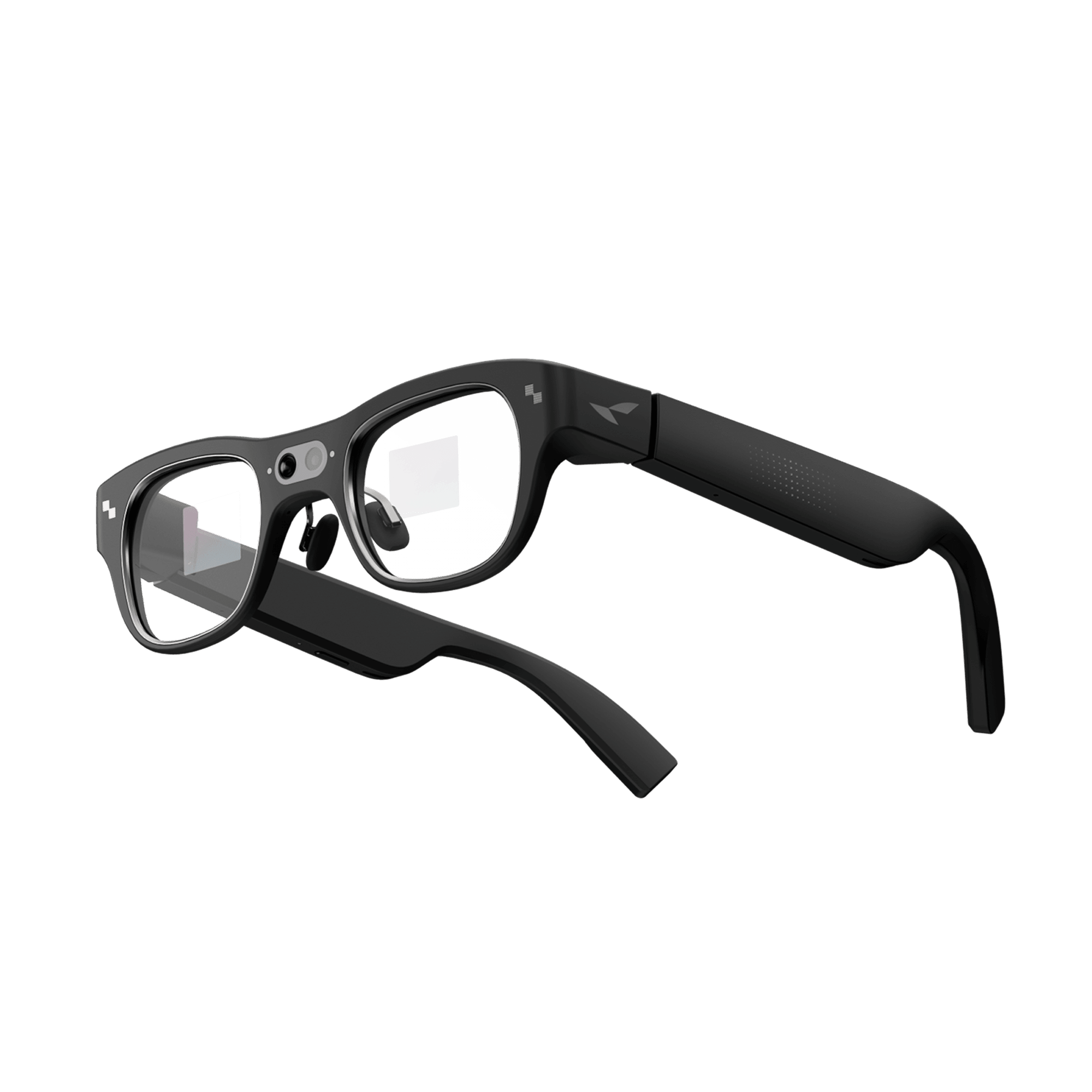
Camera glasses exist to solve one specific problem: capturing photos and video hands-free, whether that's a few seconds of a street market, a kid's soccer game, or anything else you'd normally have to stop and pull out a phone for. The camera is built into the frame itself, instead of a separate device you have to hold up. Once you start comparing actual models, the options split into two real categories: camera-only smart glasses with no display, and AR glasses that pair a camera with a heads-up display for framing shots, navigation, and translation, such as RayNeo X3 Pro.
Worth setting expectations before you compare specs: none of these replace a phone camera for image quality, and all of them have real limits on battery life and clip length. The right choice comes down to whether you want a display in your field of view or just a lightweight camera you barely notice. This guide breaks down what camera glasses can and can't do, compares the specs that actually matter, and points out where each option runs into real-world limits, including RayNeo's own X3 Pro.
The term "camera glasses" gets used loosely, and it covers three genuinely different kinds of hardware. These categories look similar in marketing photos but behave very differently once you're wearing them, and confusing them before you buy is an easy way to end up with a 300–1,300 device that doesn't do what you actually wanted.
If a product page doesn't clearly list a camera in the spec sheet, assume there isn't one. Several AR glasses on the market are display-only.
Camera glasses operate under tight physical constraints: a battery the size of a coin cell, a sensor smaller than a fingernail, and a frame that has to stay light enough to wear for hours. Before comparing specific models, check these nine things:
Strip away the marketing names, and the decision comes down to one trade-off. Camera-only glasses buy you battery life and a lower price by dropping the display; AR-with-camera glasses buy you a viewfinder and heads-up features by adding weight, cost, and a shorter runtime. The table below puts numbers to exactly how much of each trade-off you're accepting with RayNeo X3 Pro versus the other two categories, plus a general note on dedicated action cameras as a non-glasses alternative.
| RayNeo X3 Pro | Camera-Only Smart Glasses (No Display) | Display-Equipped AR Competitor (Single-Eye Display) | |
|---|---|---|---|
| Category | AR glasses with camera + display | Camera-only smart glasses (no display) | AR glasses with camera + display |
| Price | $1,299 | $379 | $799 |
| Camera | 12MP (Sony IMX681) + secondary monochrome depth camera | 12MP ultra-wide | 12MP ultra-wide, 3x digital zoom |
| Photo resolution | Up to 4K stills | Stills up to ~12MP | ~12MP |
| Video resolution | Up to 1440p | Up to 3K/30fps or 1080p/60fps | Up to 3K/30fps |
| Max clip length | Up to 9 minutes per clip, ~50 minutes total on one charge; recording stops (not pauses) at the cap or on low battery, then you start a new clip | Up to 3 minutes per clip (default is 60 seconds; extendable in the app settings); stops at the cap, restart immediately | Up to 1 minute per clip; stops at the cap, restart immediately |
| Onboard storage | 32GB built-in (plus 4GB RAM) | 32GB built-in | None on the glasses; recordings are processed and saved directly to the paired phone |
| Companion app | RayNeo AR app (iOS 15.5+, Android 9+) | Manufacturer's companion app (iOS and Android) | Manufacturer's companion app (iOS and Android) |
| Display | Dual full-color MicroLED, 640×480 per eye | None | Monocular (right eye only) |
| AI assistant | Google Gemini, real-time translation, heads-up navigation | Built-in voice assistant, wake-phrase activated | Built-in voice assistant, voice + display-based UI |
| Battery (mixed use) | Roughly 3.5–5 hours passive; ~1–2 hours with active features like navigation or AI running; continuous camera use can drain the 245mAh battery in about 30 minutes | Up to ~8 hours mixed use; charging case adds up to 48 hours | Up to ~6 hours mixed use; charging case adds up to 24 hours |
| Weight | 76g | Roughly 48–53g depending on frame style; the manufacturer doesn't publish one universal figure across all styles | ~69g |
| Water/dust resistance | No published IP rating | No published IP rating | No published IP rating |
| Recording indicator | Visible front LED (solid for photo, blinking for video) | Visible front LED | Visible front LED |
| Chipset | Qualcomm Snapdragon AR1 (Gen 1) | Qualcomm Snapdragon AR1 (Gen 1) | Qualcomm Snapdragon AR1 (Gen 1) |
Sources:
If raw video quality matters more than the glasses form factor, a dedicated action camera (native 4K/30fps, roughly half an hour of standalone recording, real water resistance) will still out-record any of the three products above. Glasses trade video quality and battery life for hands-free convenience and a smaller footprint. They aren't built to replace an action camera or a phone.
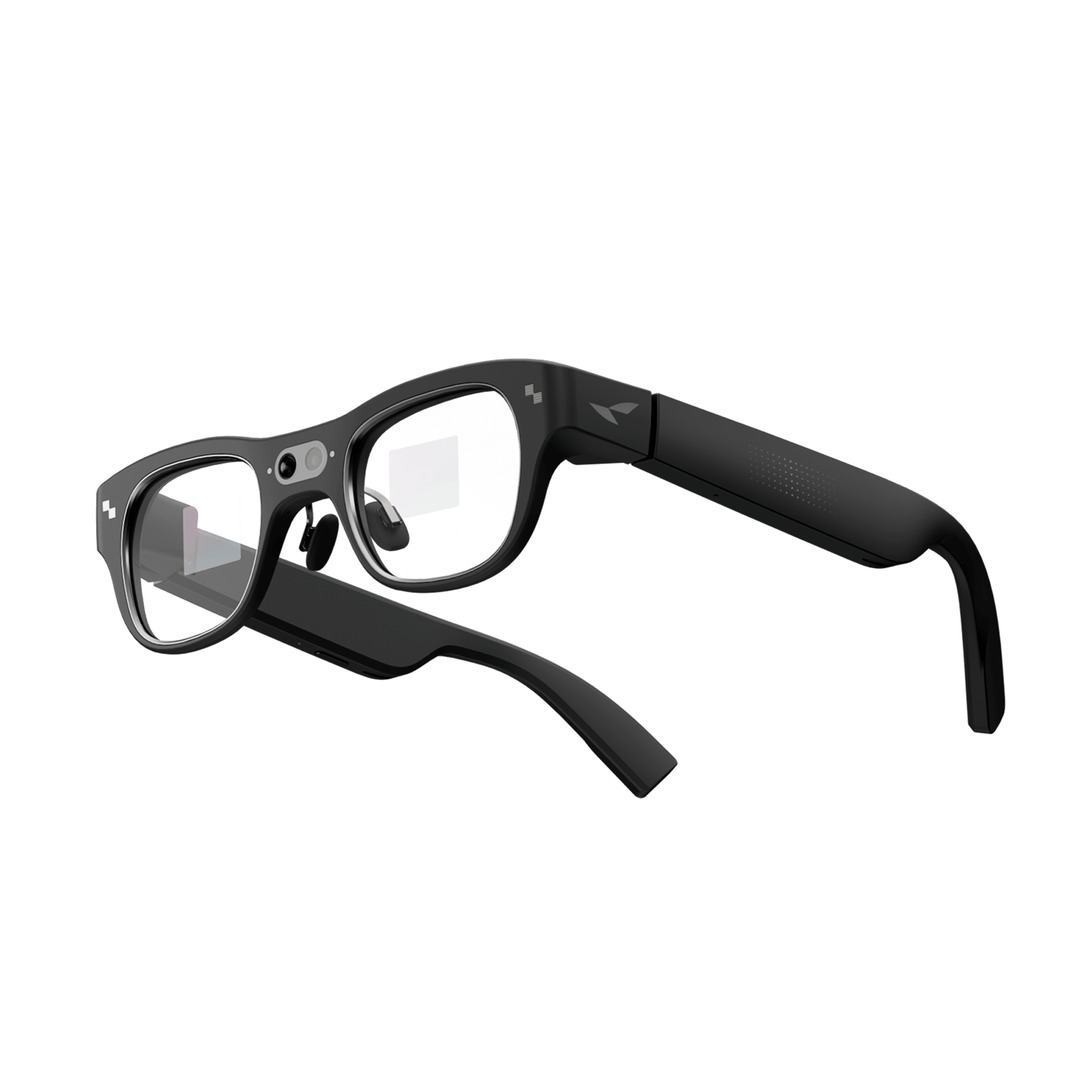
RayNeo X3 Pro is currently the only RayNeo model that combines a working camera with a full AR display. It's built around a 12MP Sony IMX681 main sensor plus a second monochrome camera used for depth sensing and spatial tracking (6DoF/SLAM). This second camera helps anchor AR content like navigation arrows and translated text to the real world. It's not a second video angle, and RayNeo's published specs don't describe it as improving photo or video quality (no stated portrait blur or autofocus assist); its job is positioning the AR display, not the shot.
What it can do well:
Where it comes up short:

Who X3 Pro fits: People who specifically want a camera and a usable AR display in the same device, for example, travelers who want live translation and a viewfinder while shooting short clips, or anyone who wants heads-up navigation between photo and video sessions. If you only want a camera and don't care about a display, X3 Pro is more device (and more money) than you need.
Who should look elsewhere: Anyone planning to record long, continuous video (a full hike, a full lecture, a full event) will run into the 9-minute clip cap and the ~30-minute continuous-camera battery drain well before they run out of things to film. For that use case, a phone or an action camera is still the more practical tool.
In practice, the display is where X3 Pro's real-time translation earns its keep. Picture standing at a counter in a Tokyo izakaya with a menu written entirely in Japanese: instead of pulling out a phone and holding it over each line, you look at the menu and the translated text appears directly in your field of view through the MicroLED display. The same heads-up approach applies to navigation between shooting stops, a glance at the arrow overlay instead of stopping to check a phone screen. That's the actual value of pairing a camera with a display here: not a sharper photo, but fewer moments where you have to break stride and pull out your phone.
Under the hood, the camera and display pipeline run on a Qualcomm Snapdragon AR1 (Gen 1) chipset, the same processor platform used across most current AR glasses that combine a camera and a display, including the display-equipped competitor covered in this guide. It's designed to run a camera, on-device AI, and a display together without the power draw of a repurposed phone chip. That said, "designed for it" doesn't mean unlimited headroom: as the battery figures above show, running the camera and display at once still runs down fast in a frame this light.
RayNeo X2 was the previous generation of RayNeo's camera-equipped smart glasses, originally priced at $499, with a 16MP camera capable of 1080p video, a Snapdragon XR2 chipset, and GPT-4V-based multimodal AI. As of this writing, the official RayNeo US store lists X2 as sold out, and RayNeo's public channels don't state whether that's a regional stock gap or a formal discontinuation. It's mentioned here for context and comparison only. It is not a current purchase recommendation.
If you don't need an in-view display, camera-only smart glasses solve a narrower problem better: hands-free photos and video with a much lighter device, longer battery life, and a lower price. You lose the viewfinder; you're shooting based on head position and audio cues, not a preview. But for casual daily-life capture (walks, kids, cooking, quick clips to post), that trade-off is often the right one. This is also the category to consider if your main hesitation about camera glasses is battery life, since removing the display and its processing overhead is a large part of why camera-only glasses last longer per charge.
Across every model in this guide, camera glasses share the same blind spots. Skip them entirely if any of these describe what you actually need:
What's the difference between camera glasses and AR glasses? Camera glasses capture photos and video. AR glasses add a display that overlays digital content, like notifications, translated text, or a camera viewfinder, onto your view of the real world. Some products, like RayNeo X3 Pro, combine both a camera and a display; others are camera-only with no display; and some, like RayNeo's Air series, are display-only with no camera at all.
Do camera glasses need to be connected to a phone? Generally yes, at least for full functionality. A companion app is typically required for setup, transferring photos and video off the glasses, adjusting settings, and firmware updates. RayNeo X3 Pro's app runs on iOS 15.5+ and Android 9+; camera-only and display-equipped competitors typically rely on their own manufacturer's companion app, also available on iOS and Android. Some basic capture can happen without an active phone connection, but ongoing use assumes a paired smartphone nearby.
How long can camera glasses record video in one clip, and what happens when the limit hits? It varies by model. RayNeo X3 Pro caps individual clips at roughly 9 minutes, with about 50 minutes of total recording per full charge. Other camera glasses on the market cap clips anywhere from about 1 minute up to 3 minutes (some default to 60 seconds but allow extending the limit in the companion app). Across current models, recording stops rather than pausing when you hit the limit. You tap record again to start a new clip, and footage already captured is saved, not lost. None of the current options record for hours the way a phone or action camera can.
Where does the video get stored, and how much can I record before running out of space? RayNeo X3 Pro has 32GB of onboard storage on the glasses themselves, and at least one camera-only competitor offers the same. Other AR glasses with a camera and display work differently: some don't store video on the glasses at all, and instead process and save recordings directly to your paired phone, so your phone's storage is the real limit, not the glasses'.
Are camera glasses waterproof? Not by default. As of this writing, RayNeo hasn't published an IP (dust/water resistance) rating for X3 Pro, and neither competitor compared in this guide has published one either. Treat all three as unsafe for swimming, showering, or heavy rain unless a manufacturer updates its product page to say otherwise.
Is RayNeo X3 Pro good for recording an entire day out? Not as your only camera. Its battery drains quickly under continuous camera use (roughly 30 minutes), and clips are capped around 9 minutes each. It's better suited to capturing short, intentional moments throughout a day, plus using the display for navigation and translation, rather than serving as a continuous recorder.
Can I get prescription lenses for camera glasses? For RayNeo X3 Pro, RayNeo's product page states that prescription lens options for nearsighted (myopia) correction are available through its lens partners; the exact diopter range and partner availability vary by region, so confirm current details on the product page before ordering.
Do camera glasses have a light that shows when they're recording? The camera glasses covered in this guide, including RayNeo X3 Pro and the camera-only and display-equipped competitors compared above, all include a visible front-facing LED that activates during photo or video capture, functioning as a privacy indicator to people nearby.
1. Do you want to see a viewfinder or an AR overlay while you shoot, or would you rather forget you're wearing a camera at all? If you want the overlay, navigation, translation, notifications layered onto what you're already looking at, RayNeo X3 Pro is built for that combination. Check the product page for current specs and availability before buying. If you'd rather nothing gets projected in front of your eyes, skip ahead to camera-only glasses: you get a lighter frame, longer battery, and a lower price in exchange for losing the viewfinder.
2. Is a display genuinely useful to you, but $1,299 feels like more than you want to spend? A display-equipped AR glasses competitor with a single right-eye display gets you a viewfinder and a voice assistant for less money. You trade a dual-eye display for a single eye, and you lose X3 Pro's Gemini-based AI features, but the core "see something overlaid while you shoot" experience still applies.
3. Do you actually need long recordings, low-light quality, or manual camera control? If yes, stop here before buying any of these. Camera glasses, X3 Pro included, weren't designed for that job, and a phone or a dedicated action camera will outperform every option in this guide on those specific points. Use glasses for short, hands-free clips layered into a day, not as your primary camera.







Share:
Prescription Glasses With a Built-In Camera: What's Actually Available in 2026
Are There 4K Camera Glasses? What "4K" Really Means in Smart Glasses (2026)