

$429.00

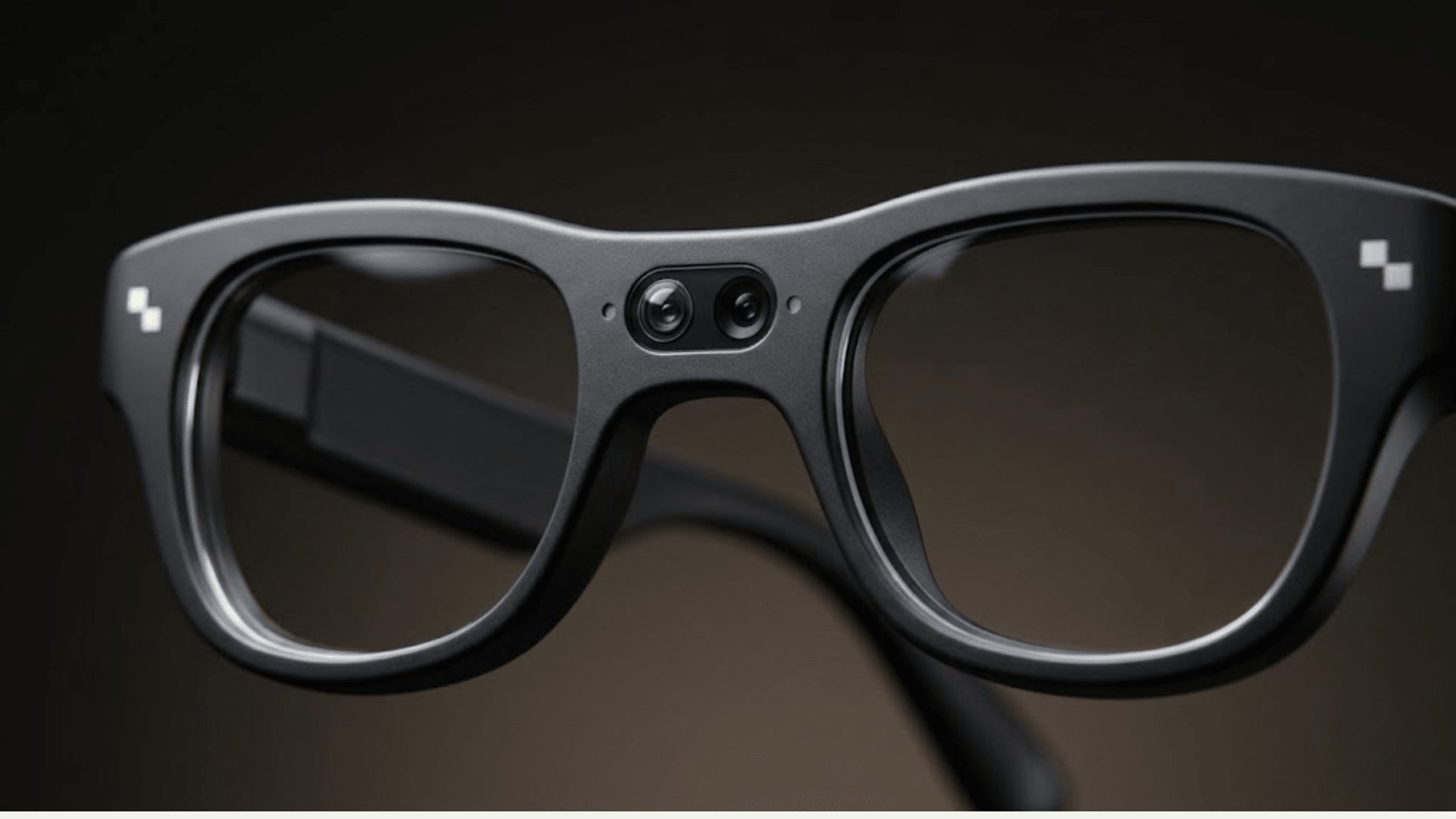
Camera glasses product pages almost all use the word "4K" somewhere in the camera section, but that word alone doesn't tell you much. It's rarely clear whether it's describing the photo resolution or the video resolution, and on almost every current pair of camera glasses, those are two different numbers.
Here's the short version: no widely available smart glasses record true 4K video today. That's a category-wide limitation, not a one-brand problem, and it includes RayNeo X3 Pro. When "4K" shows up on a camera glasses product page, it's almost always describing the still-photo resolution. Video on current camera glasses, X3 Pro included, tops out at 1440p, because a glasses-sized sensor, battery, and heat budget can't yet sustain the processing and power draw that true 4K video recording requires in a frame you wear on your face all day.
That photo-versus-video distinction matters most if you're comparing camera glasses for vlogging, travel documentation, or first-person recording, since the video spec, not the photo spec, determines what you'll actually get on playback. This article covers why a glasses-sized camera makes true 4K video difficult right now, where RayNeo's own materials disagree on X3 Pro's video spec (and which number this article trusts, and why), how resolution compares across current camera glasses, and whether 1440p is actually good enough for what you want to shoot.
Photo resolution and video resolution are not the same measurement, even though both get described in "K" terms. A still photo is one frame, so the sensor can spend more time and processing power capturing a single high-resolution image. Video is a continuous stream of 30 or more frames per second, which means the chip has to encode, stabilize, and (in AI glasses) often route data to Bluetooth or Wi-Fi simultaneously, all while sitting a few millimeters from your temple.
Three physical constraints currently keep glasses-mounted cameras below 4K for video, and all three trace back to the fact that glasses have to stay thin, light, and cool against your skin.
Heat is the first one. A phone or action camera has room for a larger chassis and better heat dissipation, but a glasses frame sits a few millimeters from your temple with no fan, so sustained 4K video encoding would raise surface temperature quickly enough to matter. Battery is the second: 4K video encoding pulls meaningfully more power than 1440p or 1080p, and glasses already run smaller batteries than phones, so most manufacturers cap video resolution to protect recording duration and overall battery life. Storage and bitrate round it out. Onboard storage on camera glasses is limited to tens of gigabytes, not hundreds, and 4K video files are large, so capping resolution helps preserve usable recording time per charge and per storage cycle.
Put those three together and you get a pattern that shows up across the whole category: camera glasses advertise a high-resolution photo mode next to a lower-resolution video mode. That's a hardware and thermal tradeoff, not a marketing oversight, but it does mean you need to read the video spec separately from the photo spec before you buy.
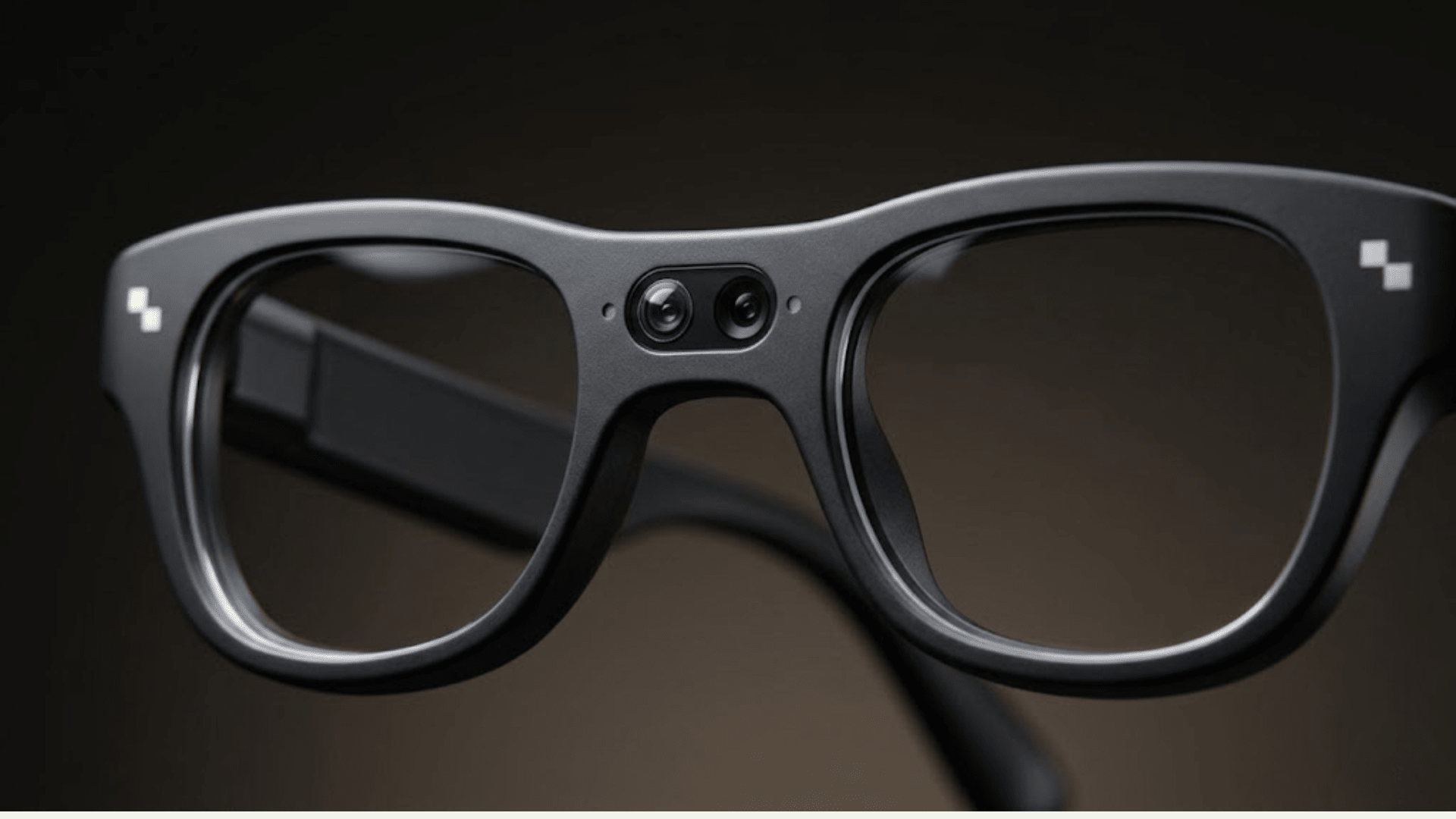
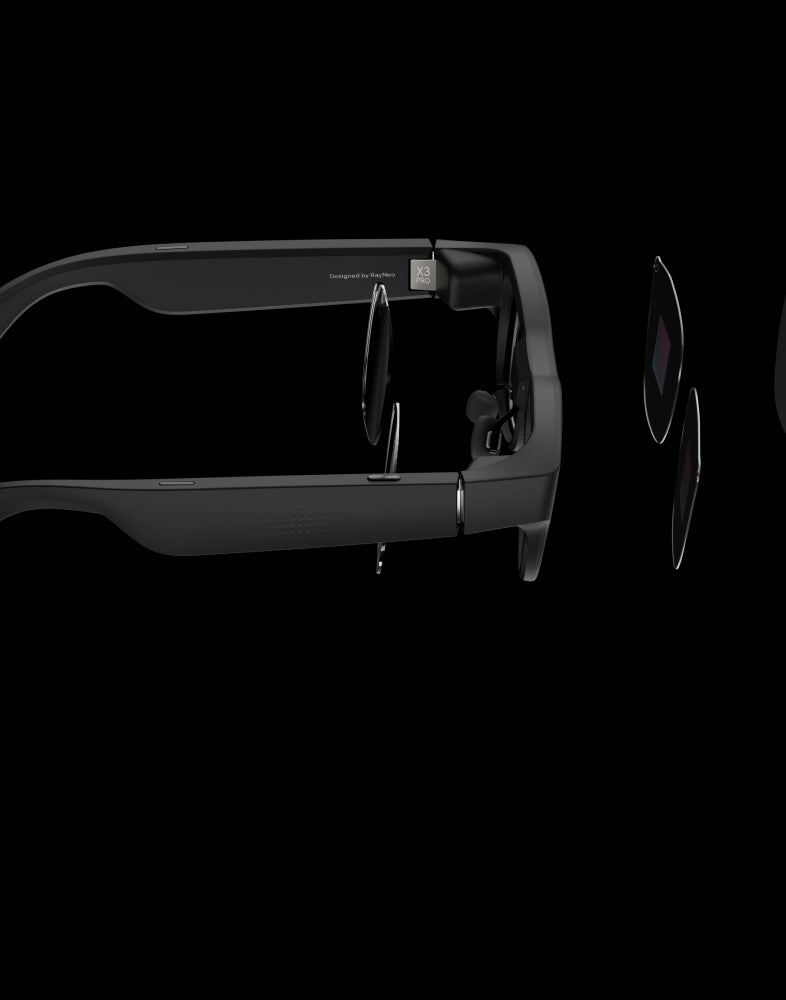
RayNeo X3 Pro is currently the only camera-equipped model on RayNeo's active lineup (RayNeo's Air series is display-only and doesn't include a camera). It actually carries two cameras: the primary 12MP Sony IMX681 sensor that captures the photos and video covered in this article, and a secondary monochrome (OV B/W) camera used only for spatial positioning, SLAM, and 6DoF tracking, which helps the display anchor AR content like a translation caption or navigation arrow to a fixed point in your surroundings. That second camera doesn't record photos or video, so it plays no part in the resolution numbers below.
RayNeo's own materials don't agree with each other on the video number, and it's worth saying that plainly instead of smoothing it over. X3 Pro's launch page describes the sensor as capturing "12MP photos and 4K/3K videos," which, read on its own, could suggest 4K video. RayNeo's separate comparison blog post gives a different figure: "Photos up to 4K, video up to 1440p." Independent hands-on reviews, including TechRadar's, back the second number, describing X3 Pro's actual recorded video as topping out around 1440p, not 4K or 3K.
This article treats 1440p as X3 Pro's real-world video ceiling, because it's the more specific figure, it comes from RayNeo's own comparison content, and it matches what independent reviewers actually recorded, while the launch page's "4K/3K" wording doesn't appear anywhere else in RayNeo's materials and no reviewer has reported getting true 4K footage out of the device. If RayNeo confirms the launch page describes a different mode, or ships a firmware update that raises video output to true 4K, that would change this conclusion, so it's worth checking directly on RayNeo's product page before you buy.
Here's the full breakdown, with the source behind each number:
In everyday terms, X3 Pro is well suited to snapping a high-resolution photo of a moment, then recording a short clip to go with it, a common pattern in POV content and travel documentation. It is not built for shooting long-form 4K footage the way a dedicated action camera is.
| Device | Category | Photo Resolution | Video Resolution | Frame Rate | Recording Limit | Price |
|---|---|---|---|---|---|---|
| RayNeo X3 Pro | AI+AR display glasses with dual camera | Up to 4K (12MP) | Up to 1440p | Not published by RayNeo | ~9 min/clip, ~50 min total on-device storage; launch page separately cites ~36 min of video on a full charge | $1,299 |
| RayNeo X2 (previous gen, sold out) | AI+AR glasses with camera | 16MP | 1080p | Not published by RayNeo | Not published by RayNeo | $499 (last listed price) |
| Competing camera-first smart glasses model* | Camera-first smart glasses, no AR display | 12MP | Up to 3K/30fps (limited to ~3 min clips), also offers 1440p/30fps and 1200p/60fps modes | 30fps (3K, 1440p modes), 60fps (1200p mode) | ~3 min per clip at 3K | Starting at $379 |
| Dedicated clip-on action camera* | Body-worn action camera, no glasses/display | N/A | Native 4K/30fps, no mid-clip downgrade | 30fps (typical) | Battery/storage dependent | ~$400 |
*Both rows describe third-party products, not RayNeo models, included here for resolution comparison only. See Sources at the end of this article for citations.
A few things stand out when the numbers sit side by side. No product here shoots long-form 4K video except the dedicated action camera, and that camera has no display, no AR features, and no AI assistant, because it's a single-purpose recording tool, not a pair of glasses. Among devices that actually put a display and AI features on your face, RayNeo X3 Pro's 1440p ceiling holds up reasonably well against comparable camera-equipped smart glasses: the competing camera-first model's 3K mode reaches a higher peak number, but only for clips under about three minutes before falling back to 1440p or lower. One gap worth flagging: RayNeo doesn't publish a frame rate for X3 Pro's video, so if smoothness matters as much as resolution to you, that's a number you won't find on either the launch page or the comparison blog. It's worth asking RayNeo directly before buying.
RayNeo X3 Pro costs about $920 more than a competing camera-first smart glasses model's $379 starting price. If video resolution alone is what that money is buying, the gap is hard to justify: that competing model's 3K mode technically out-resolves X3 Pro's 1440p ceiling, and does it for less than a third of the price.
That's not really what the extra money is for, though. X3 Pro is a different category of product: it adds a MicroLED AR display (640×480 resolution, running on a Snapdragon AR1 chip), a Gemini-based AI assistant, live translation, and the SLAM/6DoF spatial camera described above, none of which that camera-first design includes. The price difference buys an AR display and an AI layer on top of a camera, not a better camera.
So the honest answer depends on what you're actually shopping for. If you want an AR display, live translation, and navigation overlays bundled with a camera that's good enough for casual clips, X3 Pro's price reflects that bundle. If the camera is the whole point and you just want the best video for the least money, X3 Pro isn't the value pick. A camera-first smart glasses model or a dedicated action camera will get you there for less.

What you actually need depends on what you're using the camera for:
You mainly want quick photos and short clips to share (travel snapshots, a recipe demo, documenting a repair). 1440p video and 4K stills are more than enough resolution for social sharing, and you get the added benefit of an AR display for navigation, translation, or hands-free reference, which is the actual reason to choose glasses over a standalone camera. RayNeo X3 Pro fits this case.
You want long-form 4K footage for editing, YouTube, or professional use. No current camera glasses, RayNeo's or otherwise, will match a dedicated action camera or a phone's main camera for sustained 4K recording. A clip-on action camera or your phone will outperform any glasses-based camera on raw video quality, dynamic range, and low-light detail.
You want both a display and decent video, and you're fine with 1440p. This is the specific niche X3 Pro is built for: AR display, AI assistant, translation, and a camera that's good enough for casual capture, in one device. TechRadar's hands-on review describes X3 Pro's low-light video as showing visible noise and graininess, and notes there's no digital zoom or manual camera controls, which is worth knowing before you buy if image quality is your top priority. Neither RayNeo's materials nor the reviews checked for this article mention audio/microphone quality or stabilization performance in detail, so ask about those directly if they matter for your use case.
RayNeo X2 was RayNeo's prior AI+AR glasses with a camera, built around a 16MP sensor recording at 1080p video. It's listed as sold out on RayNeo's site, so it's not a current purchase option, but it's useful context: X3 Pro's jump to a 1440p video ceiling (from X2's 1080p) reflects the kind of incremental resolution gain you should expect from generation to generation in this product category, rather than a jump straight to 4K video.
If 4K video is a hard requirement, for a YouTube channel, a client project, or anything where footage quality is the deciding factor, camera glasses in general (not just RayNeo's) are not yet the right tool. A dedicated action camera or your phone's main camera will give you native 4K without the thermal and battery tradeoffs a glasses form factor forces. Camera glasses make more sense when the display, AI assistant, and hands-free capture matter as much as, or more than, raw video resolution.
Whatever brand you're looking at, a few questions are worth asking directly before you hand over money for camera glasses.
Is the "4K" number on the spec sheet describing photos or video? Product pages and marketing images often lead with the photo resolution because it's the higher number, and the video spec is easy to overlook if you don't go looking for it. What's the frame rate, not just the resolution? A brand that lists 1440p without a frame rate hasn't told you whether the video looks smooth (30fps or higher) or choppy. RayNeo doesn't publish this figure for X3 Pro as of this writing.
Is the recording duration limit you're seeing a battery limit or a storage limit? Those are different constraints, and the difference matters for how much footage you can actually capture per outing. How does the camera handle low light and digital zoom, if you plan to shoot indoors or at night? These are common limitations across camera glasses, not unique to any one brand, so it's worth asking regardless of which model you're considering.
If two official sources disagree on a spec, which one is current? RayNeo's own launch page and comparison blog describe X3 Pro's video capability differently, as covered earlier in this article, which is a reminder to check a brand's most specific, most recently updated source rather than the first number you see. Finally, is the pricing and availability you're seeing still current? Stock status and pricing can change, so verify directly on the product page before buying.
Do any smart glasses record true 4K video? Not currently, in any widely available consumer smart glasses. "4K" on camera glasses product pages typically refers to photo resolution. Video recording on today's camera glasses, including RayNeo X3 Pro, is capped at 1440p or lower.
Does RayNeo X3 Pro shoot 4K video? No. X3 Pro's 12MP Sony IMX681 sensor captures photos at up to 4K resolution, but video recording is capped at 1440p.
RayNeo's launch page says the camera captures "4K/3K videos." Why does this article say 1440p instead? Because RayNeo's own sources disagree, and 1440p is the figure backed by more specific evidence: it comes from RayNeo's comparison blog and matches what independent reviewers actually recorded, while "4K/3K" appears only on the launch page. See the camera section above for the full breakdown.
What frame rate does RayNeo X3 Pro record video at? RayNeo has not published a frame rate for X3 Pro's photo or video modes. If that matters for your use case, confirm it directly with RayNeo before buying. It isn't listed on the launch page or the comparison blog as of this writing.
Why can't glasses cameras match phone or action camera video quality? Glasses have a smaller sensor, a thinner frame with limited heat dissipation, a smaller battery, and less onboard storage than a phone or dedicated camera. These constraints currently limit sustained video resolution more than they limit single-frame photo resolution.
What's the difference between RayNeo X3 Pro and RayNeo X2 cameras? X2 (previous generation, now sold out) used a 16MP sensor recording 1080p video. X3 Pro uses a 12MP Sony IMX681 sensor recording up to 1440p video, plus a secondary monochrome camera for spatial tracking that X2 did not have.
Which camera glasses record the best video right now? Among AI/AR glasses with a display, RayNeo X3 Pro's 1440p is competitive with or ahead of comparable camera-equipped smart glasses, including at least one popular camera-first model that reaches 3K only in clips of a few minutes before dropping to 1440p or 1200p. If your priority is the highest possible video resolution regardless of form factor, a dedicated action camera with native 4K will outperform any current camera glasses.
Is RayNeo X3 Pro a good choice if I mainly care about video quality? It depends on what "good" means for you. For casual, shareable clips alongside an AR display and AI features, yes. For long-form 4K footage intended for professional editing, no. A dedicated 4K action camera or your phone will serve that need better.
If you're searching for "4K camera glasses" hoping to record 4K video, the honest answer is that this product category doesn't fully exist yet. The 4K number you're seeing is almost certainly a photo spec. RayNeo X3 Pro captures 4K stills and 1440p video, which is a reasonable fit if you want an AR display, AI assistant, and translation features bundled with a camera good enough for casual capture. If 4K video specifically is the deciding factor, a dedicated action camera remains the better tool for that one job.







Share:
Best Camera Glasses for Video and Photos in 2026 (Buying Guide)
8 Real-Life Scenarios for Camera Glasses That Record Hands-Free (2026 Guide)