

$429.00

Flour-covered hands, dough that still needs a few more minutes of kneading, and a phone propped against the counter that's just slid face-down into a bowl of egg wash. That's one version of a problem a lot of people run into: trying to record themselves cooking, fixing something, or wrangling a toddler, and finding that a tripod isn't really an option. This is the kind of situation that sends people looking for camera glasses instead.
Camera glasses solve that specific problem: a camera built into the frame itself, not a phone, records from your point of view while both your hands stay free for whatever you're actually doing. That part, hands staying free once recording is underway, is true of any glasses with a built-in camera. What varies by device is whether you can start a recording without touching anything, and whether you can get through an entire outing without your phone at all. Those two distinctions come up again in specific scenarios below, since they matter more in some situations than others.
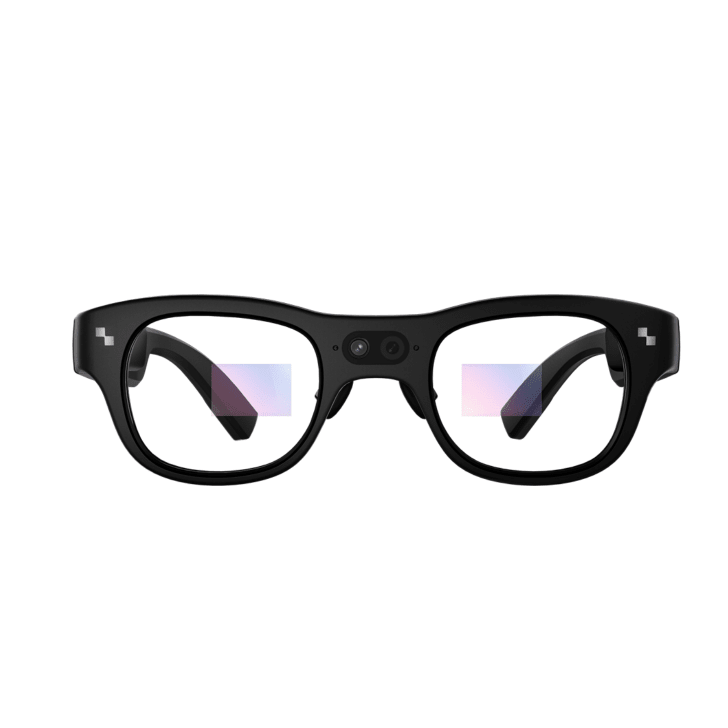
A few things are worth knowing before you keep reading. Not every pair of glasses marketed as "smart glasses" has a camera at all; some, including RayNeo's own Air lineup, only project a display and can't record anything (more on that distinction further down). Among RayNeo's current products, the X3 Pro AI Display Glasses is the camera-equipped model referenced throughout this article, pairing a 12MP main camera with an AR display and a built-in AI assistant based on Google Gemini, which needs a data connection to respond, so it isn't something to count on with no signal. It's priced at $1,299, which puts it in the AI-display-glasses category rather than a budget action-camera bracket: the price covers the AR display, assistant, and translation features layered on top of the camera, not the camera by itself. (RayNeo's earlier X2 model also had a built-in camera; where that fits into the picture is covered further down.)
With that out of the way, here are eight situations where hands-free recording actually solves a problem, and what's worth checking in each one before you assume it will work the way you picture it.
This is the scenario from the opening, and it's one of the clearest cases for camera glasses. Once recording starts, your hands stay free to knead, chop, stir, or plate, the "hands-free while recording" part that any camera glasses handle. What affects how well it actually works is more specific: because the camera is mounted on the frame, framing follows your head angle rather than hand position, so looking straight down at a cutting board for too long can push your hands toward the bottom edge of the shot or out of it entirely. A slight chin-down tilt tends to keep hands in view better than a full head-down posture. Whether the built-in microphone picks up narration clearly over running water, a range hood fan, or oil sizzling in a pan hasn't been independently verified for the X3 Pro, so it's worth testing before you rely on it for a tutorial's audio track. Resolution matters more here than in most scenarios too, since close-up hand movement and food texture benefit from sharper detail, and a 20-minute recipe demo can eat into a real chunk of a single charge, since video recording drains the battery faster than other modes (full battery breakdown below).
Fixing a faucet or troubleshooting a router usually means both hands are occupied with tools or wiring at an awkward angle, and filming from your own point of view shows the exact detail someone following along needs to see, rather than a tripod shot from across the room. The same head-angle issue from cooking applies here, often more acutely: working under a sink or inside a cabinet means low light and a tighter camera angle, and it's worth testing whether the shot still captures your hands or mostly the inside of a cabinet. Those same enclosed spaces can muffle narration over running water or a fan, and that hasn't been independently verified for the X3 Pro either.
The built-in AI assistant adds something specific to this scenario: you can ask it a quick question, the standard thread size on a fitting, for example, without putting a wrench down, though it needs a data connection to respond, so it won't help if you're troubleshooting somewhere without signal. Whichever device you're using, it's also worth checking that the recording indicator is visible enough that you don't leave it running by accident, or forget it's off, once your hands and attention are buried in the task.
A dog catching a frisbee mid-air, a toddler's first unsteady steps toward the swings: these moments happen fast, and usually while your hands are full of a leash, a stroller, or a snack. This is the scenario where the difference between hands-free while recording and hands-free to start recording stops being an abstract distinction and becomes a real problem. If your kid is running toward the curb and you need both hands free right now, fumbling with a touch control on the temple of your glasses isn't practical, and neither is digging your phone out of a pocket.
RayNeo hasn't documented a dedicated voice-only command to start video recording on the X3 Pro as of this writing; the default trigger is a touch control on the temple, customizable through the RayNeo app. If a true hands-free trigger, not just hands-free once filming has already started, is something you actually need for how you'd use these glasses day to day, confirm current firmware capabilities before buying rather than assuming voice control covers video the same way it might cover other functions.
When you're demonstrating a product, teaching a skill, or presenting at a conference, first-person recording captures exactly what the audience needs to see (your hands, the whiteboard, the equipment) without a second person operating a camera.
This is also where the AR display earns its place next to the camera, rather than just adding cost. With a model like the X3 Pro, you can glance at a short reference note, the next bullet point, a number you don't want to forget, without looking down at cards or breaking eye contact with the room, and if someone asks a question in a language you don't speak fluently, a live translation can appear in your field of view instead of you pulling out a phone mid-presentation. That combination is specific to camera-plus-display devices; a camera-only pair of glasses would record the moment just as well but couldn't show you anything back.
Narrating a walk through a new city while carrying a bag, a coffee, or a map leaves no hand free for a phone, and camera glasses record the same view you're seeing, which tends to look more natural to viewers than a phone held out in front of you. The AR display carries over from the presentation scenario here too: glancing at a street sign or a menu and getting a live translation without pulling out your phone matters more on a trip than it does at home.
What this doesn't give you is a fully phone-free day. You'll still want your phone along to transfer footage off the glasses at some point, so this isn't a "leave the phone at the hotel" device even though it feels that way while you're actually walking. A full day of sightseeing will also run well past what a single charge covers for video recording (see the battery breakdown below), so plan on capturing highlights along the route (a landmark, a food stall, a view) rather than one uninterrupted take, with recharge breaks or a portable battery pack factored in.
Sanding a joint, mixing paint, or working through a chord progression all take full attention and both hands, which makes them hard to document with a handheld camera without breaking your own focus. A first-person camera keeps recording while you work, though hobby sessions often run 30 minutes to an hour, longer than a single charge covers for video (see the battery numbers below). In practice, that means capturing specific segments (the final coat of paint, a tricky passage, the last few cuts on a joint) rather than an entire session start to finish, or planning a recharge partway through. Weight and comfort over that stretch of continuous wear are worth thinking about too, separate from the battery question.
Showing a technician, IT support agent, or a family member exactly what you're looking at (a car engine, a broken appliance, a confusing error message) is easier with a first-person camera than describing it verbally or repositioning a phone every few seconds. Whether a specific device supports live video calling, versus only local recording for later playback, varies by product, so it's a detail worth confirming directly rather than assuming, since real-time streaming to another person isn't a given across all camera glasses.
Recording your own squat form, golf swing, or free throws from your own eye line can catch mistakes a mirror won't show, though this is a narrower use case than the others. Most camera glasses, including AI display models like the X3 Pro, are built as everyday wearables rather than sports equipment, and aren't marketed with stability, sweat-resistance, or fit ratings for athletic use. For controlled drills rather than contact sports, that may not matter much, but if athletic use is your main reason for buying, confirm directly with the manufacturer whether a given model is actually designed for that kind of movement before counting on it.
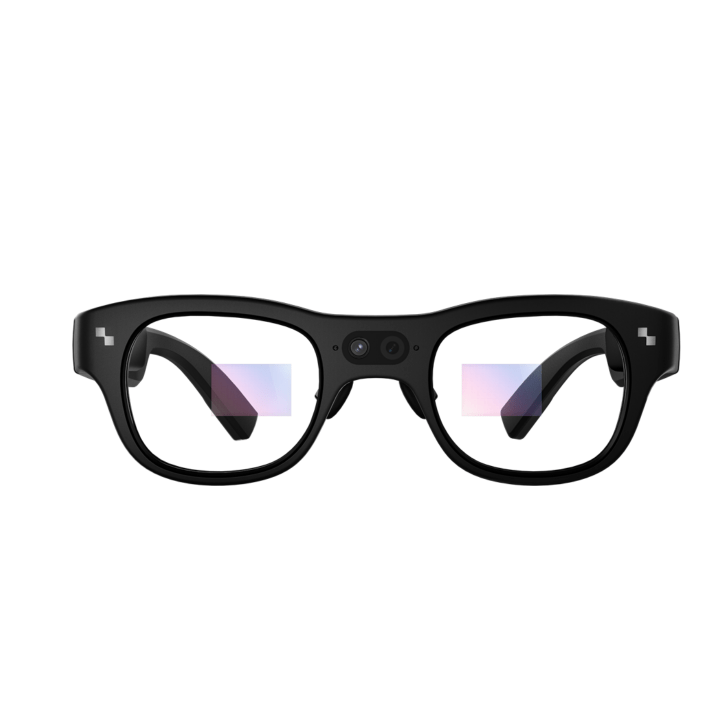
The X3 Pro is currently RayNeo's flagship camera-equipped model, combining a camera system with a full AR display rather than being a camera-only device. RayNeo's earlier X2 AI & AR Glasses (16MP camera, $499) also included a built-in camera, but as of this writing it's listed as sold out rather than a currently purchasable option on RayNeo's site, so confirm current availability directly if you're specifically comparing the two.
| Spec | RayNeo X3 Pro |
|---|---|
| Main camera | 12MP (Sony IMX681 sensor), photos up to 4K, video up to 1440p |
| Secondary camera | Monochrome camera for spatial tracking / 6DoF positioning |
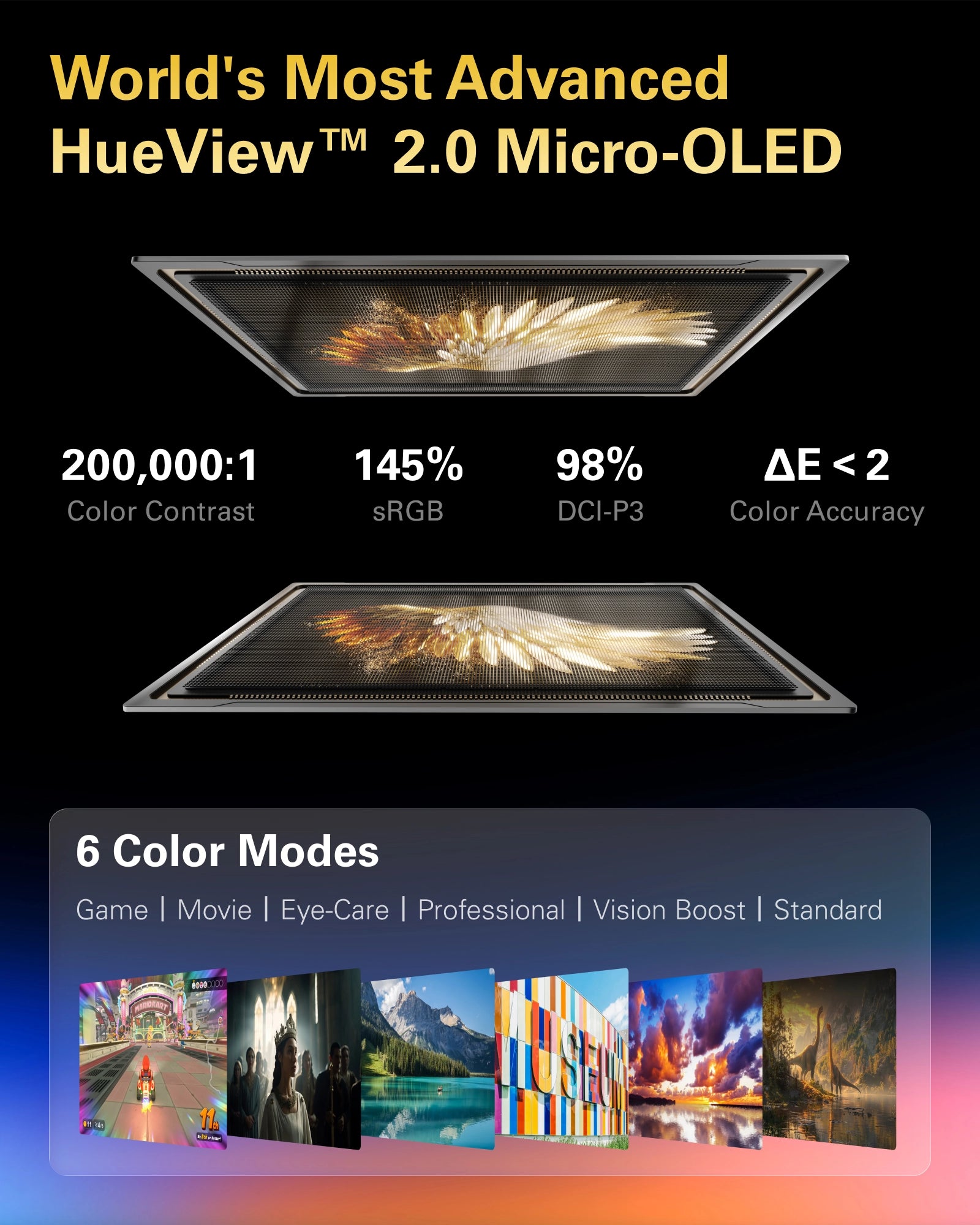
| Display | 640×480 full-color MicroLED, 16.77 million colors, up to 6,000 nits |
| Chip | Qualcomm Snapdragon AR1 (4nm) |
| AI assistant | Built-in Google Gemini |
| Audio | Bang & Olufsen tuning |
| Weight | 76g |
| Connectivity | Bluetooth 5.3, Wi-Fi 6, companion RayNeo app (iOS/Android) |
| Price | $1,299 (check the official product page for current pricing) |
A quick note on the video-resolution figure above: RayNeo's official comparison blog states "video up to 1440p," which is the figure used in this table; RayNeo's launch page separately references "4K/3K videos" in different copy elsewhere on the same page. The two official sources aren't fully consistent with each other, so treat 1440p as the more specific, comparison-page figure until RayNeo clarifies.
Battery, per RayNeo's official launch page (checked August 2026): up to roughly 5 hours for voice/audio recording, about 3 hours of music playback, and about 36 minutes specifically for video recording, with a full recharge in around 38 minutes. These are three different use modes, not contradictory numbers: video recording (camera sensor plus display) draws far more power than audio-only recording or music playback. RayNeo hasn't published an official maximum single-clip length or onboard storage capacity as of this writing; third-party reviews cite figures around 9 minutes per clip and roughly 50 minutes of total on-device recording, but treat those as unverified estimates rather than official specs until RayNeo confirms them directly.
How recording is triggered: by default, the touch control on the temple starts recording, and this is customizable through the RayNeo app; the front cameras handle photo and video capture separately, with a recording indicator light that behaves differently for photos versus video. See the dog-walking and kids scenario above for why a true voice-only trigger for video, not just hands-free once you're already filming, is worth confirming before you buy if that's a requirement for you.
Where it's a good fit: scenarios where you also want the AR display, such as live translation while traveling, heads-up navigation, or an AI assistant alongside the camera. If you want one device that both records your point of view and gives you on-screen information, the X3 Pro's combination is the point of the product.
Where it's not the ideal fit: if your only requirement is long, continuous video capture (for example, filming an entire hour-long hobby session or a full walking tour without interruption), the roughly 36-minute video battery window means you should plan around charging breaks. If the AR display, AI assistant, and translation features aren't things you'd actually use, searching specifically for "camera-only smart glasses" or "POV action camera glasses" will point you toward devices built around continuous recording rather than a display, since RayNeo's current lineup doesn't include a camera-only model. The X3 Pro itself is built primarily as an AI display device with a camera, not as an action-camera replacement.
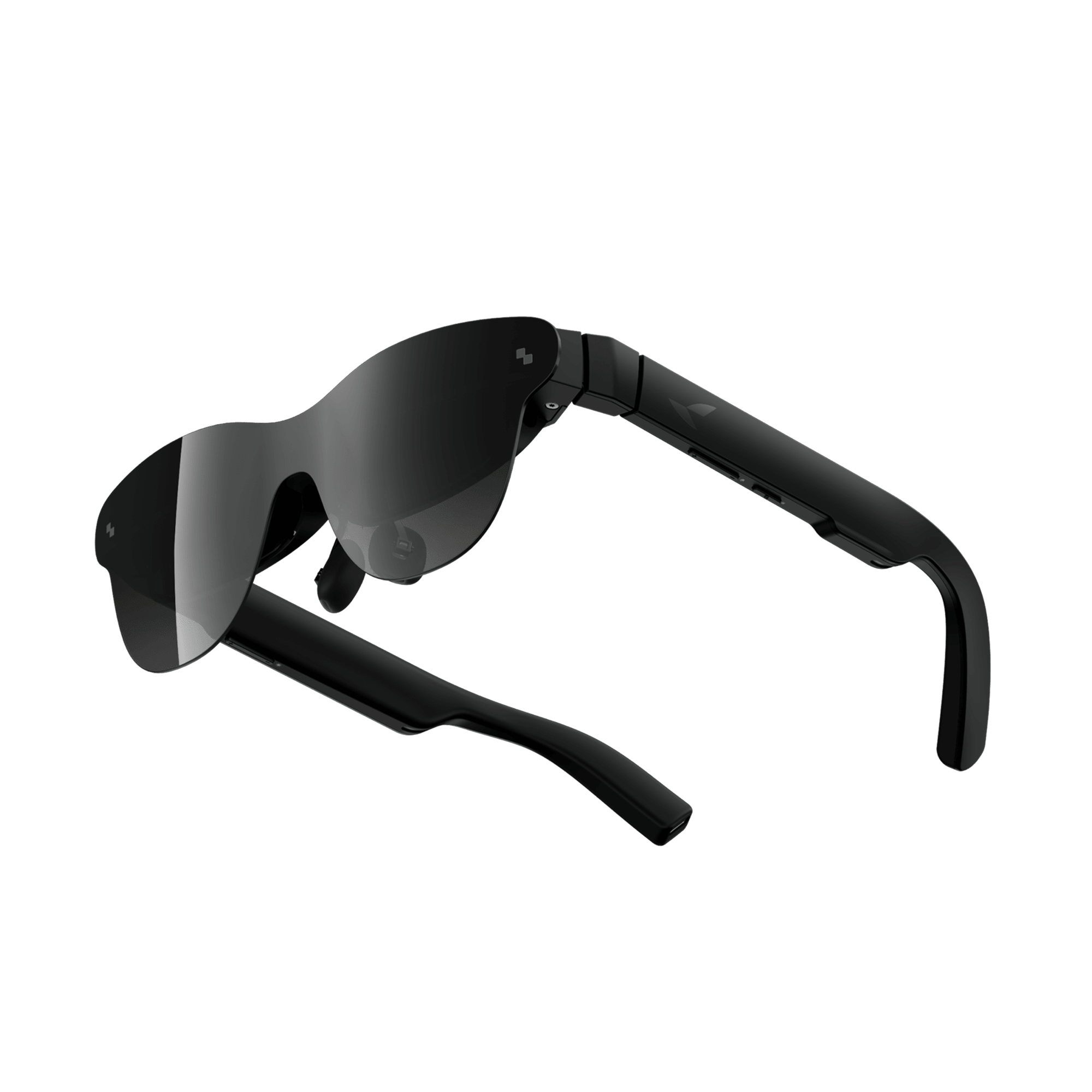
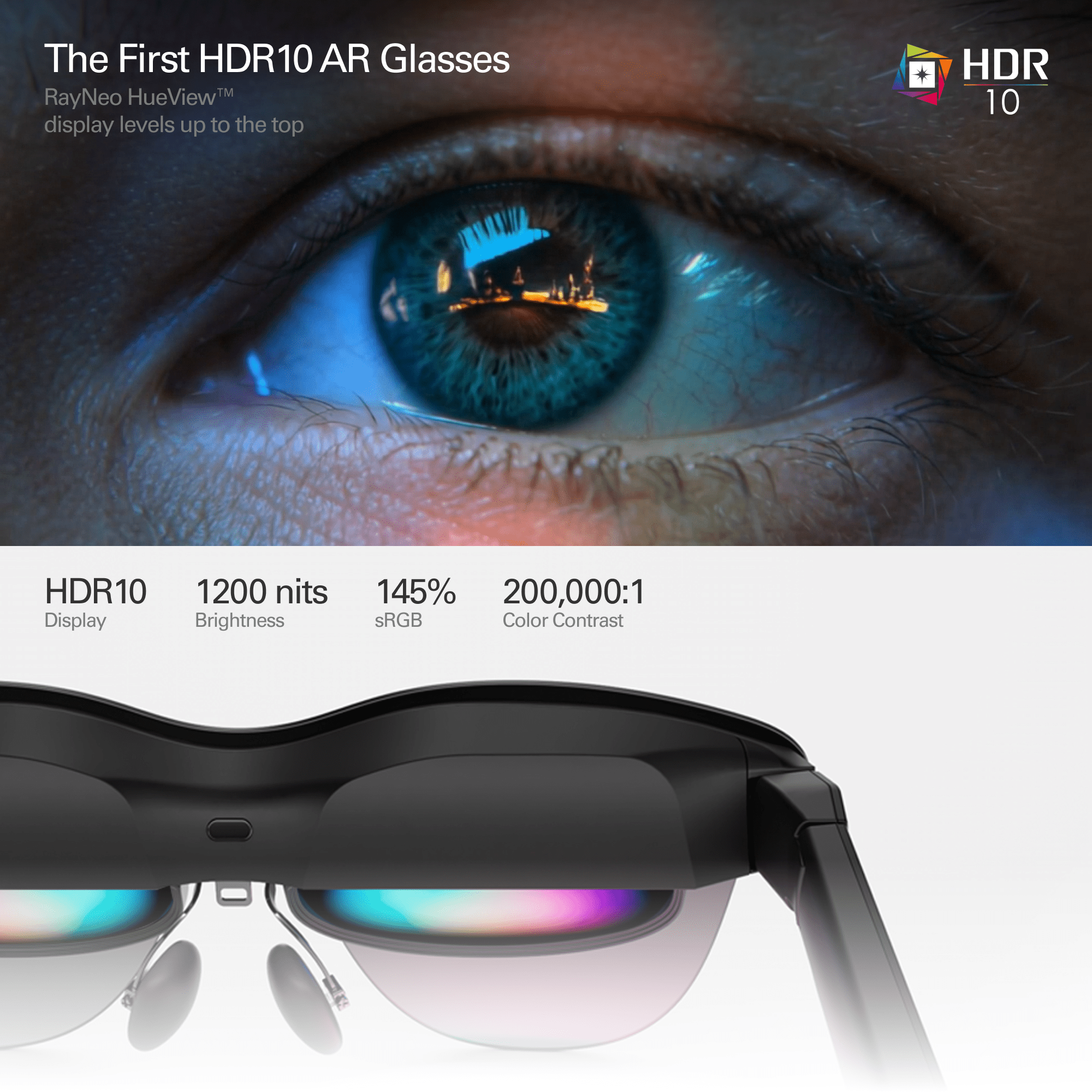
It's a common mix-up worth clarifying directly: RayNeo's Air 4 Pro and Air 3s Pro are display-only AR glasses: they do not have a built-in camera. They're designed to project a large virtual screen for watching movies, gaming, or working, by connecting to a phone, PC, or game console over a cable. Connecting to a phone specifically requires a device with USB-C DisplayPort Alt Mode support. Most iPhones don't support this natively without an adapter, and not every Android phone does either, so that's worth confirming before assuming any phone will work out of the box. If your search intent is specifically "glasses that record video," this product line isn't the right one, regardless of how often it shows up in general "best smart glasses" roundups.
| RayNeo X3 Pro | RayNeo Air 4 Pro / Air 3s Pro | |
|---|---|---|
| Built-in camera | Yes (12MP + spatial camera) | No |
| Can record hands-free video | Yes | No |
| Needs a cable to a phone/PC/console for display content | No (Bluetooth/Wi-Fi + app) | Yes |
| Primary use case | AI assistant, translation, navigation, and camera capture | Big-screen viewing for movies, gaming, and productivity |
If what you actually want is hands-free recording, look specifically for camera glasses, not display glasses, and not glasses marketed primarily around screen size or gaming.
Do you need a phone connected to use camera glasses hands-free? Not to start or continue recording, but most camera glasses, including the X3 Pro, still rely on a companion app for initial setup and for pulling footage off the device afterward. True zero-phone operation, from setup through file transfer, isn't standard across camera glasses on the market today, so confirm the specific app dependency for any model you're considering.
Is 76 grams comfortable for all-day wear? 76g is lighter than many earlier AR glasses generations, but comfort depends on frame fit and how long you're wearing them continuously in one sitting. For scenarios involving hours of continuous wear, trying the glasses on first or checking the return policy before committing is a reasonable precaution.
Do camera glasses have a light that shows when they're recording? Devices with built-in cameras typically include some form of recording indicator for etiquette and privacy reasons, and the behavior can differ between photo and video modes. If you plan to film other people regularly (kids, coworkers, strangers on the street), check the specific indicator behavior for the model you're considering, along with any local recording-consent laws that apply to your situation.
Are camera glasses the same as AR glasses? No. Camera glasses record photo or video through a built-in camera; AR, or AI display, glasses project a virtual screen into your field of view instead. Some devices, like the X3 Pro, combine both, while others are display-only with no camera at all. See the comparison above if you're trying to tell two specific models apart.
If your priority is combining hands-free recording with an AI assistant, translation, or navigation (presentations, travel, or repair tutorials where on-screen guidance helps), the X3 Pro's camera-plus-display combination is built for exactly that overlap. If your priority is long, uninterrupted recording sessions with no display features at all, weigh the video battery life described above against your actual session length before deciding, and don't assume "camera glasses" and "AR display glasses" are interchangeable when you're comparing options; check for an actual camera spec before choosing based on screen size or brightness alone.







Share:
Are There 4K Camera Glasses? What "4K" Really Means in Smart Glasses (2026)
What Smart Glasses Look Best for Women, and Are Comfortable for Everyday Wear?