

$449.00

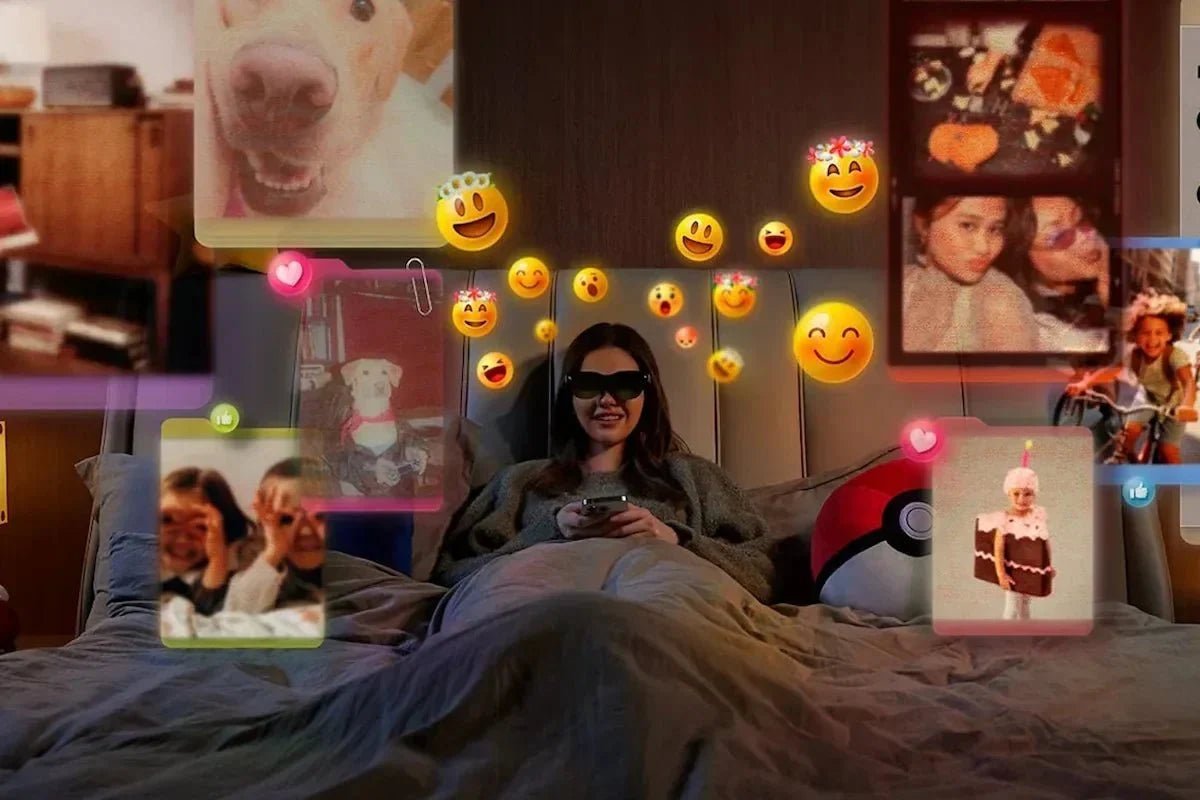
For years, augmented reality has been imagined as a way to blend the digital and physical worlds. Today, AR glasses are making that idea more practical by combining lightweight eyewear with displays, cameras, and sensors.
But what are AR glasses, exactly, and what can they actually do beyond the hype? From virtual screens and navigation assistance to immersive entertainment and professional applications, this guide explains how AR glasses work and where this technology fits into everyday life.

AR glasses (augmented reality glasses) are wearable devices that overlay digital information, images, or virtual objects onto your view of the real world. Unlike VR headsets, which replace your surroundings with a fully digital environment, AR glasses enhance what you already see by combining the physical world with digital content.
Using built-in displays, cameras, and sensors, AR glasses can show features such as virtual screens, navigation directions, translations, notifications, and interactive 3D content while allowing you to remain aware of your surroundings.
AR glasses work by combining several technologies inside a lightweight wearable frame. The main components include displays, optical systems, cameras, sensors, and processors that work together to place digital content into your view and keep it aligned with the real world.
AR glasses do not all display content in the same way. Most consumer models use one of two approaches: see-through AR displays or virtual screen displays.
See-through AR displays
See-through AR glasses let you view digital information while keeping the real world clearly visible. Most use a waveguide, a transparent optical layer that carries light from a small projector or micro display through the lens and directs it toward your eye. The result is a digital overlay that appears within your surroundings.
This approach works well for navigation, live translation, notifications, and spatial AR content because you can continue looking at the environment around you.
Virtual screen displays
Virtual screen AR glasses focus on creating a large, private display rather than placing digital objects throughout the room. They typically use Micro-OLED screens and a near-eye optical system to make content from a connected phone, laptop, or game console appear like a large floating screen.
These glasses are mainly designed for watching movies, gaming, or extending a computer display.
AR glasses use cameras and sensors to understand your environment and track movement. Cameras can capture visual information, while sensors such as accelerometers and gyroscopes help detect head movement and orientation.
More advanced AR glasses may use spatial tracking technologies such as SLAM (simultaneous localization and mapping) to understand your position and keep digital content anchored in the correct place as you move.
Behind the scenes, processors combine data from displays, cameras, and sensors to deliver AR content in real time. Some AR glasses connect to smartphones, laptops, or other devices for processing and power, while others include built-in computing hardware for more standalone experiences.
In simple terms, AR glasses work by answering three questions:
AR glasses and VR headsets can both place digital content in front of your eyes, but they are designed for different experiences.
AR stands for “augmented reality,” a technology that enhances your surroundings by adding computer-generated images, information, or virtual objects while keeping the physical world visible.
VR stands for “virtual reality,” which creates a fully digital environment that replaces or blocks out your view of the real world.
Here’s how they compare:
| Feature | AR glasses | VR headsets |
| View of your surroundings | The real world remains visible, although virtual-screen models may darken part of your view | Your eyes are enclosed and the physical world is normally replaced by digital content |
| Form factor | Glasses-style design that is generally lighter and easier to carry (about 70–90 g) |
Larger headset with a head strap and enclosed displays (often 400–550 g) |
| Level of immersion | Low to moderate, depending on whether the glasses show simple overlays or a large virtual screen | High, with a wider field of view and a stronger sense of being inside the experience |
| Typical interaction | Voice, touch controls, connected devices, and, on advanced models, spatial tracking | Head and hand tracking, motion controllers, gestures, and voice |
| Device connection | May connect to a phone, laptop, or game console; some models work independently | May run independently or connect to a PC or game console |
| Common uses | Movies, portable displays, navigation, translation, notifications, and workplace guidance | Immersive gaming, fitness, simulations, virtual events, and training |
So, what do AR glasses do in everyday life? Rather than being limited to gaming or futuristic concepts, today’s AR glasses are designed for practical activities at home, at work, and while traveling.
One of the most accessible uses for AR glasses is creating a private, large virtual display. Instead of watching content on a small phone screen, you can use AR glasses to view movies, shows, games, or live sports on a much larger floating screen (often 100”+).
Display-focused AR glasses are especially popular for this type of use because they prioritize image quality and comfort rather than complex environmental interaction.
AR glasses can make exploring unfamiliar places easier by placing useful information directly into your view. More advanced transparent AR glasses can display navigation guidance, such as step-by-step directions or visual cues, while you continue looking at the street ahead.
They can also help with travel by translating foreign languages in real time, such as displaying translated signs, menus, or subtitles during conversations. These features are especially useful for frequent travelers, international professionals, and anyone visiting a new country.

AR glasses can create a more flexible workspace by adding virtual screens or digital information to your surroundings. For example, you can extend a laptop display, review documents, join video meetings, or manage tasks without being limited to a traditional monitor setup.
This makes them useful for remote workers, frequent travelers, and professionals who need a portable workspace.
AR glasses can support learning and hands-on work by placing instructions, guidance, or useful information directly into your view. In industries such as manufacturing, healthcare, and technical services, they can assist with training, maintenance, and remote collaboration.
For example, a technician can follow repair instructions while working, or a trainee can receive visual guidance during practice.
AR glasses can create more interactive entertainment by blending digital content with the real world. Instead of viewing everything on a traditional screen, AR experiences can place virtual objects, characters, or information into your surroundings.
They are especially appealing to gamers, creators, and technology enthusiasts who want to explore new ways of interacting with digital content.
If your main reason for choosing AR glasses is to watch movies, play games, or create a portable personal display, look for a model that delivers a comfortable viewing experience, strong image quality, and easy connection with your everyday devices.
The RayNeo Air 4 Pro AR Glasses are designed around this idea, combining a large virtual screen with a lightweight design for immersive viewing wherever you go. By connecting to compatible phones, laptops, tablets, and gaming devices, they create a virtual screen of up to 201 inches through dual 1080p Micro-OLED displays.
The Air 4 Pro supports HDR10, with a 200,000:1 contrast ratio and up to 1,200 nits peak brightness to help deliver clearer highlights, deeper blacks, and more detailed images across movies, games, and other content. The built-in Vision 4000 display chip can also enhance standard dynamic range (SDR) content by improving contrast and color, while compatible content can be viewed in 3D for a more immersive experience.
Audio is built directly into the glasses through four open-ear speakers co-tuned by Bang & Olufsen. For shared spaces such as flights, offices, or public transport, Whisper Mode helps reduce sound leakage while keeping audio clear. With a weight of around 76 grams, adjustable nose pads, and flexible temples, the glasses are designed to remain comfortable during longer viewing sessions.

Best for: Movie fans, frequent travelers, and gamers who want a bright, private display they can carry in a glasses case.
Key features:
So, what are AR glasses? They are wearable devices that bring digital content into the real world through advanced displays, sensors, and software. While AR technology is still developing, today’s AR glasses are already becoming useful tools for entertainment, work, travel, and learning. As displays become lighter and more capable, AR glasses are moving closer to becoming a natural way to access digital information.
Yes. Many modern AR glasses are designed specifically to act as portable, personal theaters. When you plug them into a compatible device, they project a massive, high-definition virtual screen right in front of your eyes while built-in speakers handle the audio. It gives you the feel of sitting in a real movie theater, making them perfect for long flights, commutes, or just relaxing at home.
It depends on the model, but most consumer AR glasses today do rely on a smartphone. To keep the glasses lightweight and comfortable on your face, manufacturers offload heavy processing, battery power, and cellular connectivity to a tethered or wirelessly connected phone. However, the industry is shifting; a growing number of premium, standalone smart glasses feature built-in processors and Wi-Fi, allowing them to function completely independently for specific tasks.
Driving with AR glasses is highly discouraged because they may distract you or reduce your awareness of the road. There is no single US federal law that specifically bans AR glasses while driving, but state distracted driving and visual display laws may apply.
Regulations are also evolving. For example, Illinois has considered legislation that could restrict the use of smart glasses while driving. Even if some glasses offer helpful, hands-free navigation overlays, it is safest to use approved in-car displays and keep your full attention on the road.







Share:
Best AR Glasses in 2026: Finding the Perfect Pair for Your Everyday Use
Smart Glasses with Cameras: How They Work and How to Choose