

$449.00

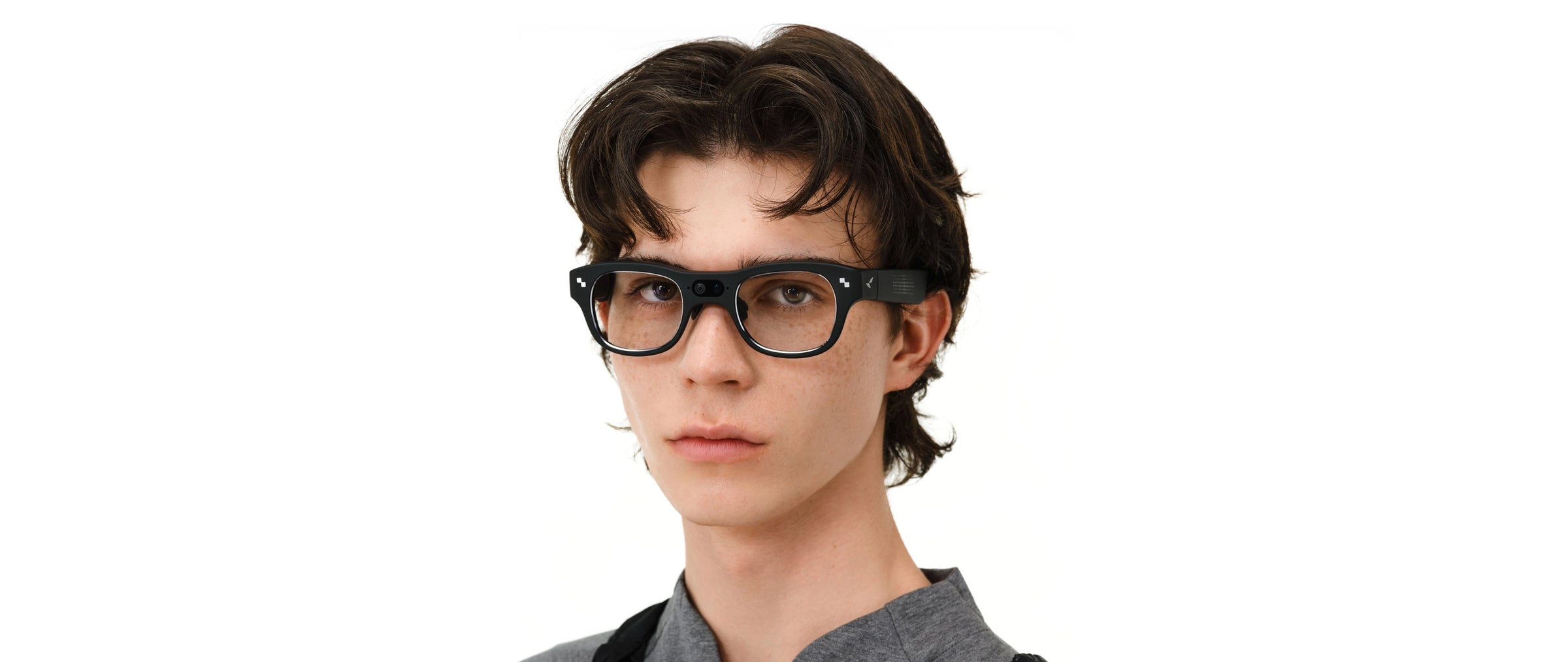
Whether a pair of smart glasses starts to feel bulky by the end of the day comes down to three physical factors: how much the frame weighs, where that weight sits on your face, and how much pressure it puts on your nose and the skin behind your ears. Frame shape and lens tint affect how the glasses look to other people. These three factors affect how they actually feel to you after two hours, four hours, or a full workday.
This guide sets aside style questions and focuses on the numbers: published weight figures, weight distribution, adjustment ranges, current pricing, and what independent reviewers have reported after wearing RayNeo's current lineup, the Air 2s, Air 3s Pro, Air 4 Pro, and X3 Pro, for extended periods.
Weight is the easiest number to compare across products, since every brand publishes it. Here's where the main categories land:
| Category | Typical total weight |
|---|---|
| Standard glasses or sunglasses (no electronics) | 20-30g |
| Camera-only smart glasses (image sensor, no display) | 35-55g |
| RayNeo Air 2s, Air 3s Pro, Air 4 Pro, X3 Pro | ~76g |
| Standalone AR or VR headset | Several hundred grams |
RayNeo's current lineup runs roughly two-and-a-half to nearly four times heavier than a standard 20-to-30-gram frame. That weight comes from what's built into the frame itself: a waveguide or MicroLED display, a chip, a battery, and speakers, plus a camera on the X3 Pro. Even so, 76 grams sits far closer to eyewear than to a headset, even though it's noticeably heavier than the glasses you might already own.
Total weight is only the starting point, though. The extra 45 to 55 grams on top of a standard frame has to be carried somewhere, and how it's split between the nose pads and the temples, covered next, matters as much as the raw number.
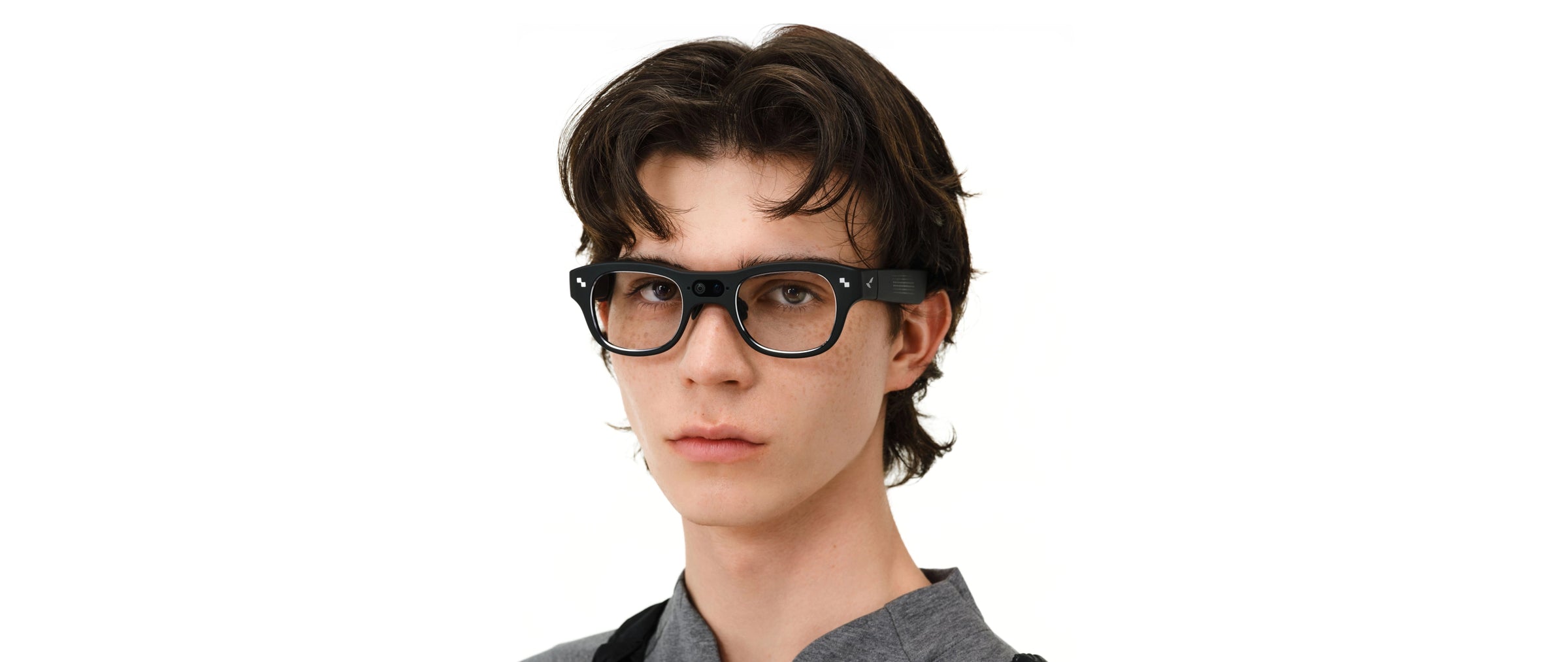
Two frames can weigh the same 76 grams and still feel completely different on your face. That's because comfort depends on weight balance as much as total weight, meaning how much of that weight sits toward the front of the frame versus the back, near your ears.
RayNeo publishes an exact figure for one model: the Air 3s Pro is built with a 46.7% front, 53.3% rear weight split, engineered specifically to keep the frame from sliding down the nose during long sessions. A front-heavy frame has to fight gravity at exactly the point where the nose pads make contact, which is why checking both numbers, total weight and where it sits, gives a fuller picture than either one alone.
RayNeo doesn't publish a front-rear percentage for the X3 Pro the way it does for the Air 3s Pro. What the spec sheet does confirm is that the X3 Pro fits a 12MP camera, a depth-sensing second camera, and dual MicroLED displays into the same 76-gram total as the Air series, a meaningful engineering feat given how much more hardware sits in the frame. Because that hardware sits ahead of the hinge, at least one independent review reported the balance leaning toward the front.
RayNeo's product pages lead with total weight and adjustment range rather than millimeter-by-millimeter frame dimensions. Independent reviewer accounts of how the frame actually feels in hand and on the face fill in the rest of that picture.
On that front, reviewers describe a real difference between RayNeo's two product lines:
Temple thickness matters for a specific physical reason: thicker temples cover more surface area against the skin behind your ears. Combined with clamping force, that's what determines whether you feel a groove behind your ears by the end of the day.
The Air 2s and Air 3s Pro use 15% less clamping force than RayNeo's earlier AR glasses designs, a change aimed directly at the low-grade ache that shows up behind the ears after a full movie or a long call. In practice, that means less pinch at the temples over a multi-hour session.
All four current RayNeo models rest their temple arms directly against the scalp behind the ear, the same contact point as ordinary sunglasses use. That means adjustability at the nose and temples, not total frame size, is what actually controls fit, since none of RayNeo's current models come in more than one frame size.
Adjustment ranges vary by model:
The most useful real-world data point here comes from Skarred Ghost's hands-on account of wearing the X3 Pro through a full day at a tech conference. The reviewer's clearest finding was that strangers at the event never gave the glasses a second look, even face to face, despite the frame carrying a 12MP camera and dual MicroLED displays that most camera-only smart glasses don't have. For a device this compact to pass as ordinary eyewear over a full day of walking a conference floor and talking to people up close is a meaningful result in its own right.
The same account also reported genuine discomfort where the frame rested on the nose, enough that he needed to take breaks after a few hours of continuous wear. He partly attributed this to his own head shape rather than a flaw in the design, which is a fair caveat: nose bridge width and head shape vary enough between individuals that one detailed account isn't a guarantee of how any specific pair will feel on your face. Taken together, the two findings describe the same trade-off: the X3 Pro is convincing enough as ordinary glasses to fool strangers, but comfort over a full day still depends more on your own nose bridge than it would with a lighter, display-free pair.
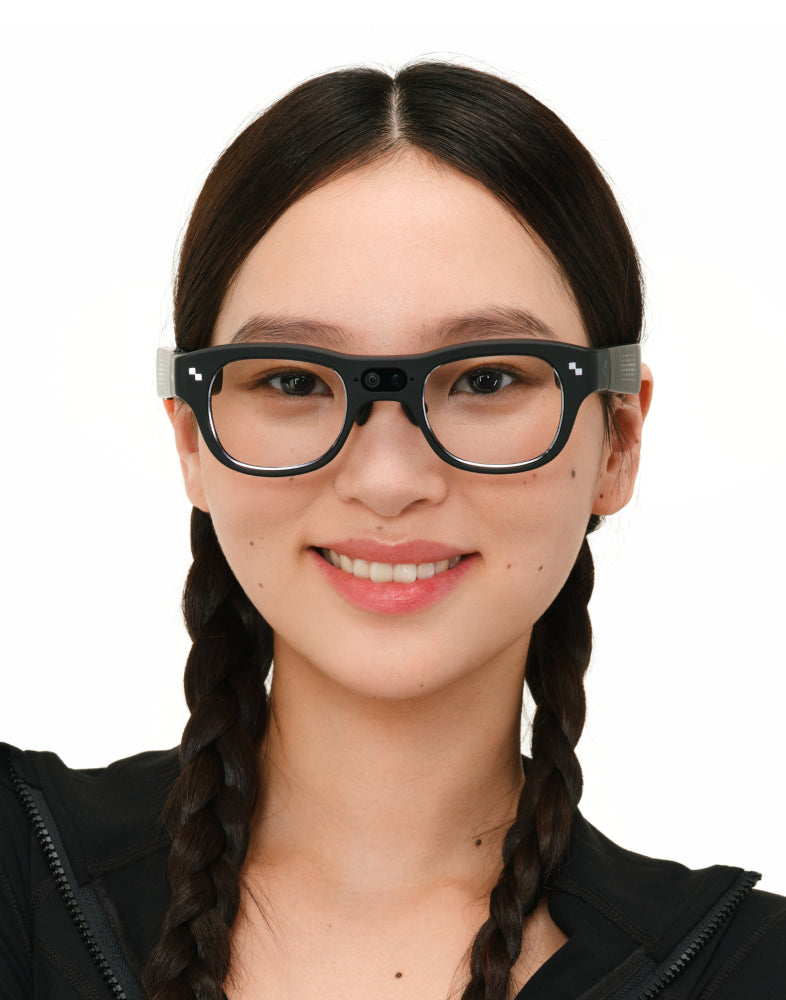
| Air 2s | Air 3s Pro | Air 4 Pro | X3 Pro | |
|---|---|---|---|---|
| Weight | ~76g | ~76g | ~76g | 76 ± 1g (RayNeo's own spec page) |
| Weight balance | Not separately published | 46.7% front / 53.3% rear (RayNeo's figure) | Not separately published | One independent review reported a front-heavy balance |
| Clamping force | 15% less than earlier RayNeo AR designs | 15% less than earlier RayNeo AR designs | Not stated on current product page | Not stated |
| Nose pad / temple adjustment | 9-point FlexiFit (temples + nose pad) | 9 temple levels, 3 nose pad levels (not branded as FlexiFit) | 9-way adjustment, multiple nose pad sizes included | RayNeo's page lists one nose pad size; one independent review reported two |
| Temple contact point | Rests on scalp behind ear (like sunglasses) | Same | Same | Same |
| Documented long-session note | Marketed for full flights/work sessions | Same, plus published weight-balance figure | At least one reviewer with a larger nose bridge found standard pads uncomfortable; included large pads helped | Skarred Ghost reported nose discomfort and needed breaks after a few hours |
Pricing on RayNeo's site moves with active promotions more often than the physical specs above do, so treat these as a snapshot rather than a fixed number.
| Model | Price as checked on RayNeo.com (August 23, 2026) |
|---|---|
| Air 2s | Sale price $159.00, regular price $299.00 |
| Air 3s Pro | Listed at $299.00; a promotional code (Air3SP80) has applied an additional $80 off at checkout |
| Air 4 Pro | Sale price $254.15, regular price $299.00 |
| X3 Pro | Sale price $1,099.00, regular price $1,299.00 |
Confirm the price at checkout on rayneo.com before buying, since sale prices, codes, and bundle offers change without notice.
For the Air series, RayNeo positions the reduced clamping force, adjustable temple and nose pad system, and (on the Air 3s Pro) engineered weight balance specifically around long, stationary sessions: watching a movie on a flight, working through a long video call, or gaming at a desk. Those are the conditions the Air series is built and tested around, and the published comfort features line up with that use case.
The X3 Pro is a different situation. It's designed to be worn out and about, untethered from a laptop or a fixed seat, holding up well enough to get one reviewer through a full day at a tech conference without anyone clocking it as smart glasses. How many consecutive hours it stays comfortable still depends more on your own head and nose shape than it would with a lighter, display-free pair.
If your regular glasses already run into nose-bridge or behind-the-ear discomfort after long wear, the adjustable nose pads and temple settings on every current RayNeo model are the first thing to dial in before deciding a pair doesn't work for you. Trying a pair in person, or ordering with a clear return window in mind, is the more reliable way to confirm fit than reading a spec sheet alone.
How much heavier are RayNeo's smart glasses than regular glasses? About 45 to 55 grams heavier than a standard 20-to-30-gram frame, since all four current RayNeo models land at roughly 76 grams (76 ± 1g on the X3 Pro's own spec page). That gap is smaller than it sounds next to a standalone AR or VR headset, which typically runs several hundred grams, but it's still enough to notice compared with the glasses you might already own.
Does weight balance matter more than total weight for comfort? Two models can share the exact same total weight and still feel different on your face, which is the case with RayNeo's Air 3s Pro and X3 Pro. Weight balance is the number that explains that gap; total weight on its own can't. See the balance figures above for the specifics on each model.
Can you wear the RayNeo X3 Pro all day without discomfort? For most of a day, yes, based on the most detailed public account available: reviewer Skarred Ghost wore the X3 Pro through a full day at a tech conference and reported that strangers never clocked it as smart glasses. Comfort over the full stretch still comes down to your own head and nose shape more than it would with a lighter, display-free pair; Skarred Ghost needed a short break after a few hours and attributed that partly to his own head shape rather than a design flaw. That's a different pattern from the Air series, which RayNeo builds around continuous seated use rather than a full day of walking and standing.
Does RayNeo make a smart glasses model lighter than 76 grams? RayNeo's current lineup holds at roughly 76 grams across all four models, the display-only Air series and the camera-and-display X3 Pro alike, because that figure is an engineering target rather than a number that shrinks as chips and displays improve. If dropping below that weight matters more than having a display, a camera-only smart glasses model without a display, typically 35 to 55 grams, is the category built around that trade-off, though it comes without RayNeo's AR display or AI features.
Are the nose pads and temples adjustable on RayNeo's glasses? Yes, on all four current models, though the systems have different names and exact configurations. See the adjustment breakdown earlier in this guide for the specific levels and nose pad options on each model.
Can I get prescription lenses without adding extra bulk? All four current models support prescription correction: clip-on Lensology lenses on the Air 2s, a magnetic Lensology insert for nearsighted correction on the Air 3s Pro, and regional optical partners on the X3 Pro, with exact diopter ranges varying by region. What prescription support doesn't do is reduce the frame's weight or thickness, since it adds correction on top of the same build. If you wear a strong prescription, check your specific correction range with RayNeo or an optical partner before ordering.
What are the exact frame and temple thickness measurements for RayNeo's glasses? RayNeo's spec sheets lead with total weight rather than millimeter-by-millimeter thickness. Independent reviewers who have handled both product lines describe the Air series as sharing a similar rounded profile, and the X3 Pro as noticeably thicker and squarer because its temples house the battery and speakers. Trying a pair in person is the most direct way to feel that difference for yourself.
Total weight, weight balance, and pressure points, the three factors from the start of this guide, don't carry equal weight in every decision. Total weight is identical across RayNeo's four current models, so it's not the number that will tell them apart. Balance and adjustment range are where the real differences show up: the Air series is tuned for sitting still for hours at a time, while the X3 Pro trades a front-loaded frame for the ability to wear a camera and displays untethered from a desk or a seat.
None of that shows up on a spec sheet the way total weight does, which is why a detailed long-wear account like Skarred Ghost's is worth as much as the published numbers: it's the clearest evidence yet that a 76-gram frame carrying a full display and camera can pass for ordinary glasses to everyone around you, even while individual comfort still comes down to your own nose bridge and ears.
Current weight specs, adjustment options, and pricing for each model are on RayNeo's product pages: Air 2s, Air 3s Pro, Air 4 Pro, and X3 Pro.





Share:
Can Smart Glasses Show Talking Points at a Trade Show? RayNeo X3 Pro's Built-In Teleprompter Explained
Which Smart Glasses Have the Best Voice Assistant for Hands-Free Use? (2026)