

From $254.15

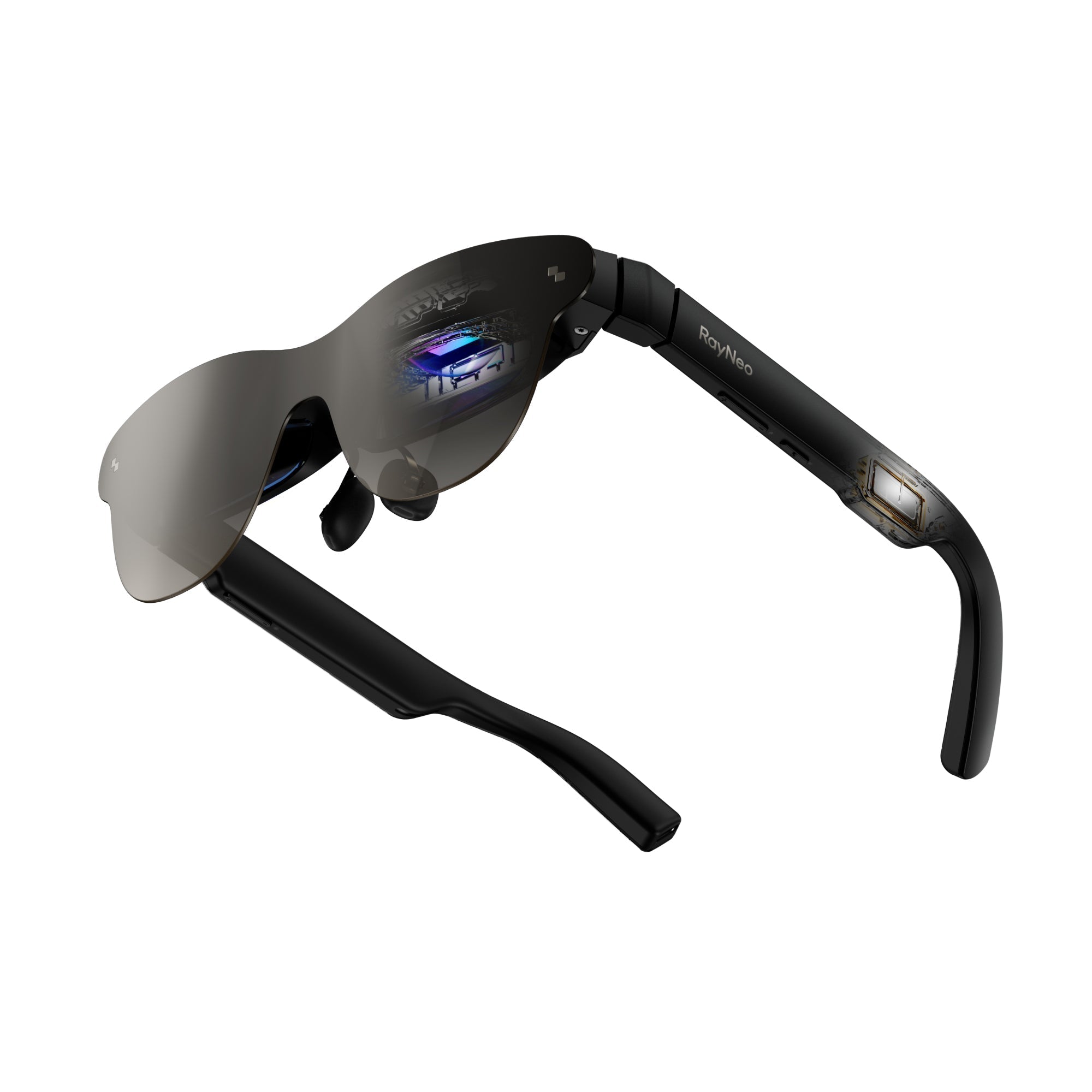
Yes, at least one current model does this as an official, built-in feature rather than a workaround. The RayNeo X3 Pro ships with a teleprompter tool listed directly on its product page alongside camera, music, and navigation as one of its core built-in tools. It displays scrolling script text in the wearer's field of view so they can read prepared talking points while still looking toward the person they're talking to, instead of glancing down at a phone or notecard.
That's a meaningfully different answer than "no official support exists, so people improvise with subtitles or an AI assistant." RayNeo has published two dedicated blog posts describing this feature and its intended use for presentations, roadshows, and recorded pitches. The rest of this article covers exactly what that feature does, what it needs to work, and where it's a better or worse fit for a trade show floor specifically, since a booth pitch has different demands than a quiet conference room.
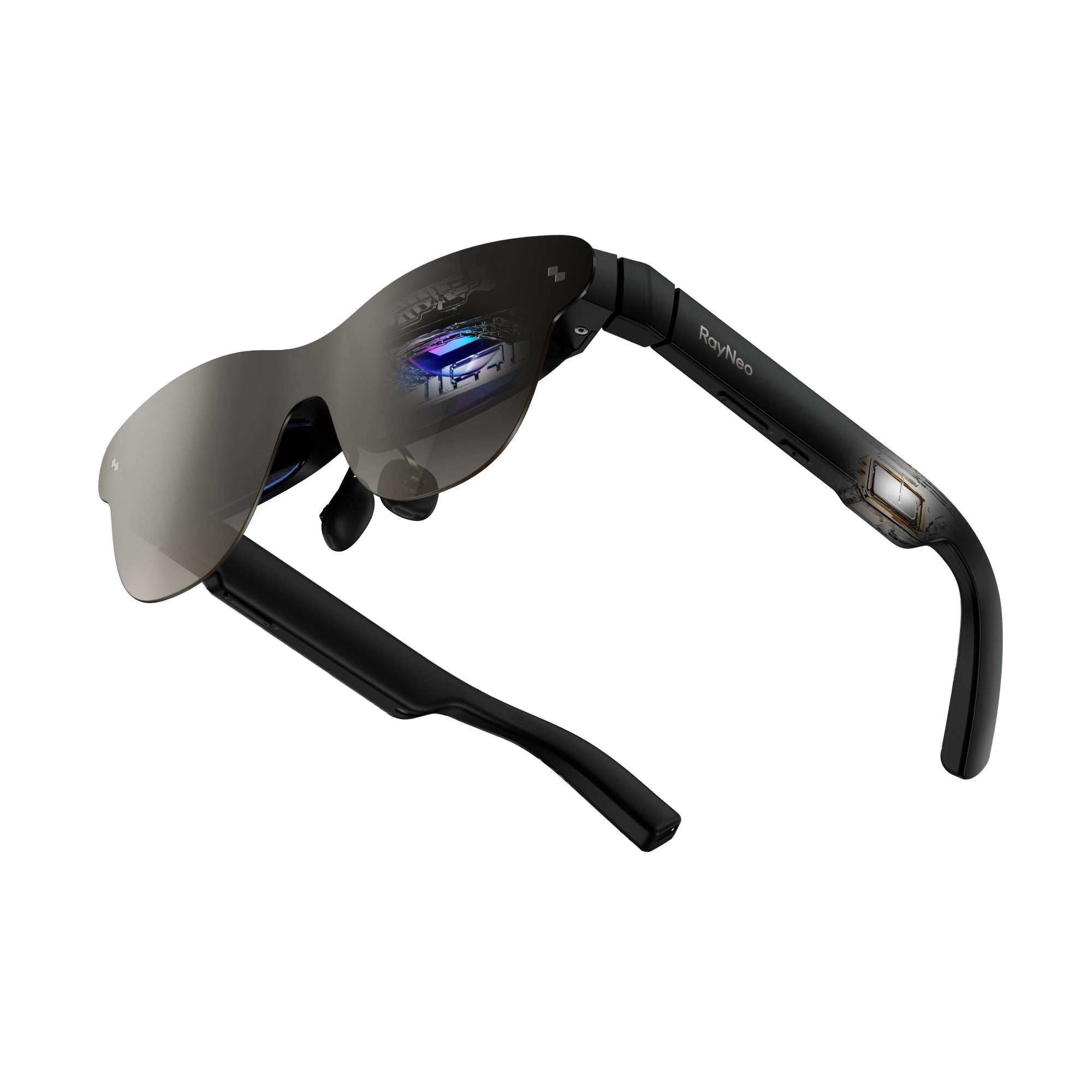
RayNeo describes this feature in its blog post "Clear Teleprompter or Smart Glasses." The workflow breaks down into three steps:
That same blog post calls out a specific use case: "frequent internal sharing, small-scale roadshows, and online meetings," naming "entrepreneurs who frequently perform roadshow reports" as a target user. A roadshow pitch and a trade show booth pitch are close cousins: both are short, repeated, and delivered face-to-face, which is the scenario this feature was actually built around.
A booth environment usually means bright overhead lighting, glass or LED backdrops, and a lot of foot traffic passing close by. Here's how the X3 Pro's confirmed specs line up against that environment:
| Spec | What RayNeo states | Why it matters on a trade show floor |
|---|---|---|
| Brightness | 3,500 nits typical, 6,000 nits peak, per RayNeo's teleprompter blog post, which claims text "remains clearly visible even when recording in front of large glass curtain walls" | That's the kind of bright, reflective environment many trade show halls have, so on paper the text should stay readable under booth lighting and near LED backdrops |
| Display type and resolution | Full-color MicroLED, 640×480, per RayNeo's product page | Enough resolution for scrolling text and simple overlays; not built for photo-quality visuals |
| Field of view | Approximately 30 degrees diagonal, per RayNeo's own FOV explainer | Sized for a glanceable strip of text near the top of your vision rather than a display that fills your field of view, which is what keeps the person in front of you visible |
| Weight | 76 ± 1 grams | Light enough to wear through a multi-hour show floor shift without the fatigue heavier headsets can cause |
| Price | $1,299 on RayNeo's official product page at the time of writing | Pricing and promotions can change, so it's worth confirming the current price directly before buying |
In practice, this means the text sits as a small, readable strip near the top of your view rather than taking over your vision, so you can still see the person you're talking to and read their body language while glancing up at your next talking point.
The reason a teleprompter matters more than plain notes is eye contact. That same blog post describes the text placement as positioned "near the natural line of sight," so the speaker can "read the script by looking up slightly while maintaining a more natural gaze for the camera" or, in a trade show context, for the visitor standing in front of them.
That's a real, practical advantage over holding a phone or index cards, both of which require looking down and away from the person you're pitching to. It's a smaller advantage than it sounds for very short exchanges (a 15-second elevator pitch barely needs prompting), and a bigger one for longer, multi-point walkthroughs where losing your place means an awkward pause.
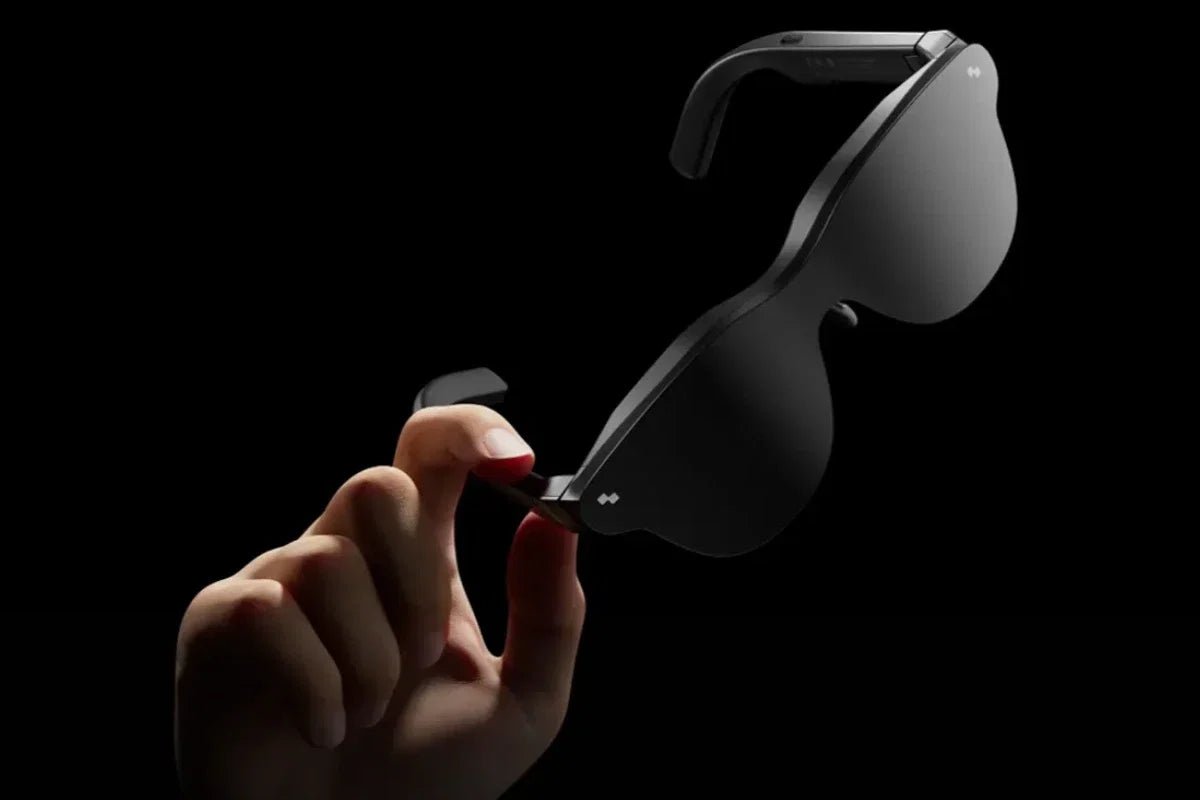
The teleprompter is a real, working tool, and getting the most out of it on a trade show floor mostly comes down to setting it up the right way ahead of time.
The teleprompter isn't the only X3 Pro feature relevant here. RayNeo's product page also lists an always-on Google Gemini assistant and real-time translation across roughly 14 languages, both of which serve a related but different need than fixed talking points.
| Feature | What it does | Best suited for | Main limitation |
|---|---|---|---|
| Teleprompter | Displays a pre-loaded, scrolling script in your field of view | Repeated pitches, product walkthroughs, scripted talking points | Requires prep and rehearsal; no published max script length |
| Gemini AI assistant | Answers on-the-fly questions, pulls up schedules, summarizes on request | Handling unexpected visitor questions the script doesn't cover | Answers aren't your pre-written talking points; it's improvisation support, not a script |
| Real-time translation | Shows translated captions synced to speech | Multilingual booth conversations | A different tool from the teleprompter; covers live conversation, not a prepared script |
If the actual need is "help me not forget my key points," the teleprompter is the right tool. If the need is "help me handle questions I can't predict," the Gemini assistant is the closer fit. Many trade show presenters will end up using both across a single day: script for the opening pitch, assistant for whatever the visitor asks next.
Does the RayNeo X3 Pro need to be connected to a phone to use the teleprompter? Scripts are loaded through the RayNeo companion app before a presentation starts, so a phone is needed at that stage. RayNeo's materials describe loading as a setup step rather than something you do mid-pitch, and don't state whether the phone link needs to stay active once the script is running. The practical approach for a busy show floor is the same either way: load and check the script before you walk onto the floor, so the pitch itself doesn't depend on catching a signal in a crowded hall.
Can the person I'm talking to see the text on my display? No. The MicroLED display is designed to be visible only to the wearer, which is the entire point of a personal teleprompter versus a shared screen. That same blog post does note that in a dark auditorium, "a faint glow can be visible up close," which is worth knowing if you present in low light. That's a different setting than a brightly lit trade show hall, where ambient light would likely make any glow far less noticeable.
Will the text be readable under bright booth lighting or near LED backdrops? The brightness figures covered above (3,500 nits typical, 6,000 nits peak) describe how visible the text is to you, the wearer; they don't address a separate variable that matters on a show floor, which is how quickly your eyes adjust as you move between a bright video-wall area and a dimmer aisle. If your booth mixes strong lighting with shaded seating, expect the text to feel more or less prominent depending on where you're standing, even though the display's actual output doesn't change.
Is this feature available on other RayNeo glasses besides the X3 Pro? RayNeo's teleprompter documentation is specific to the X3 Pro. No equivalent feature is currently listed on RayNeo's other current AI/AR models' official pages, so treat the teleprompter tool as an X3 Pro feature rather than something available across RayNeo's whole lineup until RayNeo states otherwise.
How much can I fit in the script before it becomes hard to follow? RayNeo doesn't publish a maximum script length or word count for this feature, as noted above. Given the roughly 30-degree field of view the text scrolls through, three to five short bullet points are easier to follow at a glance than full sentences, so it's worth structuring the script that way and doing a dry run with your actual content before relying on it in front of a booth visitor.
For the task most trade show presenters actually have, a short, scripted pitch delivered face-to-face and repeated many times across a show floor shift, the X3 Pro's teleprompter does what it's built to do: it keeps your key points in view without making you look down at a phone or notecard, so the person in front of you stays the focus of the conversation.
A rehearsal or two to set your scroll pace, touch control for loud aisles, and a charge between sessions are the three habits that get the most out of it across a full day on the floor. None of those require special equipment, just planning for how the feature is meant to be used.
Where it doesn't apply is a full keynote read to an audience that also needs to see the text on a shared screen, since the display is only visible to the wearer. For that format, a stage confidence monitor is the right tool. For a booth pitch, a roadshow walkthrough, or a repeated one-to-one demo, the teleprompter built into the X3 Pro is a documented, official answer to "how do I keep my talking points in view without breaking eye contact."







Share:
Which Smart Glasses Are Best for Daily Use Without Feeling Bulky? (Weight & Fit Data)
Which Smart Glasses Have the Best Voice Assistant for Hands-Free Use? (2026)