

$449.00

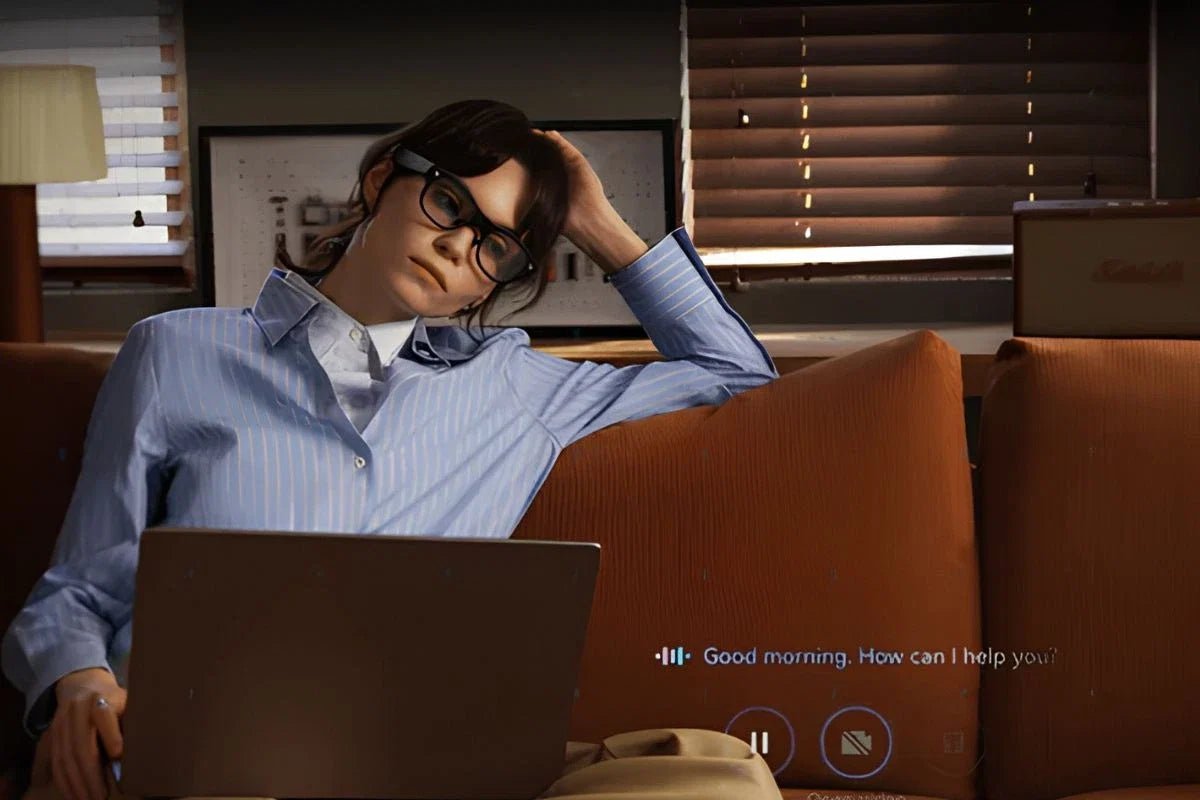
Smart glasses are becoming more common, raising an important question: Do smart glasses record video or audio? The answer depends on the model. Some include built-in cameras for capturing photos and first-person videos. In contrast, others are designed only for audio playback or augmented reality (AR) displays and cannot record at all. As these devices become smaller and more like everyday eyewear, it is also becoming harder to tell which ones have recording capabilities.
Understanding the differences can help you choose the right pair, protect your privacy, and follow workplace or public policies. This guide explains how smart glasses record, how to recognize when recording is taking place, and which features to look for before buying camera-equipped or camera-free smart glasses.

Yes, but only camera-equipped smart glasses can record video. Many models include built-in cameras for capturing photos and first-person videos, while others are designed for AR displays or audio and cannot record at all. Most recording starts only after the user presses a button, uses touch controls, or gives a voice command, and reputable models provide visible or audible recording indicators.
The smart glasses market is broadly divided into camera-equipped and camera-free models. The right choice depends on whether you want to capture photos and videos or simply access hands-free digital features.
| Type | Camera | Best For |
| Camera-equipped smart glasses | Yes | Photos, videos, AI visual recognition, and content creation |
| Camera-free smart glasses | No | AR displays, audio, calls, and AI assistance without recording |
Camera-equipped smart glasses are ideal for capturing first-person content and often include AI features that can analyze what you see. However, they may be restricted in workplaces, gyms, and other privacy-sensitive environments. Camera-free smart glasses avoid these concerns while still offering features like music, phone calls, navigation, and AI assistance, making them a practical choice for everyday wear.
Smart glasses can record videos and take photos, but only models with built-in cameras have this capability. Unlike CCTV or security cameras, they do not record continuously. Instead, recording begins only after the user intentionally activates the camera, helping conserve battery life and protect privacy.
Common ways to start recording include:
Most smart glasses are designed to capture short video clips rather than record all day. Recording time varies by model, battery size, video resolution, and heat management. In general, 1080p models can record for 70–90 minutes, while 4K models typically last 30–60 minutes under continuous use.
Recording usually stops because of one or more of these limits:
Many people worry that smart glasses can record secretly. However, most reputable camera-equipped smart glasses are designed with privacy in mind and include clear visual and audible indicators when the camera is active. While the exact features vary by model, these built-in signals help inform both the wearer and those nearby that recording is taking place.
The most reliable sign that smart glasses are recording is a front-facing LED indicator light near the camera. A steady or blinking light typically means video recording is in progress, while a brief flash usually indicates a photo has been taken. On many well-known models, the LED is directly linked to the camera, making it difficult to record without the light turning on.
Many smart glasses also play a shutter sound or start/stop chime when capturing photos or videos. In some states or countries, privacy laws may require notifying others before recording, especially when audio is involved. Even where it is legal, it's considered good etiquette to let people know before recording in workplaces, meetings, or other shared spaces.
The best smart glasses depend on how you plan to use them. Camera-equipped models are ideal for content creation, travel, and hands-free photo or video capture, while camera-free models are often better for workplaces, commuting, and everyday productivity where privacy is a priority.
Before buying, consider these key factors:
After deciding between camera-equipped and camera-free smart glasses, it helps to compare models that represent each approach. The RayNeo lineup includes options for content capture, AI assistance, immersive AR viewing, and everyday productivity, making it easier to choose a pair that matches your priorities.
If you're looking for camera-equipped smart glasses, the RayNeo X3 Pro AI+AR Smart Glasses combine hands-free capture with advanced AI features. Powered by Google Gemini and the RayNeo AI OS, they offer real-time translation, heads-up navigation, smart task management, and an expanding AR app ecosystem. Custom prescription lenses and intuitive touch controls make them practical for everyday use.

For those who don't need photo or video recording, the RayNeo Air 4 Pro AR Glasses focus on display quality and everyday usability. The 1080p HDR10 display delivers bright, colorful visuals, while Bang & Olufsen speakers provide clear audio. Because they don't include a camera, they're well-suited for private entertainment, remote work, and productivity without raising recording concerns.

The answer to do smart glasses record is not always yes. Only models with built-in cameras can capture videos or photos, and most require user activation before recording begins. Camera-free smart glasses offer many useful features without recording concerns. By checking camera specifications, privacy indicators, and intended use, you can find smart glasses that provide the right balance of technology, convenience, and privacy for work, travel, or daily activities.
Not all smart glasses have cameras. Some models are designed with built-in cameras for taking photos and recording videos, while others focus on AR displays or audio features and do not include a camera. If recording is important to you, check the product specifications to confirm the glasses have an integrated camera before buying.
Most smart glasses record video in 1080p to 3K resolution at around 30 frames per second, while photos typically range from 5MP to 12MP. The exact quality depends on the model, camera sensor, and processor. Higher-resolution recording uses more battery power, generates additional heat, and may reduce the maximum recording time.
It depends on your employer's policies and local privacy laws. Many workplaces allow camera-equipped smart glasses only with clear rules, while others ban them in sensitive areas or confidential meetings. If recording is permitted, employees are typically expected to notify others and obtain consent before capturing video or audio.







Share:
Prescription Camera Glasses: Can You Wear Them With Vision Correction?
Immersed AR Glasses: Features, Uses & Buying Guide