

$429.00

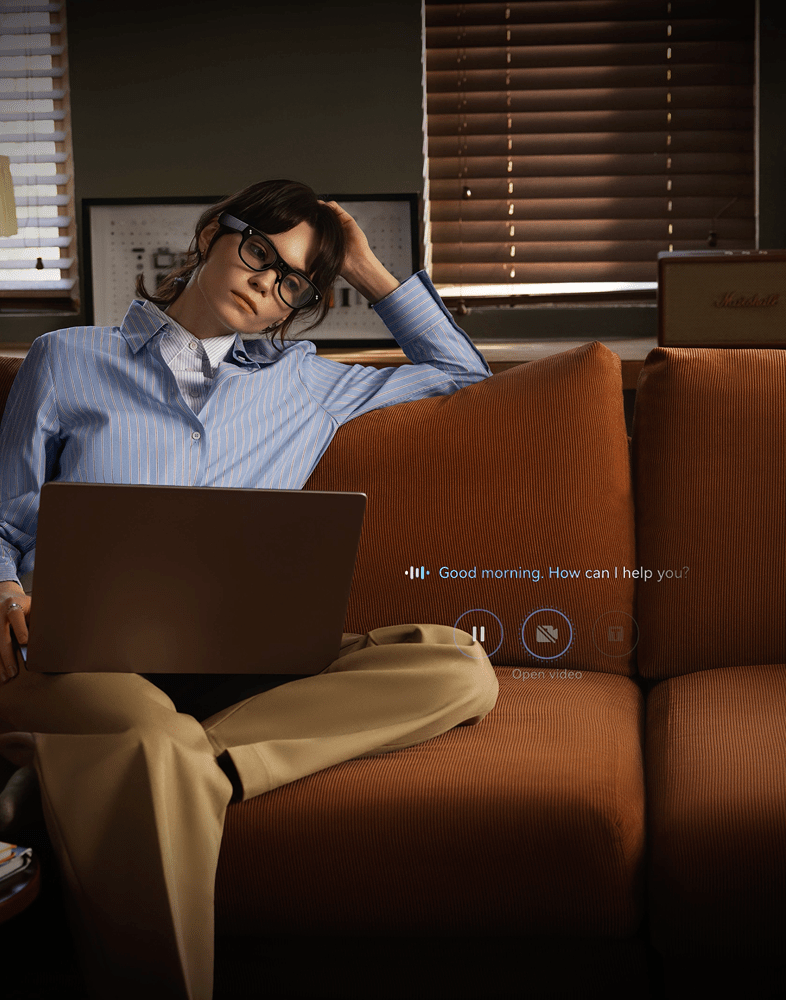
By 2026, AI glasses have moved past the concept-demo stage into a set of capabilities that actually work day to day: a voice assistant that can respond to what's happening around you, real-time translation shown as on-lens captions or spoken through speakers, and in some models a small AR display for glanceable information like navigation or notifications. Camera and battery performance are built around short, hands-free moments rather than replacing a phone outright, which makes sense given how little physical space a glasses frame has to work with.
This article breaks down each of those capabilities (voice assistant, real-time translation, AR display, camera, and battery life) one at a time, using confirmed specs and independent testing, and shows how RayNeo's current lineup splits across different use cases rather than trying to be one device for everyone.
This article isn't a pricing guide. Prices and promotions in this category change often, so they're not repeated here; check the current product pages linked throughout for up-to-date numbers.
Before comparing features, it helps to know that "AI glasses" isn't one type of product. The category currently splits into three hardware approaches, and mixing them up is the most common source of confusion for first-time buyers.
RayNeo's own lineup has grown since these two examples were first documented. On August 21, 2026, RayNeo announced the iO smart glasses (a display-plus-assistant design with no camera) and the GT/GT Max cinematic series, with retail availability beginning September 4, 2026. Both add further variations on the display-centered approaches described above, rounding out RayNeo's range across the assistant, display, and camera combinations covered in this article. Independent review coverage of iO and GT/GT Max wasn't yet available at the time of writing, so the detailed breakdown and comparison table below focus on the X3 Pro and Air series, with iO and GT/GT Max worth checking on RayNeo's own product pages in the meantime.
Most current AI glasses run a cloud-connected assistant that can hold a voice conversation, describe what the built-in camera sees, and handle simple hands-free tasks like setting a reminder or checking the weather. That's a real step up from the scripted voice commands earlier smart glasses used, but it comes with a catch that applies across the category: the assistant's more capable responses depend on a live data connection, almost always routed through a paired phone rather than the glasses' own cellular radio.
RayNeo's X3 Pro is a working example of what an "always-on" assistant looks like in practice. It runs on Google Gemini, which functions more like continuous background assistance than an app you have to open each time. "Standalone" here refers to the hardware: the X3 Pro doesn't need a physical cable running to a phone the way the Air series does. It still needs that phone nearby with an active data connection for the assistant's cloud-based responses to work. Basic display functions on the X3 Pro don't require Wi-Fi, but the assistant does, and that connection runs through the paired phone.
RayNeo's companion app for the X3 Pro is listed for both iOS and Android on their respective app stores. Feature rollout timing between the two platforms can differ, so it's worth checking the current app store listing for anything specific to your phone before buying.
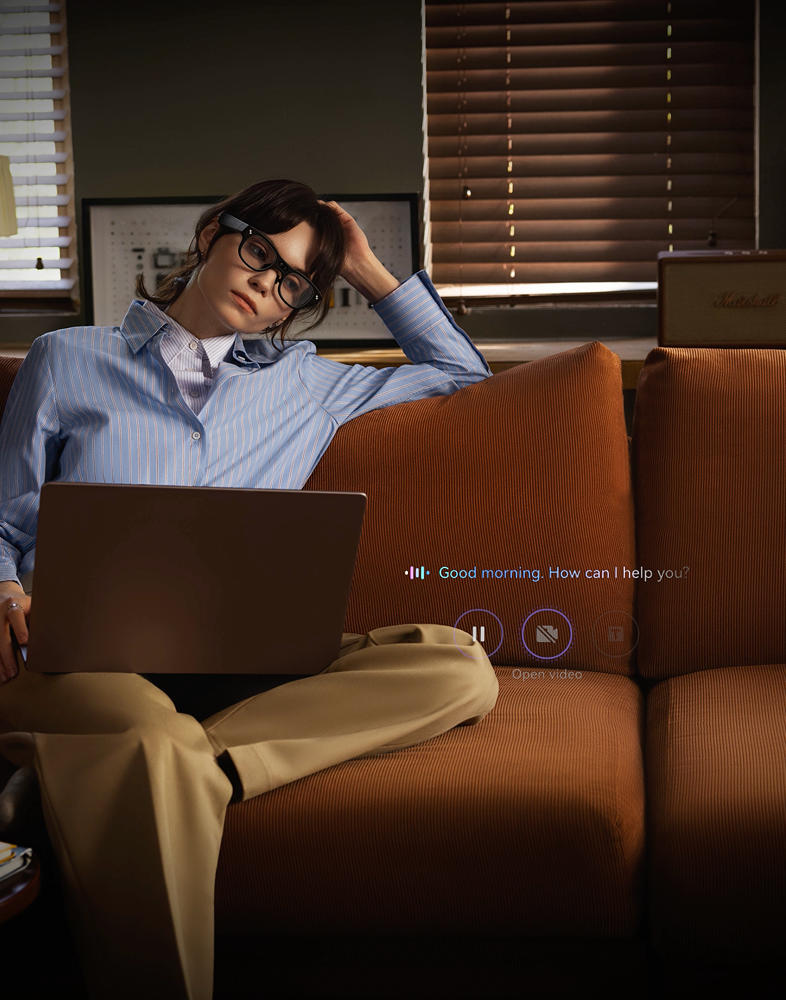
Not every AI glasses model has this kind of assistant built in at all. RayNeo's own Air series, for instance, has no microphone and no built-in AI assistant; its display exists for watching video and gaming, not for talking to.
Real-time translation is one of the most heavily marketed features in this category right now, and the language counts advertised across different brands vary widely, from around a dozen languages up to several dozen or more, depending on whether translation runs on-device or through the cloud. What's consistent across the category is that translation quality and speed are still tied to a live data connection; none of the current mainstream models translate speech in real time without one.
RayNeo's official materials cite around 14 supported languages for the X3 Pro's real-time translation, including Chinese, English, German, French, Spanish, Japanese, and Korean, with translated captions shown directly on the display. That's meaningfully more useful in a live conversation than pulling out a translation app, since you can glance at a caption without breaking eye contact. It still requires the paired phone's data connection to work, and translation accuracy in real-world conversations is best judged through hands-on use and video reviews, since no independent, controlled benchmark against other translation tools has been published yet.
Only glasses with a display can show translated text this way. Camera-only or display-only models without a built-in assistant, including RayNeo's own Air series, don't offer real-time translation at all, since that feature depends on having both a microphone and an AI assistant, not just a screen.
"AR display" covers a wide range of actual experiences, from a small glanceable overlay in the corner of your vision to a large virtual screen meant for watching a movie. The field of view (FOV) a pair of glasses is built around determines which of those two experiences you get, and it's one of the least understood specs in this category.
RayNeo's X3 Pro uses a full-color MicroLED display, a compact, power-efficient screen technology suited to fitting a bright image into the limited space inside a glasses frame. That display has a resolution of 640 x 480 and a field of view of about 30 degrees diagonal, per RayNeo's own FOV explainer. That's a figure sized for information overlays, a translated subtitle, a navigation arrow, a notification, rather than for filling your entire visual field with video. Independent reviewers, including Tom's Guide and Tom's Hardware, have confirmed the display reaches high peak brightness, with at least one outlet noting it stayed usable even in direct outdoor sunlight.
RayNeo's Air series takes the opposite approach: no camera, but a display built specifically for watching video, gaming, or mirroring a laptop or console screen on what functions like a large virtual monitor. That connection runs over a wired USB-C cable to whichever phone, laptop, or console is supplying the picture, not wirelessly, so you're tethered to the source device rather than carrying an untethered screen with you. It's also worth knowing that USB-C video output depends on the source device supporting DisplayPort Alt Mode over USB-C, a feature not every phone or laptop includes, so that's worth checking on your own device before assuming any USB-C cable will work.
Air 3s carries a TÜV Rheinland/SÜD certification for low blue light and flicker-free performance. That's a display eye-comfort standard, not a general safety or durability certification, and it applies specifically to that model rather than the whole Air lineup.

The practical takeaway: a narrower FOV designed for overlays (like the X3 Pro's) won't give you an immersive video-watching experience, and a wider display built for video (like the Air series) won't double as a hands-free camera viewfinder. Neither is a flaw; they're built for different jobs.
Across the category, cameras built into glasses share the same fundamental limits, a function of how little physical space exists in a glasses frame for camera optics:
That's not likely to change soon. None of the current models are built to replace a phone camera or a dedicated action camera for image quality or continuous recording length, including RayNeo's own X3 Pro.
RayNeo's X3 Pro uses a dual-camera setup: a 12MP main camera, confirmed both on RayNeo's own product page and by independent reviewer teardowns as a Sony IMX681 sensor, for photos and video, paired with a secondary monochrome camera used for spatial tracking rather than photography. Day to day, that pairing is meant for capturing what's directly in front of you as you move, a quick photo of a whiteboard mid-meeting, or a few seconds of video on a walk, without pulling out a phone. RayNeo's official materials describe video capture as topping out somewhere between 1440p and 4K/3K; 1440p is the number to plan around for everyday capture.
RayNeo's Air series is built without a camera, since its design centers on the display experience for watching video and gaming rather than hands-free capture. If capturing photos or video on the go is the priority, the X3 Pro is the model in RayNeo's lineup built for that job.
Battery-life numbers across the category (often somewhere in the 6 to 12 hour range for various models) typically describe light, intermittent use: an occasional voice query, a brief glance at a notification. Continuous display use, active video recording, or ongoing live captioning draw meaningfully more power, and independent testing backs that up. In at least one widely reviewed display-equipped AI glasses model, testers measured roughly 1.5 hours of equivalent runtime once the display was in continuous use, well below the six-hour figure quoted for light use.
RayNeo's X3 Pro runs on a 245mAh battery, and how long that lasts depends heavily on what's actually running: a live translation session, a video recording, and an occasional notification glance each draw a very different amount of power.
RayNeo's official blog comparison, independent reviews including Tom's Hardware, and the X3 Pro's own launch page describe battery life by usage scenario rather than a single number:
| Usage scenario | Typical battery life |
|---|---|
| Continuous camera/video recording | About 30 to 36 minutes |
| Active AR display and camera use together (navigation, live overlays) | Roughly 1 to 2 hours |
| Continuous music playback | About 3 hours |
| Light, intermittent use (occasional notification glances, brief camera bursts) | About 3.5 to 5 hours |
| Total recording captured across a full charge (short clips, not one continuous session) | Up to about 5 hours |
Put another way, that's enough for a short clip, a translated conversation, or a quick round of directions on a single charge, but continuous, all-day use of the display or camera calls for a recharge or a power bank along the way.
Devices without a display or camera tend to last meaningfully longer, since a display is one of the largest power draws in any of these designs. That's part of why RayNeo's camera-free Air series and its camera-equipped X3 Pro aren't directly comparable on battery life; they're solving different problems with different power budgets.
| Capability | RayNeo X3 Pro (AI + AR + camera) | RayNeo Air series, e.g. Air 4 Pro (display-only AR) |
|---|---|---|
| Voice assistant | Google Gemini, always-on | None built in |
| Real-time translation | ~14 languages, shown as on-lens captions (requires paired phone's data connection) | Not supported (no microphone, no assistant) |
| Camera | 12MP main + monochrome depth/tracking camera | None |
| Display | 640×480 full-color MicroLED, ~30° FOV, built for glanceable overlays | Full-color AR display built for watching video and gaming |
| Connectivity | Bluetooth 5.3 + Wi-Fi 6 (self-contained hardware; assistant and translation still route through the paired phone's data connection) | Wired USB-C to phone, PC, or console (requires DisplayPort Alt Mode support) |
| Battery reality | Scales with usage: ~30–36 min continuous camera/video, ~1–2 hrs active AR + camera together, ~3.5–5 hrs light use | Longer runtime overall with no camera or assistant drawing power; not published in the same scenario-based format |
| Best suited for | Calls, translation, hands-free capture, an AI assistant on the go | Watching video, gaming, or mirroring a bigger screen without carrying a monitor |
Do AI glasses need to be connected to a phone to work? For nearly every current model, yes, for the features that make them "AI" glasses in the first place. Basic display output can sometimes run without an active internet connection, but voice assistant queries, real-time translation, and cloud-based AI features route through the paired phone's data connection. None of the current mainstream AI glasses function as a fully standalone replacement for a phone, RayNeo's lineup included.
What's the actual difference between "AI glasses" and "AR glasses"? The terms overlap but aren't identical. "AI glasses" usually refers to the assistant, translation, and voice-query capability, whether or not the device has a display at all. "AR glasses" refers to having a display that overlays digital content on the real world, whether or not that device has any AI assistant. RayNeo's X3 Pro is both. RayNeo's Air series is AR without the AI assistant layer, since it has a display but no microphone or built-in assistant.
Can AI glasses translate a conversation without a Wi-Fi or data connection? Not with the current generation of models on the market. Real-time translation depends on cloud processing to handle speech recognition and translation quickly enough to display or speak back in near real time. If the paired phone loses its data connection, translation stops working even though the glasses themselves are still powered on.
Is the field of view on AI glasses wide enough to actually watch a movie? It depends entirely on which of the two AR display types a given model uses. Overlay-focused displays, like the roughly 30-degree FOV on RayNeo's X3 Pro, are sized for glanceable information, not immersive viewing. Display-first AR glasses, like RayNeo's Air series, are built specifically with a wider viewing experience in mind for exactly that use case.
Does RayNeo make a camera-only AI glasses model without a display? RayNeo's lineup pairs its camera specifically with a display and voice assistant in the X3 Pro, rather than offering the camera as a standalone feature. The Air series takes the opposite approach, built purely around the AR display with no camera and no built-in microphone, and the newly announced iO line (display plus assistant, no camera) and GT/GT Max series (display-focused, cinema-oriented) add further display-centered configurations. Based on official materials reviewed as of this writing, a camera-and-assistant configuration with no display at all isn't part of RayNeo's current or newly announced lineup.
Do camera-equipped AI glasses have a visible indicator when recording? This varies by model across the category, and not every camera-equipped pair of glasses includes an obvious recording light. We checked RayNeo's official product materials for the X3 Pro and didn't find a specific, published answer on this point. If recording indicators matter to you, whether for your own awareness or for the people around you, the current product page or independent reviews are the best place to check for the latest details.
Do AI glasses work with prescription lenses? Prescription compatibility varies by model in this category. Some AI or AR glasses support clip-on prescription inserts fitted behind the main lens, while others don't offer any prescription accommodation at all. This is worth confirming directly on the specific product page before buying if you need corrective lenses, since it isn't always front and center in a device's marketing.
Knowing which of the three hardware types (camera-first, display-first, or combined) actually matches what you want to use the glasses for is a more useful filter than any single spec. An always-on assistant that can see what's in front of you, live translation shown as on-lens captions, and glanceable AR overlays for navigation and notifications are all real, working capabilities today, RayNeo's own devices included. Battery life is the variable that shifts the most depending on what's actually running: a quick translated exchange or a glance at directions costs far less charge than continuous recording or nonstop display use, which is why it's worth matching expectations to the specific scenario rather than a single headline number.
RayNeo's X3 Pro is built around that combined AI, display, and camera approach, covering an always-on assistant, real-time translation, and hands-free capture in one device. RayNeo's Air 4 Pro and the rest of the Air line take on a different job entirely: a bigger, more immersive display built for watching video and gaming rather than an assistant or camera. Which one fits comes down to whether the priority is an AI assistant with translation and capture on the go, or a large-screen viewing experience without carrying a separate monitor.





Share:
What Glasses Record Video Hands-Free, and Which Have the Best Quality? (Ranked)
Which Glasses Are Best for First-Person Video Capture? POV and Hands-Free Compared