

From $299.00

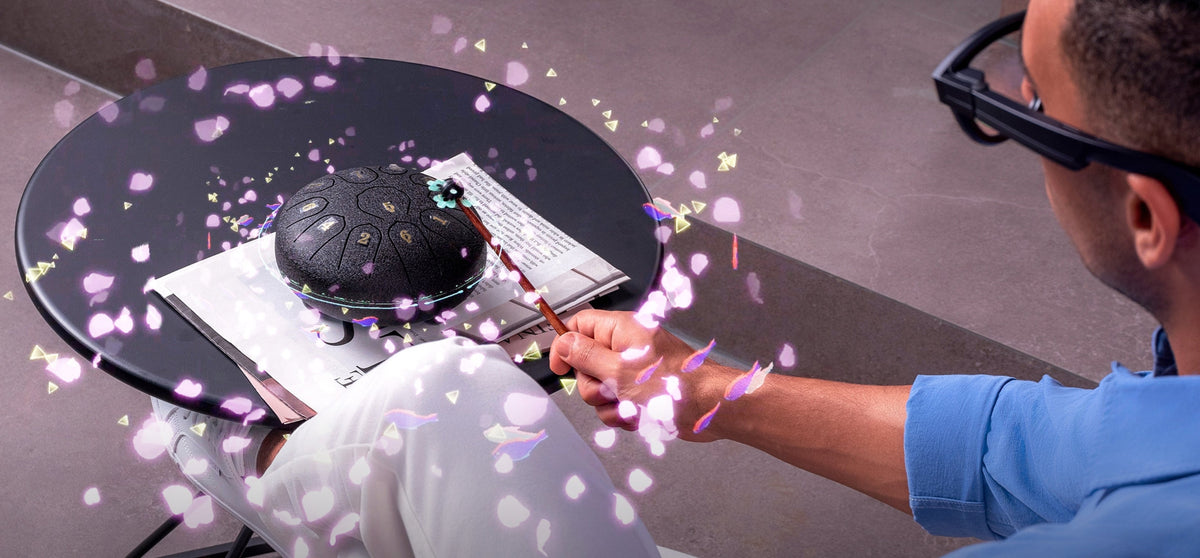
Several current camera glasses can record video hands-free once you've started a clip, meaning your hands stay free to cook, ride a bike, or hold a leash while the recording continues on its own. Starting that recording is a different question. Most models rely on a touch control or a physical gesture on the frame rather than a voice command alone, so "hands-free" mostly describes what happens after you begin, not necessarily how you begin.
Video quality is where these devices actually separate from each other. Resolution ceilings and clip-length limits differ enough between models that "camera glasses" isn't really one category when it comes to picking the sharpest footage. This article ranks the current options on resolution, notes where stabilization and low-light data simply hasn't been published, and shows where RayNeo's X3 Pro and X2 land in that order.

Once a clip is rolling, keeping your hands free is more or less guaranteed on any glasses with a built-in camera, since the frame itself is doing the filming. What varies is the trigger: a touch on the temple, a slide gesture, or in some cases a voice command, though a fully voice-only trigger for starting video specifically isn't confirmed across every model in this comparison.
That distinction affects convenience, not the footage itself. Trigger method doesn't change resolution, frame rate, or low-light performance. The ranking below focuses on the part that actually varies by model, video quality, not how you start the clip.
Resolution is the only one of these three measures with a published number across every category compared here, so it's the primary axis for this ranking. Stabilization and low-light performance are noted wherever a manufacturer or an independent reviewer has documented them, and flagged as undocumented wherever they haven't, rather than guessed at.
| Rank | Category | Peak Video Resolution | Stabilization | Low-Light Performance | Starting Price |
|---|---|---|---|---|---|
| 1 | Camera-only smart glasses (no display) | Up to 3K/30fps or 1080p/60fps; clips capped around 3 minutes by default (extendable in the app) | Not documented* | Not documented* | $379 |
| 2 | Single-eye display AR glasses | Up to 3K/30fps, capped around 1 minute per clip | Not documented* | Not documented* | About $799 |
| 3 | RayNeo X3 Pro | Flat 1440p across the entire clip, no frame rate published | No stabilization claim in RayNeo's current materials | Visible noise and graininess in dim conditions, per independent tests from TechRadar and Notebookcheck | $1,299 regular price; $1,099 as a running promotion on RayNeo's official product page as of August 2026 |
| 4 | RayNeo X2 (previous generation, sold out) | 1080p | Marketed as "anti-shake filming" | Not documented* | $499 (last listed price) |
*"Not documented" means no manufacturer specification or independent test result turned up in the research for this article, not that the feature is confirmed absent.
This table ranks by peak resolution because it's the only figure published for every row. Peak resolution alone doesn't tell you how long you can actually film at that peak:
If your recordings tend to run long, factor clip length in alongside resolution rather than reading rank order as a single, decisive scoreboard.
This category publishes the highest peak number in this comparison, 3K at 30fps, with a 1080p/60fps mode also available for smoother motion when maximum sharpness isn't the priority. Clips are capped at about three minutes by default (extendable in the app settings), so you stop and start a new one at that point rather than losing resolution mid-recording. For a single short shot, that makes this the sharpest option in the table; for anything longer, you'll be restarting clips more often than with some of the other options here. A lower-priced version of this same product category also launched in 2026 around $299, but this article uses the $379 tier throughout, since that's the version with published video specs this comparison could verify.
This model matches the 3K/30fps ceiling but caps individual clips at around one minute, shorter than the roughly three-minute default on the camera-only category above. It adds a display, useful as a viewfinder, which the camera-only option doesn't have, but that doesn't change where it lands on resolution: tied for the top peak number, with less time to use it per clip.
X3 Pro's video quality breaks down into three parts:
RayNeo's official product page lists X3 Pro at a regular price of $1,299, discounted to $1,099 as of this writing in August 2026. RayNeo runs pricing promotions periodically, so treat $1,099 as the current price rather than a permanent one and check the product page for that day's number before buying.
X2's 16MP sensor recorded 1080p video, lower than every other option here, though it was marketed with "anti-shake filming," a stabilization claim none of the other three models in this table currently make. It's listed as sold out on RayNeo's site, so it's included for reference rather than as something you can buy today.
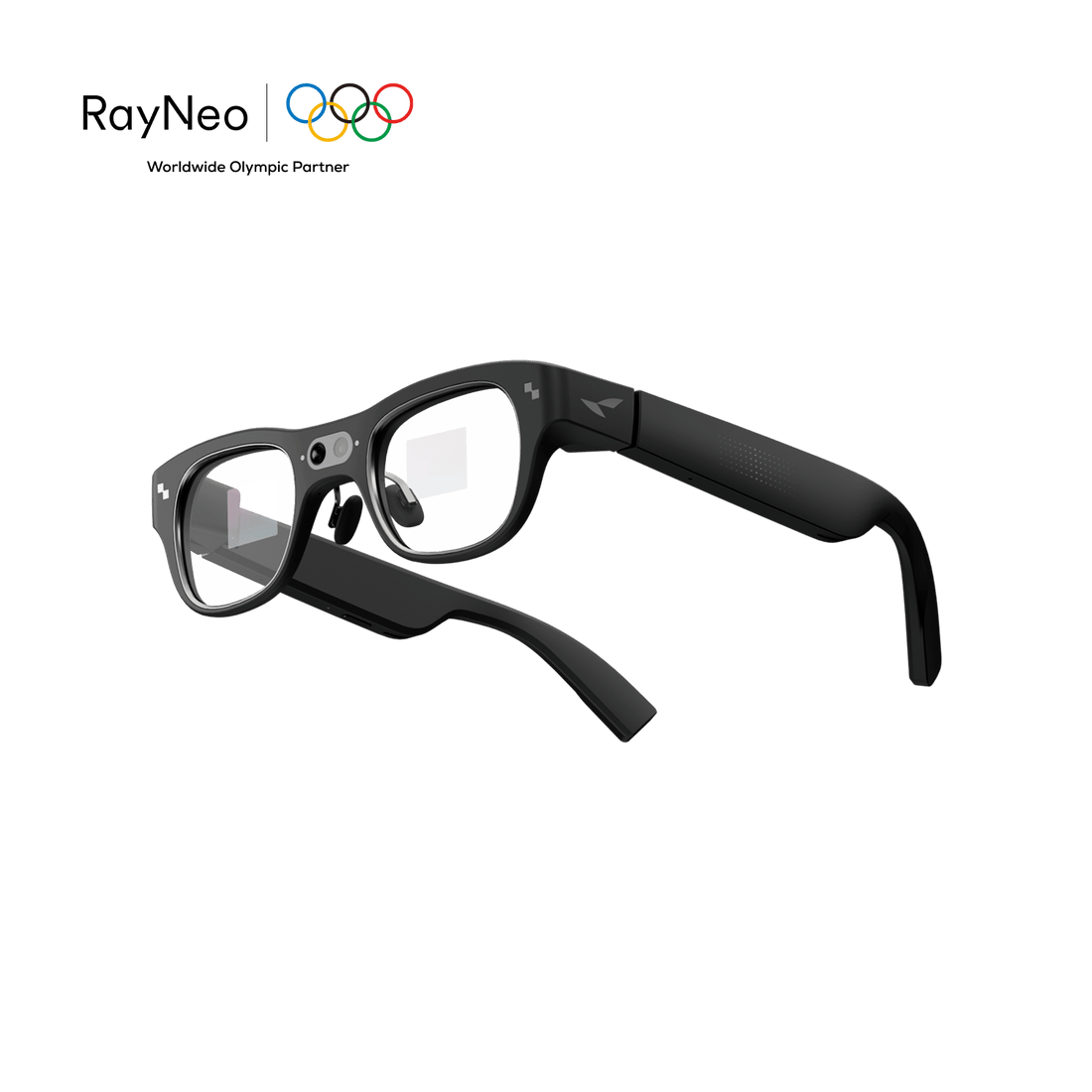
RayNeo built RayNeo X3 Pro around a different tradeoff than the two camera-first categories ranked above it. It isn't the resolution leader in this comparison, and its low-light performance is the one weak spot in this table that's actually been independently tested and confirmed, rather than left undocumented. What it adds instead is a dual full-color MicroLED AR display, a Gemini-based AI assistant, and real-time translation running alongside the camera, features neither category ranked above it includes. If a viewfinder, live translation, or an AI assistant matter to you as much as squeezing out the last bit of resolution, that combination is the actual reason to pick X3 Pro over a camera-only alternative, not a claim that its footage looks sharper.

Recording starts with a touch control on the temple by default, adjustable through the RayNeo app, the same trigger described in RayNeo's own launch materials. Those materials also list voice control as a general input method across the glasses, but the mechanism confirmed for starting a video clip specifically is the touch or gesture trigger, not a standalone voice command. If a fully voice-only start, rather than hands-free once the clip is already rolling, is the deciding factor for you, that's the detail to weigh: the touch trigger is documented and works reliably, while a voice-only start for video specifically isn't what RayNeo's current materials describe.
X3 Pro fits you if:
X3 Pro is a weaker fit if:
X2, RayNeo's earlier model, is mentioned here mainly as context: it used a temple-slide gesture that could start recording even with the display switched off, useful for filming in a dark room without the AR overlay lighting up your face, but its 1080p ceiling and sold-out status mean it's not a current option to weigh against the other three.
None of the four rows above are the right answer if video quality by itself, independent of hands-free convenience or an AR display, is the deciding factor. A dedicated clip-on action camera, worn on a chest strap or helmet mount rather than a pair of glasses, typically records native 4K at 30fps without a short clip-length cap, runs stabilization modes built specifically for movement, and generally handles low light better because it isn't squeezed into a frame resting a few millimeters from your temple. It also has no display and no AI assistant, since it's built to do one job well.
That's a fair tradeoff if a client, an audience, or your own standards will judge the footage on its own. It's a worse fit if you specifically want the recording device to also be your everyday eyewear, since strapping a separate camera to a helmet or a chest mount isn't the same experience as glasses you're already wearing.
The two non-RayNeo categories below are described by product type, not by brand name, since this comparison doesn't call out specific competitor models by name. If one of them fits what you're after, you'll still need to identify the current model in that category yourself and confirm today's price and specs on the manufacturer's own page, since both can change.
Does starting a recording hands-free (by voice) lower the video quality? No. The trigger method, touch, a slide gesture, or voice, is a separate spec from resolution, stabilization, or low-light performance. A model started by touch and a model started by voice can produce identical footage; nothing about the trigger mechanism itself affects what the camera records.
Which hands-free glasses have the highest resolution ceiling right now? The camera-only smart glasses category (no display) currently publishes the highest peak number in this comparison, up to 3K at 30fps, though clips are capped at about three minutes by default before you start a new one. RayNeo X3 Pro's flat 1440p ceiling is lower, but RayNeo's own comparison blog cites a longer clip length for it, up to about nine minutes, than either of the higher-peak categories above.
Can hands-free camera glasses match a phone's video quality? Not currently, on any of the models compared here. A phone's main camera uses a larger sensor with more room for light and processing than a frame worn on your face allows, which is part of why every glasses category in this table shows either a documented or undocumented gap in low-light performance, while phones generally handle dim conditions more reliably.
Is RayNeo X3 Pro good enough if I care about video quality specifically? It depends on which part of "quality" matters most to you. For consistent, evenly-lit footage bundled with an AR display, AI assistant, and translation, X3 Pro's 1440p ceiling is a reasonable fit. If dim or nighttime recording is a regular part of how you'd use it, the documented graininess in low light is a real limitation worth weighing before buying, not a hypothetical one.
Should I trust hands-free camera glasses to shoot well in low light? Treat this as a real constraint rather than an edge case. Among the models compared here, only RayNeo's X3 Pro has independent low-light test results, and they show visible noise in dim rooms. The other two categories haven't been tested for low light in any source this article could find. That isn't the same as performing well; it just means there's no public data either way.







Share:
Are Smart Glasses Safe? Comfort, Privacy, and Eye Health Risks Explained
What Can AI Glasses Actually Do in 2026? A Feature-by-Feature Breakdown