

$429.00

Wearable display glasses are changing how people work, watch content, and interact with digital information without relying on traditional monitors. While many smart glasses include cameras, microphones, AI assistants, or augmented reality features, not every model offers the same experience. Some are designed as portable displays for gaming, streaming, and productivity, while others focus on AI-powered assistance or immersive AR overlays.
Understanding these differences is the key to choosing the right device for your needs. Whether you want a large virtual screen for work, hands-free access to information, or a lightweight companion for entertainment, today's wearable display glasses offer more options than ever.
This guide explains the main types of display glasses, compares their features, and highlights the factors to consider before making a purchase.

Wearable display glasses look like regular eyewear but integrate technologies such as displays, speakers, microphones, cameras, and wireless connectivity. Depending on the model, they can provide a virtual screen for media or productivity, or overlay digital information onto your surroundings. The main types are explained below.
XR and media display glasses project a virtual screen or digital content into your field of view while letting you stay aware of your surroundings. They are designed for entertainment, productivity, navigation, and other everyday tasks, creating a larger, more immersive viewing experience than a traditional phone or laptop screen.
Smart AR and AI display glasses go beyond serving as portable screens. Depending on the model, smart glasses may combine displays, cameras, microphones, sensors, and AI assistance. AR models can present digital information within your field of view, while AI features may support tasks such as translation, information retrieval, and hands-free interaction.
Although they may look similar, XR display glasses and smart AR glasses are designed for different experiences. XR display glasses primarily create a large virtual screen for streaming, gaming, and productivity, functioning like a portable monitor connected to another device. Smart AR glasses, by comparison, use transparent displays, cameras, microphones, and sensors to overlay digital information onto your real-world view.
They support features such as turn-by-turn navigation, live translation, notifications, object recognition, and AI-powered assistance while keeping you aware of your surroundings. If your priority is immersive viewing, XR display glasses are the better choice. For hands-free guidance and interactive everyday tasks, smart AR glasses offer greater versatility.
Choosing the right display glasses means understanding which features best match your needs. Whether you're comparing XR displays or everyday display smart glasses, factors such as display quality, comfort, connectivity, and usability can make a significant difference in your overall experience.
Field of view (FOV) determines how large and immersive the virtual image appears, while resolution affects text clarity and visual detail. When comparing display glasses, verify whether the resolution is listed per eye or combined, as brands use different measurement methods that can make specifications difficult to compare directly.
Check that the display glasses are compatible with your smartphone, laptop, gaming console, or other devices you plan to use. Check which connection methods each model supports. Some display glasses use USB-C video input, while smart glasses may also use Bluetooth, Wi-Fi, or companion apps for specific features. These factors are especially important when choosing the best video display glasses for seamless entertainment and everyday use.
Comfort is essential if you plan to wear display glasses for extended periods. Choose lightweight, well-balanced frames that minimize pressure on your nose and temples. If you wear prescription lenses, check whether the glasses support custom lenses or prescription inserts for a more comfortable and convenient fit.
Dimming modes help reduce the impact of bright ambient light, improving perceived contrast and making virtual images easier to view in different lighting conditions. If you plan to use display glasses outdoors, look for adjustable dimming features that help maintain a clearer viewing experience in changing environments.
Yes, display glasses can be valuable productivity tools when they match your workflow. Instead of replacing your computer, they extend your workspace and simplify everyday tasks.
After understanding the key features of display glasses, it's time to explore recommended options for different needs. These RayNeo models combine immersive visuals, smart features, and comfort, making them strong contenders among the best display glasses.
The RayNeo Air 4 Pro AR Glasses are designed for users who want a large virtual display for entertainment, gaming, and productivity. They provide a virtual screen experience equivalent to viewing content on a 201-inch display, with Micro-OLED panels, HDR10 support, and a 120Hz refresh rate. USB-C compatibility with supported devices makes them suitable for portable viewing and work scenarios.

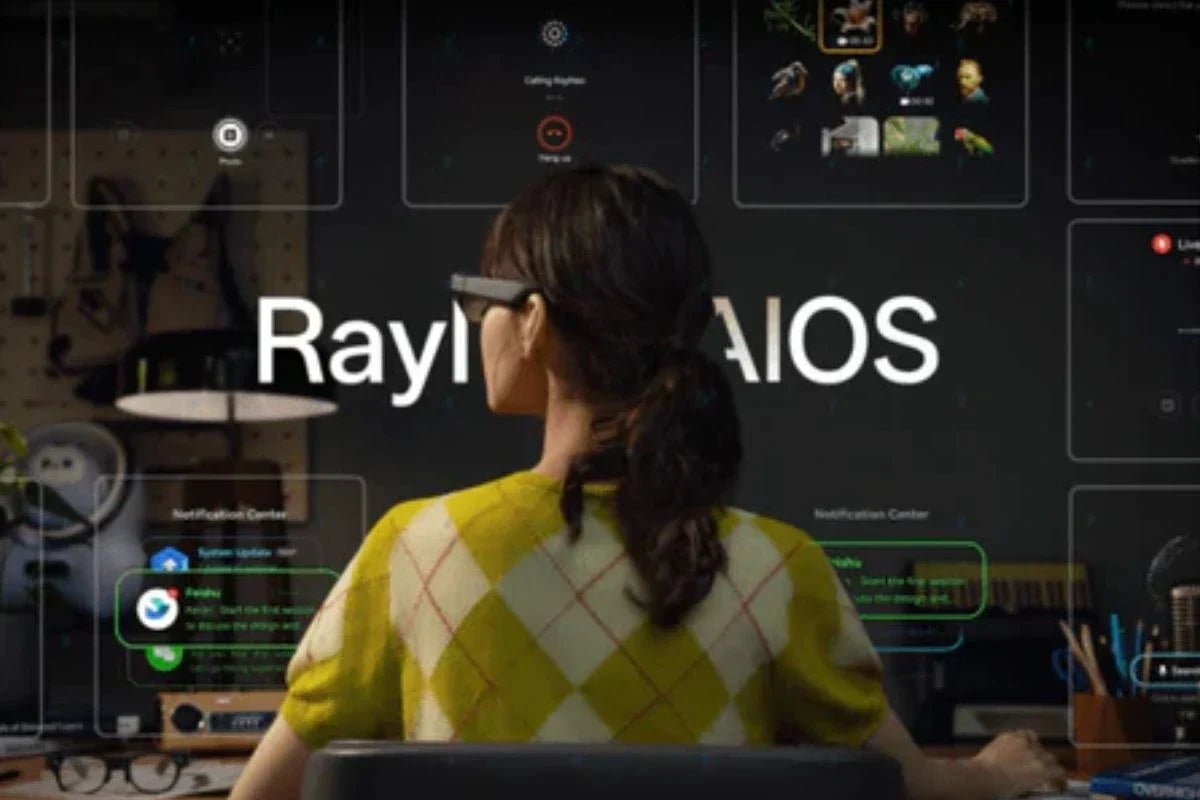
The RayNeo X3 Pro AI+AR Smart Glasses combine AR display technology with AI-powered features for hands-free interaction. Equipped with a 640 × 480 full-colour MicroLED display and RayNeo AI OS, they support AR applications, digital information access, and spatial interactions. Google Gemini integration provides voice-based AI assistance for answering questions, accessing information, and supporting everyday tasks.
Key Features:

The RayNeo iO AI Glasses combine a lightweight eyewear design with AI features for everyday interaction. Featuring an ultra-transparent waveguide display and Firefly Nano optical engine, they provide access to functions such as live captions, AI summaries, voice memos, and notifications while keeping the surrounding environment visible.
Key Features:
As wearable technology becomes more capable, wearable display glasses are becoming a practical way to combine entertainment, productivity, and smart assistance in a lightweight form. From XR glasses that create large virtual screens to AI-powered AR glasses that provide hands-free support, each type serves different needs. By considering display quality, comfort, compatibility, and features, you can find the right pair to enhance your daily digital experience.
Most display glasses are comfortable for several hours, but wearing them all day may cause slight nose pressure or eye fatigue, especially during extended screen use. Comfort depends on the glasses' weight, fit, and display design. Taking short breaks every few hours helps reduce strain and makes long-term use more comfortable for work or entertainment.
Yes, wearable display glasses can be worth it for work and productivity if you need a large private screen while traveling or working in shared spaces. They improve portability without replacing your laptop or monitor. Since most models require a connected device, they work best as a secondary display for multitasking, presentations, and remote work.
Yes, you can use video display glasses outdoors, but the experience depends on brightness and the glasses' display technology. Models with dimming modes or high-brightness displays perform better in sunlight. While they are safe to wear outside, most video display glasses are designed for indoor entertainment and deliver the best viewing experience in controlled lighting.







Share:
DIY Wireless Display Cast Receiver for XR Glasses Explained
Glasses With a Built-In Camera: What Actually Matters for Everyday Recording