

$429.00

Search “video glasses” and you’ll find two unrelated products lumped together: AR display glasses built to project a large virtual screen for watching movies, and camera glasses built to record first-person video hands-free. Buyers who skip that distinction are the ones most likely to end up returning gear that works exactly as advertised, just not for what they wanted. Pick a display model like RayNeo Air 3s Pro for watching, or a camera model like RayNeo X3 Pro for recording, since almost nothing in this category does both jobs well.
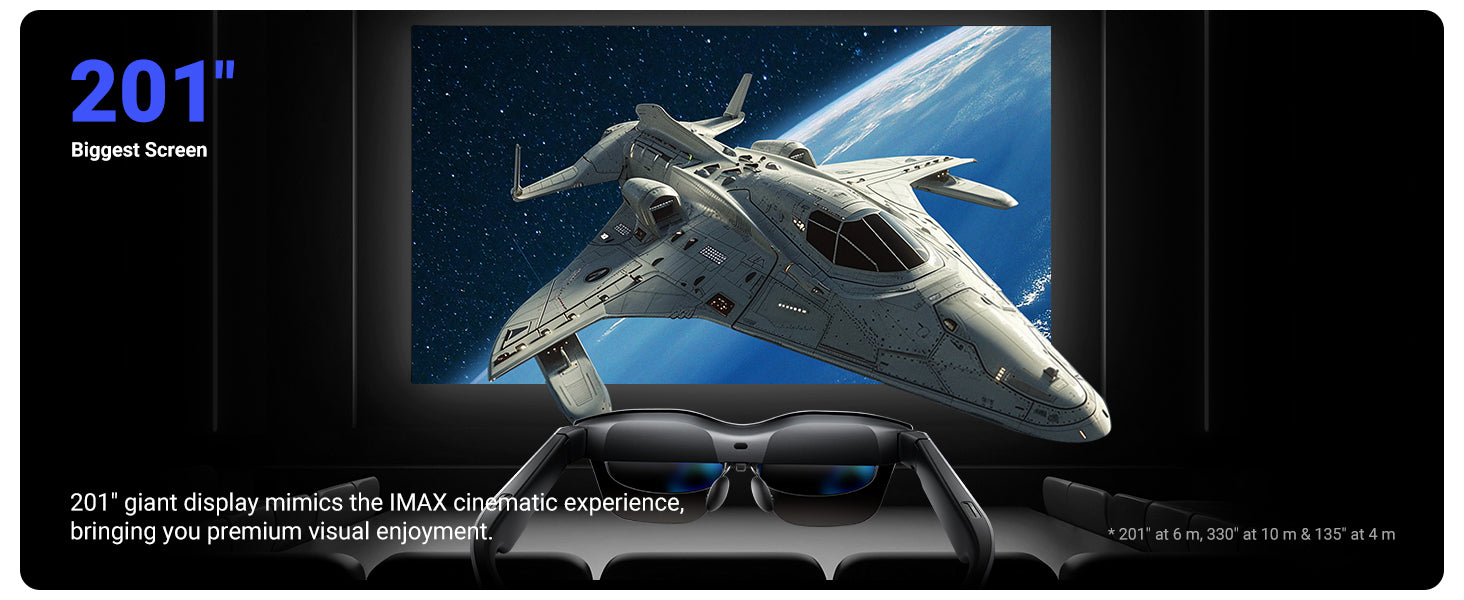
AR display glasses project a virtual screen that only you can see, mirrored from a connected phone, laptop, or console over a wired connection. They have no camera and, in RayNeo’s case, no built-in microphone or voice assistant either. RayNeo’s Air series, including Air 2s, Air 3s Pro, and Air 4 Pro, is built this way. The whole point of the hardware is the viewing experience: a wide field of view, a bright panel, and a screen that feels much larger than the actual lenses.
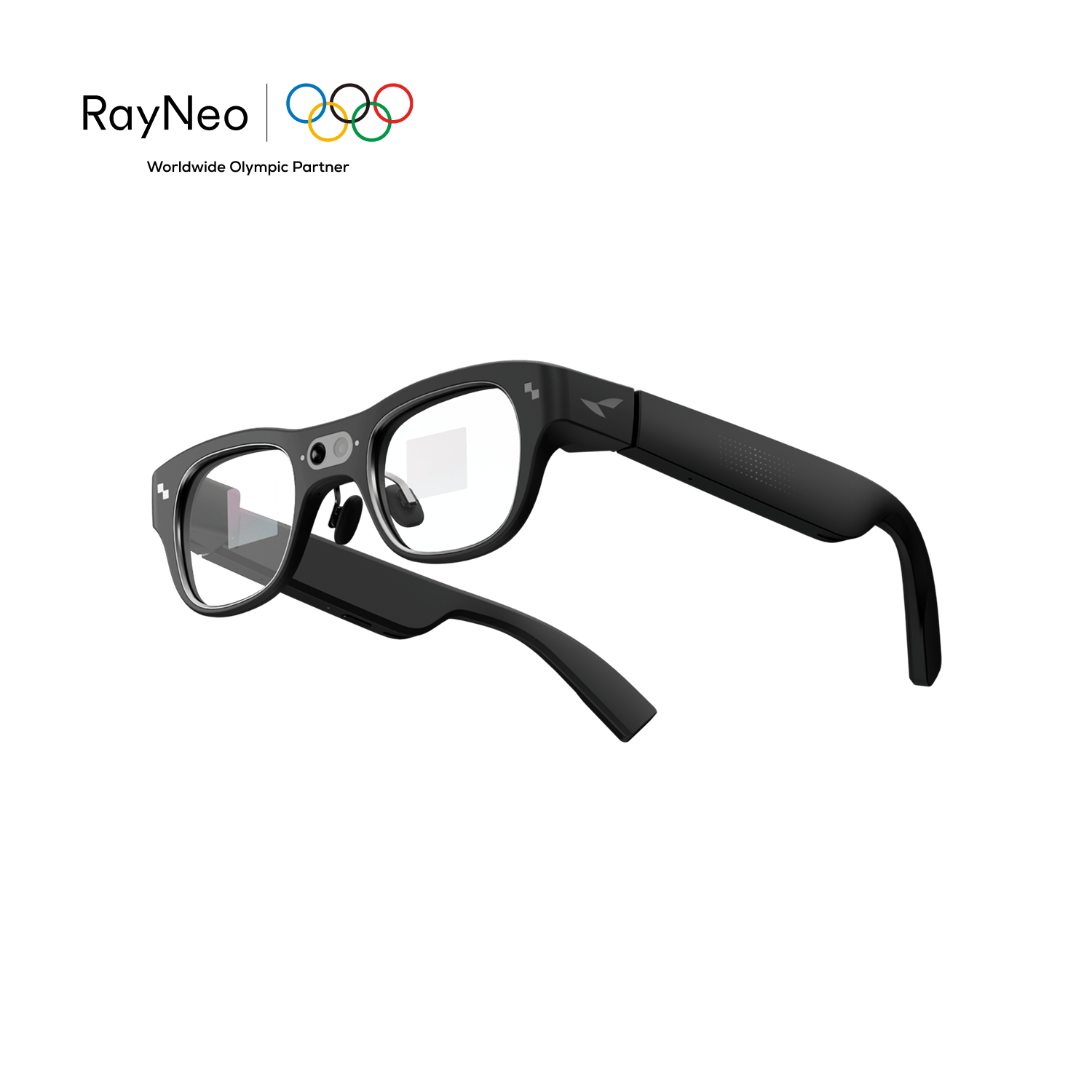
Camera glasses flip that priority. They’re built around a lens on the frame that records what’s in front of you, hands-free. RayNeo’s X3 Pro and the earlier X2 fall into this group. X3 Pro also happens to have a small display, but it’s sized for camera previews, navigation prompts, and notifications, not for watching a two-hour movie.
That distinction, display-only versus camera-equipped, is the first thing to sort out before comparing any spec sheet. Once you know which job you’re actually shopping for, the rest of the decision gets much simpler.
For the viewing-focused category, three specs determine whether the experience feels immersive or just like a floating rectangle: field of view, virtual screen size, and brightness.
Field of view (FOV) is the angle of your vision the display actually fills. A narrow FOV feels like looking at a small screen off to the side. A wider FOV feels closer to sitting in front of an actual television. RayNeo’s Air 2s and Air 3s Pro both list a 46-degree diagonal FOV, wide enough that RayNeo markets it around a specific virtual screen size rather than just the angle itself.
Virtual screen size translates that FOV into a distance-dependent number. The Air 2s and Air 3s Pro carry a 201-inch virtual screen spec at a simulated 6-meter viewing distance (330 inches at 10 meters, 135 inches at 4 meters). This describes the perceived visual scale at that simulated distance, giving you a practical sense of how immersive the display feels compared to a home theater setup, and it’s the number to use when comparing models built for the same job.
Brightness determines whether that screen stays watchable outside a dark room. Air 3s Pro and Air 4 Pro both list 1,200 nits to-eye brightness, which RayNeo describes as the highest in the Air lineup at launch. Air 2s lists 5,000 nits with 10 adjustable brightness levels. Those two figures aren’t measured the same way: RayNeo specifies Air 2s’s number as a panel-level spec, while Air 3s Pro and Air 4 Pro’s 1,200 nits is labeled specifically as to-eye brightness, the light that actually reaches your eye after passing through the optics. Because they describe different points in the optical path, the raw numbers aren’t directly comparable to each other. In practice, higher to-eye brightness matters most in a bright cabin, a sunlit train seat, or anywhere ambient light would otherwise wash out a dimmer panel.
| Air 2s | Air 3s Pro | Air 4 Pro | |
|---|---|---|---|
| Display | Sony Micro-OLED, 1080p | HueView 2.0 tandem Micro-OLED, 1080p (2D) / 3840×1080 (3D) | HDR10 Micro-OLED, Full HD |
| Field of view | 46° diagonal | 46° diagonal | Shares the 201-inch screen spec with Air 2s and Air 3s Pro; a separate FOV figure isn’t listed for this model |
| Virtual screen size | 201” at 6m | 201” at 6m | 201” (viewing distance not listed for this model) |
| Brightness | 5,000 nits, 10 levels | 1,200 nits to-eye | 1,200 nits |
| Refresh rate | 120Hz | 120Hz | Up to 120Hz |
| Audio | Quad-speaker dynamic stereo sound | Self-developed quad speakers, spatial audio | Quad speakers with Bang & Olufsen tuning |
| Connectivity | USB-C, HDMI adapter | USB-C, HDMI adapter | USB-C (DisplayPort Alt Mode), HDMI adapter |
| Camera / microphone | None | None | None |
| Weight | 76g | 76g | 76g |
| Price (at time of writing) | $159 current, $299 regular | $219 current, $299 regular | $254.15 current, $299 regular |
All three prices above reflect RayNeo’s website as of August 29, 2026, and all three models were running some form of limited-time promotion at that time. Air 3s Pro’s $219 price comes from an $80 discount code, Air3SP80, that RayNeo applies automatically at checkout on top of its $299 list price. Since promotions change, check the product page for the current number before you buy.
A few things that don’t show up in a spec table but matter in practice: none of these three connect wirelessly. They plug into a phone, laptop, or console over USB-C, and that source device has to support DisplayPort Alt Mode over USB-C for video output to work at all. Not every USB-C port carries video, some are wired for charging and data only, so this isn’t automatic just because a device has a USB-C port.
To check your own device, RayNeo publishes a compatibility list by exact phone and laptop model rather than by brand alone, and it’s worth looking up your specific model there before buying rather than assuming “iPhone” or “Android” is enough information on its own. For iPhone specifically: iPhone 15 and iPhone 16 (all variants) switched to USB-C and connect directly, per RayNeo’s compatibility page. Older iPhones, iPhone 14 and earlier, use Lightning instead of USB-C and need a separate HDMI adapter accessory to connect at all, RayNeo’s compatibility page lists which older iPhone models that adapter path covers. RayNeo lists compatibility more broadly with Android, PC, Mac, Switch, PS5, and Steam Deck across the Air lineup, but the same underlying requirement, DisplayPort Alt Mode support somewhere in the connection, applies to all of them.
Whether that HDMI adapter, or any other cable, ships in the box depends on the specific product and bundle you order. RayNeo lists what’s included under the “In the Box” section on each product page, and it’s worth checking that section for your exact model before assuming a console or older-iPhone adapter is included at the price you see.

Worth knowing if movie-watching is specifically your priority: RayNeo also just introduced a separate, more cinema-focused product line built around a wider field of view than the Air series. The RayNeo GT series, announced in August 2026 with retail availability starting September 4, 2026, includes a standard GT model (46-degree FOV, 231-inch virtual display, per RayNeo’s launch materials) and a GT Max model (59-degree FOV, a virtual screen with three preset sizes, 227, 267, or 307 inches, corresponding to 85%, 100%, and 115% zoom levels, and native Dolby Vision playback when paired with RayNeo’s Pocket TV Pro streaming device). GT and GT Max are open for pre-order now, with final consumer pricing landing at the September 4, 2026 launch alongside retail availability. If a wider field of view and Dolby Vision support are what you’re after, it’s worth checking the product page on launch day for the confirmed price.
For the recording-focused category, the specs that matter shift entirely: camera resolution, how long you can record before the battery gives out, and whether you get any kind of preview before or during the shot.
X3 Pro’s camera setup pairs one sensor for actual capture with a second sensor that only handles tracking, not a second recording angle.
Battery life on X3 Pro comes down to three numbers because they measure three different situations, not because they contradict each other. Start one continuous recording and let it run, and you’ll hit the ceiling at about 30 to 36 minutes; recording stops rather than pausing, so anything longer means starting a new clip. Use the display and camera together for something like live navigation or an on-lens overlay, without continuous recording, and that mode runs closer to 1 to 2 hours before you need to recharge. Record in short bursts throughout the day instead, a string of 30-second-to-2-minute clips with the camera off in between, and RayNeo’s materials put the total footage you can capture on one charge at around 5 hours, since most of that time the battery is idling in standby rather than actively recording.
In practice, that means one uninterrupted take tops out under 40 minutes, but a day of stop-and-start filming, walk somewhere, film 30 seconds, stop, walk further, film again, can realistically add up to a few usable hours of footage on a single charge.

The part that separates X3 Pro from camera-only glasses with no screen at all is its display. It’s small (640×480, about 30 degrees diagonal, the opposite end of the FOV spectrum from the Air series above), but it shows a live camera preview, so you can confirm your framing before and during a shot instead of finding out afterward that the angle was off. That’s a real advantage for recording, and it’s also exactly why this display isn’t a substitute for the Air series if watching a movie is the goal: 30 degrees is sized for a glanceable preview, not for filling your visual field with video.
X3 Pro also runs Google Gemini as an always-on voice assistant and supports real-time translation in about 14 languages, shown as on-lens captions, features that depend on a paired phone’s data connection and have nothing to do with either watching or recording video, but are part of why it costs more than a pure recording device.
| RayNeo X3 Pro | RayNeo X2 (discontinued) | |
|---|---|---|
| Camera | 12MP Sony IMX681 + monochrome tracking camera | 16MP |
| Photo resolution | Up to 4K | Not published on the current product page |
| Video resolution | Up to 1440p for everyday recording; up to 4K/3K in select modes | 1080p |
| Continuous recording | About 30 to 36 minutes | Not published |
| Display | 640×480 full-color MicroLED, ~30° FOV (camera preview, navigation, notifications) | None documented on the current listing |
| AI assistant | Google Gemini, always-on | GPT-4V multimodal |
| Connectivity | Bluetooth 5.3, Wi-Fi 6 | Not specified on current listing |
| Weight | 76g (RayNeo’s official figure) | About 119g (third-party spec aggregators; not listed on RayNeo’s own X2 page) |
| Price / availability | $1,099 current, $1,299 regular | Sold out; official price was $499 |
X3 Pro is built for everyday, hands-free recording, walking, casual outdoor content, quick tutorials, where a fixed head-mounted camera already holds steadier than a phone in your hand. It isn’t built as a rugged action camera, though: RayNeo doesn’t publish an IP rating for dust or water resistance, so heavy sweat, rain, or a hard trail run calls for a dedicated action camera instead.
X3 Pro is the closest thing in RayNeo’s current lineup to a single device that does both jobs, and it’s worth being precise about how close that actually gets. It has a real camera and a real display, so it isn’t purely one category or the other. But its display’s 30-degree FOV is built for confirming a shot or reading a translated caption, not for the 46-to-59-degree range that makes the Air and GT lines feel like watching an actual screen. Using X3 Pro to record is a strong fit for its intended job. Using it to watch a movie isn’t really the point of that display, and RayNeo doesn’t market it that way.
If both a large viewing screen and a built-in camera matter equally to you, RayNeo’s lineup doesn’t yet have a single model built to do both at a high level, and it’s worth knowing that going in rather than assuming any pair of “AR glasses” automatically covers everything.
You want to watch movies, shows, or play games on a bigger virtual screen (on a flight, at home, on a commute): look at the Air series. Air 2s is the lightest way to try the category at the lowest price. Air 3s Pro and Air 4 Pro push brightness and audio quality further for a similar screen size. If a wider field of view and Dolby Vision support matter more than buying today, GT and GT Max are worth watching as they roll out starting September 4.
You want to record first-person video for vlogging, tutorials, or casual outdoor content, hands-free: X3 Pro is the model built for that job, with the added benefit of a live preview so you can confirm the shot as you go. Its roughly 30-minute recording ceiling and 1440p practical resolution are real limits worth planning around, not deal-breakers for short-form content.
You want both in one device at a high level: that combination doesn’t currently exist in RayNeo’s lineup, or in most of this product category generally. X3 Pro gets partway there with a camera plus a small preview display, but its screen isn’t built for immersive viewing the way the Air or GT series is.
Budget is the deciding factor: Air 2s, at $159 during current promotional pricing, is the least expensive way into either category. X3 Pro, at $1,099 during current promotional pricing, costs roughly seven times as much, largely because it’s paying for a camera, an AI assistant, and translation capability that the Air series doesn’t include at all.
Can RayNeo X3 Pro play movies on its display the way the Air series does?
Can I record video with RayNeo’s Air series glasses?
Do AR display glasses need a phone or laptop connected the whole time I’m watching?
Is RayNeo GT Max available to buy right now?
Does X3 Pro come with the HDMI adapter or other cables in the box?
Which is cheaper: display glasses or camera glasses?
“Video glasses” isn’t one product category, it’s two, and treating them as interchangeable is how a purchase that works perfectly ends up feeling like the wrong one. RayNeo’s Air series and the upcoming GT series exist to make watching feel bigger, with no camera to speak of. X3 Pro exists to capture what’s in front of you hands-free, with a display sized for previewing that shot rather than filling your vision with a movie.
Once you know whether you’re buying a screen or a camera, check that specific model’s product page for current pricing before ordering, since promotions shift. If a wider field of view or Dolby Vision output matters more to you than buying today, keep an eye on GT and GT Max ahead of their September 4, 2026 launch.





Share:
What New Smart Glasses Are Available Now, and What's Coming Soon?
Which Smart Glasses Support Prescription Lenses, and Which Feel Most Comfortable?