

From $299.00

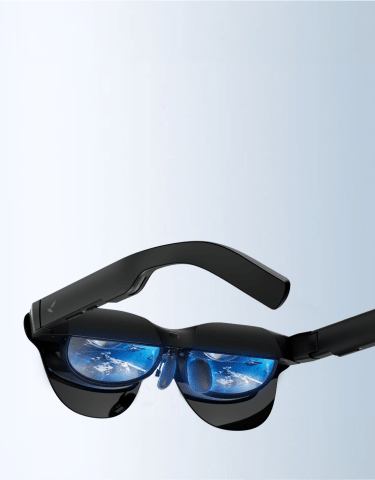
Getting prescription lenses fitted to smart glasses only answers half the comfort question. The other half comes down to how the frame’s weight is balanced and whether it has to stay tethered to a phone or laptop all day. An Air-series model like Air 3s Pro is built and weighted for sitting at a desk with a Lensology insert in place, while X3 Pro runs standalone on its own chip and battery, weighted instead for walking around.
None of RayNeo’s current AR display glasses grind your prescription directly into the lens the way a regular optical shop would. The optical engine that drives the display, whether a waveguide or a MicroLED module, takes up the space inside the frame that a ground lens would otherwise need. Instead, RayNeo works with a third-party optical partner, Lensology, on a magnetic clip-in insert: a smaller prescription lens that snaps onto the inside of the frame, between your eye and the display. This is also why these glasses don’t use a simple adjustable diopter dial the way some single-purpose VR headsets do: a dial can shift the focus of one enclosed virtual image, but AR glasses still need to work as a clear window onto the real world in front of you, so correcting your actual vision calls for a lens matched to your prescription rather than a shared focus adjustment.
Prescription coverage runs across the full lineup through Lensology, RayNeo’s optical partner, though the exact diopter figures published vary by model:
X3 Pro supports prescription lenses through the same Lensology partnership: “RayNeo X3 Pro supports prescription lenses…visit our official prescription lens partner, Lensology,” confirmed in the product FAQ. For X3 Pro, the custom magnetic insert is fulfilled directly through Lensology rather than RayNeo’s own checkout, the same partner named across the rest of the lineup, so you order it on Lensology’s site using your prescription details.
If your prescription falls outside the ranges listed above, strong myopia beyond -10.00D, astigmatism beyond -2.00D, or a prescription that combines multiple corrections, the practical next step is to contact Lensology directly and ask whether a custom lens outside RayNeo’s published range is possible. Neither RayNeo’s nor Lensology’s public pages spell out what happens past those limits, so a direct answer from the lens partner is more useful here than anything a spec sheet can tell you.
None of this changes the frame’s overall weight in any meaningful way, since the insert is a small lens clipping onto the same physical build rather than adding new hardware. Because the insert sits flush against the inner housing, it adds negligible bulk to how the frame sits on your nose or how snug it feels. The frame’s underlying build, designed for sitting still or for walking around, is what actually decides day-long comfort, and that’s the question the rest of this article works through.
“Daily wear” means different things depending on what your day looks like, and RayNeo’s current lineup splits cleanly along that line.
Stationary daily use: working at a desk, sitting through video calls, watching a movie on a flight, gaming in one spot. RayNeo’s Air 2s, Air 3s Pro, and Air 4 Pro are built and marketed around exactly this pattern. All three need to stay connected to a phone, PC, game console, or another host device over USB-C or an HDMI adapter to project their AR display, so you’re anchored to that device rather than walking around freely while wearing them.
Mobile daily use: commuting, walking between meetings, moving through an office or a city on foot, wearing the glasses the way you’d wear an ordinary pair from the moment you leave home. X3 Pro is built for this instead. It’s a standalone device with its own chip and battery, so it doesn’t need a connected phone or laptop to function, and RayNeo’s product page specifically describes it projecting “real-time navigation and nearby landmarks directly in your view” while walking, without needing to look down at a phone.
If your day is mostly the first pattern, an Air-series model with a prescription insert is a closer match to what those glasses are actually designed to do well. If it’s the second, X3 Pro is the model built for it.
All four current RayNeo models land at roughly the same weight, about 76 grams, which is 45 to 55 grams heavier than a standard 20-to-30-gram pair of glasses. That gap comes from the display, chip, battery, and speakers built into the frame, and a prescription insert doesn’t add or subtract from it in any meaningful way.
Weight alone doesn’t decide comfort, though. Air 3s Pro is engineered specifically to stop the frame from sliding down the nose during long sessions and ease the ache that shows up behind the ears after a few hours on a call:
In practice, that combination is what makes an 8-hour desk session with the display on feel manageable rather than gradually uncomfortable.
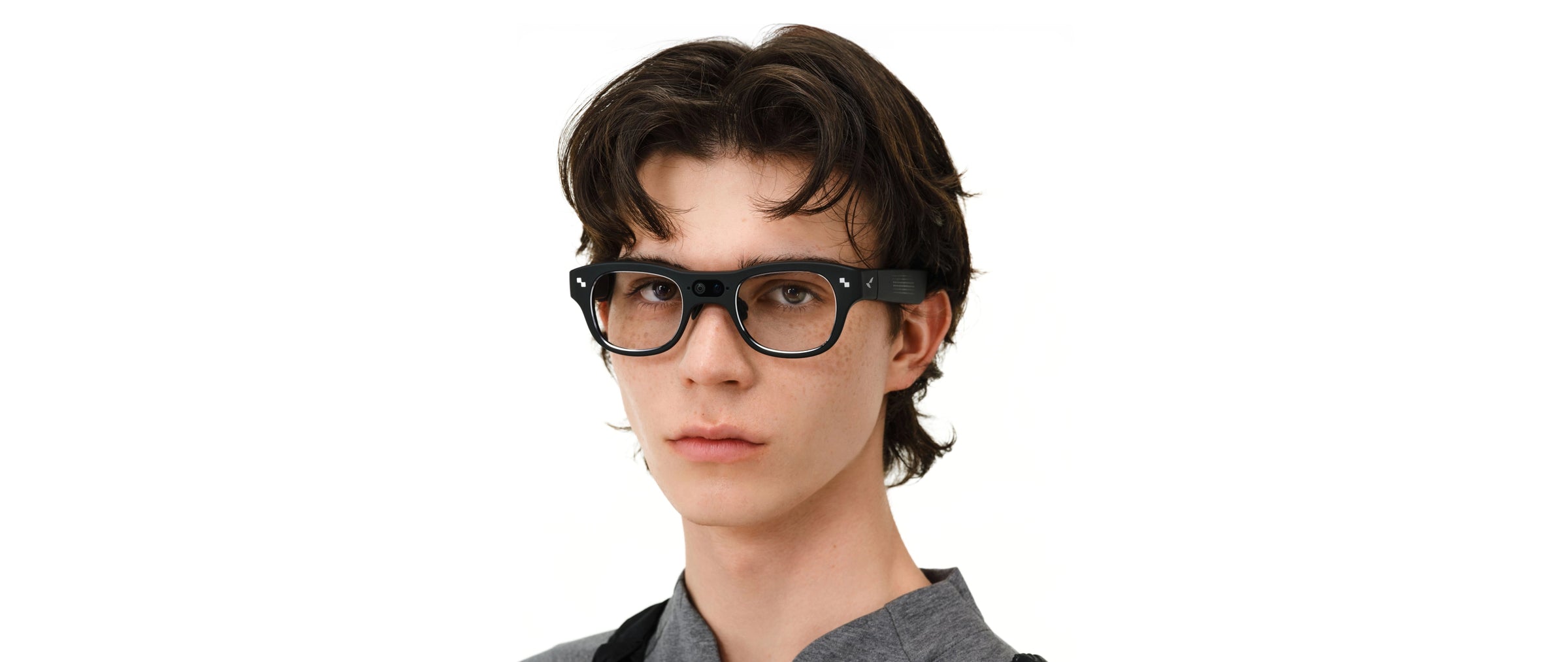
X3 Pro doesn’t publish a front-rear weight percentage the way Air 3s Pro does. Independent long-wear reviews report its balance leaning toward the front, since the camera and dual MicroLED displays sit ahead of the hinge. RayNeo’s own X3 Pro product page addresses this directly rather than promising uniform all-day comfort: “Comfort varies by wearer and usage duration, so we recommend adjusting the fit before extended use.” That matches independent hands-on accounts of a full day at a tech conference: strangers never gave the glasses a second look, but wearers reported real discomfort where the frame rested on the nose, enough to need breaks after a few hours, something reviewers have partly attributed to individual head shape.
That’s a genuinely different comfort profile than the Air series. An Air-series model tuned for sitting at a desk isn’t being asked to survive a full day of walking and standing the way X3 Pro is, and the published comfort engineering reflects that difference in what each model is actually built for.
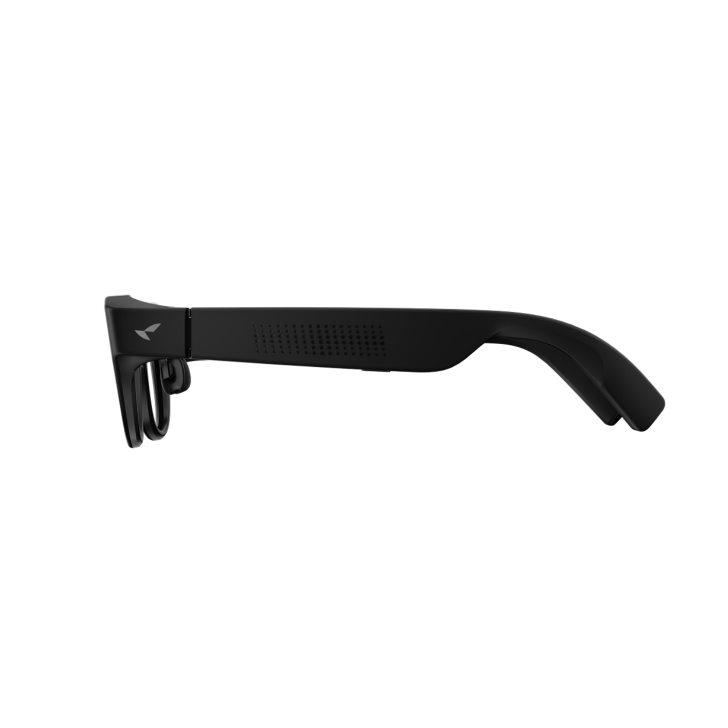
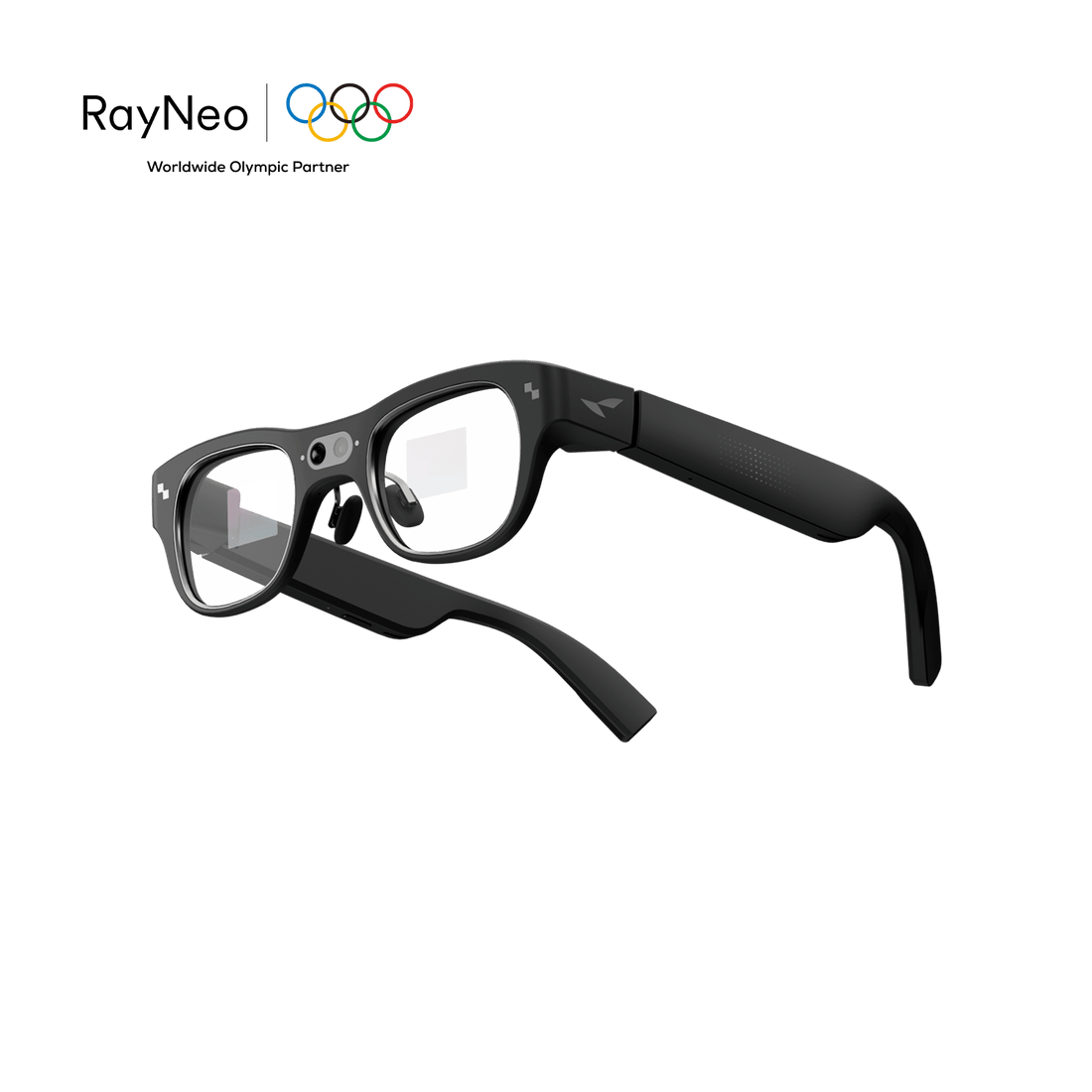
For someone wearing prescription correction all day at work, blending in matters as much as comfort does. Independent reviewers describe a real difference between RayNeo’s two product lines here. Air 2s, Air 3s Pro, and Air 4 Pro share a similar, rounded frame profile that reads closer to ordinary glasses. X3 Pro reads differently: independent hands-on coverage consistently describes a thicker, squarer frame, with temples that are noticeably bulkier than ordinary glasses because they house the battery and speakers needed to run the device untethered.
That rounded profile comes with its own trade-off, though. The Air series’ lenses are noticeably tinted, a side effect of the birdbath optical system it uses to project a bright image, so under office lighting they read closer to sunglasses than to clear prescription lenses, whether the display is on or off. That’s worth weighing against X3 Pro’s clear lenses and bulkier temples, since neither frame reads as fully invisible in a daily office setting.
An independent conference-floor account is the most detailed real-world data point on how that reads to the people around you, and it’s more forgiving than the spec sheet alone suggests: strangers didn’t clock the glasses as a camera-and-display device even up close. An office is a different kind of scrutiny than a conference floor, though. Coworkers who see you every day, in the same meeting room lighting, are more likely to notice a thicker frame over time than someone meeting you once at an event. If passing as an ordinary pair of glasses to people who see you daily is the priority, that’s worth weighing against X3 Pro’s untethered, walk-around design and its camera and AI features.
| Air 2s / Air 3s Pro / Air 4 Pro | X3 Pro | |
|---|---|---|
| Typical use pattern | Stationary: desk work, calls, flights, gaming | Mobile: commuting, walking, standalone use |
| Needs a host device | Yes, phone/PC/console via USB-C or HDMI | No, standalone with its own chip and battery |
| Weight | ~76g | ~76g |
| Weight balance | 46.7% front / 53.3% rear (Air 3s Pro’s published figure) | Not separately published; independent reviews report front-heavy balance |
| Frame profile | Rounded, closer to ordinary glasses | Thicker, squarer, visibly electronic per independent reviews |
| Prescription confirmation | Supported via Lensology; exact diopter figures published for Air 3s / Air 4 Pro, confirmed at order time for Air 3s Pro and Air 2s | Supported via Lensology, confirmed in X3 Pro’s FAQ; insert ordered directly through Lensology |
| Documented long-session note | Built around reduced clamping force and adjustable fit for extended stationary sessions | RayNeo’s own page notes comfort varies by wearer and usage duration; independent reviews report needing breaks after a few hours |
Your day is mostly at a desk, on calls, or on flights, and you need vision correction → an Air-series model with a Lensology insert is built around exactly that pattern. If your prescription is unusually strong, confirm the exact diopter range with Lensology before ordering.
Your day involves walking, commuting, or moving between meetings, and you want a standalone device with a camera → X3 Pro’s own FAQ confirms prescription support through Lensology, and it’s the model built to be worn untethered while moving. Order the insert through Lensology directly rather than RayNeo’s purchase page, which doesn’t list X3 Pro yet, and expect a thicker, more front-loaded frame than the Air series.
You want a prescription solution that disappears into an ordinary office look with the least fuss → the Air series’ rounded profile is the closer match, though it also means staying near a connected device whenever the display is in use.
You need guaranteed all-day comfort that feels identical to a plain 20-to-30-gram frame → none of RayNeo’s current display-equipped models will fully match that bar. The display and AI hardware add real weight that a plain prescription frame doesn’t carry, regardless of which model you pick.

Can I wear a prescription insert and get through a full workday without discomfort?
Do I need to take off my regular glasses to wear these?
Does the prescription insert cost extra?
Is X3 Pro safe or practical to wear while walking or commuting?
Which RayNeo model is the best match for office use with a prescription?
Prescription support and daily-wear comfort are decided by different things. A model can have clear, documented prescription coverage and still be engineered for sitting still rather than walking around all day, or the other way around. The Air series and X3 Pro sit on opposite sides of that split: one is built for stationary sessions with a closer-to-ordinary look, the other for untethered, all-day movement with a bulkier, more front-loaded frame.
Weight balance, clamping force, and adjustment range are what determine whether an eight-hour day in these glasses feels manageable or tiring, and that comfort profile is set by which of the two frame builds you choose. Before you order, confirm your exact diopter range directly with Lensology, especially if your prescription sits near or beyond the published limits for myopia or astigmatism, so the insert you receive actually matches what your eyes need on day one. Current specs and pricing are on RayNeo’s product pages for Air 2s, Air 3s Pro, Air 4 Pro, and X3 Pro.







Share:
Glasses That Record Video and Audio: How the Law Treats the Combination
Which Smart Glasses Support Prescription Lenses, and Which Feel Most Comfortable?