

$429.00

Smart glasses get marketed as if they can do everything at once: guide you across a street, read a menu aloud, and tell you what's sitting on the table in front of you. In practice, these are three separate engineering problems. No product on the market today, dedicated accessibility devices included, solves all three at a level a blind user can rely on without a cane, a guide dog, or orientation and mobility training. Each capability has its own requirements and its own track record: what navigation help actually takes, what reading help takes, what object recognition takes, and where a general-purpose AI+AR device like RayNeo's X3 Pro currently lands on each one.
Two terms are worth pinning down before going further, since the right answer depends on which one applies to you. "Low vision" here means you can still see and operate a touchscreen, or read basic text on a display, even if it takes magnification or strong contrast. "No functional vision" means neither of those is reliably possible, and audio is the only channel that matters. A visual overlay, no matter how well designed, is only useful to the first group.
A note on sourcing before diving in: claims about RayNeo's own features are drawn from RayNeo's official pages, FAQ, and blog, cited specifically as such throughout. Claims about dedicated accessibility categories (OCR readers, scene-description glasses, haptic wearables) describe how that category is generally designed and marketed, based on how these products are documented industry-wide, not a specific product this article tested firsthand.
For someone with no functional vision, useful navigation support means several distinct things bundled together: spoken turn-by-turn directions, real-time warnings about curbs, steps, and low obstacles, and some way to orient indoors where GPS signal doesn't reach. For someone with low vision, an enlarged or high-contrast visual route indicator can also help, as long as it doesn't replace the audio channel entirely.

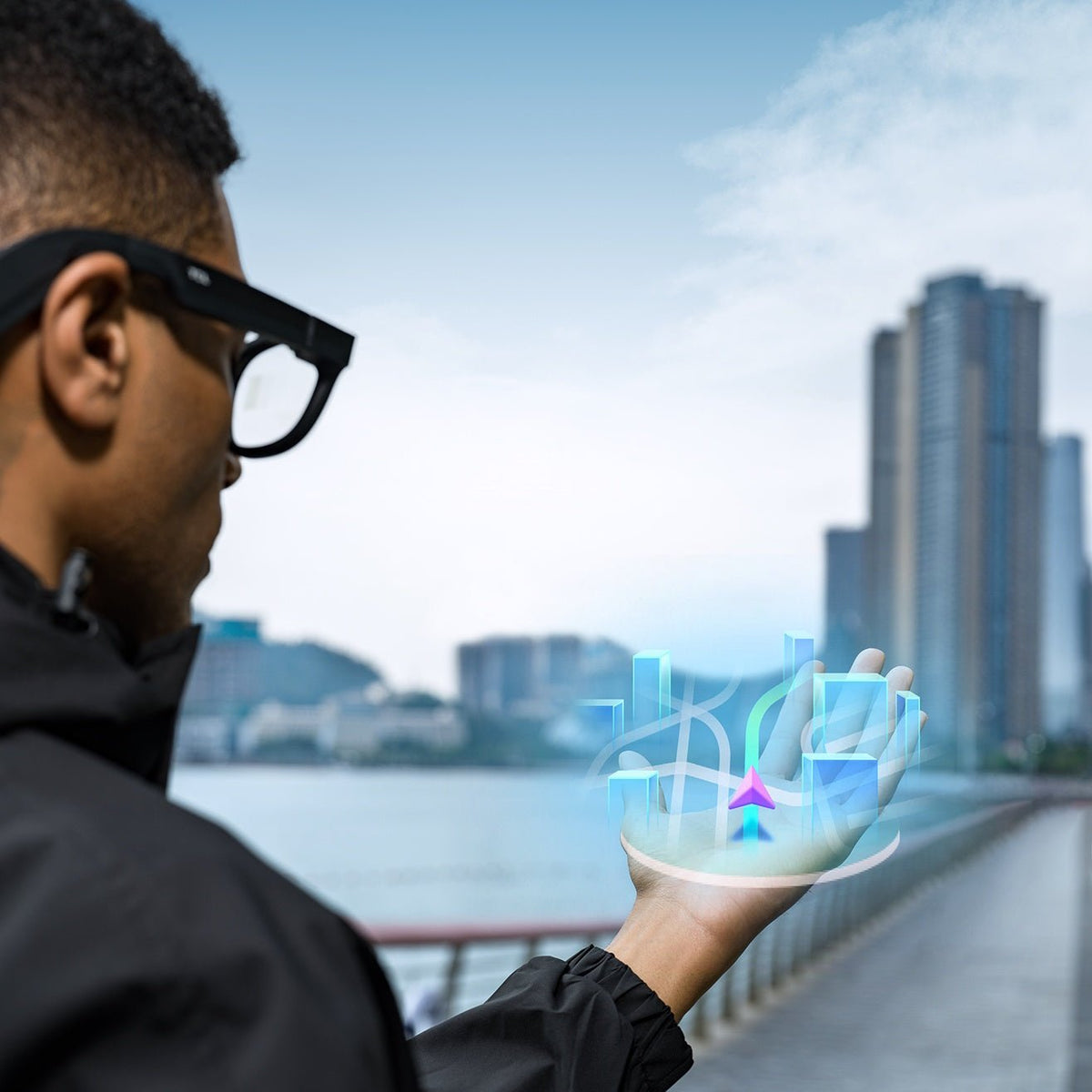
RayNeo's documented navigation feature, built into the X3 Pro, projects walking directions as a route line or arrow onto the glasses' MicroLED display. The X3 Pro also includes a secondary monochrome camera, per RayNeo's specs, that assists with spatial positioning, depth tracking, and dual recording, working alongside 6DoF (six degrees of freedom) tracking and SLAM (simultaneous localization and mapping) to help stabilize the AR display as you move. Spatial tracking systems like this are generally designed to keep a display overlay steady relative to your surroundings rather than drifting independently of them, though RayNeo's own materials don't spell out that specific behavior in those exact words. Either way, this is built for a sighted or low-vision user glancing at a route line while walking, not for someone relying on sound alone.
That distinction matters because of what RayNeo confirms elsewhere. Its own FAQ describes Gemini's general responses, which would include most navigation prompts, as appearing "directly in your field of view." Audio output is explicitly confirmed only for the translation feature specifically, not for navigation guidance. There's no separate spoken turn-by-turn mode documented on the X3 Pro. The secondary camera used for tracking stability isn't described as a hazard-detection feature either; it's positioned as an AR display component, not a safety sensor that would warn about a curb or a low branch.
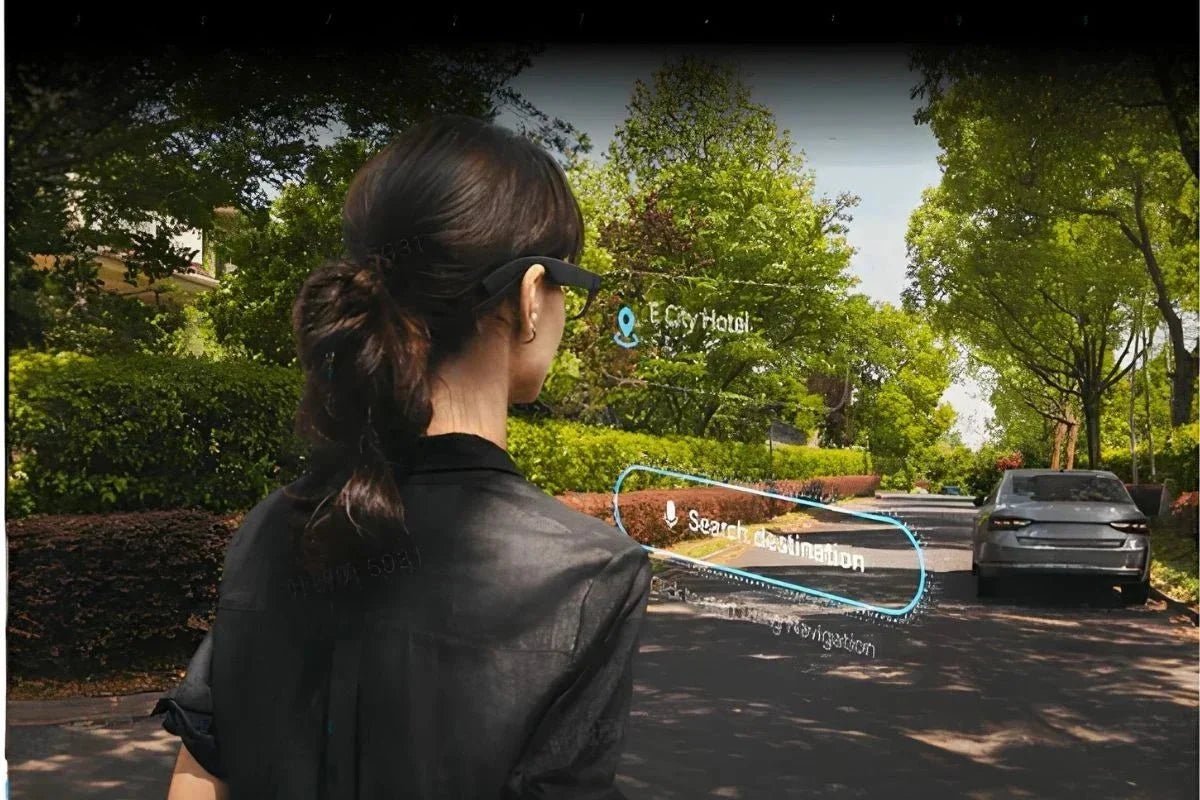
Elsewhere in the market, navigation support for blind pedestrians breaks down into three distinct sub-problems, each addressed by a different kind of product:
RayNeo's current documented feature addresses only the first of these three, and only visually, for someone who has enough vision to see the display. Obstacle detection and indoor positioning aren't part of what RayNeo has published for the X3 Pro.
Reading help means pointing a camera at text (a menu, a piece of mail, a medication label, a street sign) and getting the content back in a form you can actually use: spoken aloud, or in some cases magnified for someone with partial vision. The critical distinction for a blind user specifically is whether the output is audio or visual. A visual overlay of translated or recognized text is no more useful to them than the original printed page.
RayNeo's X3 Pro pairs a 12MP camera with Gemini AI to recognize text and overlay a translation directly over what the camera sees, in roughly 14 languages built in collaboration with Microsoft. RayNeo's own FAQ confirms this specific feature includes synchronized audio: a translated phrase can be heard, not just read on the display. That's a genuine, documented audio output. It's worth being specific about what it covers, though: translation of text into another language, not a general "read this to me" function.
Here's how the X3 Pro compares to a dedicated OCR reading device on the specific point that matters for a blind user, whether the output is spoken automatically or not:
Someone with no usable vision shouldn't assume general text questions on the X3 Pro get read aloud the same way a translation does, until RayNeo confirms that directly.
Accuracy is a shared weak point across every product in this category, not something unique to RayNeo. RayNeo's own blog post on this general topic acknowledges that AI-based text and object recognition struggles in strong backlight, low nighttime lighting, rain or snow, dense crowds, and fast-moving scenes. That's presented as an industry-wide limitation, and it matters more for someone who can't visually double-check whether a reading came out right.
This is the capability people usually mean when they picture "AI that describes the world": pointing a camera at your surroundings and getting back an answer to "what is this," "what color is this shirt," or "is there anyone in this room." It's a different task from OCR, since it's identifying objects and scenes rather than reading printed characters. It's also different from navigation, since it's describing what's there rather than guiding you somewhere.
The X3 Pro's Gemini integration can do a version of this. It's multimodal, meaning it can look at the camera's live view and respond conversationally: identifying a plant, answering a question about an object, or describing something you're pointing the frame at. This works on demand. You ask a question and wait for a response, rather than getting continuous background narration of your surroundings. As with general navigation prompts, RayNeo's FAQ describes Gemini's answers as appearing in your field of view. Audio is confirmed specifically for translation output, not for general object-identification responses.
A separate category of dedicated AI glasses is designed specifically to close this gap for blind and low-vision users. As a category, these devices go further than reading text: they use AI models to describe entire scenes, identify objects, and answer specific spoken questions about what's in front of the camera. They're typically sold with an ongoing subscription for continued AI processing, and marketed and documented specifically for blindness, often including third-party accessibility reviews and support built around that population. That's a meaningfully different level of stated intent than a general-purpose assistant that happens to be able to answer questions about images, though this article hasn't independently tested a specific product in that category.
Neither category is immune to a harder underlying problem: AI image description can simply be wrong. Misidentifying an object, missing something in frame, or describing a scene with more confidence than accuracy is a known limitation of AI vision systems generally, not a defect specific to any one product. For a sighted user, a wrong answer is a minor inconvenience they can visually catch and correct. For someone who can't see the thing being described, there's no independent way to verify the answer, which is a materially higher risk than the same error would pose for someone who can double-check it visually.
| Capability | What genuinely helps a blind or low-vision user | RayNeo X3 Pro today | Typical dedicated accessibility approach |
|---|---|---|---|
| Outdoor route guidance | Spoken turn-by-turn directions, not just a visual line | Visual AR overlay on the display; audio confirmed only for translation, not navigation | Audio-first GPS apps built specifically for blind pedestrians, describing intersections and points of interest aloud |
| Indoor wayfinding | Works without relying on GPS signal | Not addressed in RayNeo's materials | Largely unresolved industry-wide, including for most dedicated devices |
| Obstacle and hazard detection | Warns of curbs, steps, and low objects in real time | No confirmed feature; secondary camera is used for AR display tracking, not hazard warnings | Core feature of haptic obstacle-avoidance wearables using vibration feedback |
| Printed text reading (OCR) | Reads text aloud automatically, ideally without needing internet | Visual translation overlay; synchronized audio confirmed only for the translation feature specifically | Core feature of dedicated OCR reading devices, some fully offline and on-device |
| Object and scene recognition | Identifies objects and describes surroundings on request or continuously | On-demand Gemini query, response shown on the display; audio unconfirmed outside translation | Core, subscription-based feature of AI scene-description glasses marketed specifically for this use case |
If you have no functional vision and need reliable daily support for navigation, obstacle avoidance, or reading, the dedicated categories described above remain the appropriate primary tools: audio-first navigation apps, offline OCR readers, subscription-based scene-description glasses, and haptic obstacle wearables. Orientation and mobility training and a cane or guide dog belong alongside any of those, not behind them. RayNeo's X3 Pro wasn't built, tested, or documented for this role, and RayNeo doesn't position it that way.
If you have low vision, meaning some usable vision remains, and you're already interested in the X3 Pro for its general AI assistant, translation, and camera features, its confirmed capabilities can function as a supplementary convenience: a visual navigation overlay, synchronized audio for translated phrases, and on-demand object identification through Gemini. That's a meaningfully smaller claim than "accessibility device," and it depends on having enough functional vision to see the display and operate its touch controls in the first place.
For a fuller comparison between this general-purpose category and devices built from the ground up around blindness, including how they're marketed, certified, and supported, our guide to smart glasses for blind and low-vision users walks through that distinction in more depth.
Does the RayNeo X3 Pro give spoken turn-by-turn directions for someone who can't see the display? RayNeo doesn't document audio-based turn-by-turn navigation as a confirmed feature. The X3 Pro's navigation function is a visual route overlay and arrow shown on its MicroLED display. RayNeo's FAQ confirms spoken audio output specifically for the translation feature, not for navigation prompts. If spoken directions without relying on sight are the requirement, an audio-first GPS app built specifically for blind pedestrians is a closer match to that need.
Can the X3 Pro warn me about a curb, a low branch, or something in my path? No feature like that is documented. The secondary depth-sensing camera on the X3 Pro exists to stabilize its AR display overlay as you move, per RayNeo's own materials, not to detect obstacles at ground level or head height. Devices built specifically around obstacle avoidance typically use vibration rather than a camera-based display, precisely because that job needs to work for someone who can't see a warning icon.
Will AI glasses read my mail, a medication label, or a menu out loud automatically? Not automatically on the X3 Pro. Its confirmed audio output applies to translated phrases through the translation feature specifically. General text you ask about through the Gemini assistant is described as appearing on the display, with spoken responses unconfirmed outside translation. Dedicated OCR reading devices are generally built around the opposite priority as a category, reading text aloud the moment it enters the camera's view, often fully offline.
Does object recognition on smart glasses need an internet connection? Usually, yes, for anything running cloud-based AI. The X3 Pro's Gemini responses depend on an internet connection through its own Wi-Fi or a paired phone's hotspot. Subscription-based AI scene-description glasses built for blind users typically also rely on connectivity for ongoing processing, while some dedicated OCR reading devices are built to work fully on-device without needing a network at all.
How much does the RayNeo X3 Pro cost? Pricing and any current promotions change often enough that repeating a specific number here risks being out of date by the time you read it. RayNeo's product page for the X3 Pro is the reliable source for the current price, and it's worth checking there directly rather than relying on a figure quoted secondhand.
Should I confirm anything directly with RayNeo before relying on this for accessibility use? Yes, specifically the gaps this article flags rather than the features it confirms. We reviewed RayNeo's official product page, FAQ, and its own blog post addressing this use case, and none of them document audio output for general Gemini responses, obstacle detection, or a companion app tested for screen-reader compatibility. Those are the exact points worth confirming with RayNeo directly if any of them would be a dealbreaker for your specific situation, rather than assuming they work the way a dedicated accessibility device would.
Is there a single product today that covers navigation, reading, and object recognition well enough for someone with no functional vision? Not based on what's publicly documented. Each capability tends to be strongest in a different, purpose-built category: audio navigation apps for route guidance, offline readers for text, subscription AI glasses for scene description, and haptic wearables for obstacle avoidance. General-purpose AI+AR glasses like RayNeo's X3 Pro cover pieces of these functions visually, which helps a low-vision user with some functional sight more than it helps someone with none.
The question worth asking isn't "do smart glasses help blind users," since that treats navigation, reading, and object recognition as one problem when they're really three, each with its own track record and its own purpose-built category of device. The more useful question is which of the three is actually yours to solve right now, and whether the tool in front of you was designed and documented for that specific job or for a broader, sighted-leaning audience that happens to overlap with it.
A general-purpose AI+AR device answers that question differently depending on how much usable vision someone has left, which is why the guidance above splits by that line rather than by price or feature count. Independent mobility isn't something to gamble on a device that wasn't built or tested for it, no matter how capable it looks on a spec sheet.







Share:
Which RayNeo AI Glasses Can Transcribe and Summarize Meetings? X3 Pro vs. iO
Are Smart Glasses Safe? Comfort, Privacy, and Eye Health Risks Explained