

$429.00

A camera and working audio sound like a basic combination, but a lot of smart glasses on the market only deliver one of the two. Some pairs record sharp video and photos but have no way to take a call or play music back to you. Others handle calls and voice assistants well but skip the camera entirely. Figuring out which models genuinely do both, and do both well, is what narrows a crowded market down to a short list.
For this article, "audio" means something specific: a microphone that supports calls or a voice assistant, plus a speaker that plays audio back to you, not just a background mic that happens to record ambient sound onto a video clip. That distinction matters, because it rules out more glasses than you'd expect once you start checking spec sheets closely.
Two real categories clear that bar: camera-only smart glasses with no display, and AR glasses that add a small display on top of a camera and audio setup, like the RayNeo X3 Pro. Between those two, X3 Pro is the stronger overall pick if you want the display features layered on, translation, navigation, notifications, alongside the camera and calling. If a display adds nothing you'd use and a lighter, simpler frame matters more, the camera-only category is worth a closer look instead.
Smart glasses split into rough categories based on what hardware they actually carry, and camera and audio aren't a package deal across all of them.
Display-only AR glasses (RayNeo's own Air series included) skip the camera entirely. They're built for watching video or gaming on a projected screen, and they connect only through a wired USB-C cable; they don't support Bluetooth. Since there's no camera, they don't clear the bar this article is filtering for, regardless of how good their speakers sound.
Camera-only smart glasses go the other direction: a camera, a microphone array, and open-ear speakers built into a plain-lens frame, with no display at all. Based on specs and pricing reported across several 2026 smart glasses market roundups, models in this category typically run a 12 to 16MP camera, open-ear speakers, mixed-use battery life in the 4-to-6-hour range, and price between roughly $270 and $500. Those are aggregated ranges across multiple products, not exact specs for any single named model, but the category as a whole does satisfy the "camera and audio" requirement.
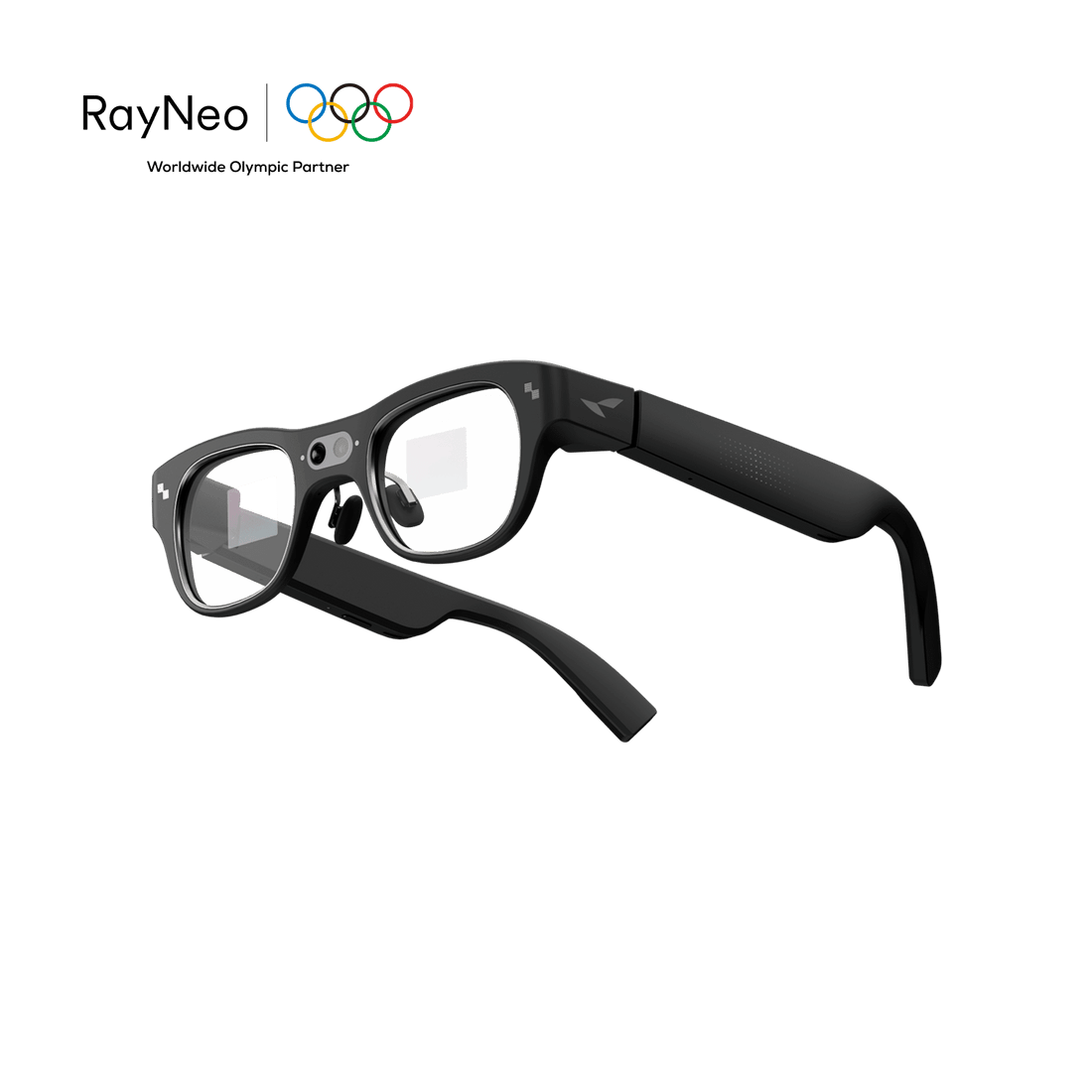
AR glasses with a camera add a third layer: a small display for a viewfinder, notifications, or overlays, on top of the same camera-plus-audio combination. RayNeo X3 Pro sits here, and it's the only model in RayNeo's current, in-stock lineup that checks all three boxes: camera, functional audio, and display.
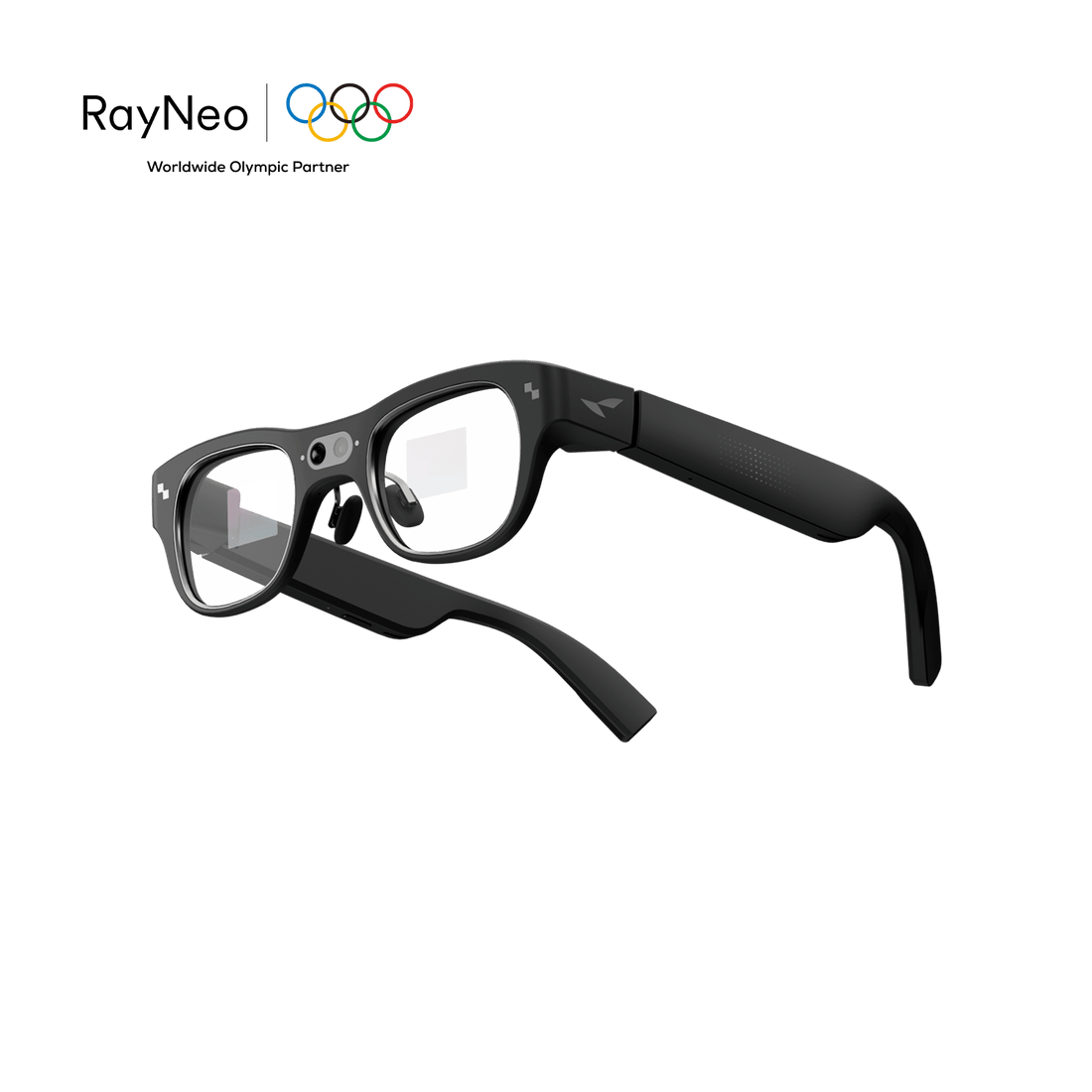
X3 Pro runs a dual-camera setup: a 12MP main camera (reported to use a Sony IMX681 sensor) for photos and video, paired with a secondary monochrome camera used for spatial tracking rather than photography. In practice, that pairing is built for quick, in-the-moment capture: a photo of a whiteboard, or a few seconds of a kid's game, without pulling out a phone.
On the audio side, X3 Pro carries a 3-microphone beamforming array with noise cancellation and built-in speakers, connected over Bluetooth 5.3 and Wi-Fi 6. That same microphone array does double duty: it's what a caller hears when you're on a hands-free call, and it's what feeds voice commands to the Gemini assistant. This is the piece that separates X3 Pro from a camera-only pair with no calling ability at all.
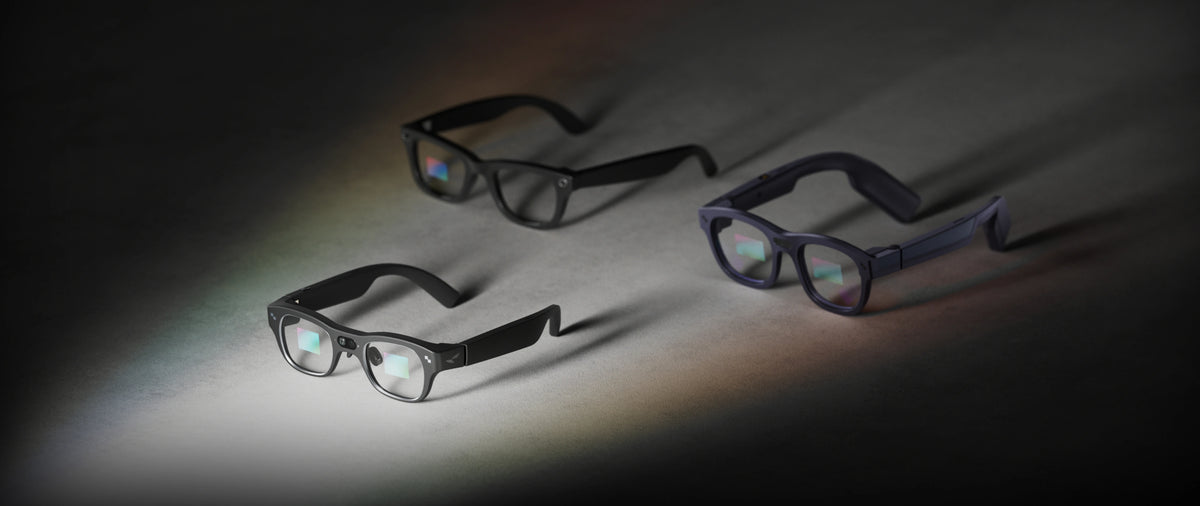
The display layer adds a full-color MicroLED screen (640×480 resolution) with roughly a 30-degree field of view, sized for glanceable information rather than filling your vision. That's enough for a translated subtitle, a turn-by-turn arrow, or an incoming-call notification, not for watching a movie.
X3 Pro weighs 76 grams and runs on a Snapdragon AR1 Gen 1 chipset. As of this writing, RayNeo's official site lists it at $1,099, discounted $200 from its $1,299 list price, a live promotional price rather than a permanent one.
Battery life on X3 Pro depends on how the camera gets used. RayNeo rates roughly 5 hours for typical mixed use, calls, notifications, translation overlays, and occasional photos and short clips. Continuous video recording is a much heavier draw and runs well under an hour on a full charge. That gap is normal for camera-equipped smart glasses generally, since continuous recording is one of the most power-intensive things these devices do, so anyone planning longer recording sessions is better off treating a portable charger as part of the kit rather than an afterthought.
If the display isn't something you'd actually use, and you mainly want a lighter frame that records clips and takes calls, camera-only smart glasses are the other category that satisfies "camera and audio."
These typically weigh less than AR glasses with a display and processor onboard, since they're not powering a screen. The tradeoff is that you lose the viewfinder, so you're framing shots by feel rather than by checking a preview, and you lose overlay features like on-glasses translation or navigation.
RayNeo doesn't currently sell a camera-only, display-free model; its camera-equipped product is X3 Pro, which includes the display. That means this comparison weighs X3 Pro against the camera-only category as a whole rather than against one specific competing product.
Before buying into that category, a few things are worth checking directly on the product page rather than assuming:
| Camera-only smart glasses (no display) | RayNeo X3 Pro | |
|---|---|---|
| Built-in camera | Typically 12–16MP | 12MP main + secondary depth/tracking camera |
| Built-in microphone | Yes, for calls and voice commands | Yes, 3-mic beamforming array with noise cancellation |
| Built-in speaker | Yes, open-ear | Yes, built-in speakers |
| Display | None | Full-color MicroLED, 640×480, ~30° FOV |
| Connectivity | Bluetooth (version varies by model) | Bluetooth 5.3 + Wi-Fi 6 |
| AI assistant | Varies by model | Google Gemini assistant |
| Typical mixed-use battery | Roughly 4–6 hours (category range) | ~5 hrs mixed use (calls, notifications, photos); shorter during continuous video recording |
| Typical price | Roughly 270–500 (category range) | 1, 099currentpromoprice(1,299 list price) |
| Best for | Lighter frame, simpler use, no interest in overlays | Camera + calling + translation/navigation in one device |
Camera-only pricing and specs reflect aggregated range estimates from several 2026 smart glasses market roundups, not exact specifications for any single named product, since this table compares categories rather than specific competing brands.
The display is the real dividing line between these two categories, and it's why X3 Pro is the stronger pick whenever calling, a voice assistant, translation, or navigation matter alongside photo and video capture. A camera-only pair can record a clip and take a call; it can't surface an incoming message or a turn-by-turn arrow in your field of view while it does that.
That verdict comes with real conditions attached, though. X3 Pro costs several times more than a camera-only pair, its ~30° field of view is built for glanceable overlays rather than immersive viewing, and continuous video recording will run its battery down faster than everyday mixed use does. If your priority is strictly "record clips and take calls, as cheaply and lightly as possible," a camera-only pair is the better overall fit, not X3 Pro.
Does having a camera automatically mean smart glasses also have a microphone? Not always in a way that supports calling. Most cameras need at least an ambient mic to record sound onto video, but that's different from a microphone array built for calls or a voice assistant. Check for the words "microphone array," "beamforming," or a Bluetooth calling feature on the spec sheet, not just "records video with sound."
Can I listen to music through smart glasses that also record video? On models built for calling and voice assistants, like RayNeo X3 Pro, yes: the built-in speakers handle music and calls the same way a pair of wireless earbuds would, separate from the camera function. On camera-only glasses without a calling-grade mic and speaker setup, that depends on the specific model, so check its audio spec section directly.
Does RayNeo's Air series have a camera and audio together? RayNeo's Air series (Air 2s, Air 3s Pro, Air 4 Pro) is built for a different job: projecting a large virtual screen for video, gaming, or working on a bigger display, using a wired USB-C connection instead of Bluetooth. That tradeoff means no built-in camera and no built-in microphone for calls. RayNeo doesn't currently list a camera accessory for Air series glasses on its official product pages, so there's no way to add that capability to an existing Air pair. If a virtual screen for watching content is the priority, Air series fits; it just isn't the camera-and-audio combination this article is filtering for. RayNeo's current camera model is X3 Pro.
Is RayNeo X3 Pro's microphone the same one used for phone calls and for recording video? Based on how X3 Pro is documented, yes: the same 3-microphone beamforming array handles hands-free calling, voice commands to the Gemini assistant, and audio recorded during video. RayNeo lists one microphone array for the whole device rather than a separate spec for video audio, which points to shared hardware doing all three jobs rather than a dedicated video microphone.
Is there a display-free camera-and-audio option from RayNeo? RayNeo's approach to camera-and-audio glasses has been to build the display in rather than sell it separately: X3 Pro pairs the camera and microphone array with a small MicroLED screen as one integrated device, rather than offering a stripped-down version without the screen. If a completely display-free frame is the specific requirement, that falls outside what RayNeo currently sells, and it's worth comparing that category's individual product pages directly using the checklist earlier in this article: microphone type, speaker specs, independently tested battery life, storage and export method, and phone compatibility.
X3 Pro earns its higher price by doing three jobs at once: capturing photos and video, handling calls and voice commands through Gemini, and surfacing translation, navigation, and notifications on its display, all in a 76-gram frame. For anyone who wants a camera pair that also works as a hands-free communication device and a lightweight AR display, that combination is hard to match without carrying separate gadgets for each job.
The current $1,099 promotional price, down from the $1,299 list price, makes that combination more accessible than the list price alone suggests. Its roughly 5-hour mixed-use battery comfortably covers a normal day of calls, notifications, and glanceable overlays; for longer continuous video recording sessions, pairing X3 Pro with a portable charger is a simple way to keep shooting.
For a camera-only pair instead, the checklist earlier in this article, microphone type, speaker specs, tested battery life, storage and export, and phone compatibility, is the fastest way to see whether a specific model covers what you need.
Either way, the deciding factor is straightforward: X3 Pro fits anyone who wants the camera and audio functions layered with a display, while a camera-only pair suits anyone who wants the lightest, simplest way to record clips and take calls without one.







Share:
Glasses With a Built-In Camera: What Actually Matters for Everyday Recording
Best Camera Glasses for Video Recording in 2026, by Use Case