

$429.00

Camera glasses for video recording are not one product with one right answer. A creator recording a sit-down talking-head video needs something different from a hiker who wants hands-free footage on a trail, and both need something different from someone standing in a foreign city trying to record a quick clip while translated text runs across a lens. The resolution, battery runtime, audio pickup, and stabilization that matter most shift depending on what's actually being filmed.
This guide breaks the decision down by use case: content creation, travel, sports, work documentation, and everyday family moments. For each one, it covers what actually matters, where RayNeo's X3 Pro fits as an AI-and-display option, and when a phone, a dedicated action camera, or a display-free pair of camera-only glasses is the better call.
Four factors decide whether a specific pair of camera glasses works for a specific job:
No current camera glasses fully solve all four at once. Most current phone main cameras and dedicated action cameras record native 4K without a resolution drop partway through a clip, something no camera built into a pair of glasses fully matches yet.
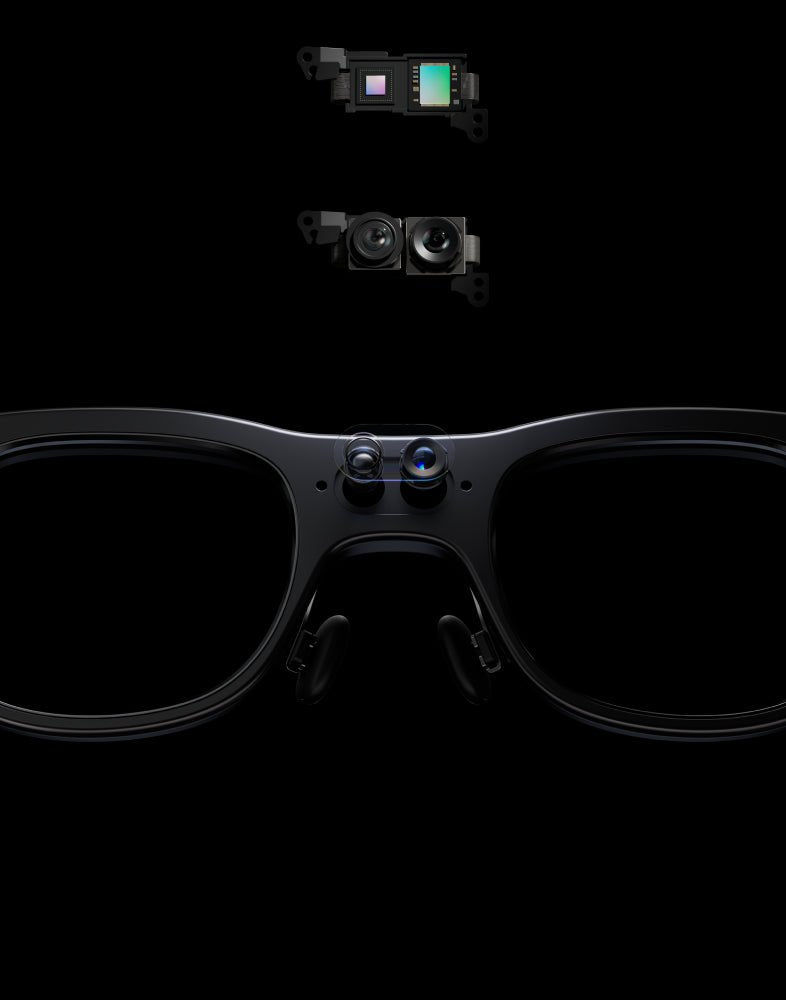
RayNeo's X3 Pro captures photos at up to 4K resolution, and RayNeo describes the camera system on its launch page as capturing "4K/3K videos," language that covers the camera's overall capture range across photo and video modes. For video specifically, the resolution that RayNeo's own comparison blog documents, and that independent reviewers, including Gizmodo, have confirmed in testing, is 1440p across the full clip. That's the number worth planning around for video.
In practice, that 1440p ceiling looks sharp and clean for a phone screen or a social feed, though it won't hold up as well if the plan is to crop tightly or watch footage on a large screen.
Creators care most about resolution, consistent framing, and whether the audio is usable without a separate microphone.
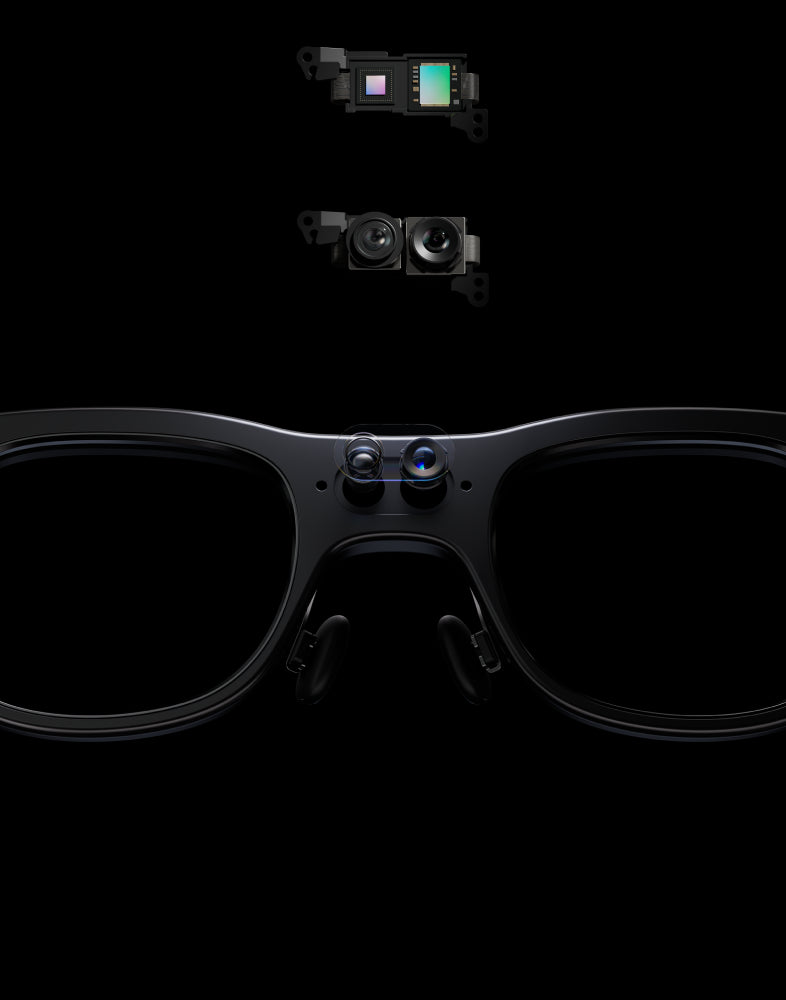
For talking-head content, product reviews, or short social clips, 1440p video is workable for phone-sized viewing but falls behind most current phone main cameras and dedicated action cameras, which record native 4K without a mid-clip resolution drop.
Low light is where the gap becomes more noticeable. Independent reviews from TechRadar and Notebookcheck both describe X3 Pro's footage as showing visible noise and graininess in dim indoor settings, a limitation tied to the small sensor size that glasses-mounted cameras use compared to a phone or action camera, not something isolated to this one model.
X3 Pro's audio comes from a 3-microphone beamforming array, the same hardware used for phone calls, and reviewers describe voice pickup for calls as clear. That array is a solid baseline for vlog-style narration in normal indoor or quiet outdoor settings. For windy or noisy shoots, pairing with an external mic is a smart habit regardless of which camera glasses you're using, since even dedicated action cameras with larger mic housings run into wind noise outdoors.
At $1,099 (RayNeo's current sale price, regular price $1,299), X3 Pro's appeal for creators isn't sharper video. It's the AI display and hands-free framing bundled with the camera.
Travel is the use case where X3 Pro's display changes the equation, not just the camera. Beyond recording clips of a trip, RayNeo's translation and navigation overlays run through the same glasses.
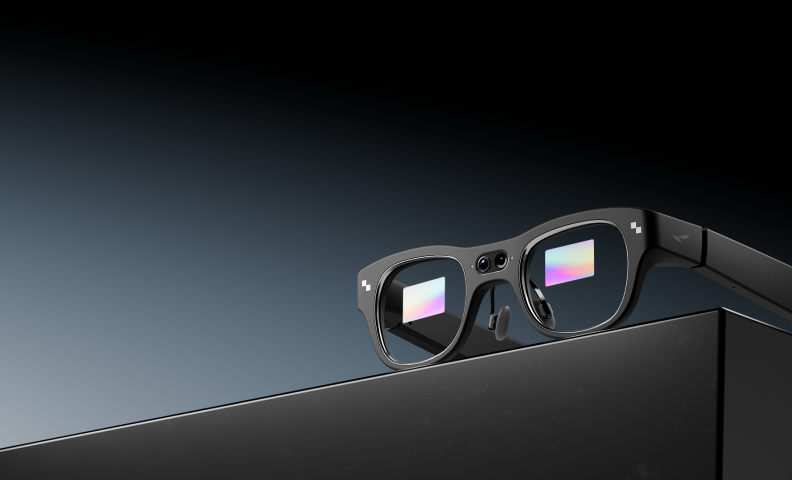
Translation and navigation both route through Google Gemini and need an internet connection, either the glasses' own Wi-Fi or a paired phone's hotspot. That's standard for cloud-based AI translation, and it means mobile data or accessible Wi-Fi is part of the real cost of using these features abroad, not just the price of the glasses. Reviewers describe translation completing in a few seconds under good network conditions, a helpful general impression for planning purposes, though actual speed will vary on a spottier hotel or airport connection.
Battery life depends heavily on how you're recording, one continuous take versus several shorter clips spread across the day, and RayNeo's own published numbers reflect that pattern:
Read together, these point to two realistic planning numbers: about 30 to 36 minutes for one uninterrupted recording session, and up to roughly 50 minutes of total recording across a day of shorter, spaced-out clips. Either way, a portable battery pack is worth packing for a full day of travel recording.
That battery ceiling matters less if the plan is short clips throughout the day (a market stall, a view, a quick exchange) than if the goal is long, continuous walking-tour footage, which is closer to what a dedicated action camera with a larger battery is built for.
High-motion recording puts weight on stabilization and durability that the other use cases don't test as hard.
Two things are worth planning around here for X3 Pro:
For most sports and action use, a dedicated action camera, generally $350 to $450 for a current mid-tier model, remains the more purpose-built option for the shoot itself: those are designed around stabilization, typically carry a water-resistance rating, and mount to a helmet, chest strap, or bike rather than sitting on your face. X3 Pro plays a different role. Its hands-free, always-on-your-face form factor makes it a strong pick for casual outdoor recording, a hike, a run, a neighborhood bike ride, where the value is capturing a quick clip without pulling out separate gear, and where the AI assistant, on-the-fly translation, and navigation overlay stay available the whole time in a way no camera-only device offers. For a dedicated action-sports shoot built around stabilized, mountable, native 4K footage, a purpose-built action camera is still the better tool for that specific job.
Recording repairs, inspections, demonstrations, or training walkthroughs from a first-person point of view is one of the more practical uses for camera glasses, since it frees both hands for the actual task.
Consistent resolution matters more than peak resolution here. X3 Pro's flat 1440p, the same resolution from the first second of a clip to the last, is arguably a better fit than a device that starts at a higher resolution and steps down mid-clip, since a training video doesn't need brief top-quality bursts.
Files come off X3 Pro through the RayNeo App, the same app used for pairing and setup. RayNeo hasn't published exact built-in storage capacity or transfer-speed numbers, so for a workflow that depends on quickly offloading and organizing a full shift's worth of clips, it's worth checking the App's current specs for your specific volume of footage before building a daily routine around it.
Battery is the other practical limit: a realistic window is about 30 to 36 minutes of continuous recording per charge, or up to roughly 50 minutes of total recording across a day's worth of shorter clips (see the battery breakdown above). Either way, a full workday of documentation means recording in segments with recharging breaks, or carrying a portable battery pack, rather than one continuous session.
For quick, spontaneous clips, a kid's first steps, a birthday candle blow-out, a moment that would otherwise be missed reaching for a phone, the case for camera glasses is speed and hands-free access rather than video quality.
X3 Pro's touch controls on the temple are built for exactly this kind of quick capture, no unlocking a phone or opening an app first. Worth knowing for family settings: X3 Pro has a small recording indicator light on the front frame, confirmed by TechRadar's hands-on testing, that lets people around you know when it's recording, so a moment doesn't stay quite as private as it would with a phone tucked in a pocket.
Price is a bigger factor for this use case than for creators or frequent travelers, since the value here is convenience rather than output quality. At $1,099, X3 Pro is a significant jump over a phone already owned for capturing the same kind of casual footage. It makes more sense as a secondary device for someone who wants the AI assistant, translation, and display features day to day, with quick family video capture as a bonus, rather than a primary reason to buy it on its own.
| Use Case | What Matters Most | Does RayNeo X3 Pro Fit? | Price to Expect |
|---|---|---|---|
| Content creation / vlogging | Resolution, low-light quality, audio | Fits if AI display and overlay features matter alongside the footage | X3 Pro: $1,099 (reg. 1, 299); phone : alreadyowned; actioncamera: 350-$450 |
| Travel | Translation/navigation, battery, network access | Strong fit; the display features are the main draw | X3 Pro: $1,099, plus mobile data or Wi-Fi access abroad |
| Sports / outdoor activity | Stabilization, water resistance, mounting | Good fit for casual outdoor clips; a dedicated action camera is the better tool for serious action sports | Dedicated action camera (~350−450) is typically better suited |
| Work documentation / training | Consistent resolution, hands-free use, file workflow | Strong fit for hands-free documentation; check the App's transfer workflow for your specific setup | X3 Pro: $1,099 |
| Family / everyday moments | Speed, hands-free access, discretion | Fits as a secondary device, not a primary reason to buy | X3 Pro: $1,099; a phone is often sufficient |
Camera-only smart glasses (no display) also belong in this comparison for creators and travelers who don't need AR overlays. That category typically runs $299 to $379 and offers a higher peak resolution (up to 3K for short clips before stepping down) than X3 Pro's flat 1440p, without the translation, navigation, or AI assistant features that come with X3 Pro's display.
Does RayNeo X3 Pro record 4K video? Photos, yes, up to 4K resolution from the 12MP Sony IMX681 sensor. Video runs at 1440p across the full clip, a figure confirmed both by RayNeo's own comparison blog and by independent reviews, including Gizmodo's. RayNeo's launch page describes the camera more broadly as capturing "4K/3K videos," language that reflects the camera system's overall capture range; 1440p is the figure to plan around specifically for recorded video.
How long can X3 Pro record video before it needs a break? Plan around 30 to 36 minutes for one continuous recording session (RayNeo's launch page cites up to 36 minutes of video on a full charge, and independent reviewers have measured close to 30 minutes of continuous heavy use). Across a day of shorter, spaced-out clips, RayNeo's own comparison blog puts total recording capacity at roughly 50 minutes. A portable battery pack is a good idea either way for a full day of shooting.
Do translation and navigation work without an internet connection? They need a connection, either the glasses' own Wi-Fi or a phone's hotspot, since both features run through Google Gemini's cloud-based processing. Budget for mobile data access if travel is the main reason you're considering X3 Pro.
Can I livestream video from X3 Pro to someone watching remotely? X3 Pro is built around on-device recording that you review and export afterward through the RayNeo App, which fits how most of the use cases in this guide, creating clips, documenting work, capturing family moments, actually work. Real-time broadcasting to a remote viewer isn't part of X3 Pro's current feature set, so if live streaming is the primary goal, this isn't the right device for that specific job yet.
Is there any way for people around me to know X3 Pro is recording? Yes. X3 Pro has a small indicator light on the front frame that activates during recording, confirmed through TechRadar's independent hands-on testing. RayNeo's own spec pages don't go into detail on brightness or daylight visibility, so real-world visibility may vary by lighting condition, but the indicator itself is there.
Does X3 Pro's camera have image stabilization? RayNeo doesn't publish a dedicated stabilization spec for X3 Pro. Its flat, consistent 1440p resolution throughout a clip helps keep overall footage quality steady, but that's a resolution characteristic, not stabilization against motion. For handheld footage while running or biking, a dedicated action camera's stabilization system is still the more purpose-built solution; X3 Pro is better suited to walking-pace or stationary recording.
Can I share clips from X3 Pro directly to social media? Video and photos transfer off the glasses through the RayNeo App, the same app used for pairing and setup. From there, footage lands in your phone's gallery, ready to edit or post like any other video. RayNeo hasn't specified transfer speeds or a direct one-tap share-to-social button built into the app, so budget for that gallery step as part of the workflow rather than a single tap straight from the glasses.
What phone do I need to use X3 Pro's camera and companion app? The RayNeo App's minimum iOS and Android version keeps moving as the app itself gets updated, so a number printed on a spec page today can be out of date within a few months. The most reliable way to confirm the current requirement, especially if your phone is more than a couple of years old, is checking the RayNeo App's live listing on the Apple App Store or Google Play.
There isn't one "best" pair of camera glasses for video, because the use cases pull in different directions:
This guide is built on RayNeo's launch page, its own comparison blog, and independent testing from outlets including Gizmodo, TechRadar, and Tom's Hardware. Across those sources, X3 Pro's real strength comes through clearly: it's the option built for people who want a camera, an AI assistant, live translation, and navigation running through the same pair of glasses, not just the sharpest possible video. For that combination of everyday capture and hands-free AI features, it's the most complete option in this guide, provided a 30-to-36-minute continuous recording window and 1440p footage fit how you plan to use it.







Share:
Smart Glasses With a Camera and Audio: Which Model Is Best Overall? (2026)
Which RayNeo AI Glasses Can Transcribe and Summarize Meetings? X3 Pro vs. iO