

$429.00

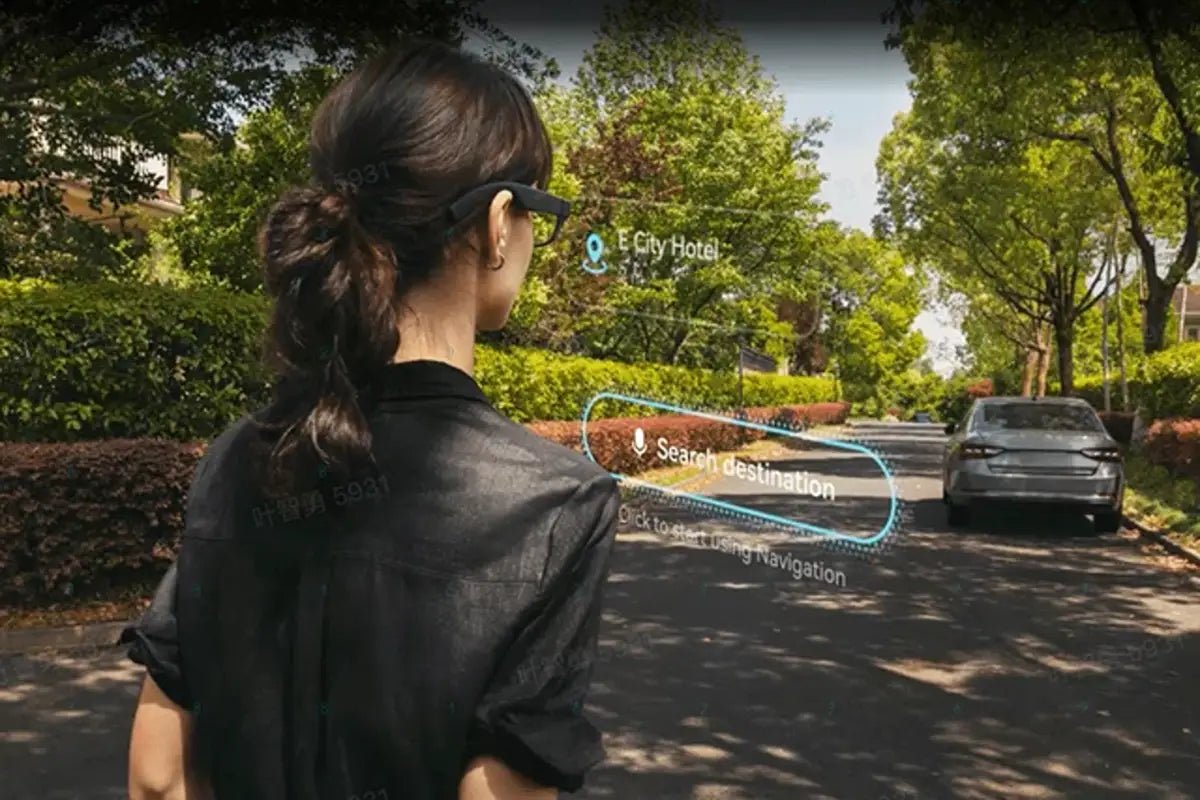
The RayNeo X3 Pro translates spoken conversation into on-screen captions for 14 languages. RayNeo’s product page cites a 2.1-second response time, while a separate RayNeo blog post gives a wider 1-to-3-second range depending on network speed. Online translation features need a network connection.
This guide covers the language list, speed, network needs, how to start translation, and who the feature suits.
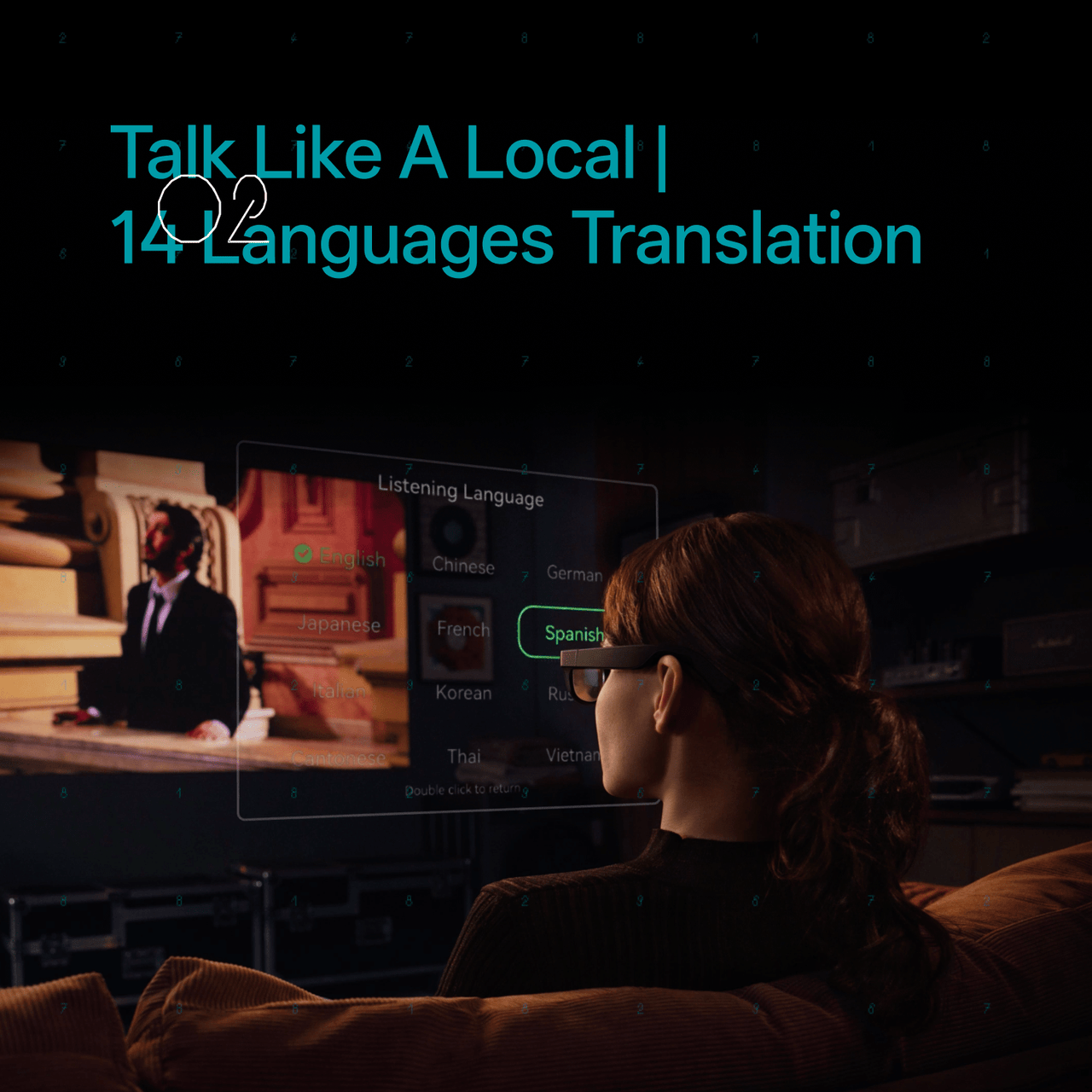
RayNeo’s product page lists 14 supported languages for real-time translation:
| # | Language |
|---|---|
| 1 | Chinese (Mandarin) |
| 2 | English |
| 3 | Cantonese |
| 4 | German |
| 5 | French |
| 6 | Spanish |
| 7 | Italian |
| 8 | Japanese |
| 9 | Korean |
| 10 | Russian |
| 11 | Thai |
| 12 | Vietnamese |
| 13 | Indonesian |
| 14 | Malay |
A separate RayNeo blog post describes this as “14+ major languages.” Treat the 14 above as the named list, and check RayNeo’s product page for the current list before you travel.
The list covers East Asian, Southeast Asian, and major European languages. It doesn’t include South Asian languages such as Hindi or Middle Eastern languages such as Arabic.
RayNeo publishes two speed figures, both from its own materials rather than independent testing:
| Source | Published Speed |
|---|---|
| X3 Pro product and launch page | “In just 2.1 seconds” |
| Separate RayNeo blog post | “Expect a 1 to 3-second delay depending on network speed” |
Translation depends on the connection, so speed varies with network conditions. A strong Wi-Fi or phone-hotspot connection gives the best chance of a response near the published figure; a weak signal, such as a crowded conference hall, can slow it. RayNeo doesn’t publish an upper bound for poor connections.
A delay of a couple of seconds means the translated caption appears a beat after the other person finishes a sentence. That works for following a conversation or a presentation, but it isn’t built for split-second back-and-forth.
Plan for a working network connection when using online translation. Before travel, test your intended language pair and phone/glasses connection. Do not rely on offline translation unless the current app or help documentation explicitly supports it for the feature and languages you need.
Use the RayNeo AR companion app for initial pairing and setup. Its App Store listing shows iOS 15.5 or later as an installation requirement. For Android, check the app’s current listing on Google Play for the requirements that apply to your phone. RayNeo’s product-page instructions describe opening the translation feature, selecting the languages, and starting the conversation, with translated text and synchronized audio.
Once the glasses are paired, RayNeo’s blog shows translation starting hands-free with the “Hey RayNeo” wake phrase, for example “Hey RayNeo, translate to Spanish.” Like other online features, that start relies on a network connection.
RayNeo’s product page states that the X3 Pro’s voice assistant uses Google Gemini and is activated with the “Hey RayNeo” wake phrase. Translation, like other AI features, needs a connection to reach its online services.
The X3 Pro shows translated text on a binocular full-color MicroLED display (640x480 resolution per eye, roughly 30-degree field of view), and RayNeo describes the captions as synced with audio. The roughly 30-degree field of view means captions sit in a defined window rather than across your whole field of vision.
Audio capture comes from a 3-microphone array on the frame, the same hardware RayNeo cites for voice commands and phone calls. RayNeo hasn’t published accuracy figures for translation in noisy settings such as a busy street or crowded restaurant, so accuracy can vary with the environment.
The hardware that matters for translation:
The X3 Pro has its own processor, storage, Wi-Fi, and battery, so it doesn’t depend on a phone for everything, though the companion app is used for setup. Comfort over long wear varies by person, so try the fit before relying on it for a full day.
It’s a reasonable fit for:
It’s a weaker fit if you need near-instant translation for rapid conversation, or if you’ll be somewhere with no network connection.
Does the RayNeo X3 Pro translate without an internet connection?
Why does RayNeo list two different translation speeds?
Can the X3 Pro translate my own speech back to the other person?
Do you need to download an app to use X3 Pro translation?
Does X3 Pro translation need a paired phone to work?
Which languages does the X3 Pro not support?
Is RayNeo X3 Pro translation accurate in loud environments?
For camera-free on-screen translation, compare X3 Pro with RayNeo iO, which uses a monochrome display and a paired phone for online features. iO has no speaker. This site’s side-by-side travel translation guide covers the different use cases. X3 Pro is the option with a built-in camera and full-color display; check its supported language list, working data connection, and translation delay before relying on it for a trip.







Share:
RayNeo X3 Pro Battery and Charging: Runtime Across Recording, Audio, and Translation Modes
RayNeo iO Battery Life Explained: Typical Use, Recording, Translation, and Standby Numbers