


$429.00

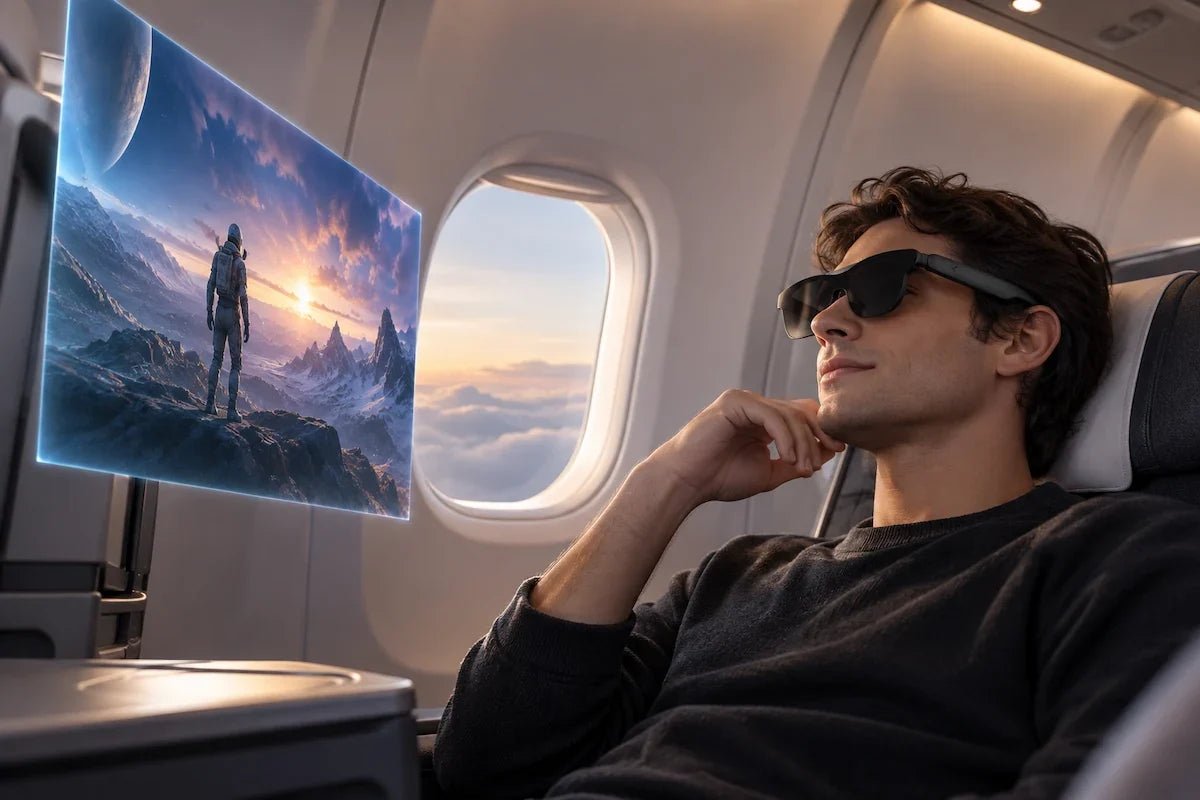
RayNeo’s current lineup splits into two kinds of products, and the dividing line isn’t the price or the name on the box. It comes down to two questions: does the device carry its own battery, and does it work on its own or depend on a connected device for video?
Six of RayNeo’s current models, the Air series (Air 2s, Air 3s, Air 3s Pro, Air 4 Pro) and the GT series (GT, GT Max), have no battery of their own. They show a video signal that comes from a phone, tablet, laptop, or console connected over a USB-C cable, and that connected device also supplies the power. These are external-display glasses, not standalone platforms.
Some of them do have onboard chips. GT and GT Max each carry a Vision 4000 display chip for color and HDR processing and a Zone 360 3DoF chip for head tracking, and Air 4 Pro’s product page also lists a Vision 4000 chip. Those chips don’t make them standalone: the main video source still comes from whatever’s plugged in.
The other two models, X3 Pro and iO, have their own battery and connect to a phone over Bluetooth with no cable in daily use. X3 Pro is a standalone smart-glasses platform; iO is built around a paired phone.
Each product line describes its own power setup.
Air 4 Pro’s product page states: “Air 4 Pro does not have a built-in battery. It draws power from the connected device, allowing plug-and-play use without charging the glasses separately.” None of the other Air models’ pages list a battery capacity either, which is consistent with the same host-powered design.
GT and GT Max’s shared FAQ says the connected device “powers the glasses and processes video, so slight warmth and increased battery consumption are normal” during use. Neither model lists a battery spec. For a model-by-model dependency breakdown, see “Do RayNeo AR Glasses Work Without a Phone?”
X3 Pro’s FAQ describes the opposite architecture: “X3 Pro is a standalone smart-glasses platform with its own processor, storage, AIOS, Wi-Fi, and battery.” It runs a Snapdragon AR1 Gen 1 chip and a 245mAh battery, charged separately over USB-C. iO has its own 240mAh battery and Bluetooth 5.4 radio, with no cable needed once it’s charged.
| Model | How it connects | Battery onboard? | Onboard processing role | Needs a host device to show an image? | Weight |
|---|---|---|---|---|---|
| Air 2s | USB-C video cable | No | Display panel and optics; video and apps come from the host | Yes | 76g |
| Air 3s | USB-C video cable | No | Display panel and optics; video and apps come from the host | Yes | 76g |
| Air 3s Pro | USB-C video cable | No | Display panel and optics; video and apps come from the host | Yes | 76g |
| Air 4 Pro | USB-C video cable | No | Vision 4000 display chip (per product page) | Yes | 76g |
| GT | USB-C, DisplayPort Alt Mode | No | Vision 4000 Display Chip + Zone 360 3DoF Chip; video comes from the host | Yes | 68g |
| GT Max | USB-C, DisplayPort Alt Mode | No | Vision 4000 Display Chip + Zone 360 3DoF Chip; video comes from the host | Yes | 78g |
| X3 Pro | Bluetooth 5.3 + Wi-Fi 6 | Yes (245mAh) | Snapdragon AR1 Gen 1; standalone platform | No | 76g |
| iO | Bluetooth 5.4, MFi Certified | Yes (240mAh) | Onboard electronics for its display, microphones, and Bluetooth; app features run through the paired phone | No, but built around a paired phone | 33g |
The table sorts models by architecture, not price. Prices and stock status shift over time, so for current numbers on each line, see the Air series comparison and the GT vs GT Max breakdown, or each product page.

RayNeo’s wired models receive power and video from the connected device. The glasses hold the display and optics; GT and GT Max also include display-processing and head-tracking chips. Those onboard chips do not replace the host device that supplies the video.
GT and GT Max each carry two small chips:
RayNeo’s product pages don’t describe either chip as handling the main video decoding, which still depends on the connected device. That design is consistent with GT’s 68-gram and GT Max’s 78-gram weights alongside a 1920x1080 panel at up to 120Hz.
The cost of the wired design appears when the cable comes out: a wired model displays nothing on its own. Pull the cable and you lose:
Whatever’s plugged in has to stay connected while you’re using them. Because the connected device supplies power and handles video, a phone or console driving GT or GT Max for a long session may drain faster, though RayNeo hasn’t published figures.
RayNeo’s wording for how that cable carries both video and power differs by product line. GT and GT Max’s pages name DisplayPort Alt Mode, a USB-C specification that reassigns some data lanes to carry native video. The Air 3s Pro page uses softer language, “DisplayPort supported.” The practical result is the same: one USB-C cable carrying video and power. If you’re checking whether a phone or laptop can drive these glasses, look for “supports DisplayPort Alt Mode” or “USB-C video output” on that device’s spec sheet.
X3 Pro and iO do things that a cable to a host device wouldn’t easily cover.
X3 Pro carries its own set of onboard hardware:
Capturing photos and video and rendering AR overlays happen on the glasses, and the Gemini-based voice assistant relies on an online connection. X3 Pro is built around a Snapdragon AR1 Gen 1 application processor as a standalone platform, whereas GT and GT Max carry display and tracking chips and depend on a host for video. Its 245mAh battery, rated with a 38-minute charge time, is what lets it work without anything plugged in.
iO has a lighter feature set by design:
iO combines a 240mAh battery with a 33g frame and is rated for up to 48 hours of typical daily use. That figure should not be compared directly with X3 Pro’s continuous recording or music-playback ratings: the workloads differ. For activity-specific figures, see the iO battery life guide and the X3 Pro battery and charging guide.
What both share is independence from a cable. Once paired, you put either pair of glasses on and the phone connection travels over Bluetooth rather than a cable. The trade is a battery that eventually needs recharging, like any other wearable electronics.

Not quite, and the two wireless models aren’t equally independent. X3 Pro has its own Wi-Fi 6 radio alongside Bluetooth, so it has a path online without a phone, though RayNeo hasn’t published which cloud features (such as real-time translation) use that connection versus a paired phone’s data. iO’s spec sheet lists Bluetooth 5.4 only, with no Wi-Fi, so its features that need an internet connection use the paired phone’s connection.
Wired models don’t raise this question the same way, since Air and GT glasses need a connected device just to show an image. For the model-by-model answer on what “phone-free” means across the lineup, see “Do RayNeo AR Glasses Work Without a Phone?”
Air and GT glasses share the same battery-free, host-powered design, but RayNeo built them for different kinds of screen time. GT and GT Max add a Zone 360 3DoF chip for the three spatial viewing modes, which the Air series pages don’t list.
The Air series is aimed at general-purpose display use, mirroring a phone or laptop screen for:
GT and GT Max are built around movies and gaming, with:
Neither line gains or loses the cable requirement based on which model you pick within it. The Air series comparison and the GT vs GT Max breakdown cover what differs model to model; this article is about the wired design the lines share.
If you mostly sit or lie down while using your glasses, a cable may barely register. GT, GT Max, and the Air series suit stationary use, such as a couch, a desk, or a plane or train seat, with a short USB-C cable running to a phone in your pocket or a laptop on the tray table. A wired connection also means the video comes straight from the source device over the cable.
If you want to walk around, travel light, or wear your glasses through a full day without thinking about what’s tethered to what, X3 Pro and iO are built for that. The trade is a battery that needs charging on its own schedule, and a narrower feature set per device (iO has no camera or speaker).
For device-by-device compatibility details, including which iPhones, Android phones, consoles, and handhelds work directly versus needing an adapter, see the GT/GT Max compatibility guide, the guide to connecting without DisplayPort Alt Mode, and the console-specific guides for Xbox, PlayStation, and Steam Deck and for Nintendo Switch. For a head-to-head on which wireless model to buy, see the wireless smart glasses buying guide.
Do any RayNeo glasses work with absolutely nothing else nearby, no cable and no phone?
How are Air and GT glasses powered?
Can I add the Pocket TV Pro or a power bank to make GT or GT Max wireless?
Does the wired connection use the same standard across the Air series and GT series?
If iO and X3 Pro are both wireless, why does iO weigh less than half as much as X3 Pro?
Does needing a cable mean worse picture quality than a wireless connection would give?







Share:
Do RayNeo AR Glasses Work Without a Phone?
RayNeo Air 3s Pro Display Resolution Explained: 1920x1080 (2D) and 3840x1080 (3D)