


$429.00

RayNeo’s product page for the Air 3s Pro lists two resolution numbers for the same display: 1920x1080 for 2D content and 3840x1080 for 3D content. Both are accurate, and neither is a typo.

The hardware reason is that the Air 3s Pro uses two separate 0.6-inch Micro-OLED panels, one in front of each eye. RayNeo’s product page names the display a “0.6-inch SeeYa Micro-OLED screen.” Because each eye has its own 1920x1080 panel, 3D mode sends a separate 1920x1080 frame to each panel, and the 3840x1080 figure describes the combined width of those two frames placed side by side, not a single panel showing more detail.
Side-by-side stereo formatting is a common way to carry 3D video: two equal-width images are packed into one wider frame so a single video signal can carry both eyes’ content.
For the Air 3s Pro, 3840x1080 describes the combined frame width, not a sharper picture. Each eye still sees a 1920x1080 image, as in 2D mode. The two images carry slightly different perspectives, which creates the sense of depth.
If you’re comparing against a product that advertises a single 4K-style number, check whether that number refers to a combined stereo frame or to true per-eye resolution. The two aren’t interchangeable.
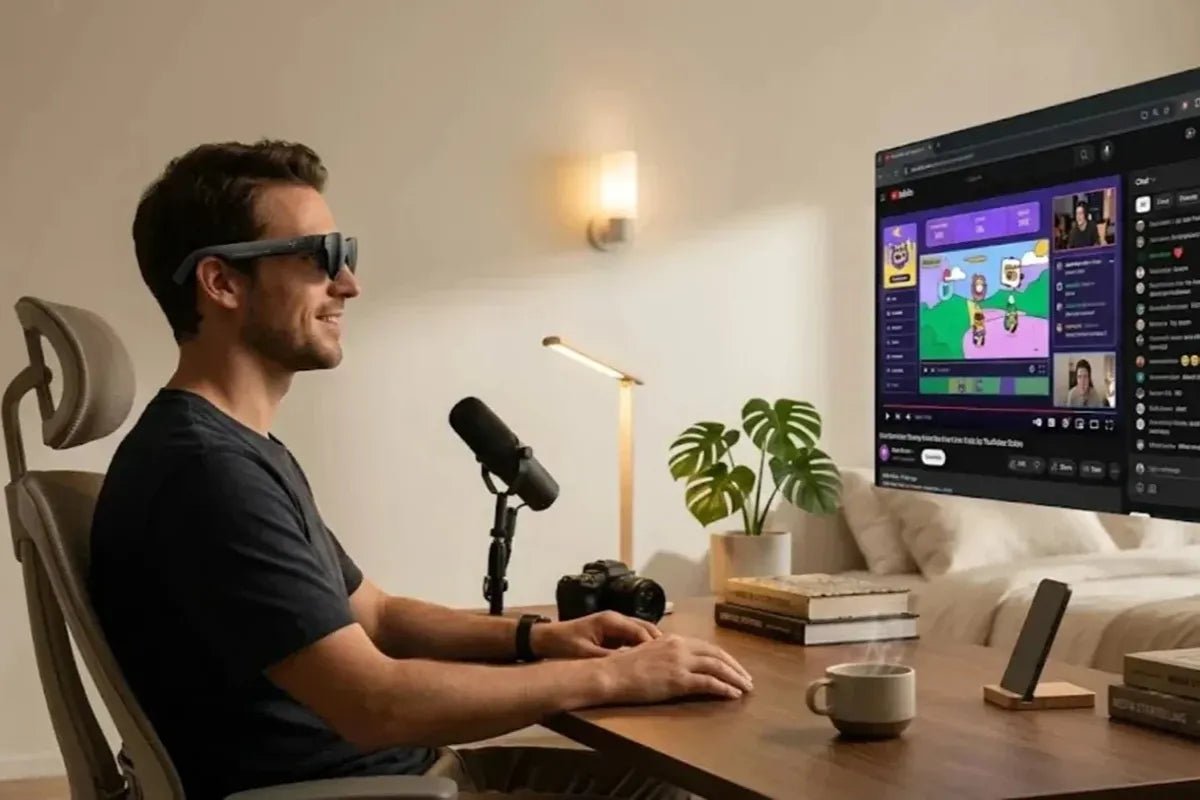
In 2D mode, the Air 3s Pro shows a single Full HD image to both eyes, scaled optically into a virtual screen. RayNeo’s product page lists a 46-degree field of view and a virtual screen size equivalent to 201 inches viewed from about 6 meters away. Your surroundings stay visible around the edges of the screen, unlike a full VR headset.
Typical 2D uses:
3D mode is for content formatted for stereoscopic viewing, such as side-by-side 3D video that your source device can output or play. The glasses route the left half of the 3840x1080 frame to the left panel and the right half to the right panel, each at 1920x1080.
The result is a sense of depth, at the cost of needing source content actually formatted for 3D. If the content format and the display mode don’t match, the picture won’t look right.
RayNeo doesn’t run a streaming service or maintain a built-in library of 3D movies for the Air 3s Pro, so the content side is closer to do-it-yourself. RayNeo’s companion app, RayNeo XR, is built around your own content. On iPhone, it offers:
Beyond personal photos and video, 3D movies or games need supported side-by-side video sources, and whether a given file plays depends on your source device (phone, laptop, or console) being able to play or output that format. Don’t assume that streaming apps provide side-by-side 3D output; check your source device and app.
The Air 3s Pro uses two SeeYa Micro-OLED panels with birdbath optics. RayNeo’s product page lists 1,200 nits of to-eye brightness and has described the Air 3s Pro in marketing as its brightest AR glasses to date; that is RayNeo’s own characterization of its lineup, not an independent ranking.
Resolution and brightness are separate specs. Brightness affects how the image looks in different lighting; resolution affects how fine the detail is.
| Spec | Value |
|---|---|
| Panel resolution | 1920x1080 per eye (2D) |
| Combined stereo frame | 3840x1080 (3D) |
| Panel type | SeeYa Micro-OLED (two 0.6-inch panels, one per eye), birdbath optics |
| Brightness | 1,200 nits to-eye |
| Field of view | 46 degrees |
| Virtual screen size | 201 inches (at 6-meter viewing distance) |
| Eyebox | 14x7mm, covering roughly 93% of IPD ranges |
| Weight | 76g (46.7% front / 53.3% rear distribution) |
| Adjustment | 9-level temple adjustment, 3-level nose pad |
Source: RayNeo Air 3s Pro product page, checked October 2026.
A few of these numbers matter in daily use:
RayNeo’s product pages describe resolution in different ways, which doesn’t by itself mean a difference in quality. Here is how the three models compare on display architecture and listed resolution:
| Model | Display architecture | Resolution (as listed by RayNeo) |
|---|---|---|
| RayNeo Air 3s Pro | SeeYa Micro-OLED, birdbath optics | 1920x1080 per eye (2D) / 3840x1080 (3D, combined stereo frame) |
| RayNeo Air 4 Pro | SeeYa Micro-OLED, birdbath optics | Listed as “Full HD” |
| RayNeo X3 Pro | Waveguide, binocular full-color MicroLED | 640x480 per eye |
“Full HD” and 1920x1080 describe the same standard Full HD resolution, so compare these models on the features that differ rather than on how many pixel numbers each page prints.
The X3 Pro is a different product category: a standalone AI and AR glasses platform with a camera and a waveguide display that suits glasses-style use. If screen size for video or documents is the priority, the Air 3s Pro’s panel-based approach is built around that.
The Air 3s Pro suits people who want a large virtual screen for media and productivity. It connects over USB-C to a phone, laptop, or compatible game console, so it works as an external display.
It’s a reasonable fit if you mainly want a bigger 2D screen for reading, streaming, or working from a tablet or laptop, with an occasional 3D mode for compatible stereo content. If cinema-style viewing with a wider field of view and multiple preset screen sizes is the priority, RayNeo’s GT series is built around that use case and is worth comparing.
Before buying, confirm current pricing and lens options on the product page, since both can change.
The Air 3s Pro takes clip-in prescription lens inserts through Lensology, the lens partner RayNeo links to from its product page, rather than having prescription correction built in. These are a separate purchase. Pricing, processing times, and shipping differ by region (Lensology has separate US and UK listings), so check the Lensology page for your region before ordering.
RayNeo’s prescription lens policy page for the Air 3s/Air 3s Pro lens program states a supported range of myopia from 0 to -10.00D and astigmatism from 0 to -2.00D, and notes the glasses aren’t suitable for prescriptions beyond that.
On farsighted correction, the product page says RayNeo’s lens partners support customized nearsighted lenses, while other marketing language mentions both near-sighted and far-sighted users. Because RayNeo’s stated range covers myopia and astigmatism, check with RayNeo or Lensology directly if you need hyperopia correction.
As of early October 2026, RayNeo’s product page lists the Air 3s Pro at a sale price of $279, down from a regular price of $299. RayNeo runs frequent promotions, so the checkout price can change. Check the product page before ordering.
Is 3840x1080 a higher resolution than 1920x1080?
Does the Air 3s Pro support 4K?
Do I need special content to use 3D mode?
What’s the difference between the Air 3s Pro’s display and the X3 Pro’s display?
Can I use the Air 3s Pro with a laptop or game console?







Share:
RayNeo Wired vs. Wireless Glasses: What the Cable Actually Means
RayNeo Air 4 Pro HDR and Contrast Explained: HDR10, SDR-to-HDR, and 200,000:1 Contrast Ratio