

$429.00

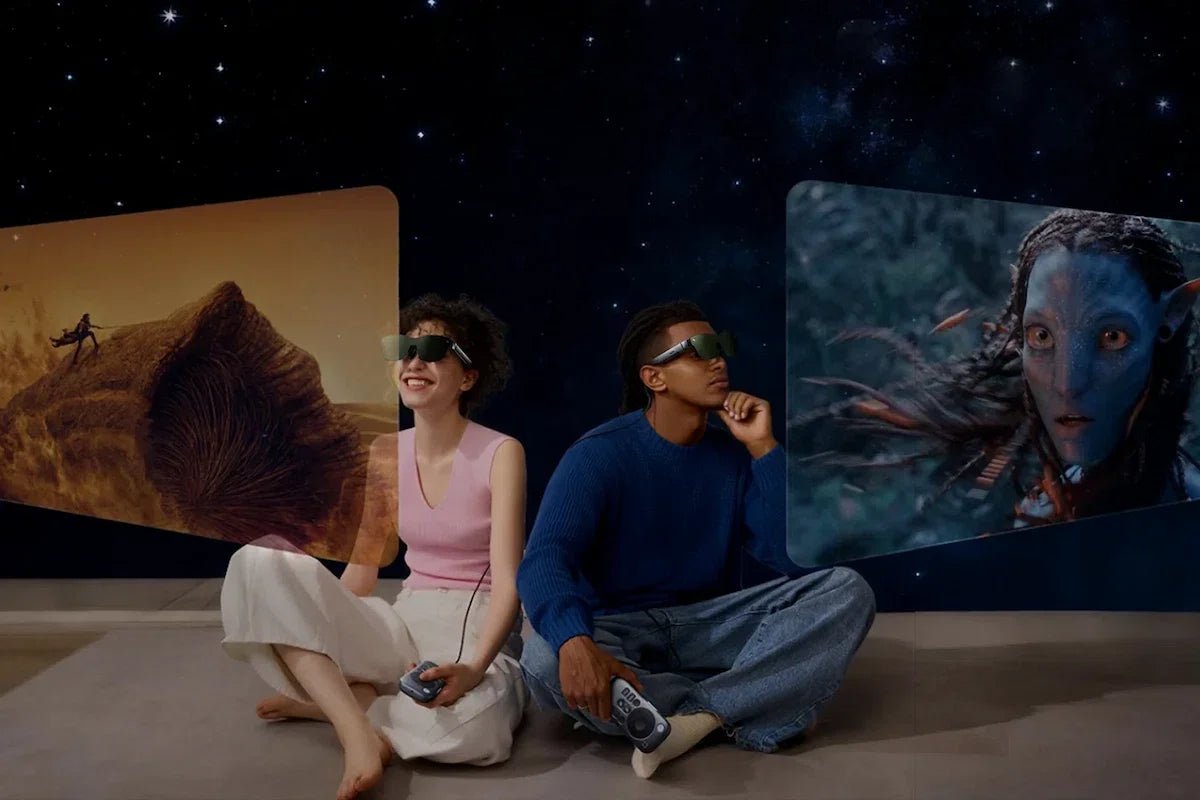
RayNeo’s GT and GT Max both offer four display modes: Standard, Movie, Eye Protection, and Office. Standard is the general-purpose starting point, Movie is positioned for film and video, Office for text-heavy content, and Eye Protection for extended viewing. These picture settings are separate from the spatial modes that control how the screen responds to head movement.
The GT series has a Menu button for opening the on-glasses menu, Volume controls for moving through its options, and the Menu button for confirming a selection. A separate Spatial button cycles Steady, Pinned, and Follow; it should not be confused with the four display presets. Consult the current on-device menu and quick-start guide for the picture-setting options on your firmware.
| Mode | Built For | Confirmed By RayNeo |
|---|---|---|
| Standard | General, all-purpose viewing | Listed as the default preset on GT and GT Max Tech Specs |
| Movie | Film and video playback | Described as “the one to try first when you settle in for a film” |
| Office | Text, documents, spreadsheets, code | Described as the mode “worth trying for text-heavy content like documents, spreadsheets, code, and browser tabs” |
| Eye Protection | Longer viewing sessions | Positioned for extended viewing; not a substitute for breaks |
Both models offer the same four display modes. GT Max’s wider field of view and larger screen presets change the scale of the viewing experience, not the list of modes available.
Standard is what the glasses boot into and the baseline you’d use when you’re not specifically watching a movie, reading text, or trying to ease eye strain. RayNeo’s own gaming guidance treats Standard and Movie as largely interchangeable entry points for entertainment use, pairing either one with the Follow spatial mode to build what one RayNeo blog post calls “a gaming setup.”
In practice, Standard is the mode to leave on by default and only switch away from when a specific task calls for it, rather than something you need to actively manage during ordinary use.
Movie mode exists specifically for watching film and video content. RayNeo’s own guide to watching movies on long flights describes it as the mode to try first when you sit down for a film, positioned as one of four presets alongside Standard, Office, and Eye Protection.
One thing worth separating out: Movie mode is a color and brightness preset on the glasses themselves, independent from Dolby Vision support. Dolby Vision on GT and GT Max requires pairing with the separately sold Pocket TV Pro and actual Dolby Vision source content. Switching to Movie mode doesn’t turn on Dolby Vision by itself, and Dolby Vision playback doesn’t require Movie mode either. They’re two different things that happen to both relate to watching video.
Office mode is positioned for documents, spreadsheets, code, and browser tabs. It is a picture preset, not an increase in panel resolution. If small text is difficult to read, also adjust text size on the connected device and check the glasses’ fit.
RayNeo’s own productivity guidance pairs Office mode with Pinned spatial mode for stationary desk use. Pinned holds the virtual screen at a fixed angular position rather than following your head movement, which matches how you’d sit at a desk reading a document.
Eye Protection is positioned for extended viewing. It is not a substitute for breaks: if you notice strain or discomfort, stop viewing and rest rather than simply changing presets. The GT series also lists OptiCare 3840Hz PWM dimming and three TÜV SÜD certifications associated with eye comfort:
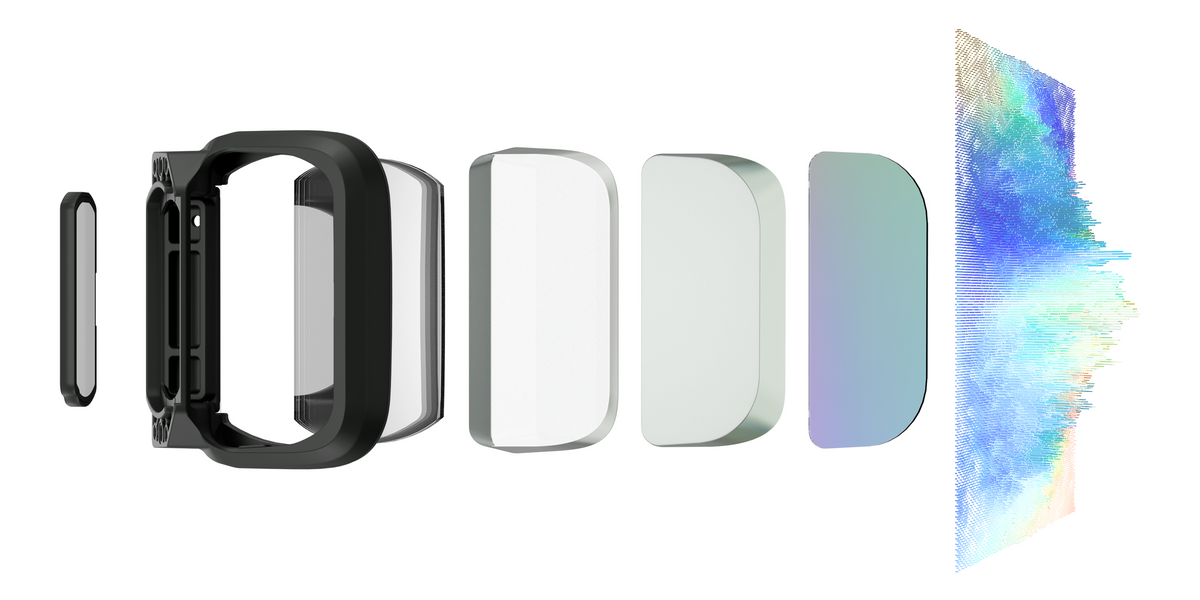
OptiCare is a listed display technology, separate from the name of a picture preset. Neither the certifications nor the Eye Protection label guarantees that a particular wearer can continue viewing without discomfort.
For long document sessions, try Office for text-heavy content or Eye Protection according to your viewing preference. Check text size and fit as well as the preset; these affect usability too.
The practical rule for that overlap isn’t about picking the “right” mode. If your eyes start to feel tired or strained during a long reading session, the better response is to look away from the display and rest your eyes before continuing, not to switch between presets and keep working. Within a given sitting, try whichever mode feels most comfortable to you for the task at hand; the mode switch is a comfort setting, not a substitute for taking breaks.
A common point of confusion is mixing up the four display modes covered in this article with GT and GT Max’s three spatial modes, Steady, Pinned, and Follow, powered by 3DoF (three degrees of freedom) head tracking that reads the pitch, yaw, and roll of your head rather than your position in a room. The two settings control different aspects of the viewing experience. See RayNeo GT Series Spatial Modes Explained for how each of the three spatial modes works.
Display modes change color and brightness tuning for what’s on screen. Spatial modes change how the screen responds as you turn your head. You can pair any display mode with any spatial mode, for example Office mode with Pinned for desk work, or Movie mode with Steady for a seated, TV-like viewing experience, and switching one doesn’t touch the other.
The two settings meet in one place: brightness. RayNeo publishes its brightness ratings by spatial mode (336 nits in Pinned, up to 1,200 nits in Steady and Follow), not by display mode. The numbers are covered in the section below.
Choose a picture preset for the content, then a spatial mode for how you want the screen to move. For example:
The hardware controls have distinct roles:
See the GT series support page for button operation. These controls do not establish a dedicated four-preset cycling shortcut.
What changes between GT and GT Max isn’t the four display modes themselves, it’s what’s layered underneath them: brightness inherited from whichever spatial mode is active, and scale inherited from the screen hardware.
Both models are rated at 336 nits in Pinned spatial mode and up to 1,200 nits in Steady or Follow. RayNeo doesn’t publish separate brightness ratings for the four display modes, so don’t expect a display-mode switch alone to make Pinned mode brighter. These are mode-specific ratings, not an outdoor-readability test; if bright-room visibility matters, the spatial mode is the published brightness difference to compare.
Beyond brightness, screen scale differs between the two models. GT Max’s wider 59-degree field of view means Movie and Office content renders larger relative to your field of vision than it does on GT. That’s a difference in scale, not in how any of the four modes are tuned.
| Spec | RayNeo GT | RayNeo GT Max |
|---|---|---|
| Max screen size preset | Up to 231 inches | Up to 307 inches |
| Price | $329 list; $299 current launch-offer checkout price (per the product page on Oct 2, 2026) | $429 list; $399 current launch-offer checkout price (per the product page on Oct 2, 2026) |
RayNeo GT Max is the pick if you want that wider field of view and the larger screen presets to go with these modes. RayNeo GT runs the exact same four display modes and three spatial modes at a lower weight and price, without the larger screen ceiling. For the full spec breakdown between the two, see RayNeo GT vs. GT Max: Every Spec Difference in One Table and RayNeo GT Max Full Spec Sheet Explained.
Do GT and GT Max have the same display modes?
Does switching to Movie mode turn on Dolby Vision?
Can I use Office mode with Follow or Steady spatial mode instead of Pinned?
Where do I switch between the four display modes?
Should I use Office mode or Eye Protection mode for a long stretch of document work?







Share:
RayNeo X3 Pro Live Translation Explained: 14 Languages, Speed, and Network Needs
RayNeo iO Battery Life Explained: Typical Use, Recording, Translation, and Standby Numbers