

$429.00

AR glasses can give you a huge virtual screen for viewing movies, games, and other content, but that experience still depends on how clearly you can see it. If you have myopia, or nearsightedness, choosing prescription AR glasses can help correct your vision instead of leaving the virtual display blurry. This makes prescription support an important feature to check before other features.
In this guide, you’ll learn how prescription support works, how to get lens inserts, and what to consider when choosing AR glasses for myopia.

If you are nearsighted, you can use compatible myopia AR lens inserts that clip inside the frame and sit between your eyes and the AR optics. Depending on the product, other approaches may include built-in diopter controls or prescription lenses integrated directly into the eyewear, so check which correction method a particular model supports before buying.
AR glasses for nearsighted users are augmented-reality glasses that can accommodate the vision correction you normally receive from eyeglasses or contact lenses. Rather than looking at a blurry virtual screen without your regular glasses, you can use prescription lens inserts, diopter adjustments, or specially integrated corrective lenses to bring the displayed image into clearer focus.
AR glasses need to send a properly focused virtual image to your eyes, but myopia can still make that image appear blurry if the system does not compensate for your vision. Prescription solutions address this by adding the optical correction your eyes need between you and the displayed image.
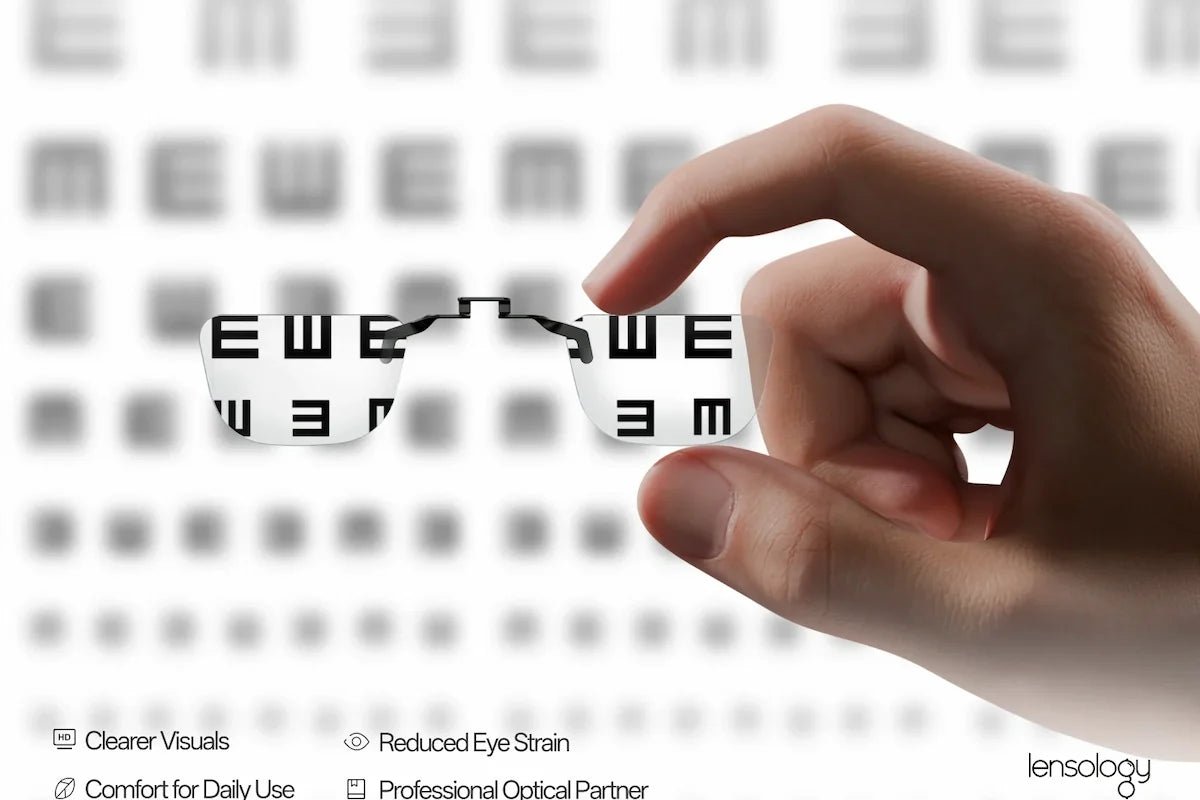
Prescription inserts for AR glasses are small removable frames containing lenses that fit inside compatible AR glasses. Once installed, you look through your prescription lenses and into the AR display, giving you vision correction without needing your eyeglasses underneath the AR frame.
Built-in diopter dials let you adjust the focus separately for each eye until the virtual image looks clearer to you, without adding prescription lenses. However, they only work within the adjustment range of the glasses and may not correct needs such as astigmatism, so you should check whether your prescription is supported.
With this approach, prescription lenses are made specifically for the compatible AR glasses and integrated into the eyewear instead of using a separate removable insert. This can feel more like wearing ordinary prescription eyewear, but availability, supported prescriptions, cost, and replacement options depend heavily on the manufacturer and optical partner.
The RayNeo GT Series includes prescription-ready AR glasses that support custom lens inserts for compatible vision correction. The GT Max focuses on more flexible IPD fit and a wider viewing area, while the GT offers a lighter design for travel and everyday use.
The RayNeo GT Max AR Glasses are well suited to prescription users who want more flexibility in optical fit for movies, gaming, and extended viewing. Custom prescription lens solutions provide vision correction, while three IPD sizes help users choose a version that better aligns with their eyes.

The RayNeo GT AR Glasses are a practical choice for prescription users who prioritize portability for travel, commuting, and everyday viewing. Custom prescription lens solutions provide vision correction, while the lighter design makes the glasses easier to carry and wear for longer sessions.

Getting prescription lenses for AR glasses starts with a current eyeglass prescription and an insert designed for your specific model. Prescription inserts for both the RayNeo GT Max and the RayNeo GT are available through Lensology, the prescription-lens partner for the GT Series.
Clear vision depends on more than prescription lenses. IPD, fit, and viewing habits also affect how comfortable and sharp the AR display feels.
Start with prescription compatibility. Make sure the glasses support your vision needs and that a compatible prescription insert or lens option is available.
Next, consider fit and comfort. Check the IPD, weight, and adjustability, especially if you plan to use the glasses for movies, gaming, or other extended viewing.
Then compare display features based on how you will use the glasses. Field of view can affect immersion, while resolution, brightness, and refresh rate influence image clarity and smoothness.
Finally, check device compatibility and the prescription-lens ordering process. The right prescription AR glasses should match your vision, fit comfortably, and work with the devices and content you use most.
Clear vision should be part of the AR experience, not something you have to work around. For people with myopia, prescription AR glasses can make virtual screens easier to enjoy by providing the correction your eyes need. The right setup also lets you focus more on the movie, game, or content instead of struggling with blurry details or an awkward fit.
By checking your prescription needs before you buy, you can choose AR glasses that make long viewing sessions clearer, more comfortable, and more enjoyable.
Yes, you can get AR glasses that accommodate prescription vision correction, although the method depends on the model. Some use removable prescription inserts, while other designs may use adjustable diopters or custom integrated lenses. RayNeo GT and GT Max, for example, support custom Rx inserts that clip inside the glasses. You provide your prescription to the optical provider, who makes the corrective lenses and fits them into the compatible insert for you.
Yes, wearing prescription glasses does not automatically prevent you from using AR glasses. For compatible models, a custom prescription insert can replace the need to wear your normal eyeglasses underneath the AR frame, which can make the setup less bulky during longer sessions. You still need to confirm that your prescription can be manufactured for the particular insert and that the AR glasses' IPD and physical fit suit your eyes before buying.
Myopia AR lens inserts should help you see the AR display more clearly when they are accurately made and properly fitted for your vision. However, what you see can also depend on lens quality, prescription accuracy, IPD, and how the glasses sit on your face. Poor alignment may make parts of the image look blurry or harder to see. A well-fitted insert and properly positioned glasses can make a difference in your viewing experience.







Share:
Convert 2D Movies and Photos to 3D Instantly: A New Way to Relive Content With AR Glasses
Hear Enemies Behind You: How Head-Tracking Spatial Audio Elevates Shooter and Racing Games