

$429.00

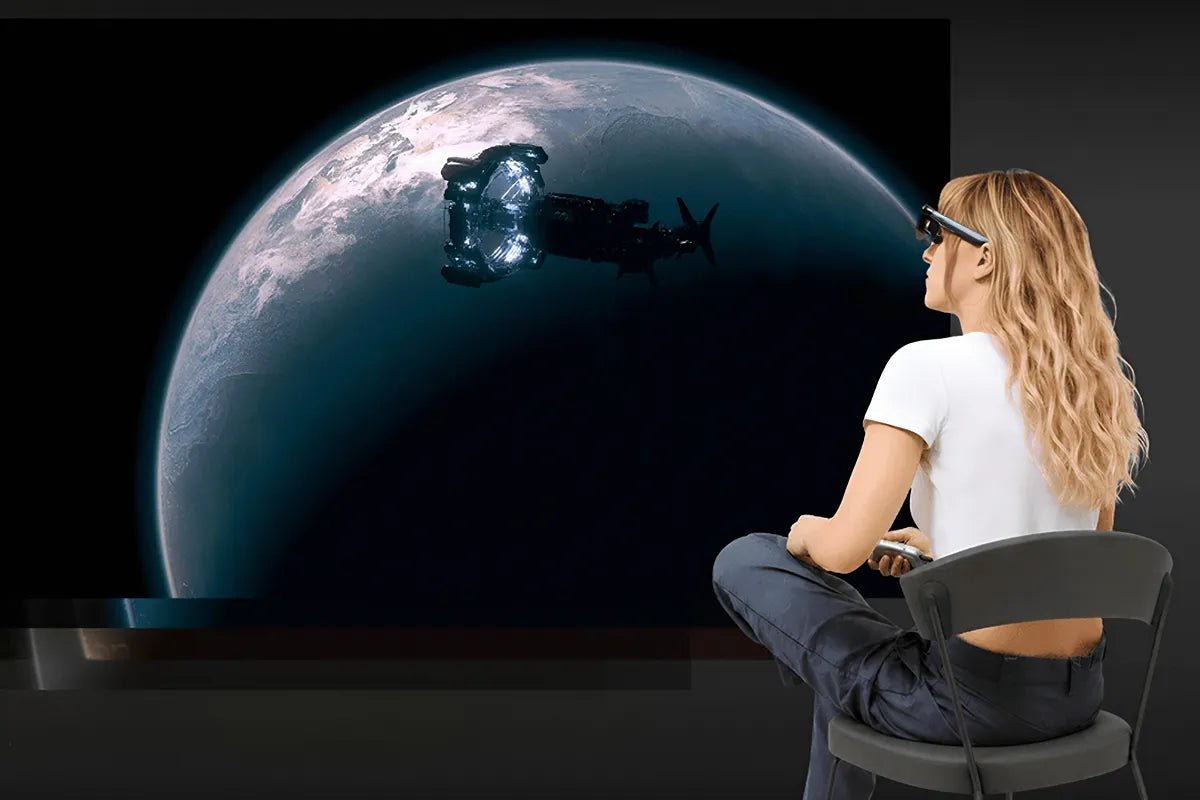
Display-style AR glasses can give you a private, cinema-like virtual screen wherever you go, making it easy to watch movies, videos, and other media without a TV or projector. But most everyday media is still produced in 2D, which can make the viewing experience feel relatively flat. 2D-to-3D AR glasses add another dimension by creating a stronger sense of depth.
Instead of requiring a movie or photo to be originally produced in 3D, these glasses can estimate which parts of an image should appear closer or farther away and generate a stereoscopic effect for your eyes. This can make subjects stand out more clearly from the background and give familiar media a more immersive look. This guide explains how 2D-to-3D AR glasses work, which features matter most, what quality you can expect, and how to get started.

2D-to-3D AR glasses are wearable displays that can turn flat movies, videos, and photos into content that appears to have depth. They use software to estimate which parts of an image should look closer or farther away, then show slightly different views to each eye. This makes ordinary 2D content feel more three-dimensional when you watch it through the glasses.
The 3D effect may appear almost instantly, but several steps have to happen behind the scenes before the image reaches your eyes. Understanding these steps makes it easier to see why the quality of the AI software, processing hardware, and display all affect the final result.
Depth estimation predicts which parts of an image should appear closer or farther away. The system creates a depth map by analyzing visual cues such as object size, overlap, perspective, and subject boundaries.
For video, this process repeats across frames, where maintaining temporal consistency helps keep depth stable as objects move. The estimated depth then helps generate the left-eye and right-eye views needed for 3D.
Some processing happens inside the glasses, including display control, head tracking, and frame delivery. This helps reduce delay and keeps the image responsive.
Heavier tasks, such as AI depth estimation and stereo-view generation, may run on a connected phone, computer, or companion device, depending on the system.
The final step is stereoscopic display. The glasses show a slightly different image to each eye, creating binocular disparity that your brain interprets as depth.
Foreground subjects may appear closer, while backgrounds appear farther away. Clear object separation, stable depth, and comfortable eye alignment all help make the 3D effect look more natural.
The ability to display 3D is only one part of the experience. If you plan to watch full-length movies, play games, or view personal media regularly, display quality, field of view, fit, and device compatibility can matter just as much.
Start by checking the display type and resolution. Look for a sharp image, strong contrast, enough brightness for your environment, and a refresh rate that keeps motion smooth.
Micro-OLED is a common choice for premium AR display glasses because it offers high contrast in a compact form. If you plan to watch action movies or play games, a higher refresh rate can also improve motion clarity.
Next, compare the field of view. A wider FOV can make the virtual screen feel larger and more immersive, but it does not guarantee better 3D.
For 2D-to-3D conversion, also consider how well the system handles depth around hair, transparent objects, moving subjects, and overlapping details. Good conversion should keep foreground and background layers stable without making the depth look exaggerated.
If you plan to watch full movies, comfort matters as much as image quality. Check the weight, nose-pad fit, temple pressure, IPD options, and prescription-lens support.
Also check how the glasses are powered. Some models draw power from a connected phone or computer, so viewing time may depend on the battery of the source device rather than the glasses alone.
Before buying, confirm that your phone, laptop, or streaming device can output video to the glasses. A USB-C port alone does not guarantee video support, so check whether the source device supports DisplayPort Alt Mode over USB-C or requires a compatible adapter.
Then verify app and content compatibility. DRM restrictions, streaming-app rules, and device support can affect whether certain videos play normally or work with 2D-to-3D conversion.
For users looking for AR glasses with 2D-to-3D conversion, the RayNeo GT Series supports AI-assisted conversion through the RayNeo XR App. The GT Max focuses on a wider, more immersive viewing experience, while the GT offers a lighter option for travel and everyday entertainment.
The RayNeo GT Max AR Glasses are the better fit for movies and gaming when you want 2D-to-3D conversion on a larger, more immersive virtual screen. Through the RayNeo XR App, AI 2D-to-3D conversion adds depth to compatible videos and photos, alongside support for native 3D content.

The RayNeo GT AR Glasses bring AI 2D-to-3D conversion to a lighter 68g design, making them a practical choice for watching movies, videos, and other compatible content while traveling, commuting, or relaxing away from a TV. The RayNeo XR App can add 3D depth to compatible 2D videos and photos, while native 3D playback is also supported.

Converted 3D can add convincing depth to content that was never made for stereoscopic viewing, but the result will not always look the same as native 3D. The biggest differences usually appear in depth accuracy, fine details, movement, and complicated scenes.
Depth Accuracy
Object Edges and Fine Details
Motion Consistency
Complex Scenes
Creative Control
Content Availability
The setup depends on your device and video format. With the RayNeo GT Series, connect the glasses to a supported device and open the RayNeo XR App. Then choose the viewing mode that matches your content.
Immersive AI 3D
Side-by-Side 3D
AI 2D-to-3D conversion is available on supported iPhone 15, 16, and 17 series models; iPhone 16e, iPhone 17e, and iPhone Air are not supported. Check current device compatibility before setup.
The most interesting thing about 2D-to-3D AR glasses is that they can give familiar content a fresh sense of depth without requiring you to build a new media library. While converted 3D may not match the precision of content created natively in stereo, it makes immersive viewing available for far more of the movies, videos, and photos you already enjoy.
The experience will still depend on display quality, comfort, device support, and how well the conversion handles each scene. If those pieces come together, your screen time can feel more engaging without changing the content itself.
Yes, some AR glasses can display stereoscopic 3D by presenting separate left-eye and right-eye views that your brain combines into an image with perceived depth. However, the 3D support varies by model. Some glasses only play content that is already formatted in stereoscopic 3D, while others can also convert ordinary 2D media. Before buying, check which 3D formats, source devices, apps, and connection methods the glasses actually support for playback.
The best choice is a pair of AR display glasses with sharp displays, comfortable optics, reliable device compatibility, and support for the type of 3D content you want to watch. The RayNeo GT and GT Max are strong options for watching Netflix and YouTube on a large virtual display when paired with a compatible source device. Both also support native 3D and AI 2D-to-3D conversion, although conversion availability depends on the supported device, app workflow, and source content. Check current compatibility before assuming a particular streaming title can be converted to 3D.
Sometimes, depending on how the glasses handle conversion. Some models use a companion app on your phone or computer to analyze the video and create the left-eye and right-eye views needed for 3D. Others may use onboard processing for part of the job or require a separate accessory for certain devices. Before buying, check the full setup so you know exactly which app, cable, phone, or companion device the feature needs.







Share:
What AR Glasses Are Comfortable to Wear While Lying in Bed?
Myopia-Friendly AR Glasses: How Prescription Inserts Make Long Movie Sessions Clearer