

$429.00

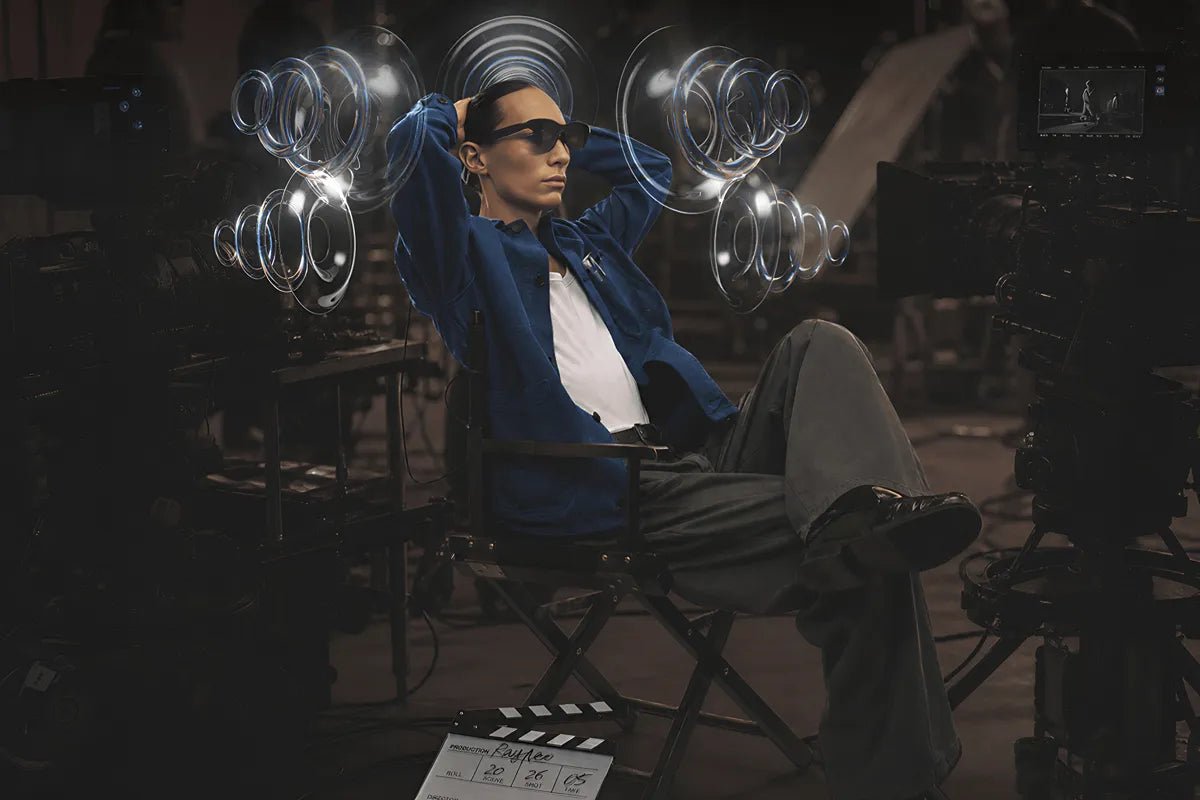
In shooter and racing games, sound can reveal action before it appears on screen, from footsteps behind you to a car closing in from the side. Head-tracking spatial audio adds another layer of immersion by adjusting the sound field as you move your head, helping directional cues stay better aligned with the virtual scene.
In AR glasses, this can make audio and visuals feel more connected during gameplay. This guide explains how the technology works, its benefits for gaming, and what to look for in compatible AR glasses.

Head-tracking spatial audio makes sound feel like it is coming from a real place around you, even as you move your head. When you turn to the side or look in another direction, the audio shifts with your movement so sounds can stay connected to where they are supposed to be in the virtual scene. This can make games, movies, and other immersive content feel more believable.
Head-tracked spatial audio uses motion sensors to detect changes in head orientation. The system then updates the sound field so audio stays better aligned with the virtual scene. Low latency is also important because the sound needs to respond quickly as your head moves, a key requirement outlined in Android’s spatial audio and head tracking guidance.
Spatial audio systems can handle head movement in different ways, and the exact mode names vary by platform. A useful way to understand the difference is to compare three common states: spatial audio off, fixed spatial audio, and head-tracked spatial audio.
Off Mode
With spatial audio turned off, you hear the content through its regular audio setup without added spatial or head-tracking effects. This may be enough when you want straightforward sound and do not need a stronger sense of direction or space.
Fixed Mode
Fixed mode gives you spatial audio, but the sound does not adjust based on your head movements. You can still hear a wider and more spacious sound field, but turning your head will not change where those sounds seem to come from.
Head-Tracked Mode
Head-tracked mode adds your head movement to the spatial audio experience. As you turn or tilt your head, the system adjusts the sound so it can stay connected to its intended place in the virtual scene.
Yes, head-tracking spatial audio can enhance gaming when the game and device support compatible positional audio. By updating the sound field as you move your head, it can help directional cues feel more stable and easier to place.
In shooter games, this may help you follow footsteps, gunfire, vehicles, and other action outside your view. In racing games, it can make approaching engines, passing cars, and trackside sounds feel more naturally positioned. The experience depends on the game’s audio design, device support, and how quickly the audio responds to head movement.
Head movement can also provide useful localization cues. Research on sound localization during small head movements found that horizontal head rotations reduced front-back confusion, helping to explain why responsive head tracking can support a more stable sense of sound direction.
AR glasses combine a head-worn display, speakers, and motion tracking in one device. When supported by the content and audio system, head tracking can help spatial sound stay aligned with the virtual screen or scene as you move.
In AR glasses, head tracking helps connect spatial sound with the virtual display rather than simply adding directional audio.
For users looking for AR glasses with head-tracked spatial audio, the GT Series offers two different viewing experiences. The GT Max prioritizes wider visual immersion and a more flexible IPD fit, while the GT focuses on a lighter design for travel and everyday entertainment.
The RayNeo GT Max AR Glasses combine head-tracked spatial audio with a wider 59° FOV and three IPD size options, making them better suited to gaming and movies when maximum visual immersion and fit flexibility matter most.
Here are their key features:

The RayNeo GT AR Glasses offer a lighter alternative for users who want spatial entertainment during commuting, travel, or longer viewing sessions. They retain native 3DoF tracking and a Bang & Olufsen-tuned quad-speaker system while reducing the frame weight to 68 g.
Here are their key features:

Great game audio is not only about hearing more detail. It’s also about understanding where that detail belongs in the virtual world. Head-tracking spatial audio adds another layer by allowing that spatial soundscape to respond as your head moves, which can make shooters, racers, and immersive entertainment feel more physically coherent. AR glasses take the idea further by placing both a large virtual image and spatially responsive audio on the same head-worn device.
If you value immersion, directional awareness, and portable big-screen gaming, it’s a feature worth considering alongside display quality, refresh rate, comfort, connectivity, and game compatibility.
Not necessarily. Spatial audio mainly changes how sound is positioned around you, rather than automatically improving the underlying recording or speaker fidelity. A high-quality stereo mix can still sound better than a poorly produced spatial mix. What spatial processing adds is direction, depth, and a greater sense of space, potentially letting you perceive sounds beside, behind, or above you. For games and movies, that added dimensionality can make good audio feel more immersive.
Yes, head tracking can make music more immersive, but whether you prefer it is largely personal. With compatible spatial music, turning your head changes your relationship to the virtual soundstage instead of making every element simply move with your ears. Apple, for example, supports dynamic head tracking with compatible spatial-audio music. Some listeners enjoy that room-like presentation, while others may prefer Fixed spatial audio or conventional stereo for everyday listening.
Spatial audio is not inherently healthier for your ears than stereo; listening level and duration remain more important considerations. The technology changes how your brain perceives the position and movement of sounds, but that does not make excessive volume safe. You should still keep playback at a comfortable level and give your ears breaks during long gaming or entertainment sessions. Think of spatial audio as an immersion feature, not a form of hearing protection.







Share:
Myopia-Friendly AR Glasses: How Prescription Inserts Make Long Movie Sessions Clearer
Which AR Glasses Have the Sharpest Display for Reading Academic Papers and PDFs?