

$429.00

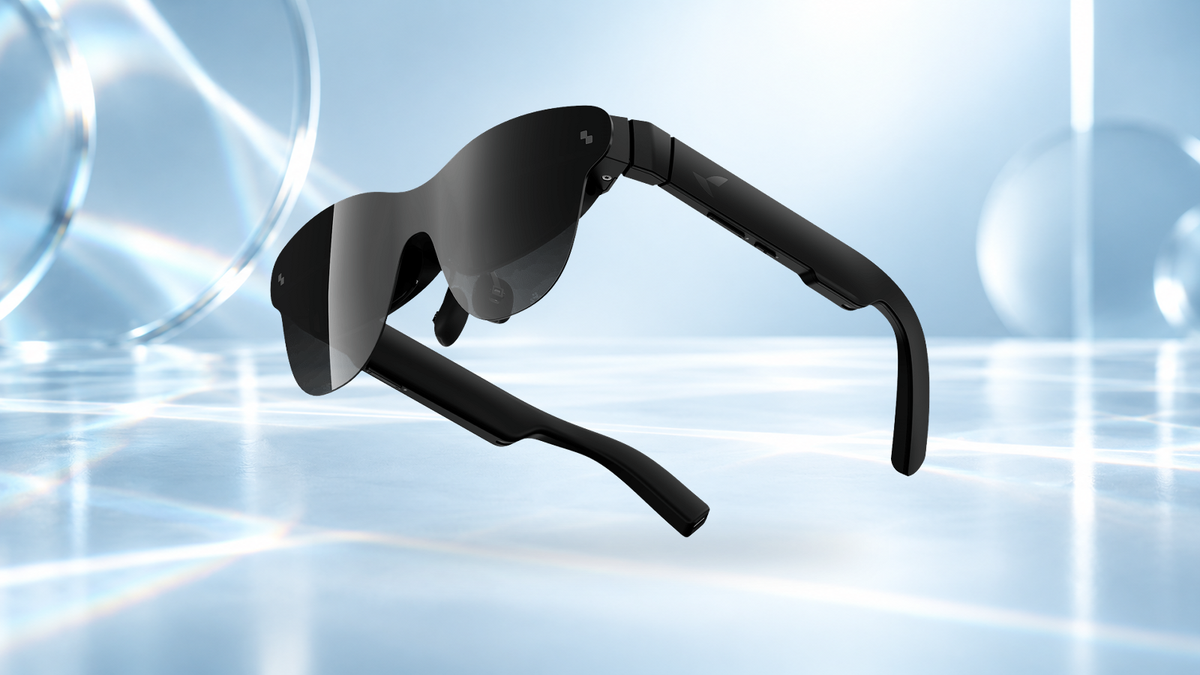
Edge blur and double vision through a prescription insert usually come down to alignment. Two alignment causes sit behind them. Either the optics are off center left or right of your pupils, or they sit too high or too low for your eyes to land inside the display's clearest viewing zone, often called the eye box.
Both are corrected through the glasses' own fit settings. On RayNeo GT Max, the S, M or L size chosen for your IPD sets the side-to-side spacing, and three nose-pad heights set the vertical position. On RayNeo Air 4 Pro, the 3-position nose pads and the temple angle bring the full screen to the center of your view.
With the custom lenses already made to your prescription, everything that follows is about position: one clean, single picture from edge to edge.
The location of the blur points to its cause more reliably than anything else. A blur that sits only at the sides behaves differently from one that covers a single eye or splits the picture in two.
| Where it shows up | Most likely cause | First fix |
|---|---|---|
| Left and right edges soft, center sharp, both eyes | Display not centered on your line of sight | Wear the glasses level and nudge them slightly up or down. Air 4 Pro: adjust the nose pads and temple angle |
| Top or bottom edge soft, or partly cut off | Glasses sitting too high or too low | Change the nose-pad height, then move the glasses until the image is centered |
| Picture corners reaching the outer edge of your view (GT Max) | Screen size larger than your preferred viewing area | Set the screen size that suits how you like to watch |
| One eye blurry, the other sharp | Insert seated unevenly, or frame sitting unevenly | Remove and reinstall the insert; level the frame on your face |
| Whole picture hazy, center included | Smudges on the insert or the display lenses | Clean all four lens surfaces |
| Two overlapping pictures that will not merge | The two eyes' images landing at different heights | Level the frame and reinstall the insert |
GT Max's S, M or L optical module is chosen at ordering to match your IPD, which aligns your eyes with the optical viewing area. Once the glasses are on your face, every fix in the table is about position.
Air 4 Pro takes the same position-first approach. Its nose pads and temple angle move the display until the full screen is centered and sharp in your field of view.

Each step removes one cause, so the picture often clears partway through.

Your brain fuses the left and right images into one picture as long as each lands where the other eye expects it. Sideways differences are easier to absorb because the eyes can turn slightly inward or outward. Vertical differences are much harder, because the eyes have very little range to move independently up or down.
That is why a frame that sits a little crooked, or an insert seated at a slight angle, can split the image even when each eye on its own looks sharp. Three things in an insert setup decide whether the two images line up:
Double vision that also appears without any glasses on, or that comes on suddenly, is a reason for an eye exam rather than a fitting change.
Most of the reset is a one-time job. Once the right nose pad and position are found, a short routine at the start of each session keeps the picture aligned:
Long sessions with inserts are where good alignment pays off most. Our guide to eye comfort during extended AR use covers breaks, brightness and display modes once the picture is sharp.
Does the PD need to be on the prescription when ordering an insert?
What changes when the two eyes have very different prescriptions?
After switching nose pads, does everything need adjusting again?
Once the insert is seated, the frame is level and the nose pad is at the right height, RayNeo GT Max shows its 267 inch picture across a 59° field of view with edge-to-edge sharpness, and RayNeo Air 4 Pro brings its 201 inch HDR10 screen centered and sharp.





Share:
HUD Smart Glasses vs. Virtual-Screen AR Glasses: Key Differences
How Should I Measure IPD, Head Width, and Nose-Bridge Fit Before Buying Display Glasses?