

$429.00

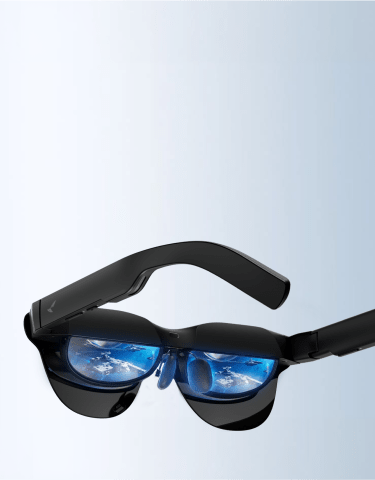
A voice AI assistant needs a microphone to function at all, and that single requirement separates true AI glasses from display-only or camera-only models regardless of how they’re marketed. Two RayNeo models clear that bar: the RayNeo X3 Pro, running on Google Gemini and available now, and the newly announced RayNeo iO, arriving September 4, 2026, built around letting you pick between several AI models instead of just one.
A lot of products marketed as “smart glasses” or “AI glasses” have a camera, a display, or both, but no way to actually hear you talk. Without a microphone, there’s no assistant to wake up in the first place, no matter what’s printed on the box.
RayNeo’s Air series (Air 2s, Air 3s, Air 3s Pro, Air 4 Pro) falls into that category. None of their official spec pages list a built-in microphone. They connect over a wired USB-C cable and are built around mirroring a phone, laptop, or console screen for video and gaming, not around talking to an assistant. If an AI assistant is the feature you’re shopping for, the Air series simply isn’t a candidate, regardless of price or display quality.
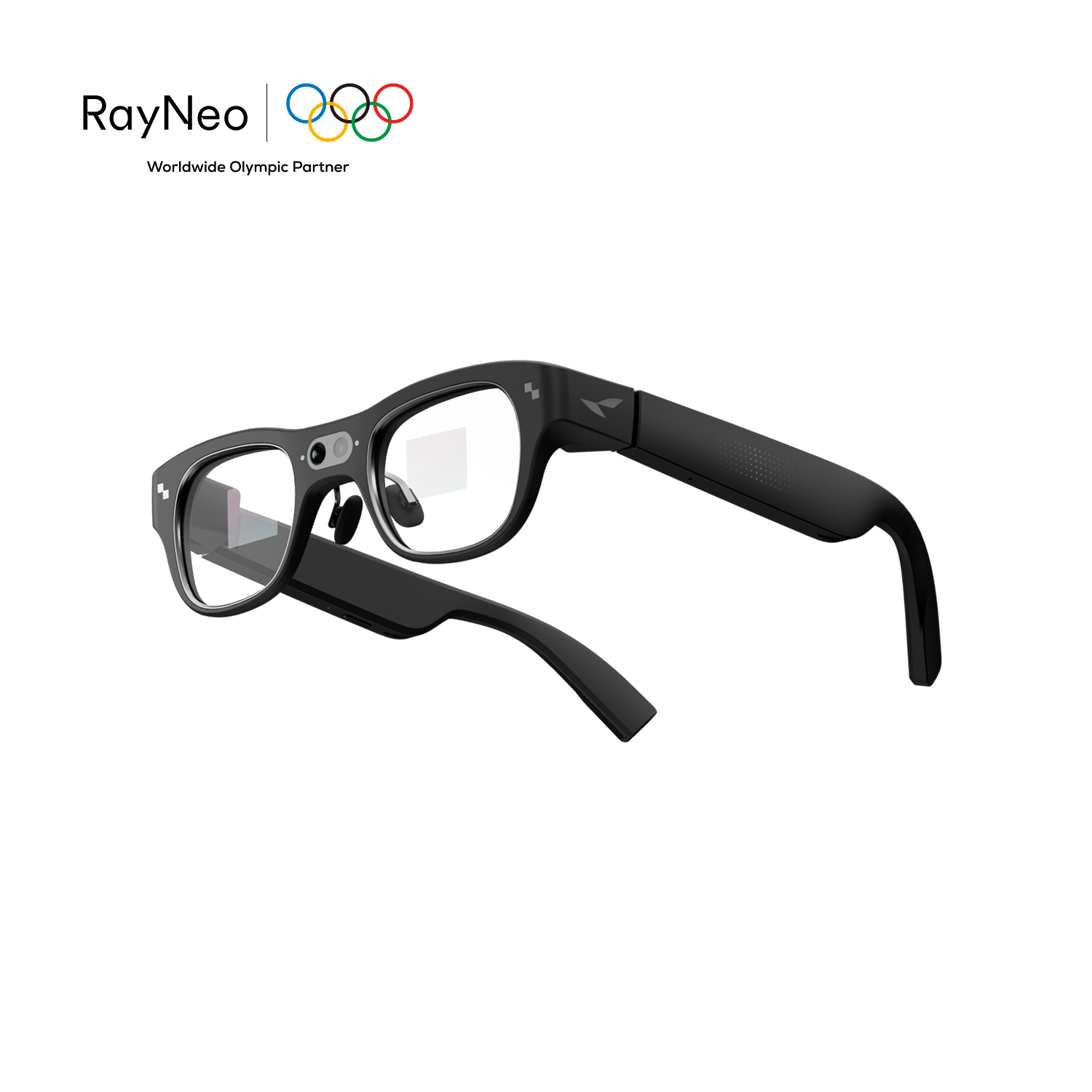
The X3 Pro is a standalone AI and AR device, meaning it doesn’t rely on a phone tethered nearby to run its core hardware.
That always-on design is what lets the wake word work at all. Saying “Hey RayNeo” activates the assistant without touching the frame first, the same continuous-listening approach a smart speaker or a phone’s built-in assistant uses. In practice, that means you can ask a question mid-walk or glance at a translation mid-conversation without reaching for your phone.
Not everything on the X3 Pro is voice-triggered, though. Navigating menus and switching modes relies on 5-way touch input built into the temple, with Apple Watch pairing available as a secondary, software-dependent control option. The wake word covers starting a query or a translation; it doesn’t cover full menu control.
Battery life depends heavily on what you’re actually doing with the glasses, so RayNeo publishes separate figures for each use case rather than a single number.
The always-on wake word isn’t the main drain here; it’s the display, camera, and cloud-based Gemini queries that pull the battery down fastest. If you’re planning to lean on the assistant throughout a full workday, plan around the video-recording figure rather than assuming an all-day single charge.
As of this writing (August 29, 2026), RayNeo’s product page lists the X3 Pro at a $1,099 sale price, down from a $1,299 list price, as part of a limited-time promotion. Confirm the live price on the product page, since promotional pricing changes.
RayNeo’s product and support pages don’t list a separate subscription or usage cap for the Gemini-based features described below. General Q&A, translation, and meeting notes are included with the purchase price rather than gated behind a recurring fee. That’s different from iO, covered later in this guide, where RayNeo’s own support documentation points to a paid membership layer for some AI model options.

Once the wake word triggers the assistant, the X3 Pro handles a specific set of tasks:
Multi-turn conversation, asking a follow-up question without repeating “Hey RayNeo”, isn’t detailed in RayNeo’s published materials. Gemini’s underlying model is built for that kind of context-holding dialogue, but RayNeo hasn’t spelled out whether the glasses carry that context between exchanges. Test this on the device directly if a natural back-and-forth matters for how you’d use it.
Connectivity works the way most standalone AI hardware does. Basic functions like the camera and simple display readouts work without any connection. Gemini’s actual reasoning and real-time translation need an internet connection, either the glasses’ own Wi-Fi or a phone’s hotspot. The wake word itself runs locally, so the microphone still picks up “Hey RayNeo” with no network at all; it just can’t answer anything until a connection comes back.
The X3 Pro runs as a standalone assistant layer built directly into the glasses, not as a bridge to your phone’s existing assistant. It has its own Android-based operating system, its own chipset, and its own radios, so saying “Hey RayNeo” triggers RayNeo’s Gemini integration directly rather than routing through Siri or your phone’s Google Assistant app. Based on that architecture, the glasses’ assistant and your phone’s assistant work as two independent systems rather than one standing in for the other.
That means two assistants end up coexisting: whatever’s already on your phone, and a second, independent one built into the glasses with its own wake word and its own model behind it. Your phone still plays a supporting role, mainly for setup, firmware updates, and supplying a data connection when the glasses’ own Wi-Fi isn’t available, but the assistant interaction itself doesn’t pass through your phone’s native assistant at any point.
The practical effect is that reminders, memos, and calendar-style items you create by talking to the glasses live in RayNeo’s own AI Productivity feature set rather than syncing automatically into whatever calendar or reminders app your phone’s assistant already uses. Treat the two as complementary: lean on your phone’s assistant for anything tied to your phone’s own apps, and use the glasses’ wake word for hands-free answers, translation, or notes you’d rather not stop to pull your phone out for.
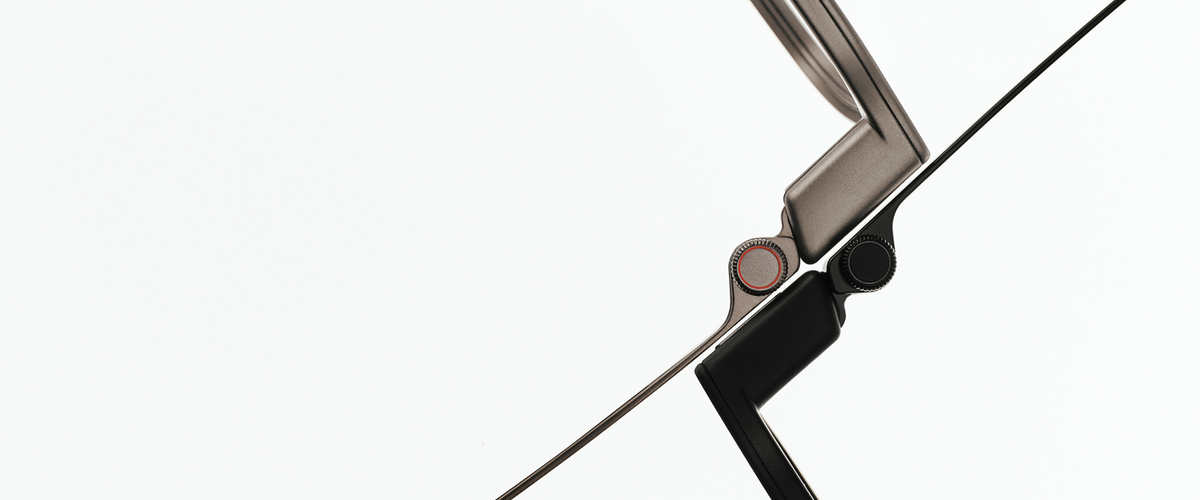
RayNeo announced iO on August 21, 2026, with retail availability starting September 4, 2026. It’s a lighter, display-plus-assistant device built around reducing how often you need to pull out your phone for everyday tasks, rather than around a camera. Published specs don’t list a camera at all.
A few things distinguish iO’s approach to the assistant itself:
RayNeo’s own materials put iO’s weight at about 33 to 34 grams (34g per RayNeo’s blog post on the device, about 33g in the original August 21 launch materials), noticeably lighter than the X3 Pro’s 76 grams, which matters if all-day wear for something you’d keep on through back-to-back meetings is a priority.
Since iO hasn’t launched, its wake word (if it has one distinct from a button press), multi-turn conversation handling, and offline behavior aren’t documented anywhere yet. As of this writing, RayNeo’s iO page shows an early-bird promo code rather than a fixed retail price. RayNeo’s official launch announcement cites $479, with a charging-case bundle around $529; expect the product page to reflect that standing price once it updates for the September 4 launch.
| Air series | RayNeo X3 Pro | RayNeo iO | |
|---|---|---|---|
| Built-in microphone | Not listed on any official spec page | Yes, 3-mic beamforming array | Yes (mic array; full spec not detailed pre-launch) |
| Voice AI assistant | None | Google Gemini 2.5, always-on, included with purchase price | Choice of Gemini, ChatGPT, Claude, or DeepSeek per launch materials; some options likely behind paid membership |
| Wake word | Not applicable | Confirmed: “Hey RayNeo” | Not published yet |
| Primary control for the assistant | Not applicable | 5-way touch (menus); voice for triggering the assistant and translation | Smart Crown dial, head movements, companion app |
| Real-time translation | Not supported | ~14 languages, on-screen captions with synced audio | Live Captions & Translation, 40 languages, in-lens |
| Meeting/voice recording | Not supported | Meeting Notes / Transcription / Memos | Voice Memo, Wide Spectrum and Voice Isolation modes, speaker separation, 100+ languages |
| Calendar/reminders in the display | Not applicable | To-dos, memos, schedules (AI Productivity feature set) | Personal Dashboard: calendar, to-do, mail, weather, stocks |
| Battery life | Not applicable | ~30-36 min continuous video, ~1-2 hrs mixed use, ~3 hrs music, ~5 hrs audio recording (per RayNeo) | Not published pre-launch |
| Weight | 76g (Air 4 Pro) | 76g | About 33-34g, per RayNeo’s materials |
| Availability | In stock | In stock, on promotion at $1,099 (list price $1,299) | Launches September 4, 2026; early-bird pricing on RayNeo’s site |
Specs reflect RayNeo’s official product and launch pages as of August 29, 2026. Pricing and iO’s pre-launch specs are subject to change once iO ships.
If you want something you can buy and use today: the X3 Pro is the only option; iO hasn’t launched yet.
If choosing between AI models matters to you, or you specifically want a lighter frame for long stretches of wear: iO is built around that, but budget for a likely membership cost for some model options and treat its pre-launch specs as subject to change at ship.
If group meetings with multiple speakers are your main use case: iO’s confirmed automatic speaker separation is a documented advantage over the X3 Pro, whose Meeting Notes feature doesn’t document that level of detail.
If a visual record (a whiteboard, a slide, a street scene) matters alongside audio: the X3 Pro’s dual-camera setup covers that; iO’s published specs don’t include a camera.
If you just want a bigger screen for video or gaming and don’t care about talking to an assistant at all: the Air series is built for that instead, at a lower price point, but it has no microphone and no voice assistant of any kind.
Which RayNeo smart glasses actually have a voice AI assistant?
Does the RayNeo X3 Pro’s Gemini assistant replace Siri or my phone’s Google Assistant?
Can I choose which AI model my glasses use?
Do I need my phone nearby for the assistant to work?
Can I ask a follow-up question without repeating “Hey RayNeo”?
Does the assistant still work if I have no Wi-Fi or cell signal?
Both models clear the microphone bar that separates true AI glasses from display-only hardware, so the choice comes down to what you need today versus what’s worth a short wait. The X3 Pro is available now, pairing a confirmed “Hey RayNeo” wake word with Gemini, a camera, and an AR display. iO trades the camera for a lighter frame, a physical Smart Crown, and a choice among several AI models, arriving September 4, 2026.
If iO’s model flexibility or lighter build is the reason you’re reading this, hold off and check RayNeo’s iO page as launch day approaches for final specs and membership pricing. If you need a working voice assistant today, the X3 Pro is ready to order now.







Share:
Best AI Glasses with Cameras for Hands-Free Photos, Video, and Visual AI
Which AI Glasses Are Available With Prescription Lenses? Every RayNeo Model, Compared