

$429.00

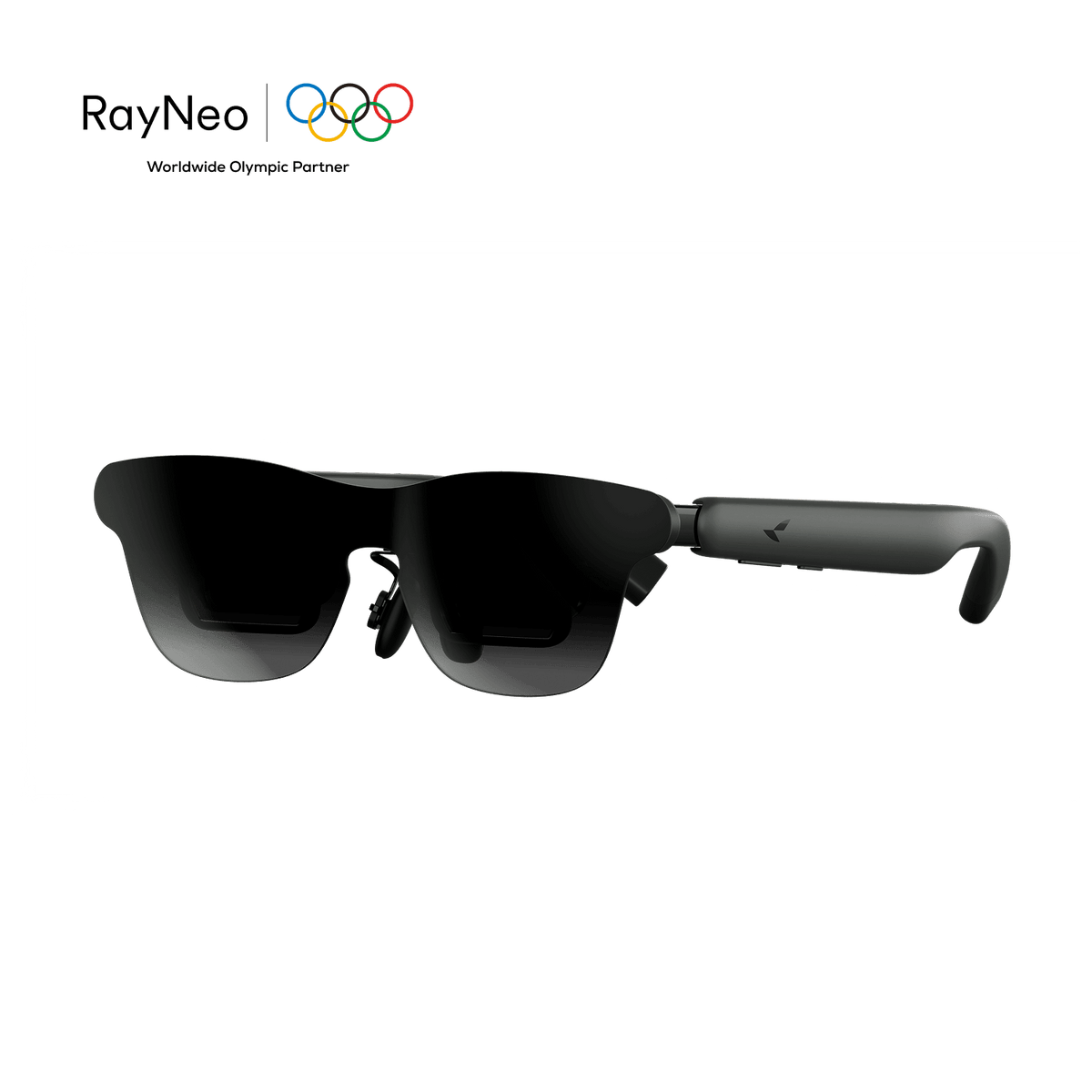
The RayNeo GT Max connects to a ROG Ally or ROG Ally X over a single USB-C cable, with no adapter box needed, turning the handheld’s 7-inch screen into a private 267-inch cinema display (227-inch and 307-inch sizes also available), running at up to 120Hz.
That connection isn’t a pairing RayNeo has certified by name; it works because of how both devices are built. ASUS’s own spec sheet for the ROG Ally (2023) lists its single USB-C port as supporting USB 3.2 Gen 2 with DisplayPort 1.4. The ROG Ally X (2024) goes further with two USB-C ports: one USB 3.2 Gen 2 port with DisplayPort and Power Delivery, and a second USB4 port with Thunderbolt 4 compliance, DisplayPort 1.4, and Power Delivery 3.0. GT Max reaches a phone, tablet, or laptop the same way, through USB-C DisplayPort Alt Mode, so a handheld with that same port carries video the moment you plug in. RayNeo’s own compatibility list groups these under USB-C handhelds with DisplayPort output rather than naming ROG Ally specifically; ASUS’s port specs confirm the DisplayPort support this connection relies on.
Plug GT Max’s USB-C cable into the Ally’s USB-C port, and Windows sends the video signal to the glasses as an external display, the same way it would with any other USB-C DisplayPort monitor.
Whether the Ally’s built-in screen keeps showing the game alongside GT Max, or turns off while GT Max takes over, comes down to which display mode Windows is set to. Pressing Win+P on the Ally cycles between PC screen only, Duplicate, Extend, and Second screen only, the same way it would with any external monitor plugged into a Windows device.
GT Max’s included cable is intended for this connection. If you swap in another USB-C cable, confirm it supports DisplayPort Alt Mode video, since a charge-only cable (common with cheap replacement cables) won’t carry video at all.
Both the ROG Ally and Ally X ship with 120Hz displays, and GT Max supports up to 120Hz in 2D mode over the same USB-C link, so the glasses aren’t capping the refresh rate below what the handheld’s own screen already delivers. GT Max’s panel is a 0.6-inch SeeYa Micro-OLED with 1920x1080 resolution.
3D mode drops to 60Hz. GT Max’s 3D features, Native 3D and AI 2D-to-3D conversion on supported iPhones, are a separate viewing mode; ROG Ally game sessions run in the 120Hz 2D mode.
GT Max offers a 267-inch cinema display, with 227-inch and 307-inch sizes also available, across a 59-degree field of view. Playing an open-world or narrative game on that scale looks closer to a couch session in front of a large TV than to squinting at a handheld’s built-in screen, especially in games with dense HUDs, small subtitle text, or minimaps that can be easy to miss on a 7-inch panel.
The RayNeo GT covers the same connection at a smaller 201-inch default screen and 46-degree field of view for $299, a reasonable step down if the full 267-inch size isn’t a priority.

GT Max runs on a 3DoF spatial engine with three viewing modes, described on RayNeo’s own product pages. Follow “keeps the screen centered as you move your head,” which RayNeo describes as suited to casual and everyday viewing. Steady offers “stable viewing with subtle natural movement,” which RayNeo recommends for travel and commuting. Pinned “keeps the screen fixed in one position,” which RayNeo describes as suited to focused, cinema-like viewing.
For handheld gaming while lying down or reclined, Follow mode may suit that setup best, since the screen stays centered as you move your head rather than being anchored to a fixed point in the room.
For gaming in a moving car, train, or plane, Steady mode is the one RayNeo points to specifically, described as offering stable viewing with subtle natural movement for travel and commuting.
Pinned mode suits a different scenario: gaming or watching from a fixed spot, like a desk or a couch at home, where having the screen hang in one place in the room, the way a mounted monitor or TV would, matters more than the screen following your head at all.
RayNeo’s own FAQ for the GT series explains it plainly: the connected device powers the glasses and processes video, so slight warmth and increased battery consumption on that device are normal. For a ROG Ally session, that means GT Max is drawing from the same battery running the game, on top of the console’s own display and CPU/GPU load.
This is where the Ally X’s second USB-C port matters. ASUS’s official comparison confirms the Ally X carries an 80Wh battery, double the original Ally’s 40Wh, and both of its USB-C ports list DisplayPort and Power Delivery support on their spec sheets. In principle, since each port lists both DisplayPort and Power Delivery, one port can carry GT Max’s video signal while the other pulls power from a wall charger, stretching a session well past what the battery alone would cover.
The original Ally has only one USB-C port, which has to handle both video and any charging at the same time. Running GT Max on the original Ally adds a power draw on top of whatever the game itself uses, and how much that shortens a session depends on the game, screen brightness on both devices, and whether the Ally’s own display stays on alongside GT Max. Charging while playing on that model would require a USB-C hub or dock that can pass through both DisplayPort video and Power Delivery simultaneously. Confirm that a specific hub or dock carries both signals at once, DisplayPort video and Power Delivery, rather than just one or the other, before relying on it for a longer session.
RayNeo does list two power-saving settings on its GT Max FAQ, but both apply to phone-based use rather than a direct wired connection like this one. Eco Mode dims the phone’s screen while a video plays in the RayNeo XR Space app; Auto-Dim Brightness, turned on from the RayNeo XR App’s Immersive Casting screen, dims the phone’s display after about 10 seconds of inactivity. Neither is relevant to a ROG Ally plugged in directly over USB-C, since there’s no RayNeo XR App or phone screen involved in that setup. For a wired connection like this, GT Max’s own power draw comes from the Ally’s battery for as long as video is running, with no documented on-glasses setting to reduce that further.
GT Max’s connection carries audio over the same USB-C DisplayPort link as the video, so Windows on the Ally will typically list GT Max as a selectable playback device, as with any DP display carrying audio, letting ROG Ally game audio come through the glasses once that output is chosen in Windows’ Sound settings.
GT Max uses open-style Bang & Olufsen-tuned speakers rather than in-ear audio, so nearby people can hear some sound. RayNeo says audio becomes difficult to hear clearly from about 1.5 meters away, though someone standing very close may still catch some of it. For airport lounges, trains, or shared workspaces, a long-press on the volume rocker switches between Standard, Whisper, and Spatial Surround audio profiles (the same switch is also available through RayNeo XR App > Glasses Settings > Whisper Mode). Whisper Mode reduces audio leakage for exactly this kind of setting; pairing a separate pair of earbuds to the Ally over Bluetooth is a more private option if audio privacy matters more than convenience.

GT Max ships in three IPD (interpupillary distance) sizes, S for under 64mm, M for 64 to 67mm, and L for over 67mm, measured through RayNeo’s own tool at ipd.rayneo.com. RayNeo’s own FAQ ties the right size directly to comfort: matching your IPD helps align your eyes with the optical viewing area for clearer visuals and a more comfortable viewing experience, which matters more the longer a session runs.
GT Max weighs 78 grams; the RayNeo GT weighs 68 grams. Weight and IPD fit both play into how a pair of glasses feels a few hours into a session.
The RayNeo GT uses a fixed 64mm IPD instead, adjusted for fit through the nose pads rather than a size selection. RayNeo’s own FAQ notes that GT Max’s S/M/L sizing is there for players who want more personalized IPD sizing than the GT’s fixed design offers.

| Item | Why it matters |
|---|---|
| ROG Ally or ROG Ally X | Either handheld’s USB-C port carries DisplayPort 1.4 for a direct connection |
| GT Max’s included USB-C cable, or another DisplayPort Alt Mode-capable USB-C cable | Charge-only cables won’t carry video |
| IPD measurement from ipd.rayneo.com | Determines which size (S/M/L) to order for comfortable long sessions |
| A USB-C hub or dock that passes through both DisplayPort video and Power Delivery simultaneously (original Ally only) | Needed to charge while playing on a single-port Ally; confirm with the hub or dock maker that it passes both DisplayPort video and Power Delivery. Not needed on Ally X, which has a second port for power |
| Earbuds paired to the Ally over Bluetooth (optional) | For more private audio than the open-ear speakers and Whisper Mode allow |
Do I need an adapter to connect GT Max to a ROG Ally?
Can I keep the ROG Ally’s built-in screen off while using GT Max, to save battery?
Does GT Max support 3D game modes on the ROG Ally?
Can I return GT Max if I ordered the wrong IPD size?
Is GT or GT Max the better fit for ROG Ally gaming?
For turning a ROG Ally or ROG Ally X into a large-screen gaming setup without carrying a monitor, the RayNeo GT Max at $399 is the direct fit: a native USB-C DisplayPort connection, a 120Hz refresh rate that matches the Ally’s own panel, a 267-inch cinema display (227-inch and 307-inch sizes also available), Follow mode for gaming reclined in bed or on a couch, and Steady mode for gaming on the road. Measure IPD before ordering, and if you’re on the original single-port Ally, plan for a hub that can pass through both DisplayPort video and Power Delivery if you want to charge during longer sessions.







Share:
RayNeo Smart Glasses Comparison: iO vs GT vs GT Max vs X3 Pro
The Newest Smart Glasses Released in 2026: RayNeo's iO and GT Series