

$429.00

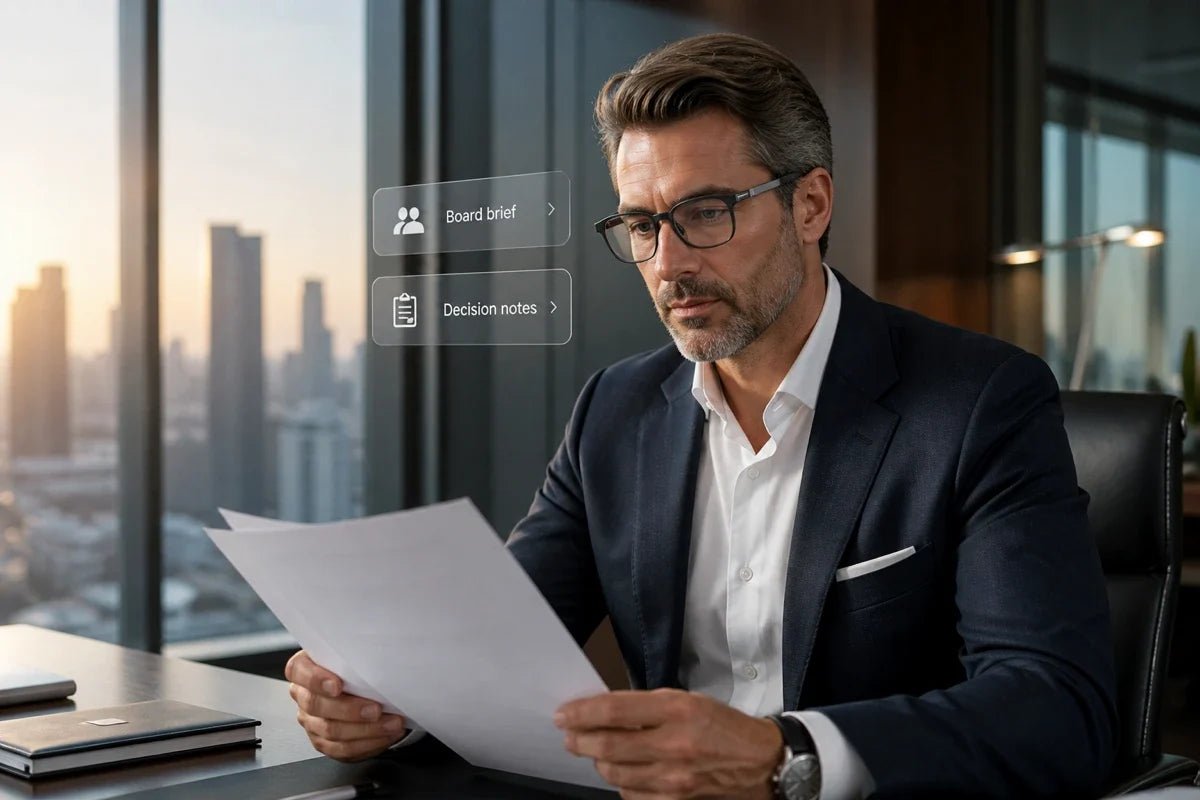
AI glasses for CEOs are becoming interesting for a very practical reason: executive work is full of small interruptions. A calendar check, a quick fact, a meeting note, or a translation can pull your attention from the person or decision in front of you.
The right pair of AI glasses can move some of those short interactions into your line of sight, helping you stay informed without reaching for your phone every few minutes.
This guide looks at the features that matter most for leaders, from glanceable dashboards and meeting summaries to multilingual communication, discreet controls, and all-day comfort.

Executive work involves constant shifts between conversations, decisions, messages, meetings, and information. AI glasses are useful when they reduce the friction around those small transitions rather than adding another device that competes for attention.
A calendar alert leads to an email, the email leads to a quick lookup, and suddenly a simple check has become a completely different task. These switches may feel small, but repeated context changes add up.
The American Psychological Association's overview of multitasking notes that even brief mental blocks caused by shifting between tasks can cost as much as 40% of productive time in demanding multitasking situations.
For executives, the value of glanceable information is therefore not simply speed. It is being able to check one piece of information without opening an entire stream of apps and notifications.
Executives rarely lack information. The harder problem is finding the one useful piece of context at the right moment: the next meeting, a key action item, an unread message, or a quick summary.
AI glasses can help surface short, relevant pieces of information close to the moment they are needed, while phones and computers remain better suited to deeper review and decision-making.
In a boardroom, client meeting, or site visit, repeatedly looking down at a phone can interrupt the flow of a conversation even when the reason is work-related.
A glanceable display gives you another option for brief checks such as a schedule reminder, prompt, or caption, helping digital information stay available without making the phone the center of the interaction.
The best AI glasses for executive work should make information easier to access without turning every moment into another screen session.
For most leaders, that means prioritizing glanceable information, meeting support, multilingual communication, discreet controls, and comfort over entertainment features.
A useful on-the-go AI assistant should be easy to reach for short questions, summaries, reminders, or quick context.
Voice input is useful when your hands are occupied, while a near-eye display can keep responses private and glanceable instead of reading them aloud. Multi-model support can also be useful if you prefer different AI models for different tasks.
Executives move between appointments quickly, so calendar events, to-do items, mail, weather, and other essential information should be available with minimal interaction. The goal is not to mirror every notification from your phone. A good dashboard should help you notice what matters and leave everything else for later.
Meeting capture is one of the most practical executive use cases. Look for glasses that can record discussions, convert speech into text, distinguish speakers where supported, and generate structured summaries or action items afterward. That lets you stay involved in the conversation instead of splitting your attention between listening and note-taking.
For international teams, travel, and multilingual meetings, live captions can put spoken words directly in your field of view. When comparing models, check language coverage, whether translation works in both directions, and whether conversations can be saved or summarized afterward.
A built-in teleprompter can keep talking points or a script in view during a keynote, video recording, or internal presentation. Features such as automatic scrolling are particularly useful because they reduce the need to look down at paper notes or manually advance a script.
Voice commands are useful, but they should not be the only way to operate the glasses. Physical controls and subtle head gestures give you quieter options in meetings and public settings.
Focus or do-not-disturb controls are also worth looking for so that smart glasses help filter interruptions instead of moving every phone notification into your field of view.
For executives who want useful AI without making every interaction feel more device-heavy, the RayNeo iO AI Glasses combine an ultra-transparent display with a lightweight, camera-free design.
Short tasks such as checking a calendar, capturing a meeting point, or reading a translation can stay in your line of sight instead of becoming another phone interruption.
Here is how those features help in executive use:

AI glasses and smartphones are strongest at different parts of an executive workflow. Glasses are useful for short, glanceable interactions that keep your hands and attention available, while phones remain better for detailed input, full apps, and longer tasks.
| Task | AI Glasses | Smartphone |
|---|---|---|
| Calendar or reminder check | Quick glance without opening an app | Full schedule editing and planning |
| Short AI question | Voice input and concise in-view response | Longer prompts, research, and detailed follow-up |
| Meeting capture | Hands-free recording, captions, or notes | Detailed editing, organizing, and sharing |
| Translation | Live captions during a conversation | Full translation apps, typing, and camera-based tools |
| Notifications | Surface selected alerts without looking down | Full message threads and app actions |
| Deep work | Best as a supporting information layer | Better for documents, apps, typing, and complex workflows |
The most useful setup is therefore not about choosing one device over the other. AI glasses can become the first-touch layer for quick information, while your phone handles the tasks that genuinely need a larger screen or more detailed interaction.
AI glasses are most useful when they remove small interruptions from moments where your attention matters. For executives, that tends to happen in meetings, travel, presentations, and fast transitions between tasks.
Meeting-focused glasses can capture a discussion while you stay engaged with the room, then turn the recording into a transcript, summary, or action list afterward. A glanceable display can also keep the next agenda item, reminder, or short prompt available without requiring a phone or laptop on the table.
Live captions and translation are particularly useful when speaking with international partners, local teams, or suppliers. During a facility tour, conference, or business trip, hands-free notes can also help capture observations without repeatedly stopping to type.
A near-eye teleprompter can keep talking points visible while you maintain eye contact with the audience. Auto-scrolling or speech-following modes are particularly useful for longer presentations because they reduce manual interaction.
Calendar information, mail, to-do items, and AI-generated meeting summaries can help executives keep track of distributed teams without opening a phone for every update.
The key is selectivity: smart glasses work best when they surface the few pieces of information you actually need in the moment rather than reproducing every notification from your other devices.
AI glasses for CEOs make the most sense when they protect attention rather than add another stream of noise. Glanceable schedules, AI answers, meeting summaries, translation, and presentation support can move short tasks out of the phone-checking loop while leaving deeper work to the devices built for it.
The RayNeo iO brings that approach into lightweight everyday eyewear, giving executives a practical way to stay informed while keeping more attention on the room, the conversation, and the decision at hand.
Yes. AI glasses can be practical at work when they match the setting and your company's policies. Glanceable calendars, notes, captions, and AI prompts can reduce the need to keep checking a phone during meetings or site visits. For recording or transcription features, follow workplace rules and applicable consent requirements. Camera-free or display-first designs may also feel more appropriate in environments where discretion and face-to-face interaction matter.
Yes, current AI glasses can handle useful tasks such as voice queries, glanceable notifications, live captions, translation, and meeting notes, depending on the model. Their value is strongest in short interactions that would otherwise send you back to a phone.
They are less suited to long-form typing, spreadsheet work, or complex app workflows, so the best experience comes from matching the glasses to specific tasks rather than expecting a full computer replacement.
Yes. AI glasses can be powered off when you do not want to use them, while feature-level controls vary by model. Many products also provide ways to pause notifications, stop recording, or disable selected smart functions without shutting down the entire device.
If privacy or focus is important at work, check for clear recording indicators, straightforward on-device controls, and a focus or do-not-disturb mode before choosing a pair.







Share:
GPT Glasses No Phone Needed: Using ChatGPT Hands-Free on AI Glasses
AI Glasses for Executives: Smarter Hands-Free Work