

$429.00

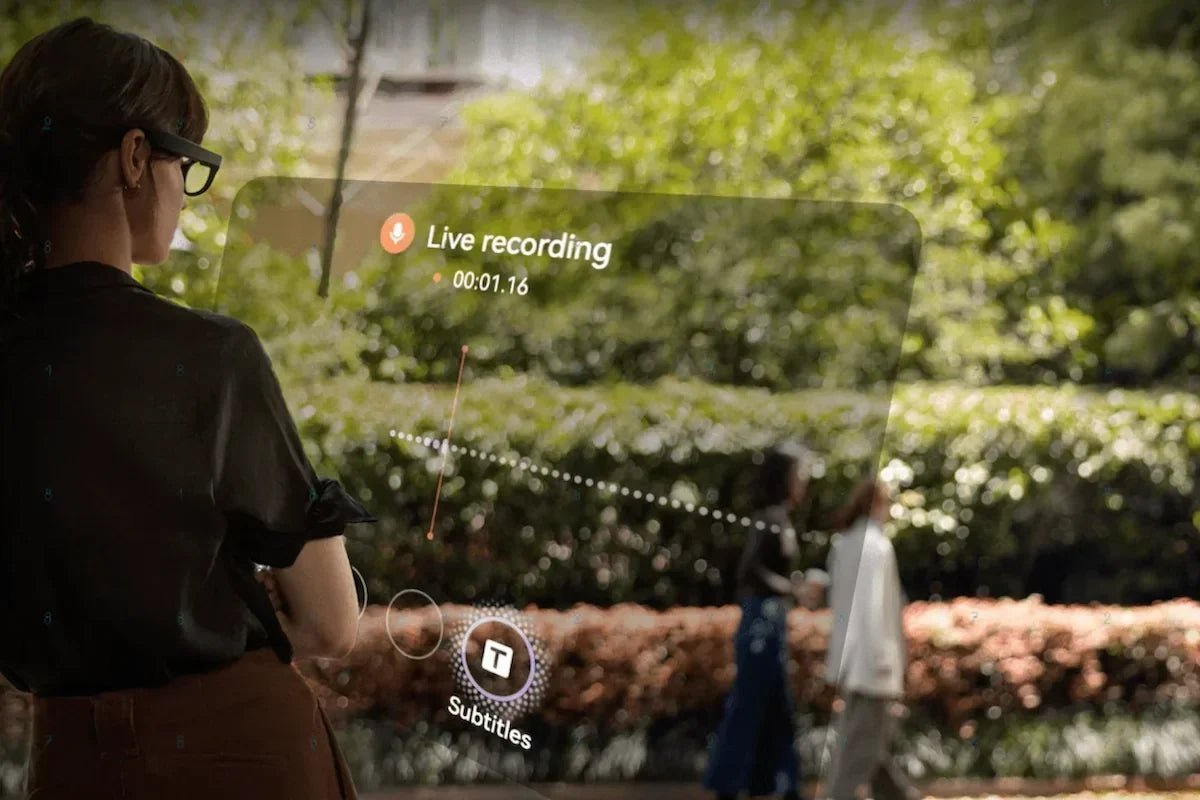
112 language transcription glasses turn spoken conversations into written text and summaries, hands-free, so you can reduce the need for manual note-taking. Whether you are in a meeting, a lecture, or a multilingual conversation, the glasses can capture and organize conversations when the feature is enabled. This guide explains how transcription glasses work, the benefits, how to choose a pair, and where RayNeo iO fits as smart glasses with direct GPT access.

Language transcription glasses are smart eyewear that use built-in microphones and AI processing to convert spoken audio into written text in real time. Instead of typing notes or holding up a phone, you can use the glasses to capture enabled conversations and organize the information. The process is simple. Microphones capture speech, AI converts it into text, and the result appears as captions in your view or is saved as a transcript for later review.
Some models can go a step further by using AI to summarize conversations and highlight key points or action items. It helps to understand the difference between these outputs. Live captions help you follow along in the moment, while saved transcripts and summaries let you search, edit, and share information afterward. Some advanced transcription glasses can provide both, supporting users during conversations and afterward.
One key advantage of transcription glasses is that they can help users stay focused while recording or transcribing conversations when the feature is enabled. Instead of taking notes manually, you can listen, interact, and review accurate records later. They are especially useful for meetings, lectures, interviews, and multilingual conversations where details matter.
Choosing the right transcription glasses depends on how you plan to use them. Focus on the features that make the biggest difference in everyday use, including language support, transcription quality, comfort, privacy, and how you want to review or display information.
If real-time multilingual communication is also important, compare AI translation glasses for supported translation languages and how captions are displayed.
For hands-free note-taking in meetings and conversations, the RayNeo iO AI Glasses combine voice recording, AI transcription, and summaries in a lightweight 34g frame.
An ultra-transparent waveguide display keeps information in view, while features such as Life Log and RayNeo Suggestions extend the experience beyond transcription into everyday AI assistance.

Not for the basics. Many models include basic features without a paid plan, although availability varies by brand. Advanced AI features may require an optional subscription.
On iO, a built-in assistant is included, while an optional multi-model subscription lets you choose from additional AI models for users who want additional flexibility. Before buying, check what is included by default and which features require a subscription, so there are no surprises later.
A good rule of thumb is to make sure the features you use every day, such as capturing and reviewing transcripts, are included in the base experience. Treat subscriptions as optional upgrades rather than requirements for basic value.
It depends on the model and the feature. Some basic functions can run on the glasses, but real-time transcription and translation across many languages usually rely on a connection to keep accuracy high. Broad, multilingual speech recognition is demanding, so many language translation glasses perform best when connected. If you expect to use the glasses in areas with poor connectivity, confirm which features run on-device and download available language data in advance.
The appeal of 112 language transcription glasses is that they can help users capture and organize spoken content hands-free across multiple languages. Choose features based on your language needs, accuracy expectations, comfort preferences, and privacy requirements.
The RayNeo iO delivers discreet, on-lens transcription and summaries built for meetings, classes, and travel. Decide where you need reliable notes most, then choose the glasses that keep your hands free and your records ready.
Smart glasses with built-in microphones, a display, and transcription software can turn speech into text in real time. Look for strong language coverage, accurate speech recognition, and on-lens captions so you can read as people talk. RayNeo iO, for example, supports AI-powered transcription through Voice Memo and provides live caption features in supported languages. Microphone quality and speaker separation are important factors, as they can affect how well the glasses handle real-world conversations.
Usually not for core features. Many AI glasses let you use the essentials, including transcription and captions, without a subscription. Some premium AI options, such as choosing from additional assistant models, may be offered through an optional paid plan. RayNeo iO includes a built-in assistant, with an optional multi-model subscription for those who want more choice. Before buying, confirm exactly which features are free and which features require a monthly fee, so you know what to expect.
Generally, no. Owning and wearing smart glasses is legal, but recording other people is where the law comes in. U.S. federal law generally allows one-party consent for many recordings. However, some states require every participant to consent. The Reporters Committee for Freedom of the Press provides additional guidance on state-specific recording rules. Tell people before you record and follow local rules and venue policies. Consider devices with clear indicators or controls that help manage recording features responsibly.







Share:
Two-Way Translation Smart Glasses: A Practical Guide
Why Use AI Captions for Gaming Teams? Esports Tech Guide