

$449.00

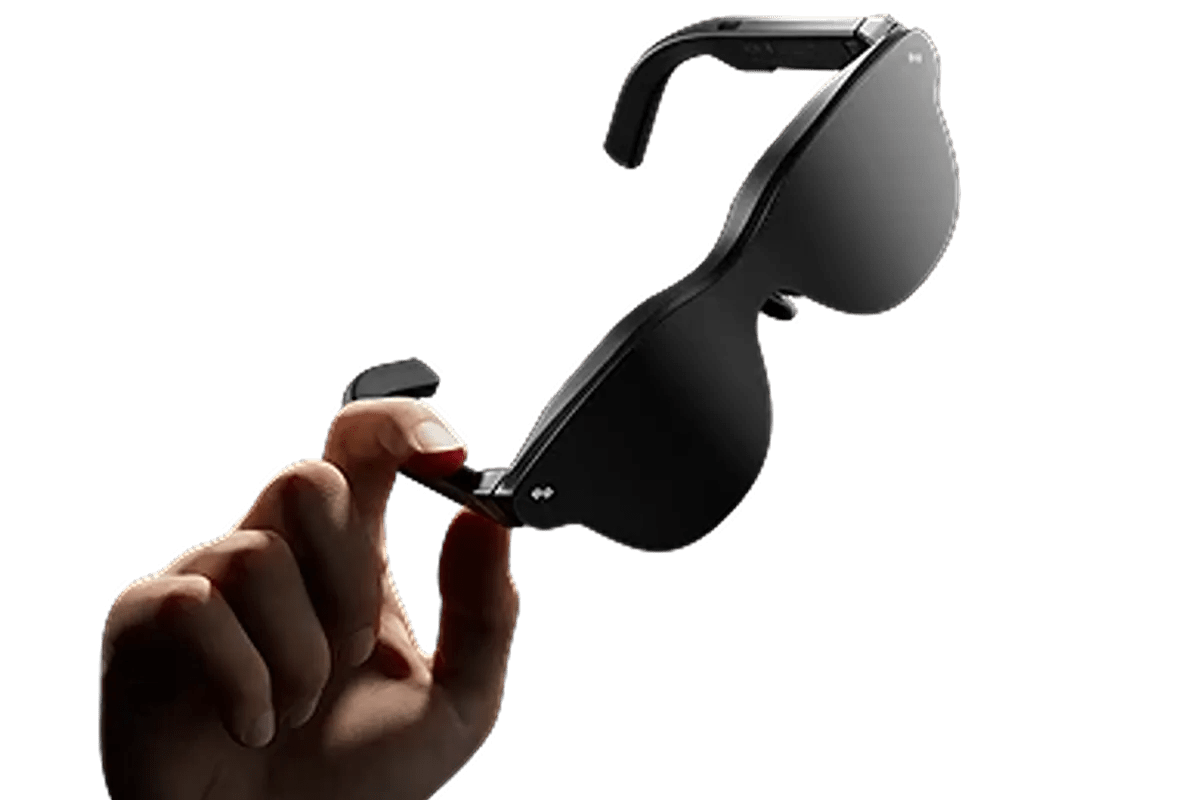
To start, smart glasses are moving everyday updates from your pocket to your field of view. With smart glasses phone notifications, you may be able to check a message, see a calendar alert, follow directions, or answer a call without holding a screen. That sounds a little like replacing your phone, doesn’t it?
The reality is more practical than dramatic. Many smart glasses still depend on a paired smartphone for mobile data, apps, contacts, and access to phone notifications. They work as a convenient extension of the phone rather than a separate replacement. This guide explains how that connection works, which alerts you can expect, and what to check before buying. It also looks at how RayNeo iO AI Glasses turn notifications into quick, glanceable information.

In short, yes: smart glasses notifications can include texts, calls, calendar reminders, navigation prompts, and selected app alerts. However, availability depends on the glasses, their display or audio hardware, the companion app, phone operating system, and permissions you enable.
At the connection level, smart glasses usually operate as a companion device rather than a miniature phone. You pair them through Bluetooth, install the maker’s mobile app, sign in if required, and approve access to the features you want to use.
The companion app acts as a bridge. It uses approved system permissions and platform features to access relevant notifications, formats them for display on the glasses, and sends the information over Bluetooth. Android provides companion-device pairing tools that compatible apps can use, although the app must still establish and maintain the connection. Apple supports notification features for certain accessories and ecosystem devices through approved integrations.
A typical setup looks like this:
Keeping the companion app active may improve background syncing, especially on Android phones with aggressive battery-saving settings. If alerts stop arriving, check Bluetooth, background activity, notification access, and Focus or Do Not Disturb settings before resetting the glasses.
Once everything is connected, the phone decides which notification is available and the glasses decide how to present it. The experience may use a visual display, an audio cue, or both. It is usually designed for quick awareness rather than extended reading.
Under normal conditions, Bluetooth transfers notification data between the phone and glasses. When a permitted alert arrives, the companion app may send the sender’s name, app icon, subject, or a shortened message. Delays can occur if the app is closed, the phone enters a restrictive power mode, or the devices move out of range. Wi-Fi or cellular service may also be required when the glasses use cloud-based AI features.
For visible updates, display-equipped glasses project text or simple graphics into part of your field of view. You might see an incoming caller, a short text preview, a turn arrow, or a meeting reminder. The best interfaces keep information brief so it does not cover too much of the real world. Brightness, text size, display placement, and prescription-lens support can affect whether those alerts remain comfortable and readable.
With audio-capable models, a discreet tone can signal an alert while an open-ear speaker reads selected information or announces a caller. Voice controls may let you answer, decline, or request more detail. Audio is useful when a visual overlay would be distracting, but it can leak sound in quiet spaces. Check whether the glasses have speakers, use paired earbuds, or provide only microphone-based voice input; designs differ considerably.
What still happens on the phone? Long replies, attachments, payment approvals, detailed app screens, and some authentication steps normally remain on the handset. Notification glasses reduce routine checks, but they do not reproduce most app interfaces. Treat the glasses as a filter: they surface what matters now and leave complex actions for a larger screen.
In daily use, notification features are most valuable when they save a small interruption. Think about the moments when you only need one line of information, not the full app. The following tasks show where that difference becomes useful.
For quick communication, supported glasses can show the sender and a short preview from SMS, email, or messaging apps. Some let you dismiss alerts or dictate replies. App coverage is not universal, so confirm whether the companion app supports the services you use most. Also consider hiding message content on the lock screen or glasses when you work around other people.
When a call comes in, the glasses may display or announce the caller’s name and offer hands-free controls. Models with microphones and speakers can route call audio through the frame. Others act only as a caller-ID display or remote control and need earbuds or the phone for audio. Wind handling, microphone directionality, sound leakage, and voice clarity matter more in real conversations than a long list of calling features.
On the move, supported navigation features can provide brief turn prompts to help you follow a route without repeatedly looking down. Calendar alerts, timers, travel-related notifications, and task reminders can work in the same glanceable format when supported by connected apps. Keep the display content short and review local rules before using wearable screens while driving. In the US, messaging and other attention-shifting interactions remain a serious driving risk, even when the device itself is hands-free.
For contextual help, an AI assistant may answer a short question, summarize a notification, identify action items, or retrieve an earlier note. Voice input reduces tapping, while a display presents the answer privately. Results can still be incomplete or inaccurate, particularly for names, dates, and specialized topics. Check important details on the original app before acting, and avoid treating an AI summary as a substitute for a contract, medical instruction, or financial record.
A realistic daily example: During a commute, your glasses might show the next calendar event, announce a call, and provide a navigation arrow for walking directions. At work, they may display a short email preview and remind you about a task. You still use the phone to open a document, type a detailed response, change account settings, or finish a secure transaction.
Before choosing a pair, focus on your regular experience. A bright display or an AI label means little if the glasses miss your essential apps, feel uncomfortable after an hour, or require charging halfway through your routine.
First, verify the minimum supported iOS or Android version, the required companion app, and regional feature availability. Look beyond the words “Bluetooth compatible.” Confirm whether the glasses mirror notifications, support only selected apps, display full previews, handle replies, and reconnect automatically. If you use an iPhone, check MFi support where relevant. Android users should review background activity requirements and any manufacturer-specific power settings.
In real life, battery estimates depend on how you use the glasses. Frequent display wake-ups, calls, translation, recording, navigation, and AI queries can drain power faster than standby use. Compare typical-use claims with the activities you expect to run. Check the charging method too: a proprietary clip may be compact, while a charging case can be easier during travel. Fast top-ups matter if you plan to wear the glasses from morning to evening.
For something that sits on your face, grams do not tell the whole story. Weight distribution, nose-pad options, temple pressure, frame width, heat, and lens thickness can affect comfort. If you need prescription lenses, confirm availability and added cost in US dollars before ordering. A balanced frame may feel better than a lighter but front-heavy design. Try the glasses if possible, particularly if you expect long wear.
From a privacy standpoint, decide what can appear near other people before enabling broad permissions. Limit notification previews, protect the companion app with a device lock, and review how voice recordings, transcripts, location, and AI history are stored. California residents may have rights to know, delete, correct, or limit certain personal information under the CCPA, when the law applies to the business handling it.
Recording deserves separate attention because US consent requirements vary by state and situation. Check the relevant state recording rules and obtain consent when required before activating a voice memo, transcript, or ambient-memory feature. A visible recording indicator helps people understand when a microphone-based feature is active, but it does not replace your legal or social responsibility.
Before you buy, ask yourself:
Rather than pushing each alert into view, RayNeo iO AI Glasses organize useful information around a glanceable Dashboard and simple controls. As AI glasses, they can display live captions for up to 40 languages through the built-in display system. The result is a notification experience built around brief context, not a miniature version of your phone screen.
Ultimately, smart glasses phone notifications can replace many quick phone checks, but they cannot yet replace the phone that supplies apps, connectivity, permissions, and detailed controls. Their real advantage is selective access: you can notice a message, call, route change, or reminder while staying more present in what you are doing.
The right pair should make that access calmer, not noisier. Start with a short list of alerts you genuinely need, confirm compatibility, and disable everything else. Then review comfort, battery behavior, data controls, and recording rules in the places where you plan to use the glasses. If the device helps you decide when the phone deserves your attention, it is doing a useful job—even when the phone remains nearby.
Yes, compatible smart glasses can read text messages aloud through open-ear speakers or show short previews on a built-in display. The experience depends on the model, companion app, phone operating system, and notification permissions. Some glasses only announce the sender’s name, while others display message content or support voice replies. Detailed conversations and attachments generally remain easier to view on your phone.
Yes, some smart glasses can record conversations using built-in microphones, while camera-equipped models may capture both video and audio. Available recording modes, duration, storage, and transcription features depend on the product. Before recording, check the consent laws that apply in your US state and inform other participants when required. A recording indicator does not remove your responsibility to obtain permission.
Many smart glasses include microphones for calls, voice assistants, and other voice-based features, depending on the model. Some models use microphone arrays or other voice-processing technologies to improve voice capture in noisy environments. However, having a microphone does not mean the glasses also include cameras or speakers. Cameras and speakers are separate components, so check the product specifications carefully.





Share:
Can Glasses That Translate 40 Languages Help You Travel?
How to Reduce Phone Screen Time Without Feeling Cut Off