

$449.00

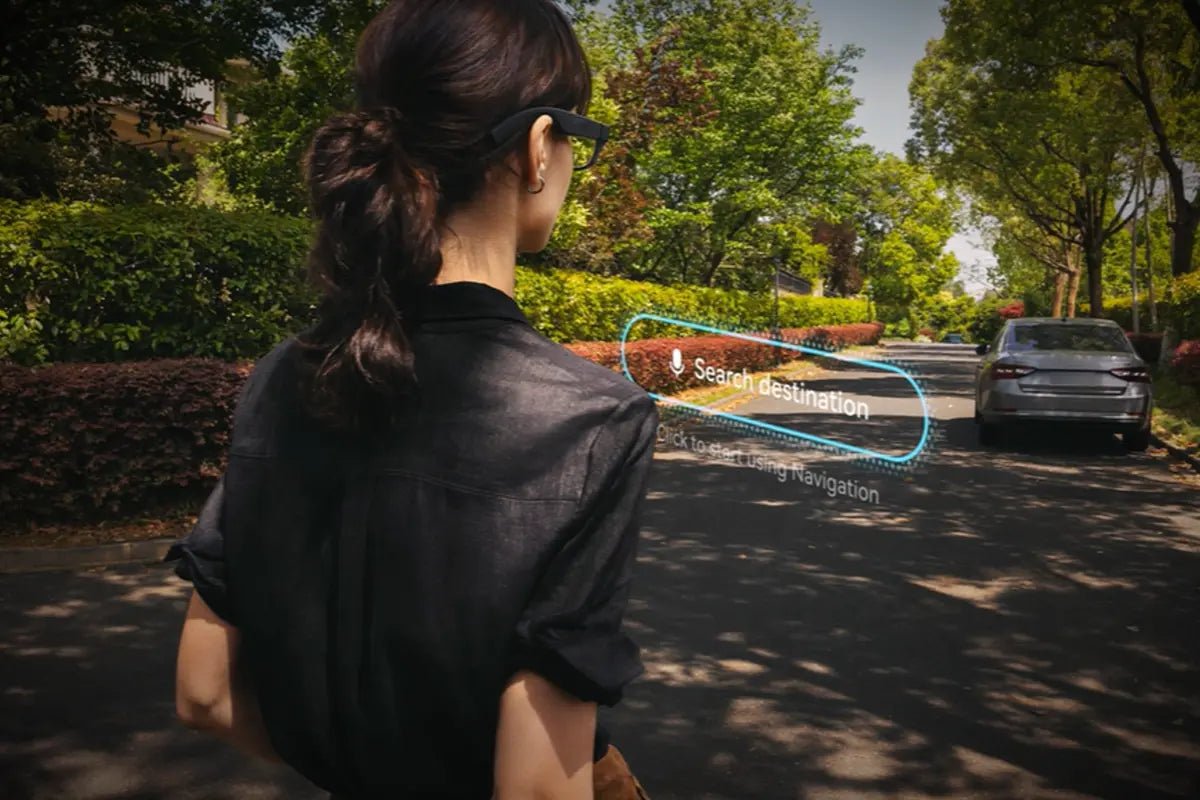
RayNeo doesn’t have one single app or one system requirement. It has three companion apps, each with its own OS requirements, and which one applies depends on which glasses you own.
RayNeo’s download page separately describes “Android 9 or later, iOS 10 or later” for the RayNeo AR app as making performance “more stable.” Those figures are different from the iOS 15.5 shown on the App Store listing, so use the store listing as your install check.
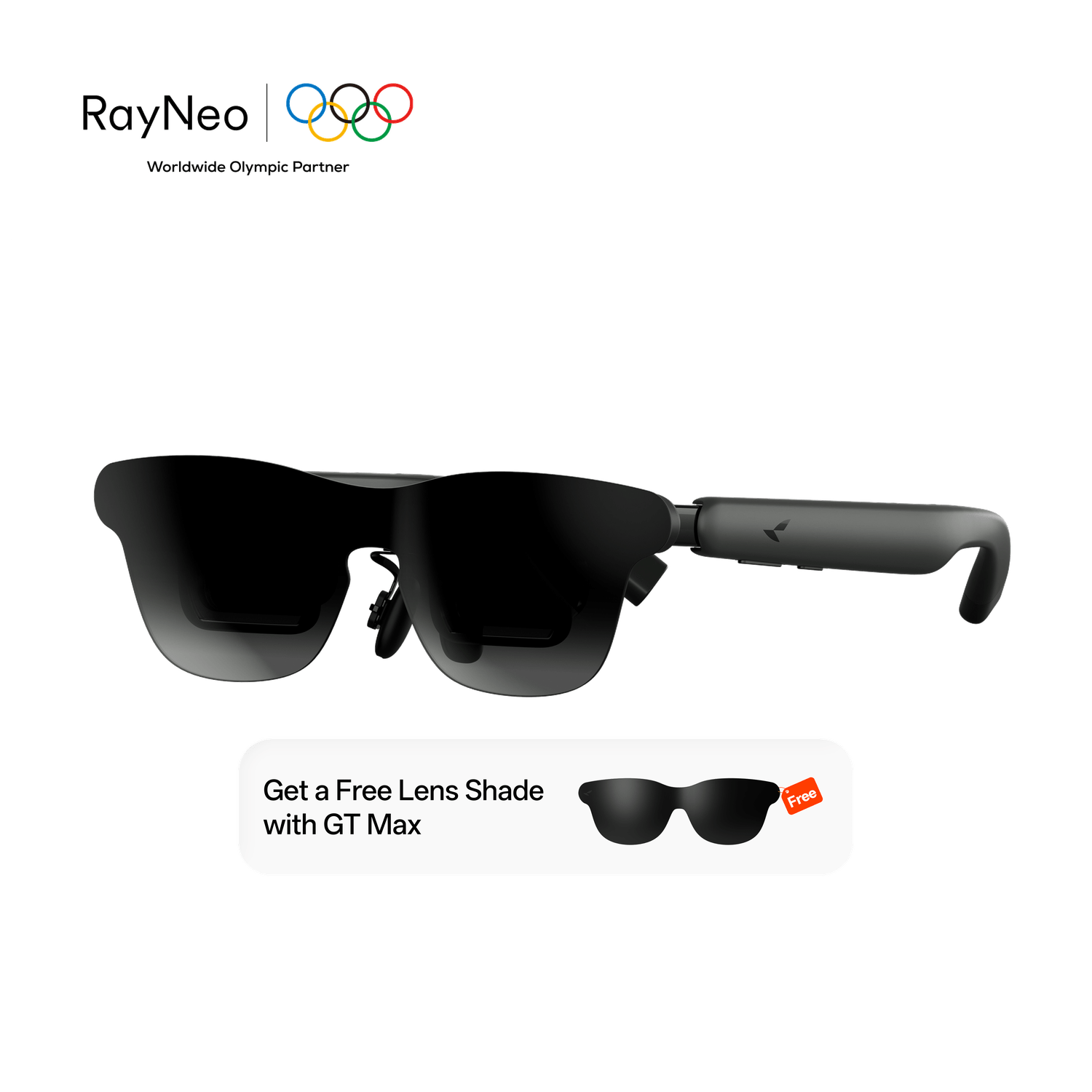
For GT, GT Max, and Air 4 Pro, the app is optional for basic use. These glasses depend on a connected phone, tablet, or laptop for their video signal, and basic screen mirroring works on any device with the right USB-C video output, regardless of OS version or whether the app is installed. SBS 3D content from a supported source can also be shown through the glasses’ hardware 3D controls without the app. The OS minimums below gate app-dependent extras:
| Your glasses | App you need | iOS | Android | macOS | visionOS |
|---|---|---|---|---|---|
| RayNeo GT / GT Max | RayNeo XR | 17.2+ | 8.0+ per RayNeo’s support page (confirm on Google Play; see feature conditions below) | 14.2+ (Apple M1 or later) | 1.1+ |
| RayNeo Air 4 Pro | RayNeo XR | 17.2+ | 8.0+ per RayNeo’s support page (confirm on Google Play; see feature conditions below) | 14.2+ (Apple M1 or later) | 1.1+ |
| Air 2s / Air 3s / Air 3s Pro | RayNeo XR (per RayNeo’s general Air series listing; not broken out by model) | Check the app’s store listing | 8.0+ (as listed for the Air series) | Check the app’s store listing | Check the app’s store listing |
| X3 Pro | RayNeo AR | 15.5+ (App Store listing) | RayNeo’s download page lists Android 9 or later as “more stable”; check the Google Play listing | 12.4+ (Apple M1 or later; installation only) | 1.0+ (installation only) |
| RayNeo iO | RayNeo AI | 15.0+ (App Store listing) | Not confirmed; check the Google Play listing | 12.0+ on Apple silicon (per the App Store listing) | Not listed here |
To check an app’s iOS requirement yourself:
For Android, the equivalent is the device requirements on the app’s Google Play listing.
An installable platform listing doesn’t by itself mean every platform can connect to or control the glasses. The listings tell you whether the app installs; feature support depends on the glasses and the host device.
The app’s App Store listing gives Apple installation requirements; RayNeo’s GT series support page gives the Android connection baseline. App installation, a wired display connection, and AI conversion have separate requirements:
AI 2D-to-3D conversion has extra conditions beyond the OS version. RayNeo’s support documentation draws the line by chipset for Android phones:
An Android phone with a mid-range non-Snapdragon chip may be able to run the app and mirror video, but not AI 2D-to-3D conversion. If that feature is why you’re buying GT or GT Max, check your phone’s chipset, not just its Android version. On iPhone, the conversion is available on iPhone 15, 16, and 17 series with USB-C DisplayPort support.
RayNeo’s Air series page lists the RayNeo XR app for the whole Air lineup, with an Android 8.0 floor at the series level, but doesn’t publish separate iOS, macOS, or visionOS minimums for each model the way it does for Air 4 Pro. For a model-specific answer, check the RayNeo XR app’s App Store or Google Play listing, or ask RayNeo support.
Two questions are separate: can your device plug in at all, and does it meet the app’s version minimum?
Using the glasses as an external display is a hardware question. It depends on whether your device’s USB-C port supports DisplayPort video output. RayNeo’s compatibility information names:
None of that depends on the OS version you’re running. The RayNeo GT and GT Max device compatibility guide covers the hardware side.
The OS minimums here govern whether the RayNeo XR app installs and runs, and therefore whether you get its app-dependent features. An Intel Mac can work as a screen for GT Max without the app, but it can’t run the app itself.
For the full iPhone-by-iPhone breakdown of AI 2D-to-3D conversion, see “Which iPhones Support Native 2D-to-3D Conversion?”
X3 Pro is a standalone smart-glasses platform with its own processor, storage, Wi-Fi, and battery. The phone’s job, through the RayNeo AR app, is setup, connectivity, and AI features that need a network connection, such as real-time translation and the Gemini-based voice assistant.
RayNeo’s app download page lists Bluetooth 5.2 and Wi-Fi 5.0 as hardware requirements alongside the OS minimum, which is worth checking on an older phone.
On the OS side, RayNeo shows two different figures:
Use the App Store listing’s “Compatibility” line to check whether your iPhone can install the app. No matching Android figure is listed here, so check the Play Store listing’s device requirements section before buying if your Android phone is near Android 9.
RayNeo’s iO product page lists Bluetooth 5.4 and MFi Certified as its connectivity details. MFi is Apple’s Made for iPhone certification program. The companion app, listed on the App Store as RayNeo AI, requires iOS 15.0 or later, and the listing also shows iPadOS 15.0 or later and macOS 12.0 or later on Apple silicon Macs.
No Android minimum is published on the pages checked. If you’re considering iO with an Android phone, check the app’s Google Play listing or ask RayNeo support through the live chat or contact form on rayneo.com before you buy.
Can I use GT or GT Max without installing any app at all?
Why doesn’t an Intel Mac run the RayNeo XR app on a current macOS version?
Does the RayNeo XR app work on Apple Vision Pro?
My Android phone meets the 8.0 minimum. Will AI 2D-to-3D conversion work?
Is there a single RayNeo app that works with every model?
If you own GT, GT Max, or Air 4 Pro and want the RayNeo XR app’s full feature set, you need iOS 17.2+, macOS 14.2+ on Apple silicon, visionOS 1.1+ to install it, or an Android phone that meets the conditions RayNeo lists (Android 8.0+ per its support page, with DisplayPort Alt Mode; confirm app installation requirements on Google Play), plus a supported Snapdragon chip if AI 2D-to-3D conversion matters to you. If you just want the glasses as a screen, none of the app requirements apply; plug in and go. For X3 Pro, the RayNeo AR app’s App Store listing shows iOS 15.5 or later. For iO, the RayNeo AI app’s App Store listing shows iOS 15.0 or later; check Google Play or ask RayNeo support for Android.







Share:
RayNeo Wired vs. Wireless Glasses: What the Cable Actually Means
RayNeo Air 3s Pro Display Resolution Explained: 1920x1080 (2D) and 3840x1080 (3D)