

$429.00


Glasses with a built-in camera fall into two categories that actually ship today: camera-only smart glasses with no display, and AI glasses that pair a camera with an AR display, like RayNeo's X3 Pro. A third type, display-only AR glasses with no camera at all, gets lumped into this search sometimes too, but it doesn't belong here since it can't record anything.
For daily use, the choice between the two real categories comes down to a trade you make once and then live with every day: a lighter, simpler frame that just takes photos and video, or a bulkier frame that adds a heads-up display and AI features on top of the camera. Neither is a wrong answer. What matters is matching the trade-off to what you actually do with the glasses once the novelty wears off.
This article breaks that trade-off down across the four things that actually show up in daily wear: how heavy the frame feels after a few hours, how much you can record before recharging, whether people around you can tell you're filming, and whether you need your phone nearby to use any of it.
Every category of camera glasses adds weight on top of a bare frame, and how much depends on what else is packed in besides the camera. Here's how the three weight bands compare:
One detailed hands-on account from Skarred Ghost, based on wearing the X3 Pro through a full day at a tech conference, gives a useful real-world read on both sides of that extra weight. On the discreetness side, bystanders didn't seem to register the glasses as anything more than a bigger, thicker pair of everyday glasses, not as a camera-equipped device. On the comfort side, the same wearer reported real discomfort at the nose pad after a few hours, enough to need breaks. Taken together, the account suggests the extra bulk on X3 Pro shows up more as a comfort question for the wearer than as a "does this look weird" question for the people around them, at least over a full day of continuous wear.

Recording time on X3 Pro depends on how you actually shoot, and it splits into two clear usage patterns rather than one single number.
In practice, the 9-minute per-clip cap gets hit well before the battery itself is at risk of running out. That means you can start three or four separate clips back to back over the course of a day before needing to recharge, not just one long recording. Once a clip hits its cap, recording stops rather than pausing, so you tap record again to start the next one, and whatever you already captured stays saved.
That pattern (several short clips spread across a day rather than one continuous recording) matches how most people actually use camera glasses: a moment at a time, not a full event start to finish.
| Camera-only smart glasses (no display) | Single-eye display AR glasses | RayNeo X3 Pro (AI + AR display glasses) | |
|---|---|---|---|
| Weight | Roughly 35–55g | About 69g | About 76g |
| Display | None | Monocular (right eye) | Dual full-color MicroLED waveguide, 640×480 per eye |
| Max clip length | Up to 3 minutes (default 60 seconds, extendable in the companion app) | Up to 1 minute | Up to 9 minutes per RayNeo's comparison blog |
| Charging case | Yes, adds up to 48 hours | Yes, adds up to 24 hours | No charging case; ships with a non-charging carrying case |
| Passive, light-use battery window | Up to about 8 hours | Up to about 6 hours | Roughly 3.5–5 hours |
| Recording time per charge | Not documented*¹ | Not documented*¹ | ~30 min continuous; ~50 min in short clips*² |
| Starting price | $299 to $379 | About $799 | $1,299 |
*¹ Sources checked for this article don't document a continuous-recording ceiling for camera-only or single-eye display glasses. *² About 30 minutes under continuous, heavy recording; roughly 50 minutes total when clips are spread out with gaps, per RayNeo's comparison materials. See the recording section above for how usage pattern changes this range.
A lighter frame and a longer passive battery window go together here, since both come from the same design choice: skipping or shrinking the display. X3 Pro sits at the opposite end on both counts, in exchange for display and AI features that camera-only glasses don't include at all, and that a single-eye display alternative includes only in a smaller, monocular form.
One term in that table is worth a quick note: "waveguide" refers to the optical layer built into the lens that carries the display's image to your eye. It's the component that makes a display-equipped frame thicker than a plain lens, which is part of why the two display-equipped rows above weigh more than a camera-only design.
What's visible on X3 Pro is the camera lens itself, which sits in a housing along the browline of the frame, the same general placement most camera-equipped glasses use rather than hiding the lens in the hinge or bridge. That visible housing is the physical cue that a camera is present. RayNeo's product page, launch page, and support documentation don't list a separate recording indicator (a light or sound that activates specifically while a clip is rolling), so the housing itself is what bystanders have to go on.
Regardless of what indicator light a given pair of glasses does or doesn't have, most US states and many countries require at least one party's consent to record a conversation, and some require everyone present to agree. That legal baseline doesn't change based on how visible or discreet the glasses look. Treat "will people notice" and "am I allowed to record this" as two separate questions; a visible camera housing doesn't answer either one for you.
For X3 Pro specifically, recording itself doesn't require an active phone connection. The glasses capture and store video on-device, so you can shoot a clip without your phone in range. You do need the companion RayNeo AR app, available for iOS 15.5 and later or Android 9 and later, for initial setup and for pulling footage off the glasses afterward.
Camera-only and single-eye display categories generally work the same way in broad strokes: a companion app handles setup and file transfer, even when basic capture can happen standalone. If you're on an older phone, checking your specific OS version against current app requirements before buying is worth the two minutes it takes.
Camera-only smart glasses fit you if the camera is the entire point and you'd rather not deal with a heads-up display, a $1,299 price tag, or a frame that reads as visibly electronic up close.
RayNeo X3 Pro fits you if you want the camera bundled with a usable AR display, real-time translation, and an AI assistant, and you're fine trading some comfort and battery life for that combination.
A single-eye display AR alternative fits you if you want a viewfinder and a voice assistant without going all the way to a dual-eye display, at a price and weight that sit between the other two categories.
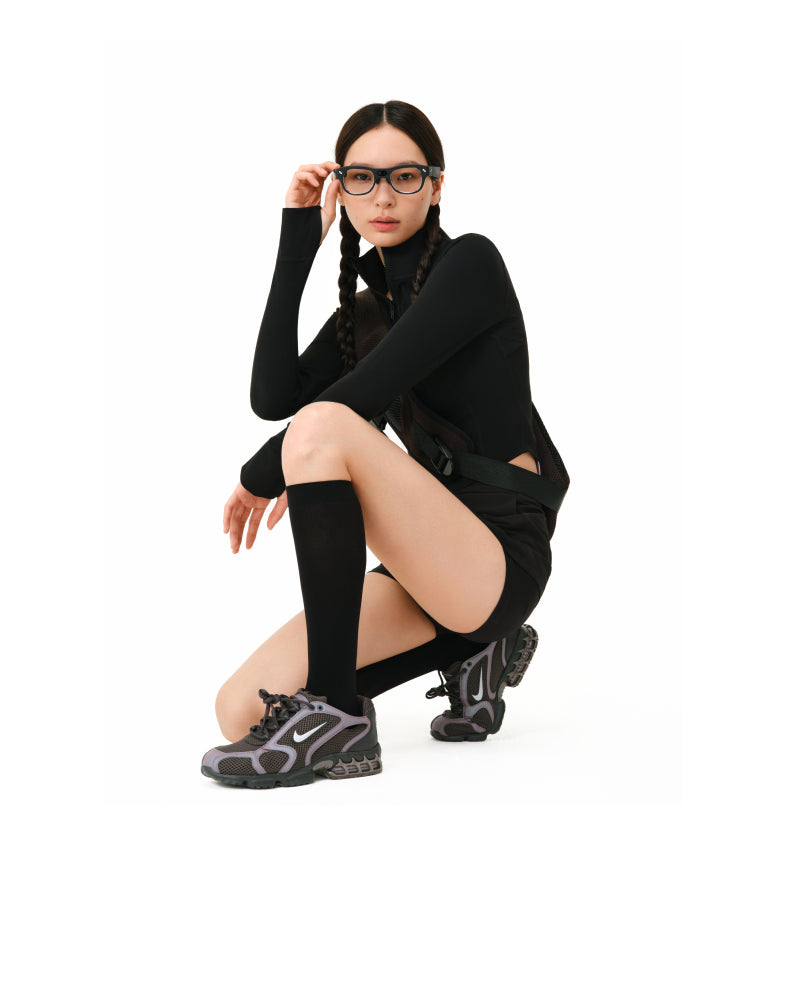
Is 76 grams heavy for daily-wear glasses? It's noticeably heavier than a standard frame, though whether that counts as "heavy" depends on your baseline. A typical pair of plastic-frame prescription glasses runs about 20 to 30 grams, which puts X3 Pro's 76 grams at roughly two-and-a-half to nearly four times that weight. Most of it comes from the MicroLED display and battery, not the camera itself, which is why camera-only designs without a display stay much closer to standard glasses weight.
How long can I record before I need to recharge X3 Pro? Plan around two figures depending on how you shoot. Spreading recording into separate clips across the day, each capped at roughly 9 minutes, gets you about 50 minutes of total on-device recording per charge, per RayNeo's comparison materials. Recording continuously in one long stretch drains the battery faster, closer to 30 minutes. Because X3 Pro ships with a carrying case rather than a charging case, once the battery is spent you're recharging from a wall outlet rather than topping up on the go, so 30 minutes is the more conservative number to plan around for a full day away from an outlet.
What happens when a clip hits its length cap? Recording stops, it doesn't pause and automatically resume. You tap record again to start a new clip immediately, and whatever you already captured is saved rather than lost. Across the categories compared in this article, that's the consistent behavior once a clip reaches its limit, whether that limit is 1 minute, 3 minutes, or 9 minutes depending on the model.
Does RayNeo make a lightweight, camera-only pair with no display? RayNeo's current lineup pairs its camera with a full AR display by design on the X3 Pro, which is the company's only active camera-equipped model right now. That combination, camera plus display plus AI features, is the actual point of the product rather than a limitation to work around. If a slim, display-free profile in the 35 to 55 gram range is what you're after instead, that's not a category RayNeo currently competes in, and the camera-only category described above is where to look, using the weight, clip-length, and charging-case specs in the comparison table as your shopping checklist.
Do I need my phone connected to record on RayNeo X3 Pro? No for the recording itself. Video is captured and stored on the glasses, so a clip can be shot without an active phone connection nearby. You do need the RayNeo AR companion app, on iOS 15.5 or later or Android 9 or later, for initial setup and for transferring footage to your phone afterward.
Do camera-only glasses have a visible recording indicator light? It varies by manufacturer, and there's no consistent industry-wide standard either way. If a confirmed indicator light is a requirement for you, it's worth confirming directly with the maker of whichever model you're considering rather than assuming based on how visible the camera housing looks.
The two categories solve different problems, and neither one is a lighter version of the other trying to catch up. Camera-only smart glasses are built around a single job: capture a clip quickly, in a frame that disappears the moment you put it on. RayNeo X3 Pro is built around a different job: put a display, a translator, and an AI assistant in your line of sight, with the camera as one part of that bundle rather than the whole point of the device.
That difference in purpose is why comparing the two on weight or battery life alone misses what each one is actually for. A camera-only pair that matched X3 Pro's feature set would need X3 Pro's weight and battery trade-offs to get there. A display-equipped pair that matched a camera-only design's lightness would have to drop the display first.
Camera-only glasses do one job well: capture clips in the lightest, simplest frame possible. X3 Pro takes on a bigger job, bundling that same camera with a full dual-eye AR display, real-time translation, and an AI assistant, which is why it carries more weight and asks more of the battery in return. For anyone who wants the camera to be one part of a more capable pair of glasses rather than the entire feature set, that trade-off is the point of X3 Pro, not a compromise attached to it.





Share:
Which Glasses Are Best for First-Person Video Capture? POV and Hands-Free Compared
Best Hands-Free Smart Glasses for Calls, Photos & Voice Assistant (2026)