

$429.00

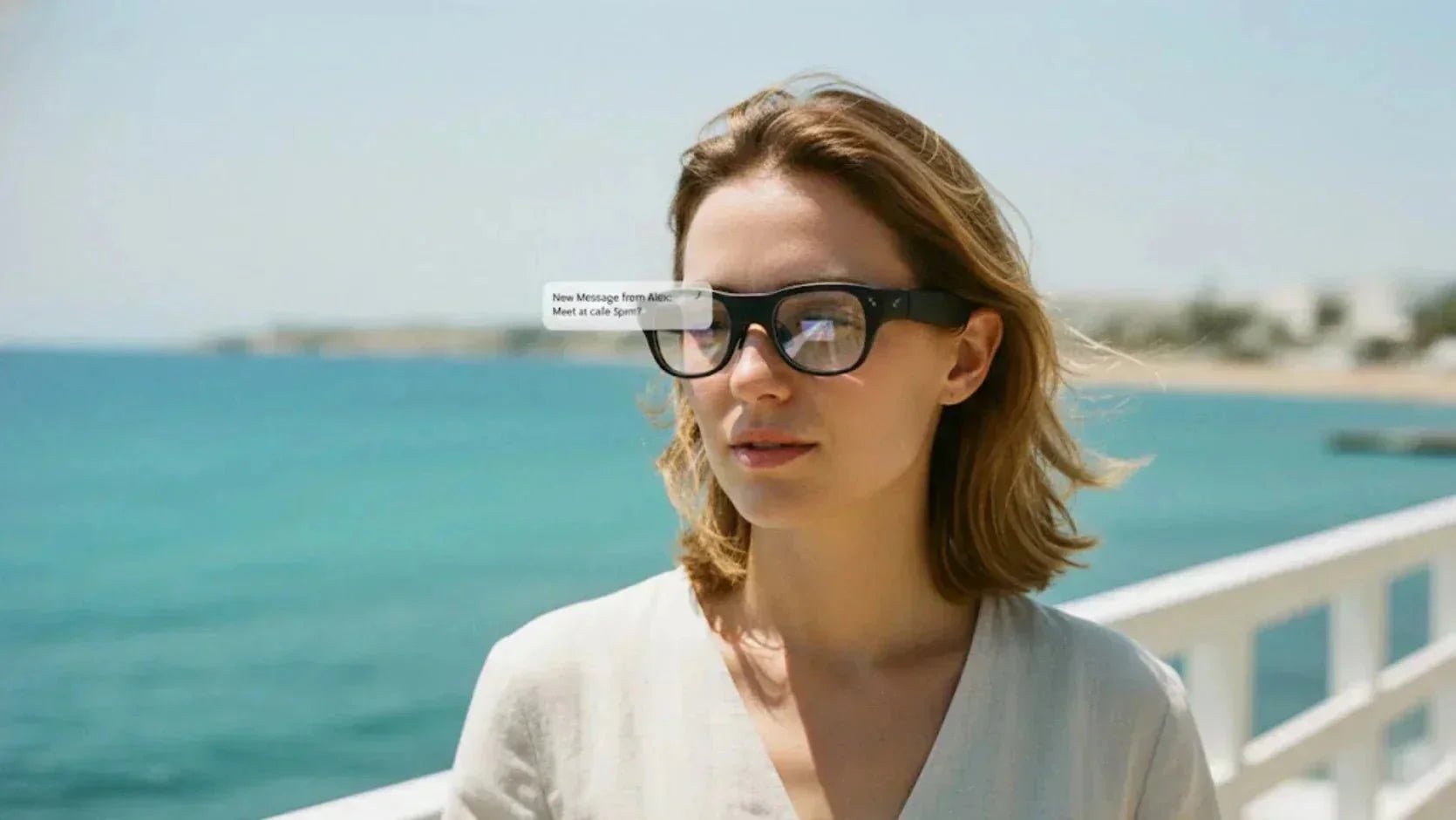
Buying tech glasses sounds exciting until you realize most reviews skip the actual problems. Battery life rarely matches claims, privacy concerns surface when recording in public, and the line between helpful assistant and awkward distraction is thinner than marketing suggests.
Smart sunglasses with camera technology have moved past prototypes. Industry innovators like RayNeo are now developing models that handle video capture, voice commands, and audio without requiring your phone. Yet each feature introduces trade-offs. This guide covers what these devices do well, where they fall short, and which situations justify the investment.
Current models handle video capture, voice commands, and audio without requiring your phone. Understanding these core capabilities helps manage expectations before you buy.
The main appeal of AI glasses with camera is capturing moments without reaching for your phone. When exploring the foundational capabilities of smart-glasses-with-camera-everything-you-need-to-know, a single button or voice command is all it takes to start recording from your exact viewpoint. Cycling new trails, walking markets, or watching sports become significantly easier to document when both hands stay free. Recording quality varies as some record acceptable 1080p in good light but struggle at dusk, while others offer 4K with stabilization.
Camera placement matters more than specs suggest. Most smart sunglasses with camera position the lens near the frame's corner, creating a slightly off-center perspective. Recording length depends on battery capacity and internal memory size. Ten-minute clips are common before the device needs to restart recording or recharging.
Voice commands handle basics like taking a photo without stopping your activity. Advanced models integrate AI assistants that identify objects, translate text, or answer questions by processing what the camera sees. These features usually require internet connection and send visual data to cloud servers. Response times vary based on network quality.
Rather than sealing ears, glasses with camera and bluetooth use small speakers near temples or bone conduction. This keeps you aware of surroundings, improving safety while walking or riding. Sound quality doesn't match dedicated earbuds though, as bass response is limited and nearby people can hear your audio at higher volume. The benefit is comfort and environmental awareness.
Bluetooth connects glasses to your phone for syncing media and adjusting settings. Some models support Wi-Fi for faster transfers. Apps vary in usefulness. The best offer quick access to media library, battery status, and settings without confusing menus.
While the tech is impressive, wearing a camera on your face creates unique social and physical friction. You need to weigh these predictable drawbacks against the convenience features.
Recording devices on your face create social friction. People can't always tell when you're recording, making them uncomfortable. Some venues ban recording devices, and consent laws vary by location. People might ask you to remove glasses during private conversations, and strangers may confront you in public. These are far from edge cases.
Most models last 3-6 hours with moderate use, dropping faster with video recording or heavy AI features. Frames carry extra weight versus regular sunglasses. You'll notice the difference after a few hours, especially during activity. Heat buildup near temples becomes apparent during extended recording.
Checking notifications or viewing AR overlays while walking or driving introduces safety risks. Your attention splits between the real world and the digital layer, slowing reaction time. When AR elements overlay vision, eyes work harder to focus on different sides. After an hour or two, this causes eye strain or headaches.
Cloud-connected AI means visual data travels to remote servers. Companies collect this to improve algorithms, and privacy policies grant broad data usage rights.
Even with strong privacy settings, you're trusting company security practices won't change. Data breaches affecting wearable cameras have occurred before, and POV footage is particularly personal.
Most users find value in specific niches rather than trying to use every feature all day long. Identifying a clear problem to solve ensures these devices become tools rather than novelties.

Vloggers capture authentic POV footage without juggling cameras. The perspective feels immersive—if you're new to this style, you can learn more about what does POV mean in video and social media to maximize your content's impact.
Field technicians and inspectors document equipment and repairs without grabbing phones. Footage serves as reference and helps remote troubleshooting when experts need to see your exact view.
Streaming your perspective gives viewers direct windows into experiences. Whether exploring cities, attending events, or trying activities, POV format creates unique engagement.
Visual AI reads text aloud for vision-impaired users, describes scenes, and identifies objects real-time. While not replacing dedicated tools, these features provide helpful everyday assistance.
Remote experts see field workers' views and provide real-time guidance for complex tasks, reducing travel costs and speeding problem-solving when specialized knowledge is needed on-site.
The market spans from stylish social capture tools to productivity-focused AR machines. Choosing the right model depends on whether you prioritize seamless everyday wear, immersive visual experiences, or specialized features.
Below are four distinct options solving different problems for different users.
RayNeo X3 Pro smart sunglasses with a camera eliminate the constant phone-checking for travellers by projecting a 43-inch floating screen directly in your field of view. Real-time translation appears over the text you're reading, navigation arrows overlay the street ahead, and AI summarizes conversations as they happen.

Unlike basic smart glasses, this runs Google Gemini 2.5 and a translation engine powered by Microsoft Azure natively on Qualcomm's Snapdragon AR1 Gen 1 chip, improving overall performance.
MicroLED display (RayNeo Firefly Optical Engine): 43-inch floating screen with 6,000 nits peak brightness stays visible in direct sunlight
Context-aware AI assistance: Powered by Google Gemini 2.5 for object identification, scene understanding, and intelligent summarization
Real-time translation: Language translation that works partially even when offline, displaying translations directly in your vision
All-day battery: 245mAh capacity supports 4 hours of continuous use with 38-minute super fast charging
Ergonomic design: 76g weight (36% lighter than previous models) with all-weather comfort
3D spatial UI: Five-dimensional temple control for intuitive navigation without touching your phone
Best for tech enthusiasts, AR developers, international travellers, and users wanting cutting-edge AR + AI integration for navigation, translation, and context-aware assistance.
Smart sunglasses with camera fill specific gaps between phones and action cameras. Technology works for casual content creation and hands-free information access, though privacy concerns and battery limitations remain real constraints.
Most people find value in one or two specific use cases rather than using every feature daily. Start with a clear problem, whether it’s POV content, AR information, or hands-free communication, then pick the device handling that task well. If you're ready to see how these different technologies fit your lifestyle, you can explore the full collection of smart glasses to compare latest models and pricing.
Google Glass faced privacy backlash and social stigma. Poor battery life, limited use cases, and high prices contributed to weak adoption.
Physical safety is generally fine, though AR features can cause visual fatigue. The bigger concern is distraction risk when checking notifications while walking or driving.
Meta glasses show a small LED when recording, required by law in most jurisdictions. However, the light is subtle enough that people might not notice in certain conditions.
This doesn’t mean that you should be recording without knowledge though, in some cases, doing so might be a criminal offence, not to mention the fundamental fact that it breaks social etiquette.
Heading: How to Spot Smart Glasses: Form vs. Function Many modern smart camera glasses are designed to look nearly identical to classic eyewear, making them hard to distinguish at first glance. For instance, while the RayNeo X3 Pro leans into a more high-tech aesthetic to house its AR components, most smart frames attempt to blend in. However, the hardware requirements usually leave a few telltale signs:
Thicker Temples: To accommodate the battery, processor, and speakers, the temples (the arms of the glasses) are typically bulkier than those on standard frames.
Concealed Cameras: Look closely at the front corners of the frame. On black or dark-colored models, a tiny camera lens can easily be mistaken for a decorative rivet or screw.
Indicator Lights: Most camera-equipped glasses feature a small LED to signal when recording is active.
Added Weight: Due to the internal hardware, smart glasses usually weigh in around 50 grams.







Share:
Smart Glasses Navigation: Hands-Free Directions for Every Journey
How to Choose Glasses for Large Heads: A Buyer's Guide