

$429.00

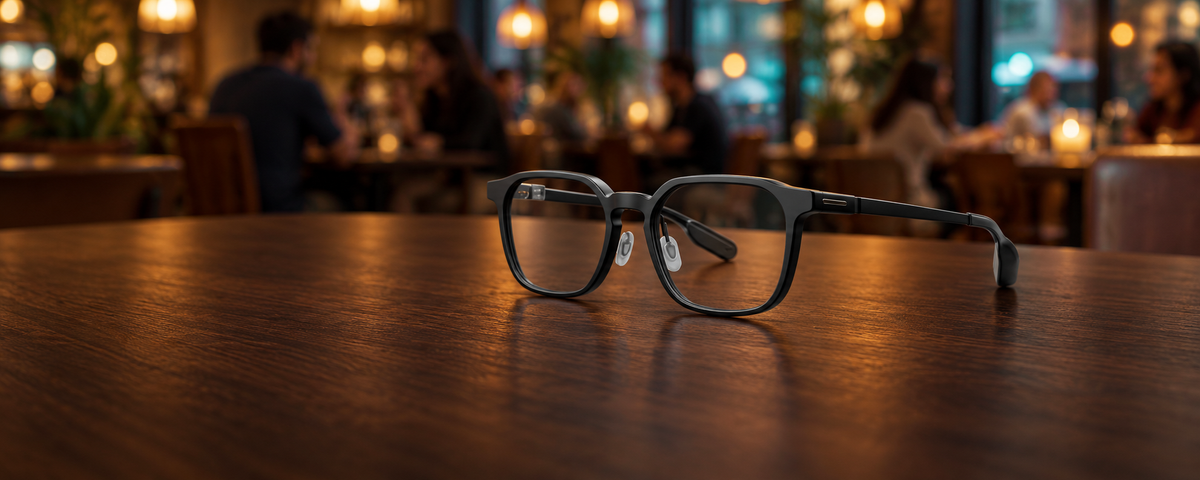
Caption accuracy in a noisy room depends more on listening than on the screen. The glasses have to lock onto the person you are talking with and keep everything else, including your own voice, out of the text.
RayNeo iO Live Captions is built around exactly that, and it helps you catch important information in noisy environments, in a 33-gram Crown Panto frame made for all-day wear.
Every caption starts as a mix of sound arriving at the frame: the person across from you, the next table, background music, clattering plates, and your own speech. Of all those sources, your voice is the one closest to the microphones. Your mouth sits a few centimeters from the frame, while the person you are talking with is usually an arm's length away or more.
That closeness is why captioning in noise is as much about leaving the right voice out as picking the right voice up. A system that wrote down everything it heard would fill the lens with your half of the conversation, the half you already know.
iO's audio input is built around a 4-Mic Array. Microphone arrays in general compare how the same sound reaches each microphone, and those differences are what make it possible to treat one voice differently from another.

Live Captions puts the array to work on the question that matters most in a loud room: whose speech belongs on the lens. The array can distinguish between the wearer's voice and other speakers. Captions then give priority to the person you are listening to and leave your own speech out, so the text tracks the voice that is hardest to follow by ear rather than the one closest to the frame.
Language is the other half of the job. A session begins with you choosing the language the other person speaks, and speech recognition runs on that choice.
| Stage | Where it happens | What it contributes in a noisy room |
|---|---|---|
| Pickup | 4-Mic Array | Takes in the sound around the frame, from nearby voices to the room itself |
| Separation | Live Captions | Decides whose speech appears on the lens |
| Recognition | The language you select | Recognizes speech in the language set for the other person |
| Display | Transparent display, 97% active display transparency, 1300 nits eye-level brightness | Places captions in your field of view while the speaker stays fully visible |
| Catch-up | Smart Crown | Brings back earlier captions during a session |
A closer look at the microphone hardware is in our iO microphone array explainer.
Once the right voice has been picked out, the rest is about reading comfortably while you stay present in the conversation.
A display you look through. iO's transparent display is optically equivalent to a 33-inch screen viewed at 2 meters, with 97% active display transparency and 1300 nits of eye-level brightness. The speaker's expressions and gestures stay in plain view, and in a loud room those carry meaning of their own.
Text at a comfortable height and depth. In the RayNeo App, the Glasses tab has an Adjust option for display height and the near/far effect. Setting both once gives you a viewing position that feels natural for a long conversation.
A display reserved for the conversation. Focus Mode mutes proactively pushed notifications, RayNeo Suggestions, and reminders. A recurring schedule can switch it on for standing occasions, such as a weekly team lunch or a regular evening class, so the display is already clear when the talking starts.
Earlier lines on demand. Turning the Smart Crown during a session brings back previous captions, and the view returns to the live conversation by itself after a short pause.
Translation tuned to your preference. When Translation is switched on inside Live Captions, Live Calibration lets you set translated text for speed or for stability, whichever suits the person you are talking with.

Each noisy setting has its own mix of sound, and the same few iO settings cover all of them.
| Setting | What fills the room | iO settings that help |
|---|---|---|
| Restaurant or café | Music, dishes, nearby tables | The other person's language set before the meal starts; Focus Mode on; display height and depth set for a seated conversation |
| Trade show or expo hall | Crowd noise, announcements, bright lighting | Language chosen for each visitor; Focus Mode on; brightness raised by voice for the hall lighting |
| Family gathering or party | Several conversations at once, TV, children playing | The language of the person you are talking with; Smart Crown to bring back an earlier line |
| Open-plan office | Keyboards, side conversations, calls nearby | A recurring Focus Mode schedule for regular meeting times; the speaker's language preset |
Can I use Live Captions as a passenger in a car or on a train?
How do I brighten the captions when the lighting changes mid-conversation?
Is the conversation kept after it ends?
See every caption, translation, and recording feature on RayNeo iO.





Share:
Can Smart Glasses Translate Conversations and Save the Transcript?
Which Smart-Glasses Features Require a Paid Subscription After Purchase?