

$429.00

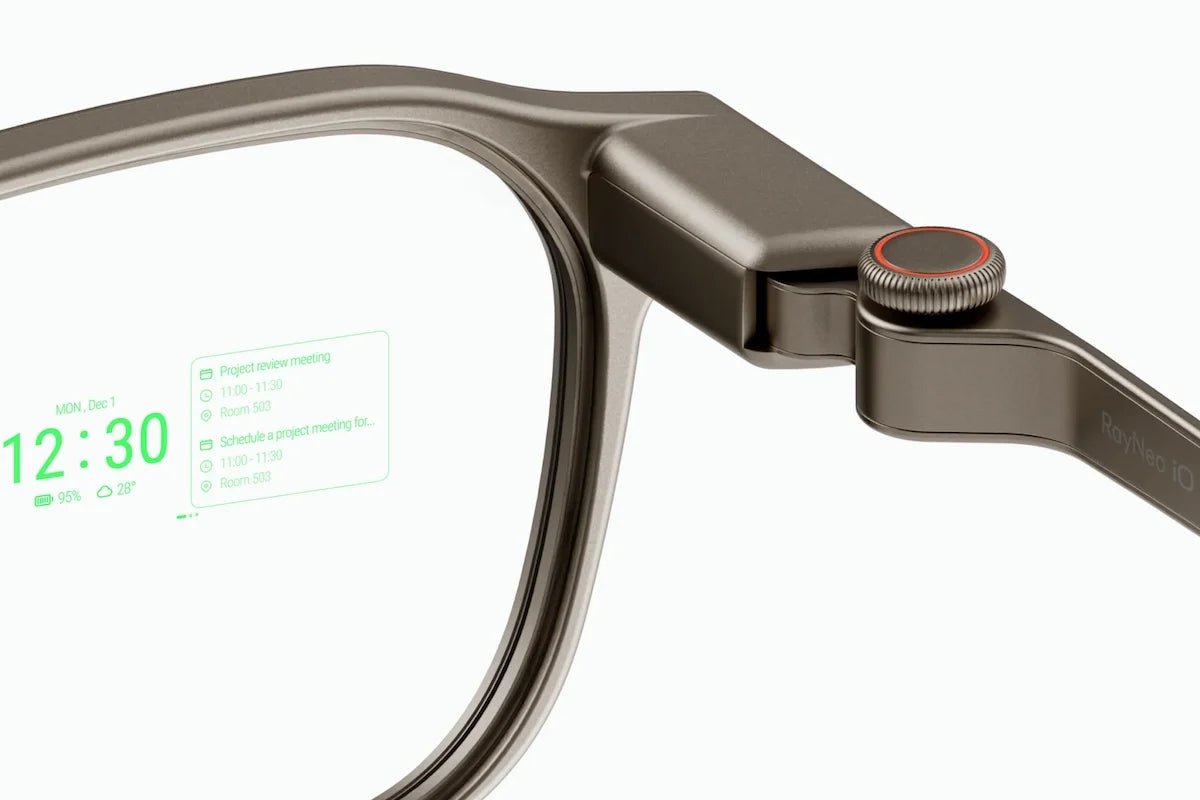
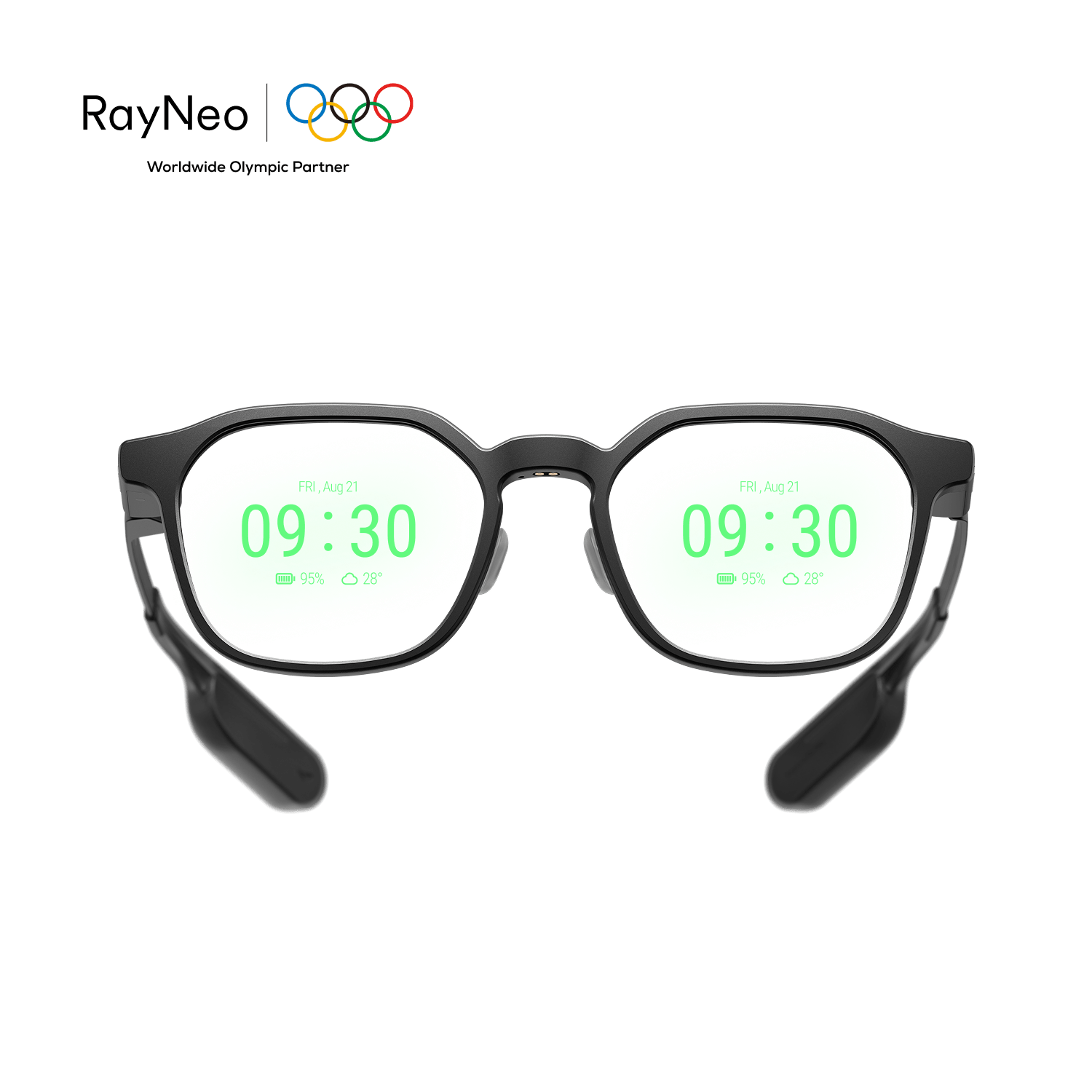
RayNeo iO connects to your phone over Bluetooth 5.4 and carries Apple’s MFi (Made for iPhone) certification, according to its tech specs. The two labels answer different questions. Bluetooth 5.4 describes the wireless standard the glasses’ radio uses. MFi certification is part of Apple’s accessory program.
Neither label means iO only works with iPhone. The glasses use a companion app, available for iOS and Android. The rest of this guide covers what each label means and the platform-specific setup steps worth knowing before you buy.
MFi stands for “Made for iPhone” (the same license also covers iPad and iPod), and it’s Apple’s certification program for third-party hardware accessories. According to Apple’s MFi program page, the program exists for accessories that “connect electronically to iPhone, iPad, iPod, and Apple Watch,” and gives manufacturers access to technical specifications and testing resources for building hardware that works with Apple’s devices.
The program covers a wide range of products, not just glasses. Examples include:
Apple’s program also includes optional technology licenses:
iO is listed as MFi Certified, but that label alone does not establish support for optional integrations such as HomeKit, Find My, or AirPlay. Check the specific feature you need separately; MFi certification is not a guarantee of a particular connection-quality improvement.
Bluetooth 5.4 is the version of the wireless standard iO uses. A version-by-version breakdown of what 5.2, 5.3, and 5.4 each added, and how that compares across RayNeo’s other models, is in our guide to RayNeo’s Bluetooth versions across its lineup. Some of the capabilities the standard added, such as connection subrating (introduced in Bluetooth 5.3), are aimed at more efficient background connections.
RayNeo’s battery figures show iO rated for up to 63 hours of standby while worn on its 240mAh battery (see our iO battery life guide). RayNeo’s product page doesn’t break down which specific 5.4 sub-features (encrypted advertising, Periodic Advertising with Responses) iO’s firmware implements, and it doesn’t say how much of that standby figure comes from the Bluetooth radio, so the version number alone isn’t evidence of a specific battery or connection benefit.
RayNeo’s setup documentation says unfolding the temples reconnects the glasses automatically, without re-running the pairing flow, so the full pairing sequence below is a first-time setup rather than something repeated at every wear. How reliably a connection holds in a busy wireless environment, such as a train platform or conference hall, depends on the glasses, the phone, and the environment, and RayNeo doesn’t publish test results for it.
This is usually the real question behind asking about MFi and Bluetooth 5.4: does iO work better on iPhone than on Android?
Bluetooth 5.4 is a standard that isn’t specific to one phone brand. RayNeo’s companion app is available on both platforms, and RayNeo’s materials list Live Captions and Translation, Lifelog, One-tap Record, and the Personal Dashboard as app features without restricting them to iPhone. Platform permissions, OS versions, and settings can still differ between the two, so don’t assume every feature behaves identically.
One known difference: RayNeo’s support documentation notes that Android users need to adjust a background activity setting so the RayNeo app keeps running in the background and maintains a more stable Bluetooth connection. RayNeo describes this generally and doesn’t name specific features that depend on it. iPhone users aren’t directed to make that adjustment.
The iO companion app, listed on the App Store as RayNeo AI, requires iOS 15.0 or later, with listed compatibility for iPadOS 15.0 and up and macOS 12.0 or later on Apple silicon Macs. No equivalent Android minimum is published on the pages checked; see the FAQ below.
RayNeo’s support documentation lays out the same basic pairing sequence for iPhone and Android:
During setup, the phone’s operating system handles Bluetooth and notification permission prompts as it does for any Bluetooth accessory. RayNeo’s support page doesn’t document the exact screens or order of those prompts for iO.
Both platforms follow the same core pairing flow. The step specific to Android in RayNeo’s documentation is enabling the background activity allowance for the app.
| Apple MFi Certification | Bluetooth 5.4 | |
|---|---|---|
| What it is | Apple’s certification program for accessories | An open wireless standard maintained by the Bluetooth SIG |
| Who it applies to | Apple devices (iPhone, iPad, iPod) | Any device with a compatible Bluetooth radio |
| What RayNeo’s page confirms for iO | iO is listed as MFi Certified | iO is listed with Bluetooth 5.4 |
| What RayNeo’s page doesn’t confirm | Which optional technologies (HomeKit, Find My, AirPlay) iO uses, if any | Which individual 5.4 sub-features are active in iO’s firmware |
| Platform scope | Apple platforms | Works with iPhone and Android phones that support Bluetooth |
iO’s Bluetooth-based pairing is a different connection method from how RayNeo GT and GT Max work. GT and GT Max plug into a phone, tablet, or laptop over a USB-C cable, so their compatibility depends on which devices and ports support video output, not on a Bluetooth version. iO has a monochrome MicroLED display and no camera, and it doesn’t need a video cable: notifications, captions and translations, and Smart Crown and head-gesture commands go through the Bluetooth connection and the app.
RayNeo’s other current wireless model, X3 Pro, also pairs over Bluetooth and uses the RayNeo companion app, though its spec sheet lists Bluetooth 5.3 rather than iO’s 5.4 and doesn’t list MFi certification. For a side-by-side of every RayNeo model’s Bluetooth version, see our guide to RayNeo’s Bluetooth versions across its lineup.
Does RayNeo iO work with Android phones?
Does MFi certification mean iO is an iPhone-only device?
What’s the minimum iOS or Android version needed for RayNeo iO?
That comes from the App Store listing. On Android, no equivalent figure is published on the pages checked. If you’re pairing with an older or less common Android phone, check the RayNeo AI listing on Google Play or contact RayNeo support before buying.
Does Bluetooth 5.4 make a real difference to iO’s battery life?
Can iO show its battery percentage in iPhone’s Bluetooth settings menu, like some other MFi accessories do?
RayNeo iO’s Bluetooth 5.4 and MFi Certified labels are separate: one describes the wireless standard, the other Apple’s accessory program. The RayNeo app supports iOS and Android, and RayNeo lists the same core features across both: Live Captions and Translation, Lifelog, One-tap Record, and the Personal Dashboard. The practical difference RayNeo documents is that Android owners need to enable a background activity permission for the app. For iPhone, the App Store listing shows iOS 15.0 or later; for Android, check Google Play or contact RayNeo support.
Sources:







Share:
RayNeo Wired vs. Wireless Glasses: What the Cable Actually Means
RayNeo Air 3s Pro Display Resolution Explained: 1920x1080 (2D) and 3840x1080 (3D)