

$429.00

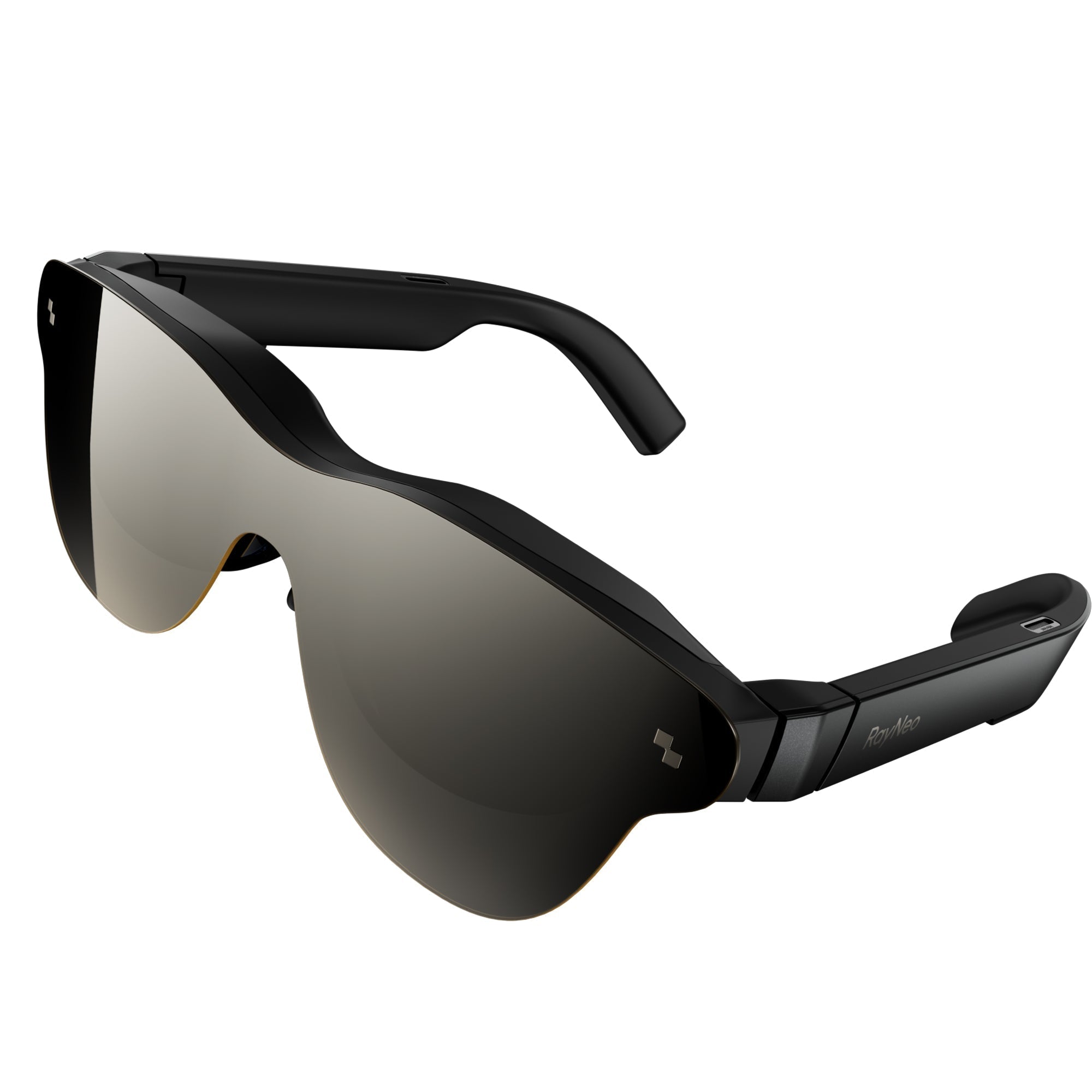
A voice assistant that's genuinely hands-free needs to clear three separate bars, not just one. It has to let you start talking without touching anything. It has to handle a real back-and-forth instead of resetting after every single question. And it has to keep working, at least for basic tasks, when you don't have a solid internet connection.
Most product pages blur these three things into one vague claim: "voice-activated AI assistant." That phrase can mean a lot of different setups in practice, from a fully hands-free wake word to an assistant that only activates after you tap the frame. Within RayNeo's current lineup, the X3 Pro is the model built around a real voice assistant, so this piece focuses on exactly what it does today across those three bars.
Each of these matters independently. A voice assistant with a great wake word but no follow-up support still feels clunky in real use. One with both of those but no offline fallback becomes dead weight the moment you lose signal.
Before getting into wake words and conversation flow, it's worth being direct about which RayNeo products this even applies to. RayNeo's Air series (Air 2s, Air 3s Pro, Air 4 Pro) are AR display glasses built around video, gaming, and screen mirroring. None of their official spec pages list a built-in microphone, so none of them can listen for a wake word or process a spoken question at all. If a voice assistant is the deciding feature for your purchase, the Air series isn't in consideration.
The RayNeo X3 Pro is different. It's a standalone AI and AR device built around a Qualcomm Snapdragon AR1 chipset, a 3-microphone beamforming array, its own Wi-Fi radio, and a Google Gemini integration (currently Gemini 2.5, per RayNeo's product materials). The beamforming array is designed to isolate your voice from surrounding noise, which is exactly what a wake word needs to work reliably outdoors or in a loud room, not just in a quiet office.
RayNeo describes the Gemini integration as "always-on," which is how the "Hey RayNeo" wake word gets triggered: the microphones need to listen continuously for that phrase, the same continuous-listening approach used by smart speakers and phone assistants. RayNeo's current product pages don't specify whether that listening happens entirely on-device or whether the microphones can be muted separately from powering off the glasses.
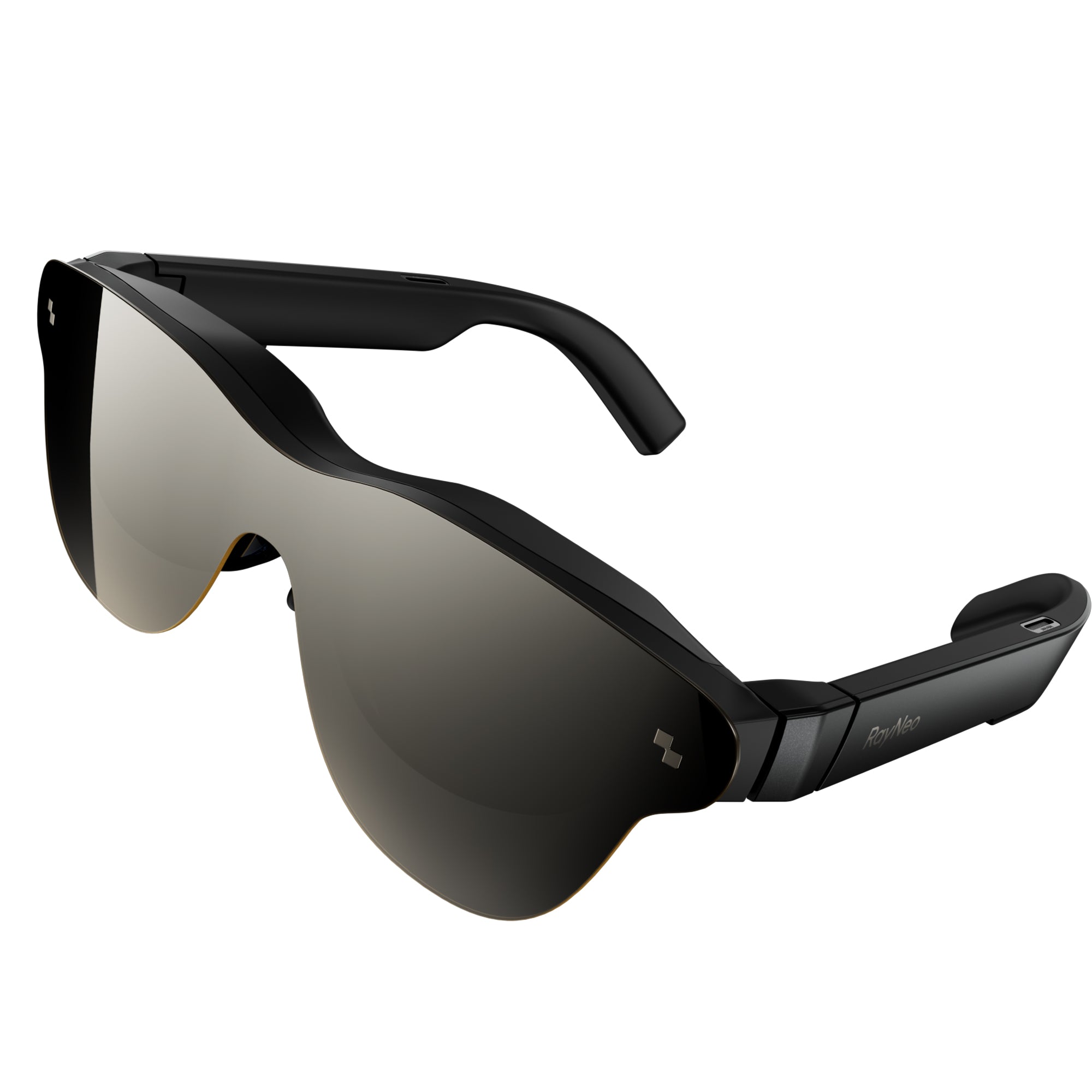
RayNeo's previous-generation X2 also had voice command support, layered on GPT-4 with Vision, alongside touch controls and the RayNeo Ring accessory. It's officially listed as sold out on RayNeo's site, so it's relevant here only as context for how the voice-assistant approach evolved, not as something you can currently buy.
RayNeo's official FAQ for the X3 Pro confirms a "Hey RayNeo" wake phrase that activates the AI assistant and lets you ask a question without touching the frame first. That's a real, confirmed hands-free entry point, closer to how a smart speaker or a phone's built-in assistant works than to setups where you have to press a button or tap a touch panel before the device starts listening.
What that wake word covers is narrower than "full hands-free control," though. Here's how the pieces actually break down:
In practice, that means asking Gemini something hands-free is confirmed and works today. Getting a spoken answer back is confirmed for translation; for general questions, the reply currently shows on the display.
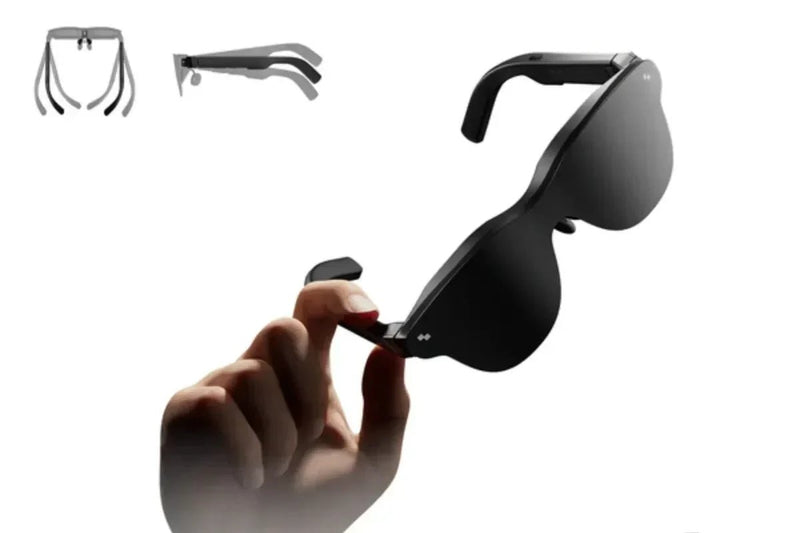
Google's Gemini models are generally built for multi-turn dialogue, holding context across an exchange rather than treating each question as an isolated query. RayNeo's product materials describe the X3 Pro's Gemini integration as capable of "meaningful conversations" using camera, voice, and text together, with the "Hey RayNeo" wake word as the entry point into that exchange.
What isn't spelled out yet is the specific mechanic on the glasses themselves: whether a follow-up question carries over what you just asked without repeating "Hey RayNeo," or whether each wake-word trigger starts a fresh exchange. If a natural back-and-forth without re-triggering the wake word matters for your use case, that's worth testing on the device directly.
RayNeo describes the X3 Pro as a standalone platform, with its own processor, storage, operating system, Wi-Fi radio, and battery, so it isn't strictly dependent on a paired phone for basic operation. That standalone design covers things like the camera and simple on-device display functions without needing an internet connection at all.
Gemini's cloud-based reasoning and real-time translation work differently: both need an active internet connection, whether that's the glasses' own Wi-Fi or a phone's hotspot. RayNeo's current lineup doesn't include an offline model for open-ended questions, so these two features specifically depend on a network connection somewhere in the chain. Independent hands-on coverage of the X3 Pro is consistent with this: without internet access, the device falls back to basic offline functions like the camera and a simple time and date display, not full AI question-answering.
The wake word itself runs locally on the device. If you're using the voice assistant somewhere with no Wi-Fi and no phone hotspot, the camera and basic display functions still work, while Gemini's question-answering and translation pick back up once a connection is available.
| Air 2s / Air 3s Pro / Air 4 Pro | RayNeo X3 Pro | RayNeo X2 (sold out) | |
|---|---|---|---|
| Built-in microphone | Not listed on any official spec page | Yes, 3-mic beamforming array | Yes (voice command support) |
| Wake word, hands-free trigger | Not applicable, no microphone | Confirmed: "Hey RayNeo" | Voice-activated, on-demand (no wake-phrase mechanic documented) |
| AI assistant model | None documented for voice interaction | Google Gemini (2.5), always-on per RayNeo | GPT-4 with Vision, on-demand |
| Multi-turn conversation documented | Not applicable | Not detailed by RayNeo (Gemini's underlying model supports it) | Not documented |
| Full menu control by voice | Not applicable | No, primary control is 5-way touch | No, primary controls were touch and the RayNeo Ring |
| Works without internet | Basic display functions only (no assistant to begin with) | Basic functions yes; Gemini and translation need Wi-Fi or phone hotspot | Not documented |
| Availability | In stock | In stock, on promotion at $1,099 (list price $1,299) | Sold out |
Specs reflect RayNeo's official product pages and FAQ as of August 2026. The X3 Pro's sale price is tied to a current promotion and may change, so confirm the live price on the product page before buying. Voice assistant capabilities can change with firmware and software updates.
The "Hey RayNeo" wake word delivers on a specific, confirmed promise: a hands-free way to ask quick questions, get a translation, or pull up navigation prompts without touching the frame or reaching for a phone.
What happens after that first exchange depends on which feature you're using. Audio readback is confirmed for translated speech. General Gemini answers currently appear on the display, and multi-turn follow-ups follow the same wake-word pattern covered above, RayNeo hasn't detailed the deeper mechanics of a longer back-and-forth yet.
Connectivity works the way most standalone AI devices do: the camera and basic display functions run without a network, while Gemini's reasoning and live translation need Wi-Fi or a phone's hotspot nearby.
Within RayNeo's current lineup, the X3 Pro is the only model built around a voice assistant, since it's the only one with a microphone at all. For hands-free use built on a wake word, real-time translation, and Gemini's AI capabilities, it's the model this comparison is actually about.
Do RayNeo's Air series glasses (Air 2s, Air 3s Pro, Air 4 Pro) have a voice assistant? The Air series is built around AR display and audio for video, gaming, and screen mirroring, connected over wired USB-C. None of their official spec pages list a built-in microphone, which is a hardware gap rather than a software limitation, so it isn't something a firmware update could add later. If a voice assistant is the feature you're shopping for, the X3 Pro is RayNeo's only current model built around one, with the "Hey RayNeo" wake word and Gemini integration covered in detail above.
Does "always-on" mean the X3 Pro's microphone is constantly recording? Not in the sense of continuously streaming audio anywhere. The "always-on" listening is what lets the "Hey RayNeo" wake word work without pressing a button, the same continuous-listening approach used by smart speakers and phone assistants. As covered above, RayNeo hasn't specified whether that listening runs entirely on-device or whether the microphones can be muted separately from powering off the glasses, so confirm that detail directly with RayNeo if background listening is a concern.
Can I ask the X3 Pro a follow-up question without saying "Hey RayNeo" again? RayNeo hasn't detailed the specific mechanics on the glasses. Gemini's underlying model is built to hold context across a conversation, and the "Hey RayNeo" wake word is confirmed to open an exchange, but whether a second question needs a fresh trigger or continues the same session isn't documented yet. Test this on the device directly if a natural back-and-forth without repeating the wake word matters for how you plan to use it.
Does the RayNeo X3 Pro read its answers out loud, or just show them on the display? It depends on the feature. Translated speech is confirmed to include synchronized audio alongside on-screen text. General Gemini answers currently show in your field of view; RayNeo's materials don't say whether those are also spoken aloud. If you plan to use the assistant without looking at the display, translation is the feature confirmed to work that way today.
Does the RayNeo X3 Pro's voice assistant work without Wi-Fi or a phone? Basic on-device functions, the camera and a simple time and date display, work without any connection at all. Gemini's actual question-answering and real-time translation need Wi-Fi or a phone's hotspot, since there's no offline model on the device for open-ended questions.
Is the older RayNeo X2's voice assistant comparable to the X3 Pro's? Not directly, and it's no longer purchasable to compare against in practice. The X2 supported voice-activated queries on an on-demand basis through GPT-4 with Vision, alongside touch controls and the RayNeo Ring accessory, but RayNeo's materials don't describe a wake-phrase mechanism for it the way the X3 Pro's "Hey RayNeo" is documented. It's officially listed as sold out.





Share:
Which Smart Glasses Are Best for Daily Use Without Feeling Bulky? (Weight & Fit Data)
Can Smart Glasses Show Talking Points at a Trade Show? RayNeo X3 Pro's Built-In Teleprompter Explained