

$429.00

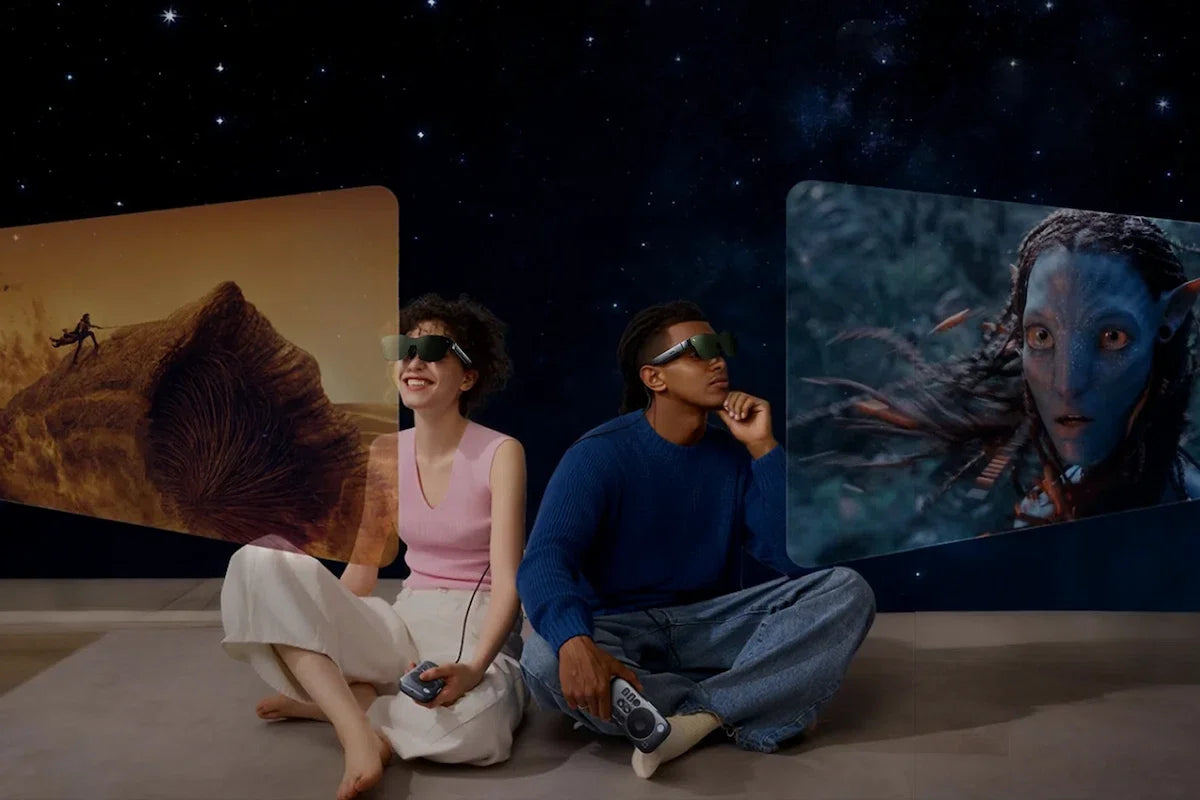
Smart glasses can look similar at first glance, but they are built for very different experiences. Some are designed to give you a private big screen for movies, gaming, and connected-device content. Others are made for everyday AI tasks such as translation, notes, prompts, navigation, or quick information in your line of sight.
That means choosing the right pair is less about finding the longest feature list and more about deciding what you actually want your glasses to do. This RayNeo glasses buying guide breaks down the main options by viewing experience, fit, compatibility, power, and everyday use, helping you see which model best matches your needs.

For a quick starting point, think in terms of the experience you want most. The GT Max, GT, and Air 4 Pro AR glasses are built around large-screen entertainment and connected-device viewing.
The iO is designed for lightweight, camera-free AI assistance throughout the day, while the X3 Pro combines onboard AI with full-color AR, cameras, and navigation.
The table below shows how the five models differ in viewing experience, weight, connectivity, and everyday use.
| Model | Type | Best For | Key Viewing Experience | Weight | Power / Connection |
|---|---|---|---|---|---|
| GT Max | AR glasses | Bigger, more immersive movies and gaming | 59° FOV, 267” default display, native 3DoF, 38 PPD | 78g | Wired, powered by connected device |
| GT | AR glasses | Travel and lighter everyday viewing | 46° FOV, 201” default display, native 3DoF, 49 PPD | 68g | Wired, powered by connected device |
| Air 4 Pro | AR glasses | Value-focused movies and gaming | 46° FOV, 201”, HDR10, Follow Mode, up to 120Hz | 76g | Wired, powered by connected device |
| iO | AI glasses | Everyday AI and productivity | 23.5° transparent monochrome HUD, camera-free | 33g | 240mAh battery, Bluetooth + RayNeo App |
| X3 Pro | AI+AR glasses | Full-color AI, navigation and spatial AR | 30° full-color MicroLED, cameras, Gemini AI | 76 ± 1g | 245mAh battery, Wi-Fi 6 + Bluetooth |
The easiest way to narrow down smart glasses is to start with the job you want them to do. A pair made for movies and gaming solves a very different problem from a pair designed to keep translation, notes, or navigation in view during the day.
Display-focused AR glasses work mainly as wearable private screens. Connect them to a compatible phone, laptop, handheld, or other video source and they can give you a much larger viewing area for movies, gaming, or private-screen work without carrying a physical monitor.
This category makes the most sense when the screen itself is the priority: a larger image, smooth video, a comfortable viewing position, and—on models with spatial tracking—more control over how the virtual display behaves when you move your head.
AI glasses are built around information you want throughout the day rather than cinema-style viewing. A transparent heads-up display (HUD) can be more useful for live captions, translation, prompts, notes, reminders, or quick AI answers because the information sits within your natural field of view instead of taking over it.
AI+AR glasses go further by combining AI assistance with a richer visual layer. Full-color overlays, cameras, navigation, onboard processing, and spatial capabilities can support experiences that feel closer to a wearable computing platform than a simple display.
So, the first decision is straightforward:
Once you know which type of smart glasses suits your needs, a few practical details will have the biggest effect on how comfortable and useful they feel day to day.
For display-focused AR glasses, field of view (FOV) affects how large and immersive the virtual screen feels. Around 45–50° already gives you a large viewing area, while 55–60° creates a wider, more cinema-like experience.
Also check PPD (pixels per degree) rather than resolution alone. Around 40–50+ PPD is a useful reference for current Full HD display glasses. A wider FOV may feel more immersive, while higher PPD can make subtitles, menus, and smaller text easier to read.
For general video, 60Hz is usually sufficient. If gaming is a priority, 90–120Hz gives smoother motion when the source device also supports the higher refresh rate.
Brightness matters too, especially in brighter surroundings, but compare like-for-like figures because manufacturers may quote different types of brightness measurements.
For display-focused AR glasses, 60–80g is a common range. Models closer to 60–70g are generally more comfortable for long movies, flights, or gaming sessions, while heavier designs may trade some comfort for a wider field of view, built-in processing, or more optical adjustment. Everyday AI glasses can be lighter, especially when they use a simpler heads-up display and leave out the camera.
Do not judge comfort by weight alone. Check nose-pad adjustment, temple fit, weight distribution, and IPD. IPD is particularly important for optical displays because poor alignment can lead to blurred edges or parts of the image being cut off. Multiple IPD sizes or a wider supported range can make fitting easier.
AI glasses use their displays differently from cinema-style AR glasses. For captions, prompts, translation, or navigation, a smaller roughly 20–30° FOV can be practical because the goal is quick, glanceable information rather than filling your vision.
For everyday wear, lens transparency matters just as much. Transparent HUD designs can reach around 98% passthrough, helping digital information remain visible without blocking too much of the real world.
Battery claims can mean very different things. A figure such as “one day” or “two days” often refers to intermittent everyday use rather than keeping translation, recording, navigation, or another active feature running continuously.
When possible, compare typical-use battery life, continuous-use figures, and charging time separately. Also check whether a charging case is included or optional, especially if you plan to wear the glasses away from home for a full day.
Display-focused AR glasses may not have an internal battery at all and instead draw power from the connected phone, laptop, or handheld. In that case, source-device battery drain and simultaneous charging become more important than battery capacity in the glasses themselves.
If you wear prescription glasses, check how each model supports vision correction. Depending on the design, this may include prescription inserts, custom lenses, built-in diopter adjustment, or prescription-ready frames. Since the approach varies from one product to another, it is worth checking compatibility before focusing on display specs.
For glasses you plan to wear outdoors, check the IP rating. IPX4 is a useful minimum for sweat and light splashes, while IPX5–IPX6 offers better protection for rain and more active outdoor use. If dust protection also matters, look for a full rating such as IP54 or higher.
For movies, gaming, travel, or a private virtual screen, our AR glasses offer different balances of immersion, portability, and spatial viewing.
The RayNeo GT Max AR Glasses are designed around a larger cinema-style view. A 59° field of view and 267-inch default virtual display give movies and games more visual scale, while native 3DoF lets you switch between Steady, Pinned, and Follow modes depending on how you want the screen to behave.
The GT Max is also available in S, M, and L IPD sizes, which makes it easier to match the optics to your eye spacing before you buy.
Best for: Viewers who want a wider cinema-style screen, flexible IPD fit, and full native 3DoF control for movies and immersive gaming.
Key features:

The RayNeo GT AR Glasses keep the same core Steady, Pinned, and Follow modes in a 68g frame. The 46° field of view creates a 201-inch default virtual display, which is still large enough for movies and gaming while feeling easier to carry and wear for regular use.
GT also reaches 49 PPD, so subtitles, menus, smaller text, and second-screen content can look more densely rendered within the narrower viewing area. The optical design uses a fixed 64mm IPD, so it is worth checking your own measurement before ordering.
Best for: Frequent travellers and everyday AR users who want native 3DoF, lighter wear, and clear text detail for both entertainment and second-screen use.
Key features:

The RayNeo Air 4 Pro AR Glasses are made for users who mainly want a large private screen for movies and gaming without making advanced spatial features the centre of the experience.
The setup stays entertainment-focused, with HDR10, high-refresh-rate support, and Follow Mode built into a familiar connected-display experience.
Best for: First-time AR users and entertainment-focused buyers who want an easy-to-use big-screen experience for movies and gaming.
Key features:

RayNeo AI glasses are designed around information and assistance rather than a cinema-style screen. The iO keeps the experience lightweight and camera-free for everyday use, while X3 Pro combines AI with full-colour AR, cameras, navigation, and onboard processing.
The RayNeo iO AI Glasses are designed to keep AI useful without making the glasses feel like a full spatial computer. At just 33g, they place captions, translation, notes, prompts, and AI responses on a transparent display while keeping the overall design discreet and camera-free.
They also support multiple AI models, including ChatGPT, Gemini, Claude, and RayNeo AI, giving you more choice in the assistant you use for different tasks.
Best for: Users who want lightweight, camera-free AI glasses for translation, meetings, presentations, and everyday productivity, with the flexibility to choose between different AI assistants.
Key features:

The RayNeo X3 Pro AI+AR Glasses are designed for a more advanced wearable computing experience. They combine Gemini-powered AI with a full-colour display, cameras, navigation, and onboard processing, so information can respond not only to what you ask but also to the visual and spatial context around you.
Best for: Users who want a more capable standalone AI+AR experience with full-color visuals, cameras, navigation, and spatial tools.
Key features:

Choosing the right RayNeo glasses starts with deciding what you want them to do. For a private big screen, the GT Max gives you the widest and most immersive GT Series view, GT keeps native 3DoF in a lighter design, and Air 4 Pro offers a simpler HDR-focused entertainment setup.
For wearable AI, the iO focuses on lightweight, camera-free daily assistance, while the X3 Pro combines AI with cameras, full-color AR, navigation, and spatial capabilities. Once you have narrowed down the type, check fit, IPD, prescription support, device compatibility, and power requirements before choosing your model.
Yes, RayNeo glasses support prescription lenses, although the solution varies by product. Depending on the design, this may involve prescription inserts or custom prescription lenses. RayNeo also works with professional optical partners such as Lensology to provide prescription solutions for selected glasses. Check the product page for the exact fitting method and supported prescription range before ordering.
Not always. Display AR glasses generally use a wired connection to receive video, so Wi-Fi is not needed for basic display use. AI glasses may rely on a connected phone for online features, while some AI+AR glasses have built-in Wi-Fi for AI, apps, and other connected functions.
It depends on the type of glasses. Display AR glasses generally do not need an app for basic wired viewing, although an app may provide additional features. AI glasses typically use a companion app for setup, pairing, settings, and connected features. AI+AR glasses may also run some functions independently while using an app for setup or other companion features.
Yes, but compatibility depends on the iPhone’s video-output support. Display AR glasses can connect directly when the iPhone supports video output over USB-C, while Lightning iPhones require an adapter setup. Because a USB-C port alone does not guarantee video output, check RayNeo’s latest compatibility list before buying.







Share:
What Is 3DoF? How 3DoF Works in AR Glasses