

$429.00

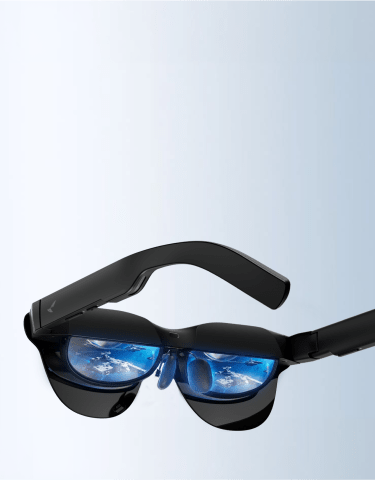
Fitting a display, a camera, motion sensors, and an AI connection into a frame as light as ordinary glasses is the engineering challenge behind every smart glasses design. Each system solves a narrow job: the display projects an image without blocking your view, the camera captures or tracks, the sensors keep overlays anchored as you move, and the AI layer offloads computing to a phone or the cloud. RayNeo’s X3 Pro runs all four at once, in a 76-gram frame, for live navigation and hands-free capture.
A smart glasses display doesn’t put a screen in front of your eye the way a phone or a TV does. There’s no room for that inside a lens roughly a millimeter thick. Instead, most current designs use a two-part system: a tiny projector called an optical engine, usually tucked into the hinge or temple, generates the actual image, and a waveguide, a thin, specially etched piece of glass or plastic built into the lens, bends that light and guides it toward your eye using internal reflection and diffraction gratings. The lens itself stays mostly transparent, so you’re still looking through it at the real world, with the projected image appearing layered on top.
That’s the general mechanism. What differs from product to product is how bright the image is, how much of your field of view it fills, whether it’s color or monochrome, and whether anyone standing across from you can see a glow coming off the lens.
RayNeo’s X3 Pro pairs a Binocular Diffractive Waveguide with its Firefly Optical Engine to drive a full-color MicroLED panel, with these specifications:
In practice, that combination means the display shows up as a bright, glanceable strip near the upper part of your vision, sharp enough for text, icons, and simple overlays, but not built to fill your entire visual field the way a movie screen would.
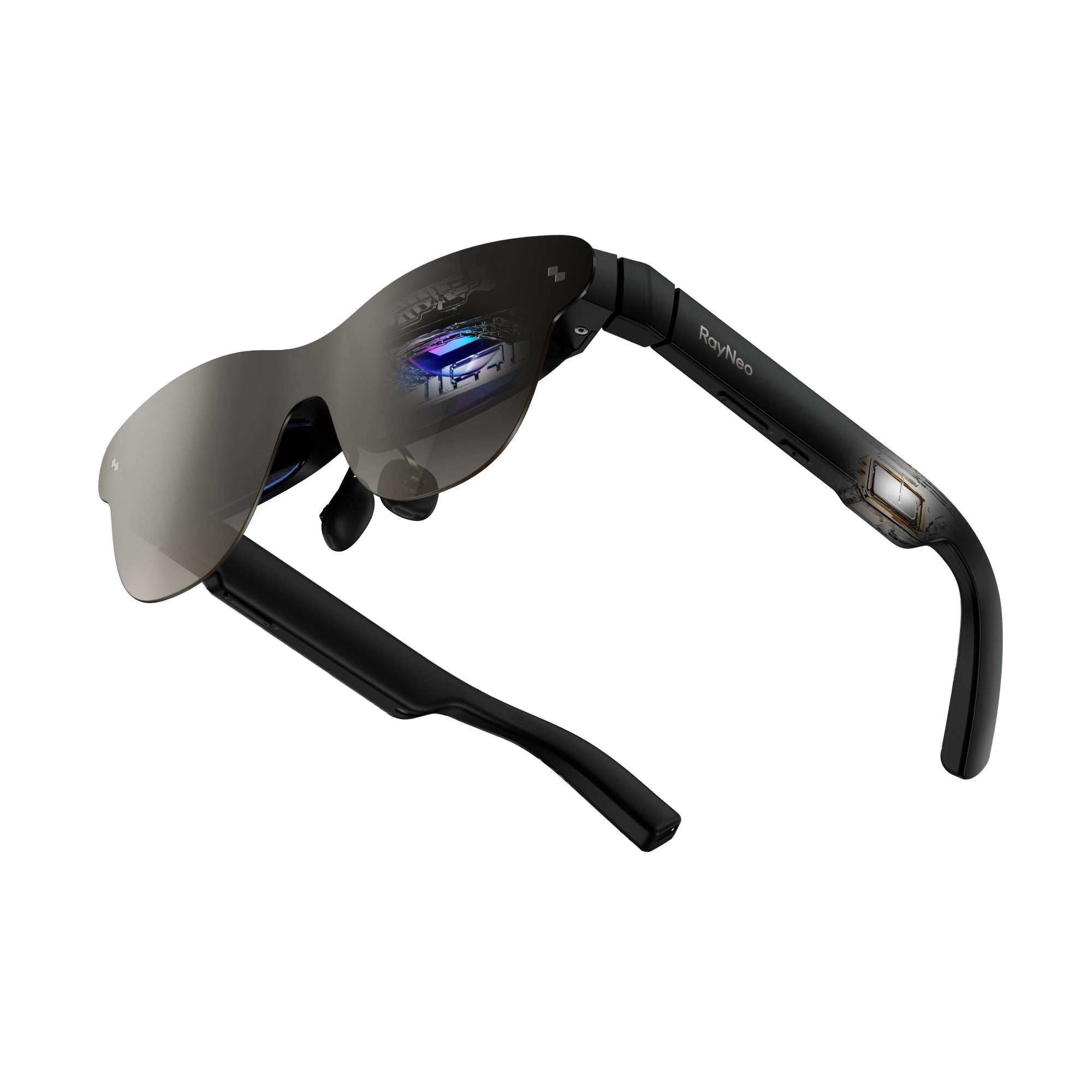
RayNeo’s newly announced iO takes a different approach to the same basic waveguide concept. Instead of a full-color display meant to be glanceable to the wearer, it uses a monochrome green display driven by the Firefly Nano Engine, running through a diffractive waveguide called Blue Lake, rated at 97% optical transparency. The result is an “invisible” display: bright enough for the wearer to read at 1,300 nits at eye level, while staying dim and transparent enough that someone looking at you from across a table shouldn’t notice text scrolling in your lens. That’s a direct engineering trade-off against the X3 Pro’s approach: iO gives up full color and a wider field of view in exchange for a display that draws less power and stays discreet in a meeting or a conversation.
RayNeo’s Air series (Air 2s, Air 3s, Air 3s Pro, Air 4 Pro) points the same underlying waveguide-and-optical-engine concept at a third goal entirely: an immersive viewing experience rather than a glanceable overlay. These displays are built for watching video, gaming, or mirroring a laptop or console screen, so they trade the “invisible to everyone else” quality for a wider, more filled-in image meant to be looked at directly rather than glanced past. The Air 3s Pro, as a representative model, carries these specs per RayNeo:
That’s noticeably brighter and higher-resolution than a glanceable overlay display, because the image is meant to fill your view the way a laptop or TV screen does, not sit off to one side. The Air 3s specifically (not the Air 3s Pro or the rest of the lineup) carries a TÜV Rheinland/SÜD certification for low blue light and flicker-free performance, an eye-comfort standard specific to that one model, and relevant precisely because an immersive display like Air’s is meant for long, fixed viewing sessions rather than the brief glances a navigation overlay is designed around.

| X3 Pro (overlay display) | iO (invisible display) | Air series (immersive display) | |
|---|---|---|---|
| Panel type | Full-color MicroLED | Monochrome green | Full-color AR display |
| Resolution / FOV | 640×480, ~30° diagonal | Not published as a pixel resolution; optimized for text/captions | Air 3s Pro: 1920×1080 per eye (2D), 3840×1080 combined (3D); other Air models vary |
| Brightness | 3,500 nits typical / 6,000 nits peak | 1,300 nits at eye level | Air 3s Pro: 1,200 nits |
| Visible to people around you | RayNeo states the display is visible only to the wearer; a faint glow can show in a dark room | Designed to be effectively invisible to onlookers even in normal lighting | Visible only to the wearer |
| Camera included | Yes | No | No |
| Built for | Glanceable overlays: navigation, captions, notifications | Discreet, all-day text and captions with no camera | Watching video, gaming, mirroring a screen |
The practical takeaway: “AR display” isn’t one spec, it’s a design decision about how much of your vision to use and how visible you want that display to be to other people. A wide, immersive display and a narrow, invisible one solve different problems, and neither is simply a better or worse version of the other.
A camera built into a glasses frame faces a hard physical constraint: there’s no room for interchangeable lenses, a large sensor, or optical zoom hardware. That shapes what every camera-equipped smart glasses model, RayNeo’s included, can and can’t do:
RayNeo’s X3 Pro uses a dual-camera setup that splits two different jobs across two sensors. The main camera is a 12MP Sony IMX681 sensor that handles photo and video capture, rated at up to 4K photos and up to 4K/3K video. A second, monochrome camera sits alongside it, and it isn’t there for photography at all. Its job is spatial tracking: feeding visual data into the same 6DoF (six degrees of freedom) and SLAM (simultaneous localization and mapping) system that keeps AR overlays anchored to the real world as you move. That’s what keeps a navigation arrow locked to the floor in front of you instead of drifting when you turn your head, and it’s also why the secondary camera doesn’t add a second photo angle or improve low-light shots; it’s solving a positioning problem, not a picture-quality one.
RayNeo’s Air series and the newly announced iO skip the camera entirely. Both are built around the display and, in iO’s case, the AI assistant, rather than hands-free capture, which is also part of how each keeps its frame lighter than the X3 Pro’s 76 grams.
Beyond the camera, a set of smaller sensors handles the background work that makes a smart glasses display feel responsive instead of static. RayNeo’s X3 Pro tech specs list an accelerometer, gyroscope, magnetometer, ambient light sensor, and wear detection sensor. Each one does a specific, narrow job:
On the audio side, the X3 Pro uses a 3-microphone beamforming array, which is a set of microphones spaced apart and processed together so the system can focus on a voice in front of you and reduce background noise, rather than picking up sound equally from every direction. That’s what makes hands-free calls and voice commands to the AI assistant usable in a room that isn’t silent.
RayNeo’s newly announced iO adds a different kind of input entirely: a physical rotating dial built into the hinge, called the Smart Crown, used alongside head-movement gestures and the companion app to navigate the display without touching a touchscreen or speaking a command.
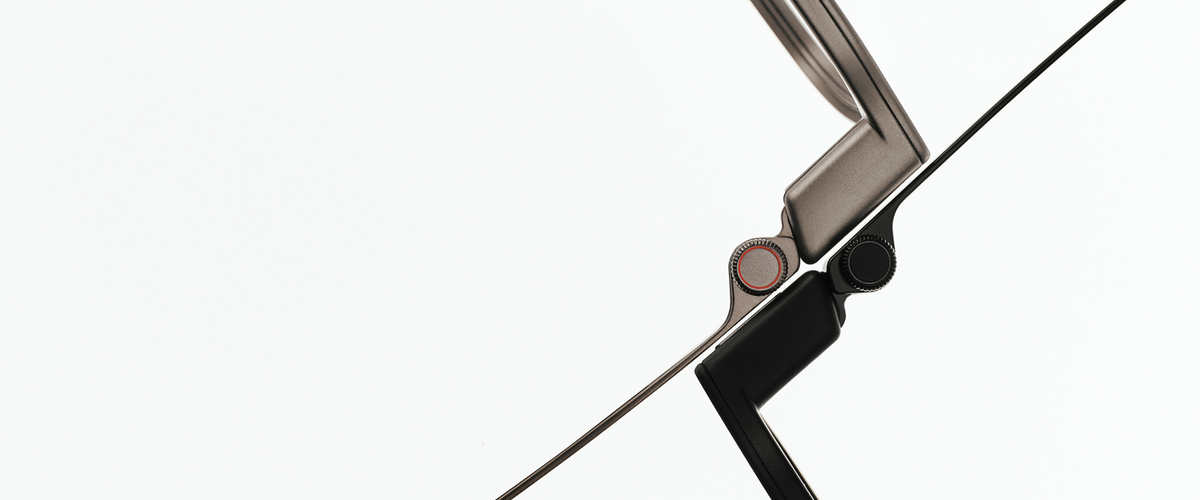
Put together, this sensor layer is what separates a smart glasses display from a static image projected on your lens. It’s the reason an overlay can track your head movement, why the display can dim or wake based on whether you’re wearing the glasses, and why voice commands work in a room with other conversations happening.
“AI glasses” is a slightly misleading label, because very little of the actual AI processing happens inside the glasses themselves. RayNeo’s X3 Pro runs on a Qualcomm Snapdragon AR1 chipset, and that onboard processor’s job is mostly local and latency-sensitive: rendering the display, fusing sensor data for 6DoF tracking, handling touch input, and running basic display functions, none of which require an internet connection.
The more capable AI features, an assistant that can answer a spoken question, real-time translation, or a meeting transcript with an AI-generated summary, depend on a live data connection to a cloud model, since none of these glasses carry a cellular radio of their own. RayNeo’s X3 Pro runs an always-on Google Gemini assistant this way. Basic display rendering and sensor tracking work with no internet connection at all. The Gemini assistant, translation, and transcription features need an internet connection to reach the cloud model, and the X3 Pro can get that connection either through its own built-in Wi-Fi 6 radio or through a paired phone’s data connection, whichever is actually connected to the internet at the time. In practice, that means leaving your phone at home doesn’t automatically kill these features, as long as the glasses themselves are joined to a Wi-Fi network; what does kill them is having no internet connection available through either path.
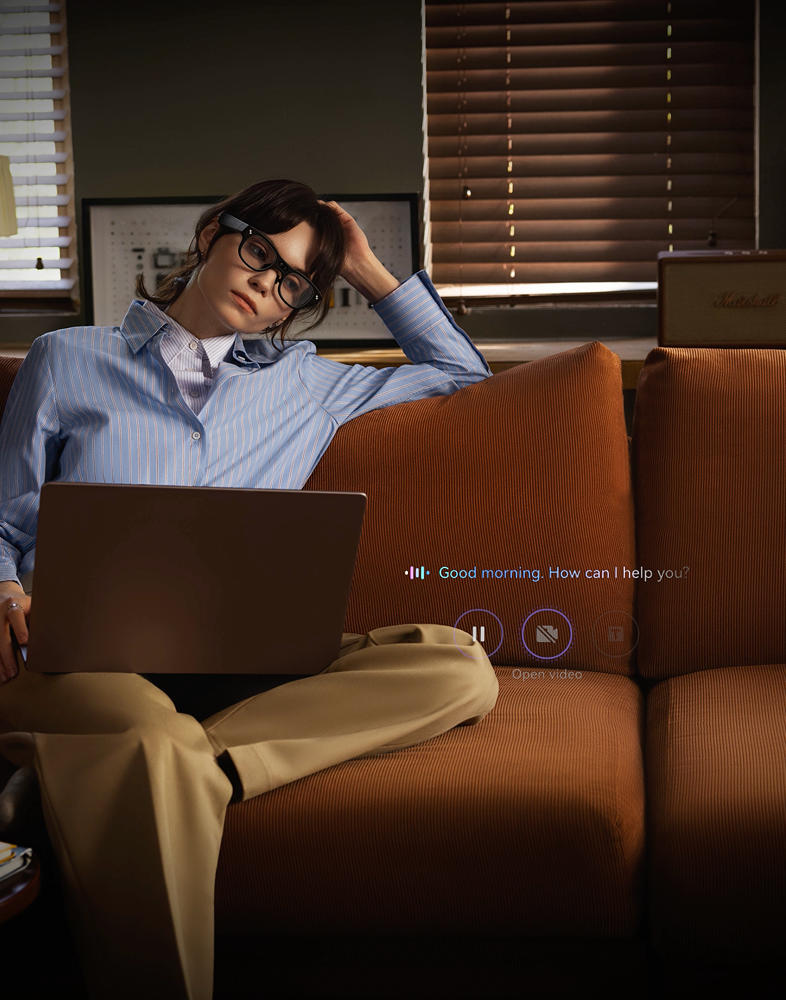
RayNeo’s iO extends this same split-processing model further: its companion app lets you choose which cloud AI model handles queries, Gemini, ChatGPT, Claude, or DeepSeek, connected over Bluetooth, with RayNeo describing multi-model access as an “optional… tier,” pointing to a paid membership layer for at least some of those options beyond a base model. That’s a more explicit version of what’s true across the category: the glasses are a display, a microphone, and a set of sensors, while the actual language understanding happens on a server somewhere, reached through whatever phone or network connection is available at the time.
This is also why battery life for AI features looks so different from battery life for basic display use. RayNeo rates the X3 Pro’s continuous video recording at roughly 30 to 36 minutes, while light, intermittent use (an occasional voice query, a glance at a notification) stretches to 3.5 to 5 hours, because the display and camera draw far more power than a brief round-trip to a cloud assistant. iO’s larger jump, RayNeo rates it for up to 18 hours of continuous recording on a 240mAh battery versus the X3 Pro’s 245mAh battery lasting well under an hour of continuous video, comes largely from having no camera or full-color display drawing power in the first place, not from a fundamentally different battery chemistry.
Putting all four systems into one flow shows why the “displays, cameras, sensors, AI” framing matters more than looking at any one spec in isolation.
Walking through an unfamiliar area with the X3 Pro’s navigation overlay running: the accelerometer, gyroscope, and magnetometer track your movement and heading, the secondary monochrome camera’s SLAM system anchors the arrow to the real floor in front of you, the Snapdragon AR1 chip renders that arrow onto the MicroLED display in real time, and the paired phone’s data connection supplies the actual map and routing data the whole overlay is based on. Take away any one of those four pieces, no sensor fusion, no onboard rendering, or no phone connection, and the feature stops working the way it’s designed to.
Recording a lecture with iO’s Voice Memo feature: the 3-microphone-equivalent array (iO’s documented Wide Spectrum and Voice Isolation modes) captures audio, the onboard system distinguishes different speakers, and once recording stops, a cloud AI model generates a transcript and summary, a record-then-review process rather than live captioning of the whole session. The invisible waveguide display shows status and controls the wearer can glance at without anyone else in the room noticing, and the Smart Crown lets the wearer start or adjust the recording without touching a phone.
RayNeo’s Air series shows what happens when you remove two of the four systems entirely: no camera, no AI assistant, just a display and the sensors needed to keep an image steady, wired directly to a phone, laptop, or console over USB-C for the actual video signal. That single USB-C cable is doing more than charging; it’s carrying a full video signal the way an HDMI cable would, using a USB-C capability called DisplayPort Alt Mode. Not every USB-C port supports it, since plenty of phones and laptops use USB-C only for charging and data, not video output. The practical way to check before buying: look for a source device explicitly advertised as supporting “USB-C video output,” “DisplayPort over USB-C,” or being compatible with a USB-C monitor or dock; a port without one of those claims generally isn’t built to carry video. RayNeo’s Air product pages and support documentation list which phones and laptops are confirmed to work. That’s a deliberately simpler system built for one job, watching video or gaming on a bigger virtual screen, rather than trying to cover all four categories at once.
RayNeo’s newly announced GT and GT Max series, unveiled alongside iO on August 21, 2026 for a September 4, 2026 launch, adds a third, cinema-oriented display line built around watching video rather than AR overlays or an AI assistant. RayNeo’s own August 21 press release lists this set of numbers:
That combination follows the same subtraction principle already at work elsewhere in RayNeo’s lineup: drop AR overlays and an AI assistant, and put almost the entire weight and power budget of a 68-to-78-gram frame toward the optical engine, the wider field of view, and four-speaker audio instead, since immersive video playback is the whole point of this line rather than navigation or a voice assistant.
These specifications come from RayNeo’s August 21 launch announcement, with full product pages following at the September 4 release.
Do smart glasses need a phone to work at all?
What’s the actual difference between a camera and the secondary “depth” or “tracking” camera some models have?
Can smart glasses track head movement without a camera at all?
Is the light coming from a smart glasses display safe to look at?
Why do battery life numbers for the same pair of glasses vary so much?
None of these four systems, display, camera, sensors, AI, works in isolation, and no single spec tells you everything about how a pair of smart glasses will feel to use. A wide, immersive display trades away the “invisible to onlookers” quality that an all-day overlay depends on. A camera that also handles spatial tracking needs sensor fusion that a camera-free design can skip entirely. And an “AI assistant” is really a phone or Wi-Fi connection to a cloud model, wearing a glasses-shaped interface.
RayNeo’s X3 Pro runs all four systems together in a 76-gram frame, for anyone whose priority is live navigation or hands-free capture. RayNeo’s newly announced iO keeps the AI assistant and the all-day display but drops the camera, for captions, translation, and meeting notes where weight and battery life matter more than photography. RayNeo’s Air 4 Pro and the rest of the Air line drop both the camera and the AI layer, leaving just the display and the sensors that keep it stable, for a bigger virtual screen wired to a phone, laptop, or console.
Whichever pair of glasses you’re evaluating, checking which of these four systems it actually includes, and which it leaves out on purpose, tells you more about how it will perform than any resolution or brightness number on its own.





Share:
Is It Legal to Record With Camera Glasses? What to Know Before You Hit Record
What Are AI Smart Glasses, and Which Ones Are Most Useful?