Bluetooth support is a connection fact, not a sound-quality ranking. X3 Pro supports a documented phone-call route alongside a camera and information display. For music/calls without those extras, compare an audio-focused configuration. Do not infer calling or playback just because another model has Bluetooth or microphones.
What the Connection Carries
| Device route |
Connection fact |
Do not assume |
| X3 Pro |
Bluetooth 5.3 and Wi-Fi 6; announced phone-call support |
Every audio profile, phone app or multi-device behavior |
| iO |
Bluetooth paired-phone assistant with microphones |
Playback speaker, music or phone-call audio from the frame |
| Air / GT |
Video, source audio and power over the supported wired route |
A Bluetooth call headset in the glasses |
| Separate earbuds used with a display |
Their own connection to the host |
That the display glasses themselves provide the Bluetooth microphone |
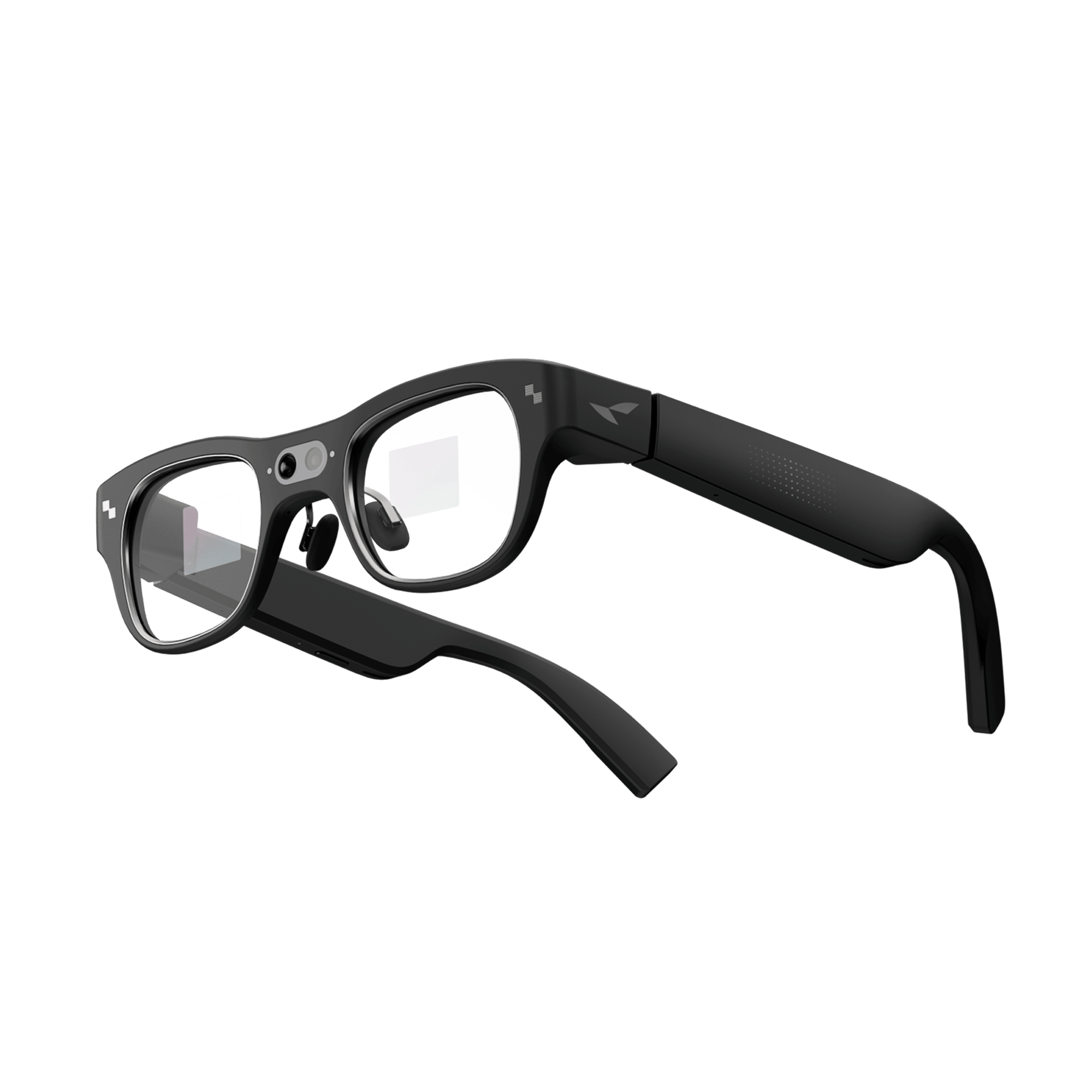
The X3 Pro Calling Route
RayNeo’s X3 Pro product announcement explicitly describes Bluetooth phone calls and notifications. The current product specification lists Bluetooth 5.3, a microphone array and audio tools. Check native calls, your actual calling app, audio routing and controls on the current phone/software; a radio version does not prove every app integration or Bluetooth profile.
Check incoming and outgoing audio in the phone’s actual routing controls. Complete a call, end it and verify how media playback resumes. If a workplace meeting app matters, test that app separately. An operating-system Bluetooth connection is not a guarantee of identical behavior across calling services.
Music and Volume
Use the player and controls that are actually supported on the current phone/software. Keep music playback, assistant output and saved camera audio as separate checks. This guide does not infer A2DP/HFP, codec, multipoint or headset-peripheral support from the Bluetooth version; those need model-specific documentation or a repeatable test.
Why Another RayNeo Bluetooth Device Is Not the Same Audio Product
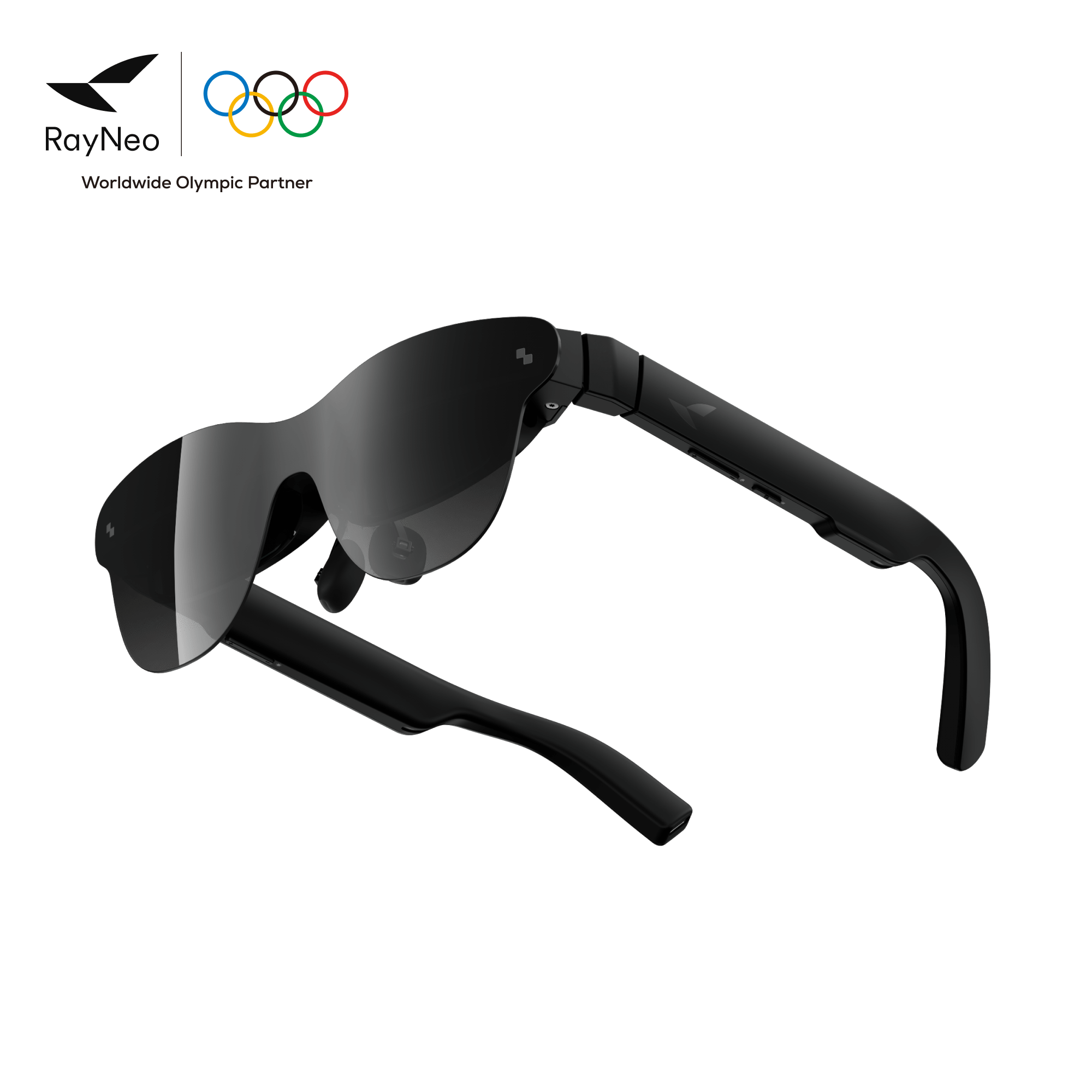
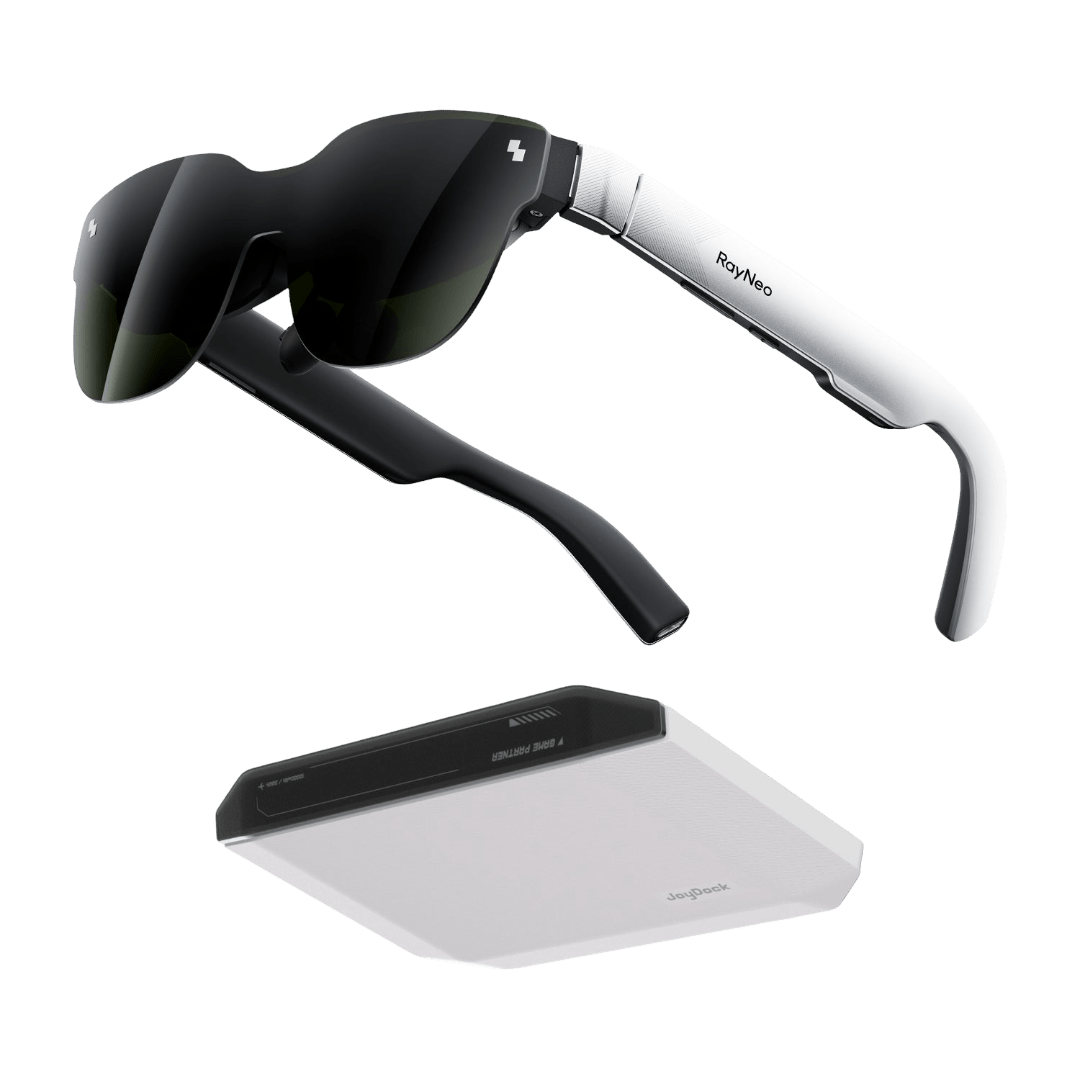
iO has Bluetooth and microphones for its paired-phone assistant workflow, but no speaker for music or calls. Its bone-conduction sensor is an input component, not a playback transducer. Air/GT models play source audio through a wired video connection; their speakers do not turn them into Bluetooth call glasses.
For camera-free captions and text, iO can be the relevant route. For movies, Air/GT speakers play the connected source. For a camera and in-view AI alongside calls, X3 Pro provides the combination to evaluate. See camera plus audio for that decision.

Check Runtime for the Audio Task
X3 Pro’s manufacturer music rating is up to three hours. That is separate from audio-recording, video and mixed AI/display use. There is no verified phone-talk-time conversion from those ratings. Plan charge and test the actual routine instead of calling one figure a universal battery ceiling.
A Five-Step Connection Check
- Confirm the exact device, current companion app and phone requirements.
- Pair using the documented flow and verify the connected device name.
- Check microphone/output during a native call and your actual meeting app.
- Try supported controls and normal reconnection after a pause.
- Compare speech, music, nearby audibility and finished fit in the real environment.
Cost and Everyday Fit
The X3 Pro US device listing is $1,299, checked November 18, 2026. Add the exact prescription and accessories if needed. A lower-priced audio-only product may already meet a calls/music-only task; the extra camera and display should have a reason in the purchase. Open-ear audio is not a confidentiality or noise-isolation guarantee.
Frequently Asked Questions
Does a newer Bluetooth number mean clearer calls? No. Software, routing, microphone pickup and the environment also determine the result.
Do iO’s microphones mean it speaks answers aloud? No. Input and playback hardware are different.
Can I assume any third-party call app works? No. Test the required app and phone rather than extending a generic call statement to every service.
For listening-focused selection, see smart audio glasses for daily use. For camera, calls and assistant together, see the combined task guide.




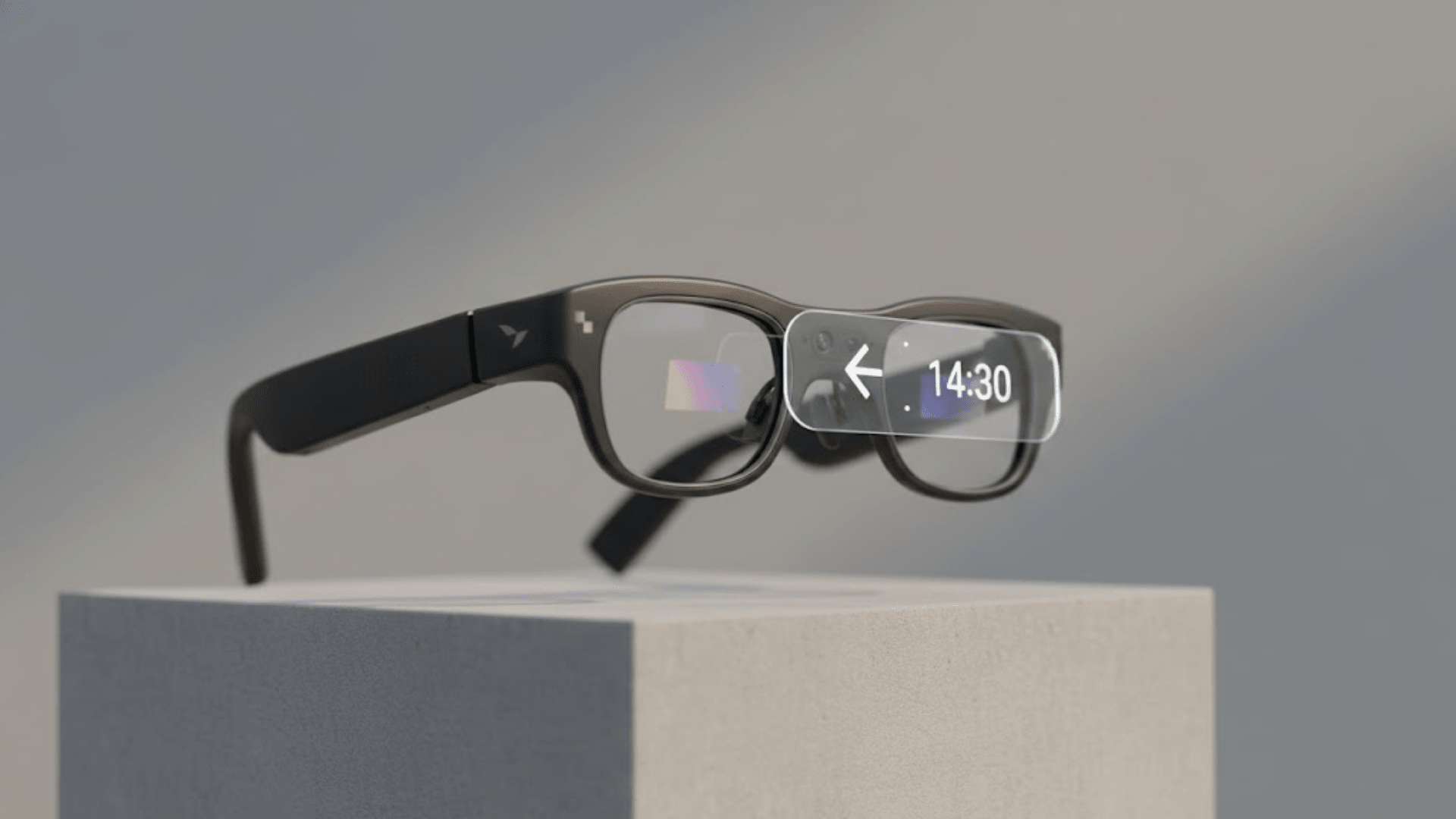


Bluetooth support is a connection fact, not a sound-quality ranking. X3 Pro supports a documented phone-call route alongside a camera and information display. For music/calls without those extras, compare an audio-focused configuration. Do not infer calling or playback just because another model has Bluetooth or microphones.
What the Connection Carries
The X3 Pro Calling Route
RayNeo’s X3 Pro product announcement explicitly describes Bluetooth phone calls and notifications. The current product specification lists Bluetooth 5.3, a microphone array and audio tools. Check native calls, your actual calling app, audio routing and controls on the current phone/software; a radio version does not prove every app integration or Bluetooth profile.
Check incoming and outgoing audio in the phone’s actual routing controls. Complete a call, end it and verify how media playback resumes. If a workplace meeting app matters, test that app separately. An operating-system Bluetooth connection is not a guarantee of identical behavior across calling services.
Music and Volume
Use the player and controls that are actually supported on the current phone/software. Keep music playback, assistant output and saved camera audio as separate checks. This guide does not infer A2DP/HFP, codec, multipoint or headset-peripheral support from the Bluetooth version; those need model-specific documentation or a repeatable test.
Why Another RayNeo Bluetooth Device Is Not the Same Audio Product
iO has Bluetooth and microphones for its paired-phone assistant workflow, but no speaker for music or calls. Its bone-conduction sensor is an input component, not a playback transducer. Air/GT models play source audio through a wired video connection; their speakers do not turn them into Bluetooth call glasses.
For camera-free captions and text, iO can be the relevant route. For movies, Air/GT speakers play the connected source. For a camera and in-view AI alongside calls, X3 Pro provides the combination to evaluate. See camera plus audio for that decision.
Check Runtime for the Audio Task
X3 Pro’s manufacturer music rating is up to three hours. That is separate from audio-recording, video and mixed AI/display use. There is no verified phone-talk-time conversion from those ratings. Plan charge and test the actual routine instead of calling one figure a universal battery ceiling.
A Five-Step Connection Check
Cost and Everyday Fit
The X3 Pro US device listing is $1,299, checked November 18, 2026. Add the exact prescription and accessories if needed. A lower-priced audio-only product may already meet a calls/music-only task; the extra camera and display should have a reason in the purchase. Open-ear audio is not a confidentiality or noise-isolation guarantee.
Frequently Asked Questions
Does a newer Bluetooth number mean clearer calls? No. Software, routing, microphone pickup and the environment also determine the result.
Do iO’s microphones mean it speaks answers aloud? No. Input and playback hardware are different.
Can I assume any third-party call app works? No. Test the required app and phone rather than extending a generic call statement to every service.
For listening-focused selection, see smart audio glasses for daily use. For camera, calls and assistant together, see the combined task guide.
Share:
Leave a Comment
We'd love to hear your thoughts. Comments are reviewed before publication.