

$429.00

Yes. A device that cannot output video over USB-C is not the end of the road, it just changes which cable you buy. There are three working paths: an HDMI adapter for anything with an HDMI output, Apple's Lightning adapter for older iPhones, and a pocket-sized media player that becomes the video source itself so the phone stops mattering.
What none of these do is give your phone video output it never had. An adapter converts a signal that already exists. If your phone's USB-C port is charging and data only, no adapter makes it send a picture. The fix in that case is to feed the glasses from something else, which is exactly what the third path is for.
DisplayPort Alt Mode is the specification that lets some of a USB-C cable's lanes carry a video signal. It has to be built into the hardware, and plenty of current phones and laptops ship without it.
Two checks settle it. Look up your device's official specification and search for "DisplayPort Alt Mode" or "USB-C video output." RayNeo's own FAQ for the GT series says the same thing in the same words, instructing buyers to confirm that the USB-C port supports DisplayPort Alt Mode. No mention of video means the port carries data only, and one of the three paths here covers it.

| Your situation | Path | What to buy |
|---|---|---|
| Desktop PC, laptop, or console with HDMI out | HDMI adapter | RayNeo HDMI Adapter, $64, plus a USB-C PD power source |
| iPhone 14 or earlier (Lightning) | Apple adapter plus HDMI adapter | Apple Lightning Digital AV Adapter, plus a charged HDMI to USB-C adapter |
| Android phone with no video output | Separate video source | RayNeo Pocket TV Pro, $199, which runs streaming apps on its own |
| Nintendo Switch or Switch 2 | JoyDock | JoyDock, $89, plus the $15 Switch 2 bracket for the newer console |
| Handheld with USB-C but no DP video | Dock's HDMI output | HDMI adapter plus PD power |
| Smart TV box, streaming stick, Blu-ray player | HDMI adapter | HDMI adapter plus PD power |

This is the route for most desktops, gaming PCs, and consoles. RayNeo's accessory is an HDMI 2.0 to USB-C adapter with charging passthrough, and it needs two connections rather than one: the HDMI cable from your source, and a USB-C power delivery supply into the adapter itself.
That second cable is the single most common reason a correct setup shows nothing. HDMI carries video but not power, so unlike a direct USB-C connection where the host feeds the glasses, this path has no power source until you provide one. RayNeo's GT Max FAQ states it as a requirement: if using an adapter, make sure it is connected correctly and sufficiently powered.

On what to plug in there, a standard USB-C power delivery charger is the right call of the kind that came with a recent phone or tablet rather than an old low-output block, and if the picture appears but drops out, flickers, or the glasses power-cycle, a higher-output charger is the first thing to swap. Budgeting for the full setup, the adapter is $64 and the charger is likely already in a drawer.
This path is fully supported on the Air series. Connect Apple's Lightning Digital AV Adapter to the phone, plug a charged HDMI to USB-C adapter into it, then run the glasses' USB-C cable into that adapter, curved end into the right temple. Unlock the phone and the glasses power on.
It is two adapters deep, which is inelegant but genuinely works, and it is the reason an iPhone 12 or 13 is not excluded from using these glasses. One thing that softens it: RayNeo's product materials list a Lightning to C adapter and an HDMI extension cable in the box with the HDMI adapter, so the only piece you buy separately is Apple's own Digital AV Adapter.
The cleanest answer for a phone with no video output is to stop asking the phone to provide video. Pocket TV Pro is a $199 Google TV player roughly the size of a power bank that connects straight to the glasses and runs its own apps: 10,000 or more of them, with YouTube, Prime Video, Netflix, and Disney+ among the services listed on RayNeo's page.
The specs that matter for this use: a 6,500mAh battery rated for up to 5.5 hours of continuous viewing, 3GB of RAM with 64GB of storage, microSD expansion up to 2TB for downloaded films, and dual USB-C ports so you can charge the player while the glasses are connected to it.
Paired with the GT series, it is also the only way to get Dolby Vision playback, which RayNeo's page footnotes as supported when GT series glasses are paired with Pocket TV Pro specifically.

This path replaces your phone as a video source rather than mirroring it. Your phone's own apps, photos, and games stay on the phone. If what you wanted was your phone's screen in the glasses, a media player does not deliver that, and no accessory will until the phone itself supports video output.
Content you already downloaded has a workaround rather than a dead end. Streaming services carry your account rather than your device, so signing in on the player restores your library and your watchlist. Files that live only on the phone, such as videos you saved or ripped, can be copied to a microSD card and played back locally, which is what the 2TB expansion is there for. Downloads made inside a streaming app on your phone are the one category that does not transfer, since those files are locked to the app that fetched them.
All of RayNeo's display glasses accept the same kinds of input, so the choice is about screen and budget rather than compatibility.
The RayNeo Air 3s Pro at $279 is the practical pick for adapter-based setups: a 201-inch virtual screen at 46 degrees, 1920x1080 per eye, up to 120Hz, 1,200 nits, 76 grams, four speakers with a Whisper Mode for shared spaces, and TÜV SÜD certification for low blue light and flicker-free operation. Gaming Nexus, testing it over a wired connection, reported no ghosting in fast-paced games, and TechRadar Pro described the single-cable setup as plug and play.
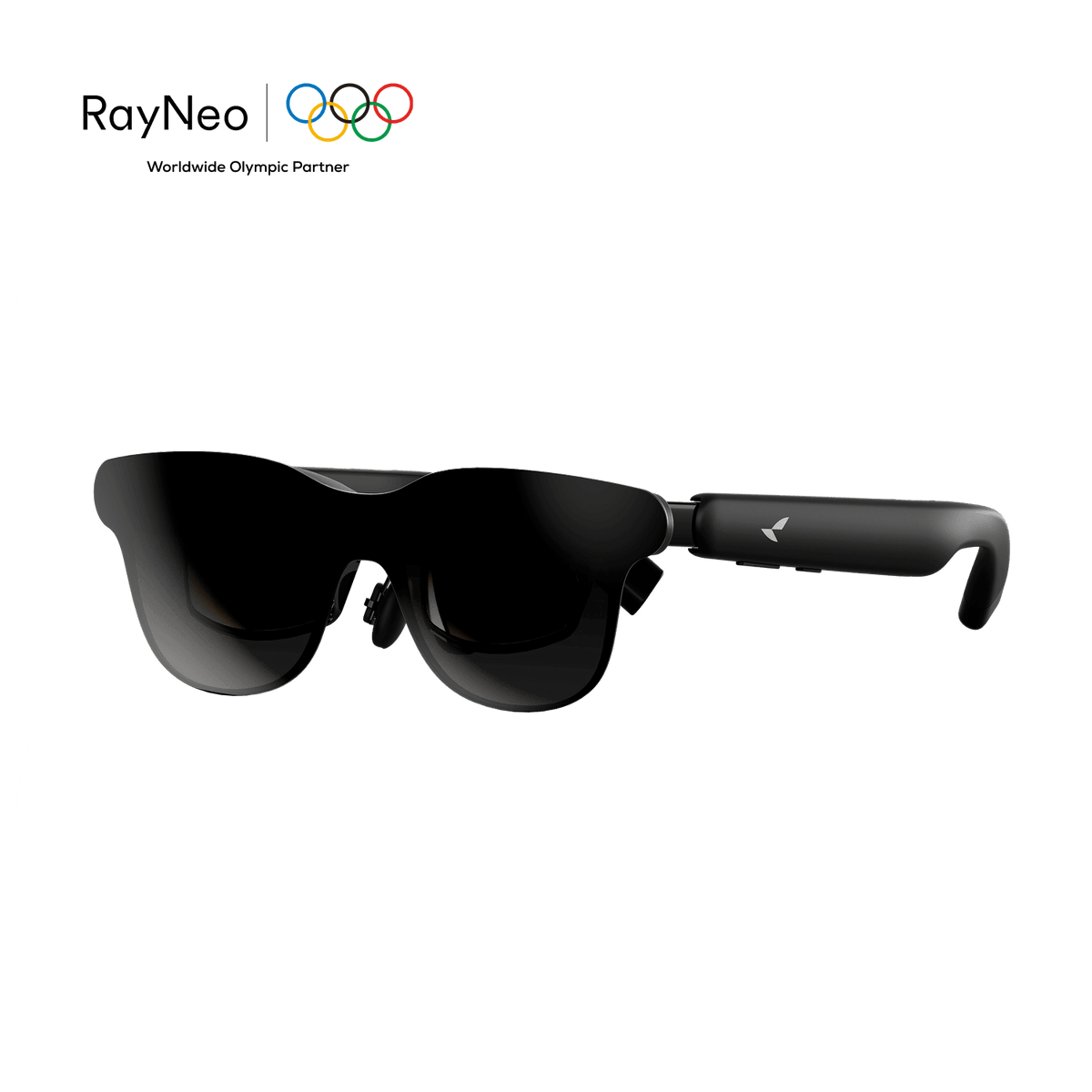
The RayNeo GT Max is the upgrade, listing at $429 with a $30 discount applied automatically at checkout. It widens the view to 59 degrees and the screen to 267 inches, adds Bang & Olufsen tuned quad speakers, three IPD sizes chosen at checkout, and the Dolby Vision pairing with Pocket TV Pro.
Work through these in sequence rather than changing several things at once.
Audio travels with the video signal, so if the picture arrives and the sound does not, the source's audio output device setting is the place to look rather than the glasses.
Cable length shapes where the source can sit. Gaming Nexus measured the cable supplied with the Air 3s Pro at four feet, which is comfortable for a phone in a pocket or a player on the bed beside you, and tight if the source has to stay on a desk across the room.
Will a generic third-party USB-C to HDMI adapter work?
Direction matters more than brand here. Most cheap adapters are built to take USB-C video out of a laptop and send it to an HDMI display, which is the opposite of what these glasses need. The adapter in this setup has to take HDMI in and deliver USB-C video plus power to the glasses. RayNeo's own accessory is built for that direction, which is why it also has a power input.
Does the HDMI path lose picture quality?
The panel is 1920x1080 either way, and HDMI 2.0 has bandwidth well beyond what a 1080p signal needs, so the image is the same. What changes is cabling and the need for separate power.
Can I use a wireless dongle instead of cables?
These glasses take a wired video signal, so a wireless screen-mirroring dongle that outputs over HDMI still has to reach the glasses through the HDMI adapter and its power supply. It adds a link rather than removing one, and any wireless hop adds latency that matters for gaming.
If I buy Pocket TV Pro, do I still need the HDMI adapter?
No, they are alternative paths. Pocket TV Pro connects to the glasses directly over USB-C, which is the point of it. Keep the HDMI adapter for consoles and desktop PCs.
Does an unsupported phone become supported after a software update?
DisplayPort Alt Mode is implemented in the phone's hardware, so a software update does not add it. A dedicated player such as Pocket TV Pro sidesteps the whole question.
Get connected: the RayNeo HDMI Adapter covers consoles and desktops, Pocket TV Pro turns any pair into a standalone cinema, and Air 3s Pro or GT Max supplies the screen.







Share:
What Can AI Glasses Actually Do? A Scenario Guide
What the RayNeo AI Assistant Can Actually Do?