

$449.00

FOV meaning refers to Field of View, the amount of a scene visible at one time. The term appears in video games, photography, film, virtual reality, augmented reality, and studies of human vision. In simple terms, a wider FOV shows more of the surroundings, while a narrower FOV focuses attention on a smaller area. However, the ideal setting depends on the context and the viewer’s needs.
In gaming, changing FOV can improve awareness but may affect performance or create visual distortion. For cameras and headsets, it influences framing, immersion, and how natural the image feels.

FOV stands for Field of View. It describes the total visible area that a person, camera, screen, or VR headset can see at one time. FOV is usually measured as an angle in degrees.
A wider FOV shows more of the surrounding scene, while a narrower FOV focuses more closely on the center. The meaning is similar across different fields, although the way FOV is measured and used can vary.
FOV is measured as an angle that represents how much of the environment is visible. The measurement may describe the width, height, or corner-to-corner span of the view.
FOV can be measured in three ways:
These measurements are not interchangeable. A stated 90-degree FOV may refer to any of them, depending on the game, camera, or VR device. Always check the FOV measurement type before comparing specifications.
FOV can vary depending on both hardware and software:
In video games, FOV determines how much of the virtual environment is visible on screen. It can affect awareness, aiming, immersion, comfort, and how large objects appear.
A higher FOV shows more of the surroundings, especially at the sides, which can improve awareness in fast-paced games. However, objects may look smaller or farther away, and very wide settings can stretch the edges of the image and make movement feel faster.
A lower FOV creates a more zoomed-in view, making distant targets and small details appear larger. This may help with precise aiming, but it reduces peripheral awareness and can require more camera movement.
Extremely high FOV settings can cause fisheye-like distortion, eye strain, or nausea. They may also reduce performance in some games because more of the environment must be rendered. If visuals feel distorted or frame rates become unstable, lowering the FOV can help.
In cameras, FOV describes the angular portion of the real world captured by the lens and sensor. It determines how much of a scene fits into the frame and is influenced mainly by focal length and sensor size.
Different lenses produce different fields of view:
Wide lenses can exaggerate perspective, making nearby objects appear larger and backgrounds seem farther away. Telephoto lenses show less of the surroundings and make composition more sensitive to small camera movements. Backgrounds may also appear visually closer to the subject, partly because of shooting distance.
FOV and zoom are related but not identical. Optical zoom changes focal length and therefore FOV, while digital zoom usually crops the image without changing the lens’s optical FOV. Moving the camera changes both composition and perspective.
FOV is especially important in VR because it determines how much of the user’s natural visual field is covered by the headset. A larger view can make a virtual environment feel more present, while a restricted view may feel less immersive.
VR headset FOV (field of view) describes how much of a virtual scene users can see through the displays and lenses, measured in degrees horizontally and vertically. Wider FOV feels more natural and reduces the binocular effect, while narrower FOV limits peripheral vision. Coverage depends on eye position and design.
A wider VR field of view (FOV) can feel more natural by reducing the sensation of looking through a narrow window, improving immersion in games and simulations. However, comfort also depends on lens clarity, headset fit, eye-to-lens distance, refresh rate, resolution, brightness, and accurate motion tracking.
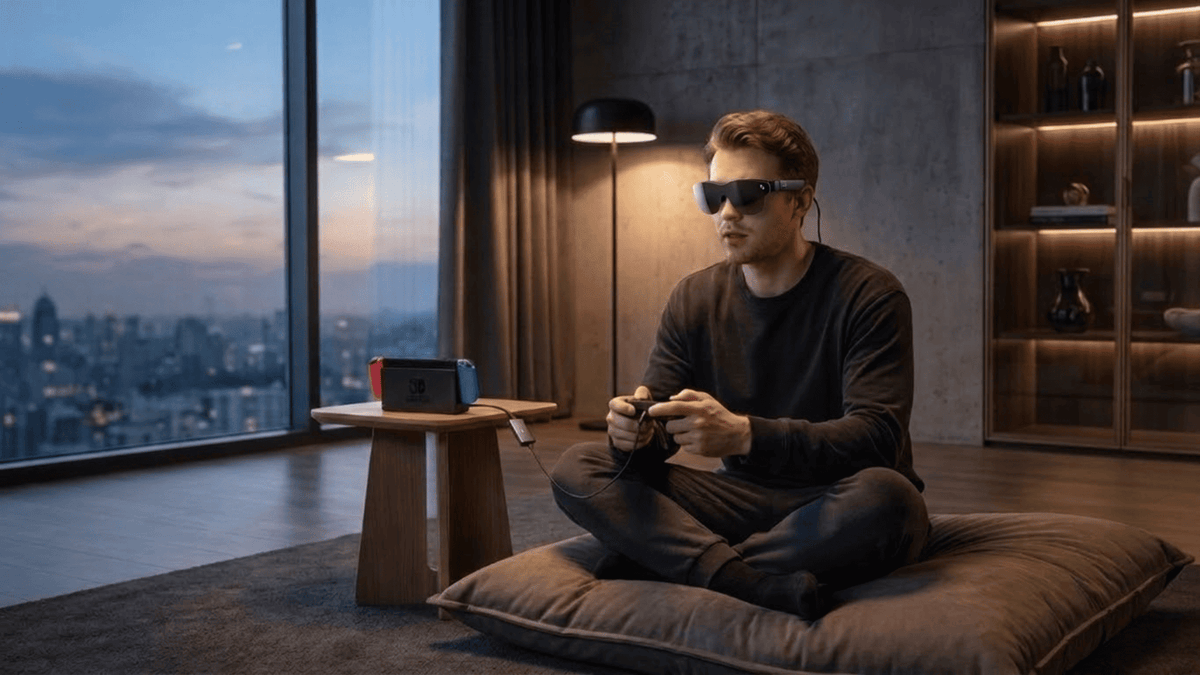
When comparing wearable displays, consider FOV alongside resolution, brightness, refresh rate, weight, fit, and eye comfort. A wider FOV can improve immersion, but clarity and secure fit are equally important. RayNeo Air 4 Pro AR Glasses combine a lightweight design with display features suited to gaming and entertainment.
Key features include:
When comparing AR Glasses, consider your main use case, such as watching movies, gaming, working with virtual monitors, or traveling.

The human field of view is the broad area a person can perceive in front of the body, including both central and peripheral vision. It is not one fixed number because anatomy, attention, eye movement, and viewing conditions all influence what a person can see.
With both eyes open, the human eye field of view spans roughly 200 degrees horizontally under typical conditions. The exact range varies among individuals and depends on facial structure, eye position, lighting, and obstructions. However, sharp detail is concentrated near the direction of gaze, while peripheral vision is less precise.
Central vision provides sharp detail, color recognition, reading ability, and accurate focus. It is the part of vision used when looking directly at a face, text, or small object.
Peripheral vision covers a wider area but is less detailed. It is particularly useful for detecting movement, changes in brightness, and general shapes. The eyes and head constantly move, allowing the brain to build a richer understanding of the surrounding scene.
High and low FOV settings each offer useful trade-offs. The best choice depends on whether you prioritize environmental awareness, distant detail, comfort, immersion, or visual consistency.
| Factor | High FOV | Low FOV |
|---|---|---|
| Visible area | Shows more of the scene | Shows less of the scene |
| Apparent zoom | Objects look smaller or farther away | Objects look larger or closer |
| Peripheral awareness | Higher | Lower |
| Distortion | More likely near edges | Usually less noticeable |
| Comfort | Can feel fast or disorienting | Can feel narrow or tunnel-like |
| Common uses | Fast games, ultrawide monitors, immersive views | Precision aiming, small screens, focused viewing |
To adjust FOV effectively, start by identifying what the setting measures and then fine-tune it based on visibility, comfort, and your viewing setup.
FOV meaning refers to Field of View, the amount of a scene visible at one time. In video games, a higher FOV reveals more surroundings and improves peripheral awareness, while a lower FOV creates a narrower, more focused perspective. Players adjust it to balance visibility, performance, and comfort, since an extremely wide view may cause distortion or motion sickness.
In cameras, focal length and sensor size determine the captured angle. In VR and human vision, FOV affects immersion and awareness, but image quality and comfortable viewing matter as much as width. The ideal setting depends on the device and preference.
FOV in gaming is the amount of the virtual world visible on your screen at once. A higher setting shows more to the sides and improves peripheral awareness, but objects appear smaller. A lower setting provides a more zoomed-in view, which can help distant targets look larger but limits side visibility.
A higher FOV can reduce FPS in some games because more of the virtual environment may need to be rendered. The effect depends on the game engine, hardware, resolution, and graphics settings. On some systems the difference is small, while demanding scenes may show a more noticeable performance impact.
FOV describes how much of a scene is visible, while zoom describes how large or small a subject appears. Increasing a camera’s focal length narrows its FOV and magnifies distant subjects. Digital cropping can create a zoomed-in appearance without changing the lens’s optical field of view.
A 100 FOV setting means the visible angle is 100 degrees according to the device or game’s measurement system. It may refer to horizontal, vertical, or diagonal FOV, so the number alone is not enough for comparison. In many games, 100 degrees provides a relatively wide horizontal view.





Share:
How Do Glasses With Subtitles Work?
Clear Teleprompter or Smart Glasses? Choosing the Right Prompting Tool