

$449.00

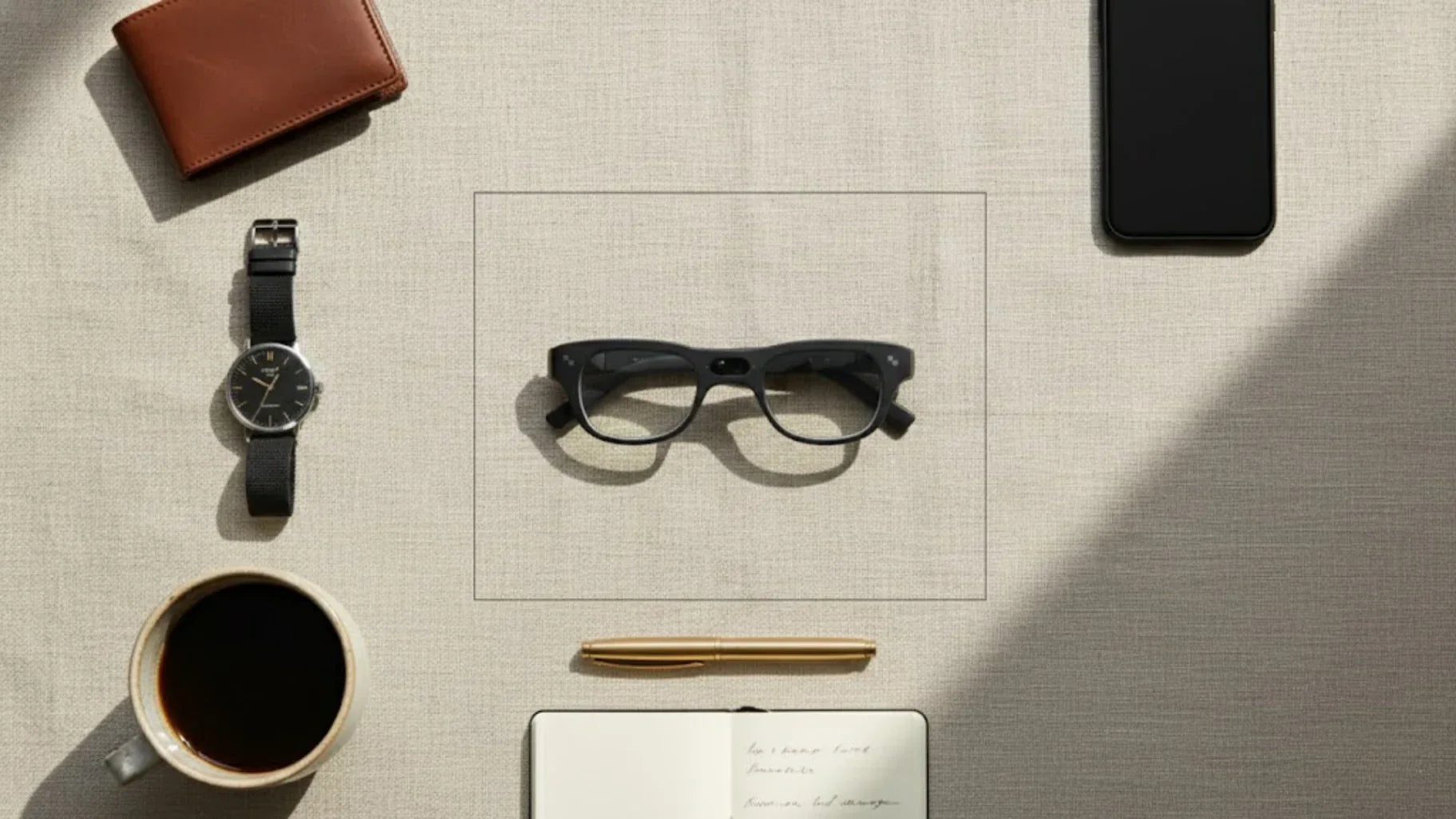
Digital minimalism is a philosophy of technology use. It advocates for consciously and carefully filtering digital tools. The goal is to focus your online time on a few activities that best support your values while happily missing out on everything else. So, regarding digital minimalism, can smart glasses replace multiple devices?
We believe it is still unrealistic to completely replace phones and computers in 2026. However, it is now entirely possible to use a mature pair of smart glasses, AI glasses, or AR glasses to consolidate fragmented device use. This significantly reduces the need to unlock your phone or switch between multiple screens. In this article, we will use real user feedback and market data to break down the addictive mechanisms behind device clutter. We will then compare the capabilities of current smart glasses to provide a practical guide for digital minimalism in 2026.
Many people claim to practice digital minimalism, but in reality, they are simply outsourcing functions. They relegate reading to E-ink screens, movie watching to screen-casting glasses, work to laptops, and socializing to smartphones. As a result, the number of devices on the desk steadily grows, along with a mounting pile of chargers and cables. Attention is pulled into fragments, yet this constant strain often goes unnoticed until fatigue and anxiety become overwhelming.

By 2026, the maturity of technology itself is no longer the issue. The real problem is that we prepare too many devices for the same task. Reading can be done on a phone, yet we buy an additional tablet and an E-ink reader. Meetings can happen on a laptop, yet we connect two external monitors. Watching videos is possible on a TV, but we add tablets and screen-casting glasses to the mix. Often, one might process documents on a computer while scrolling through social media on a phone, wearing Bluetooth earbuds for a podcast, and keeping a tablet on the desk playing video. On the surface, this looks like strong multitasking. In essence, attention is being stripped away frequently between devices, making it difficult for any single task to reach a state of deep focus.
Fragmented attention in the multi-screen era shows a typical pattern: the eyes jump between screens much more frequently than we realize. Reviews of glasses equipped with cameras and eye-tracking technology show that users switch their gaze between phones, computers, and TVs dozens of times within ten minutes. Every switch represents an interruption to working memory, requiring several seconds to rebuild context.
Even more troubling is that switching between screens is often unconscious. For example, if a computer lags for a second, the hand naturally reaches for the phone. If a webpage takes slightly longer to load, the gaze slides toward a nearby tablet. These actions accumulate, easily consuming tens of minutes to an hour of effective focus time each day, though they are hard to perceive accurately in our subjective experience.
Frequently switching between devices and tasks carries a hidden cost known as context switching cost. Every time we jump from a task on one device to content on another, the brain must reload task goals and details. This process usually takes anywhere from a few seconds to nearly a minute. If you switch dozens of times within an hour, the efficiency loss becomes massive. Because most of the day is spent on unconscious switching and repositioning tasks, over time, people mistakenly believe they have poor attention spans while ignoring that the device environment itself is the source of interference.
Device ecosystems are designed with a heavy emphasis on seamless switching and being always on. Features like cross-device handoff allow a webpage opened on a computer to sync instantly to a phone or let a tablet answer a phone call. These interactions are convenient in the short term, but actual user feedback suggests they make it harder for many people to set clear boundaries for each device.
When convenience crosses a certain threshold, any brief gap is filled by habitually opening a screen. People check their phones in elevators, glance at tablets before a meeting starts, or switch to their glasses to view notifications while waiting for coffee. Without clear priorities and usage strategies, this nearly frictionless access makes digital minimalism almost impossible to achieve.
When we view smart glasses as just another member of a multi-device array, they can indeed become a new source of distraction. However, understanding what-are-the-latest-trends-in-cool-wearable-technology from a digital minimalism perspective allows smart glasses to become a powerful attention filter. They can help establish a clearer rhythm between phones, computers, and tablets by replacing frequent phone pickups with lightweight information within the field of vision. The key lies in three inherent characteristics of smart glasses: a strong physical presence when worn, the ability to check information just by looking up without hands, and a field of view that is typically smaller than traditional screens. If these three dimensions are paired with a reasonable notification strategy and workflow design, a large number of check and put down behaviors can be consolidated into the glasses, reducing exposure to large screens and high-distraction applications.
The most suitable phone behaviors to be replaced by smart glasses are glance and go actions. This includes checking the time, weather, next calendar event, incoming calls, message sources, simple search results, and voice assistant responses. If this information is presented through the glasses HUD as concise text or cards, users do not need to open any apps or face a full wall of app icons.
Many long-term wearers mentioned in their feedback that after setting their glasses to a critical information only mode, the number of daily phone unlocks dropped from 80 to around 40. Furthermore, many unlocking behaviors were concentrated into specific time slots, creating a stronger sense of rhythm in digital life and reducing the feeling of being constantly led by the phone.
Navigation is another quintessential scenario where smart glasses excel. Traditional phone navigation requires frequently looking down at a screen, which is both dangerous and disruptive to environmental awareness, especially when walking or cycling. The real-time navigation overlay experience of the RayNeo X3 Pro AI+AR Glasses closely aligns with the ideal form of digital minimalism. During urban walking or cycling, turn-by-turn prompts appear as lightweight peripheral information that does not occupy the primary field of vision or create a highly intrusive interface. Users do not need to frequently look down at phone maps; they simply glance up naturally to get key directional information while maintaining awareness of road conditions and their surroundings.
For video consumption and gaming in mobile scenarios, screen-casting AR glasses have become highly mature in 2026. In practice, we can watch series or play games on high-speed trains, planes, or sofas without needing to hold a tablet or hunch over a laptop screen.
The significance of this experience for digital minimalism is that while content consumption does not decrease, the number of physical devices does. Display and audio output are centralized in a pair of lightweight glasses, allowing screens on desks or in backpacks to be put away or even eliminated. This results in a cleaner environment visually and physically, providing perceptible psychological relief for users who want to control desk clutter.
Of course, we must honestly admit that in high-intensity productivity scenarios, smart glasses in 2026 still struggle to completely replace laptops or large monitors. For instance, heavy text input, complex spreadsheet processing, multi-window comparisons, and software development rely heavily on keyboards and large viewing areas. Forcing these tasks onto glasses only leads to decreased efficiency.
Some systems supporting virtual multi-screens look futuristic in demonstrations but reveal several issues in real-world use. These include limited resolution, visual fatigue after long periods of wear, and high demands on head and neck posture. These factors make glasses more suitable as a temporary portable workstation rather than a full replacement for a mature desktop environment.
If digital minimalism in 2026 is defined as a low-device, high-focus, and high-control cloud workflow, then an ideal setup typically consists of three components: a pair of smart glasses serving as the information gateway and light interaction layer, a mid-performance primary computer for deep work, and a single smartphone for communication and mobile data. Any remaining devices are either retired or strictly limited to specific, niche scenarios.
Under this configuration, cloud services and local AI tools handle content orchestration rather than every device storing a full suite of apps and data. The glasses become the interface, while the phone and computer serve as the computing power and storage. This division of labor aligns with current technical realities and moves closer to the digital minimalist goal of light form and clear logic.
When planning digital minimalism strategies for 2026, a recurring outcome is the consolidation of devices from five or six down to approximately three. The computer handles work and creation, the phone provides connectivity and a mobile hotspot, and smart glasses manage information viewing, navigation, and entertainment via screen casting. Tablets, secondary phones, and standalone music players are gradually marginalized.
The key here is not the absolute number but the stability and clarity of each device's role. For example, deciding that the phone is never used for watching movies—relegating that solely to the glasses—or that work emails are never accessed on a phone and only handled on a computer. These rules, combined with the high-frequency viewing capabilities of glasses, migrate scattered behaviors away from the phone and prevent attention from being repeatedly fractured by social apps.
When understanding smart glasses architecturally, we prefer to view them as a front-end interface rather than a standalone device meant to carry every application. The glasses themselves handle only necessary sensing, simple rendering, and basic AI inference; complex tasks are offloaded to the phone or computer, with data exchanged via wireless connections and cloud services. Avoiding the migration of every app and notification to the field of vision ensures the glasses remain a pure information filter. This makes them truly helpful for digital minimalism instead of simply recreating a miniature smartphone.
In 2026, everyday cloud and local AI systems can handle a significant amount of organizational work. This includes auto-archiving emails and documents, generating meeting minutes, and aggregating browsing history across multiple terminals. These capabilities are crucial for reducing the cognitive burden of remembering which content was viewed on which device.
When smart glasses are linked to the same cloud account and AI assistant, the user might see only a single merged reminder, such as: You have three important unread emails; it is recommended to handle them on your computer. This prevents every single email from triggering a separate notification. This logic of aggregated reminders allows the glasses to act as a gatekeeper for digital noise rather than an amplifier.

A mature digital minimalism setup should feel like ease and predictability rather than endurance or suppression. Even with fewer devices and apps, key daily needs remain satisfied. The path to achieving goals becomes shorter and more stable, without frequent detours or distractions.
|
Dimension |
Traditional Multi-Device Usage |
Usage with Smart Glasses |
|
Info Check Frequency |
Frequent phone unlocking |
Primarily HUD checks, phone as secondary |
|
Number of Devices |
4 to 6 frequently used devices |
Consolidated to approximately 3 primary units |
|
Attention State |
Frequent switching between multiple screens |
Light prompts in glasses, deep tasks on PC |
|
Notification Distribution |
Scattered across phone, PC, and tablet |
Aggregated key alerts in glasses; others muted |
|
Psychological Burden |
Desk clutter, cable and charging anxiety |
Predictable power and mode management |
96 times: This is the average number of times a person unlocks their phone every day.
3.2: This is the average number of devices a modern person carries.
23 minutes: This is the time required for the brain to re-enter a state of deep focus after being interrupted.
Within the context of digital minimalism, smart glasses act as an Occam’s razor, making the idea of throwing away redundant devices a serious option to consider rather than an unrealistic romantic fantasy. Digital minimalism truly transforms from a set of rules into a habit only when you stop counting how many hours you spent scrolling through your phone and instead naturally complete the tasks you intended to do.







Share:
Mobile Gaming on a 200-Inch Screen: The Rise of AR Gaming Glasses
What You See Is What You Get: How Smart Glasses Are Redefining Real-Time Visual Interaction