

$449.00

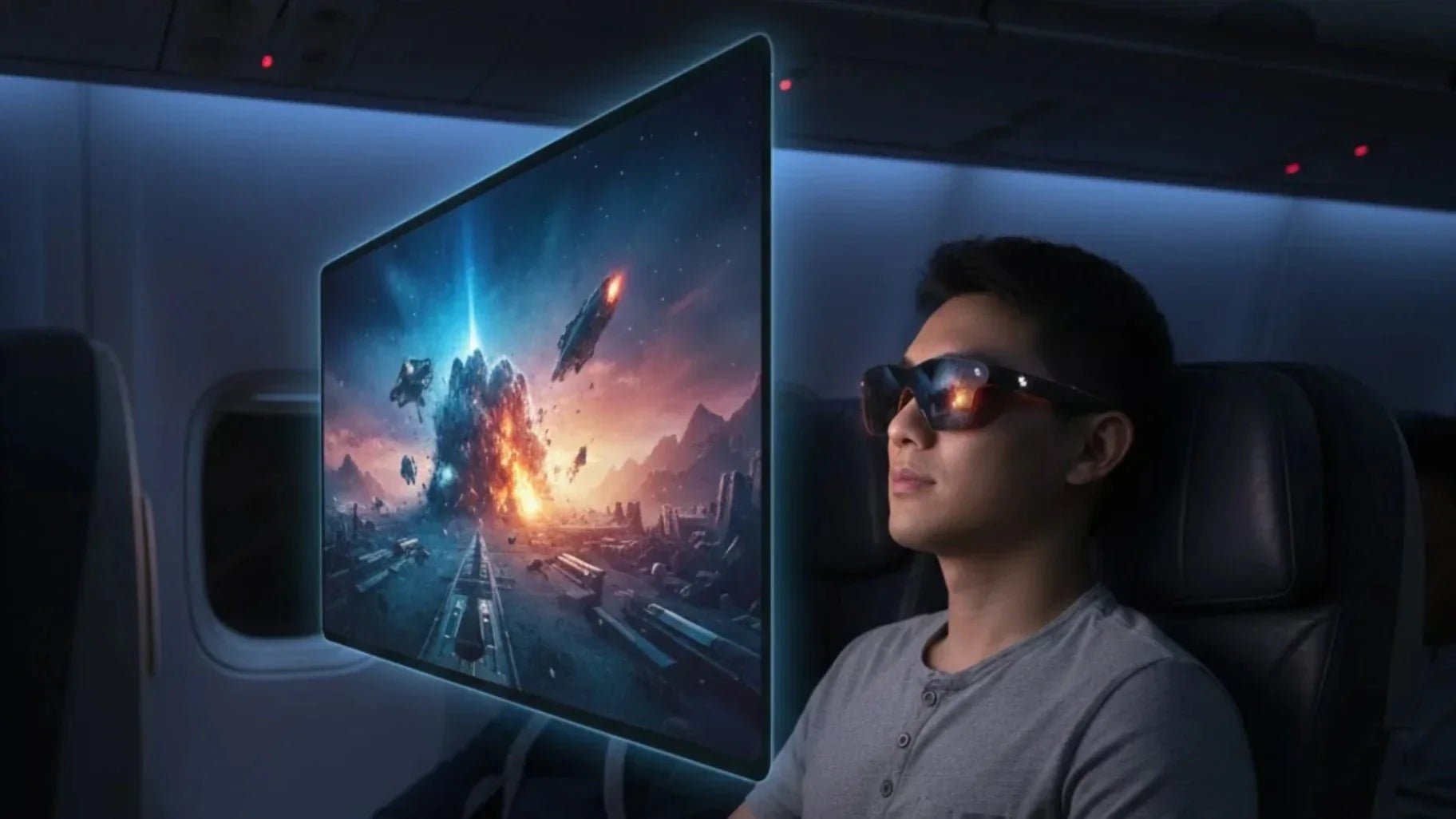
In-flight Wi-Fi is either overpriced, slow as dial-up, or completely non-existent. But an 8-hour flight shouldn't be spent just staring at the back of the seat. This article covers 5 smart ways to master In-Flight Entertainment without a connection. Spend 5 minutes preparing before you leave, and you will stay entertained the whole way.
Let's start with a basic premise. A cabin without Wi-Fi limits streaming and cloud syncing, but it is perfect for focusing on content you usually save for later. This includes long video courses, offline games, and your backlog of reading lists. In our user research, we consistently see common pain points: outdated movie selections on in-flight systems, screens that are too small or too far away, frequent disturbances from neighbors, and unstable Bluetooth connections. A phone alone rarely solves these issues. You need a strategy that covers both content preparation and hardware configuration.

True high-quality in-flight entertainment starts 24 hours before you leave. A solid rule of thumb is to pack content totaling 1.5 times your flight duration. For a 12-hour flight, prepare at least 18 hours of content to account for delays and layovers. We recommend three steps before you head out. First, calculate your flight and layover times, then break them into 60 to 90-minute blocks for movies, shows, and podcasts. Second, pre-download at least three types of media on your primary device—movies, podcasts or music, and reading material—to avoid burnout from a single format. Third, finish all downloads the night before to ensure all DRM verification and offline licensing are complete.
The second hidden hurdle for offline content is storage space. A maxed-out 128 GB phone provides a terrible in-flight experience. System cache, photos, and short videos eat up space, leaving no room for high-bitrate movies. We suggest a forced slim-down before flying. Delete apps you haven't opened in 30 days, clear chat media caches over 5 GB, and move large raw footage to a laptop or portable drive. Aim to free up at least 30 GB on your primary device. This is enough space for about 20 movies at 1080p plus several shows and albums.
A real pain point for many users is having multiple devices but not knowing how to make them work together. This leads to either clutching a single phone the whole time or constantly swapping between a laptop and a tablet. Based on our long-haul testing, the best approach is to assign three roles: primary screen, secondary screen, and audio-only device. The primary screen handles movies and shows, the secondary screen is for games, light work, or references, and your headphones stay paired to the primary screen. This avoids the hassle of re-pairing Bluetooth mid-flight.
For frequent business travelers, a highly efficient combo is a phone, smart glasses, and noise-canceling headphones. The phone acts as the content source and controller, the smart glasses provide a completely private large-screen experience, and the headphones block out cabin noise. This setup saves seat space and reduces neck fatigue from looking down for hours.
With a clear overall strategy in place, let's look at the most practical needs. Here are specific ways to maintain a high-quality entertainment experience on a plane without Wi-Fi. These six methods cover video, audio, gaming, and reading. You can mix and match them based on your flight length and personal preference.
Many long-haul travelers bring a Switch or similar handheld, but community feedback often highlights two main complaints: screen glare from cabin lights and wrist or neck pain from looking down for too long. To solve these issues, focus on three things:
Stick to offline single-player games. Avoid titles that require a check-in connection at startup. Complete all updates and DLC downloads before boarding.
Choose the right mobile genres. For phone gamers, prioritize strategy, RPG, and puzzle games that run offline. Avoid competitive titles that need a real-time connection.
Segment your playtime. Play in 60 to 90-minute blocks. Get up and move around in between to relieve pressure on your neck and shoulders.
In our own setups, using smart glasses as an external display significantly reduces strain on the arms and wrists. By projecting the game onto a large virtual screen, you no longer need to hold your device at eye level. You can maintain a natural sitting position as if watching a projector. This combo is perfect for flights over 8 hours, allowing you to finish entire game chapters without disturbing others.
Reading is the most lightweight yet often overlooked form of in-flight entertainment. We recommend using a read-it-later service to cache long-form articles and professional reports. These are hard to digest during a busy workday but perfect for a forced offline environment. To protect your eyes, lock your screen brightness between 30% and 40% and enable dark mode or eye-protection mode.

Smart glasses are the ultimate upgrade for offline flight entertainment. They provide a portable, invisible giant screen that doesn't feel cramped like a phone or bulky like a tablet. Using the RayNeo Air 4 Pro AR Glasses as an example, we measured its performance on several long flights:
|
Feature |
Specification / Performance |
|
Virtual Screen Size |
Up to approx. 201 inches at a 6-meter equivalent distance |
|
Resolution |
1080p (2D mode) / 4K equivalent (3D mode) |
|
Visual Quality |
HDR10 support, 200,000:1 contrast ratio |
|
Brightness |
Up to 1200 nits (clear even in bright cabins) |
|
Weight |
Approx. 76g (comfortable for long-term wear) |
|
Audio |
Four-speaker system tuned with Bang & Olufsen |
The real draw of the Air 4 Pro is the private cinema experience. This portability remains a key factor for frequent flyers buying tv glasses for immersive viewing, as you only need a USB-C video cable to map your phone, tablet, or console to the screen in front of you. On red-eye flights, we prefer lowering the brightness and using the high-fidelity audio system at a low volume for an immersive experience that doesn't bother your neighbor.
Offline movies are the go-to for most travelers, but resolution, bitrate, and subtitles define the actual experience. On a 6 to 7-inch phone screen, 720p is usually sufficient. It uses about 1.5 to 2 GB per movie, saving a third of the space compared to 1080p.
Be mindful of offline expiration dates on streaming platforms. Some expire 48 hours after download, others 24 hours after you start watching. Download your must-watch titles within 24 hours of departure and test-play them while still on the ground. This avoids the frustration of expired licenses or unexpected connection prompts once you're in the air. If you have limited storage, save high-bitrate HDR or Dolby Vision files for your smart glasses and keep standard SDR files for your phone screen.
Audio is one of the most underrated forms of offline entertainment. With comfortable noise-canceling headphones and a well-curated local playlist, you can easily cover an entire transcontinental flight. Audio is also very efficient regarding storage:
Music (320 kbps MP3): Approx. 150 MB per hour.
Podcasts: Approx. 60 to 80 MB per hour.
Even a 10-hour playlist puts far less pressure on your storage than a single 4K movie. It is the perfect way to give your eyes a break during a long flight.
Market performance in 2025 and 2026 has proven that AI and smart glasses are moving from niche gadgets to essential daily screens. Data from Statista shows that global AI glasses shipments grew by about 322% in 2025. This rapid growth is driven by a strong demand for more private, portable, and immersive displays. Long-haul flights are one of the key places where this demand is most obvious.
A common complaint on flights is that neighbors often peek at your screen. Whether you are reviewing work files or watching a movie, it is hard to relax in the semi-public space of a cabin. Smart glasses have a natural advantage: they keep your content entirely within your own field of vision. No one sitting next to or behind you can see what is on the screen. This sense of privacy is vital for users who handle confidential emails, pitch decks, or personal social content while flying.
Looking down at a phone for hours is the most common posture on a plane. On red-eye flights, maintaining this position for 3 to 4 hours straight often leads to neck and shoulder pain. Feedback from our users shows that when wearing smart glasses to watch movies or read, your line of sight stays naturally level. This allows your spine to remain in a standard seated position. When combined with a headrest, it significantly reduces long-term muscle tension.
Airline seats continue to get smaller. On several international routes, we found that an economy tray table often lacks the depth to hold both a 14-inch laptop and a drink, let alone a tablet or game console. Because smart glasses virtualize the screen, you no longer need to reserve physical space for a display. This space-saving shift mirrors how glasses that display video are changing desktop work, allowing your phone to stay in a pocket or a corner of the tray table with only a thin cable needed for image transfer. This frees up your hands and the table for other items.
This space advantage is even more noticeable on late-night flights. Many passengers prefer to lean back and use a blanket. In this position, it is difficult to balance a traditional tablet or laptop. Smart glasses are not limited by your posture. You can continue watching content even while nearly lying flat. For travelers who nap frequently during a flight, this freedom of movement is more convincing than any single technical spec.
Based on extensive flight testing and user feedback, we have summarized a setup strategy that works for most travelers.
A single type of content rarely sustains interest for a long flight. In our tests on flights over 10 hours, the most comfortable rhythm was a three-part cycle of video, audio, and reading. During takeoff, when ambient noise is high and you are still settling in, start with one movie or a few light TV episodes. Once you reach cruising altitude and the cabin stabilizes, switch to podcasts or long-form audio paired with light reading. This helps your brain transition from pure entertainment to learning or reflection. About two hours before landing, return to lighter video content to help transition from the flight bubble back to the ground.

More devices do not necessarily mean a better experience. For our business trips, we increasingly lean toward a minimalist approach, especially on itineraries with frequent transfers. The table below compares different device setups based on our cabin experiences in 2025 and 2026.
|
Setup |
Immersive View |
Neck Strain |
Space Used |
Privacy |
|
Phone + Wired Earbuds |
Medium |
Medium |
Low |
Low |
|
Tablet + Stand + Headphones |
Medium-High |
Medium-High |
High |
Medium |
|
Laptop + Headphones |
High |
High |
Very High |
Medium |
|
Handheld Console + Headphones |
Medium |
Medium |
Medium |
Medium |
|
Phone + Smart Glasses + Headphones |
High |
Low |
Very Low |
High |
When choosing for ourselves or making recommendations, we prioritize the phone, smart glasses, and noise-canceling headphones combo. This setup offers the best balance of weight, space, and privacy. For example, in our tests with the RayNeo Air 4 Pro, the 76g glasses and their folding case take up almost no room in a carry-on, yet provide a 100-inch class screen experience. For frequent flyers, this value is significant.
Different flight lengths require different entertainment rhythms and device strategies. We use a simple grading system:
Short-haul (under 3 hours): Stick to a phone and headphones. Smart glasses are optional here, mainly for handling quick work or light reading.
Medium-haul (3 to 8 hours): This is where smart glasses shine as the primary screen for movies, shows, and gaming sessions.
Long-haul (over 8 hours): We recommend the full video-audio-reading cycle. Pair this with a power bank and an eye mask to create an immersive environment similar to a home living room.
Regarding specific products, if you want to balance immersive viewing with complex spatial interactions—like spatial note-taking, real-time translation, or AR-assisted work—our choice is the RayNeo X3 Pro. Powered by the Snapdragon AR1 Gen 1 platform with 6000 nits peak brightness, it maintains stable image quality even in complex lighting. If your focus is purely on high-end cinematic performance, the RayNeo Air 4 Pro is the better partner. It features a 0.6-inch Micro OLED panel, HDR10 support, and a 120 Hz refresh rate for a dedicated entertainment experience.
The core of offline in-flight entertainment is planning your content ahead of time, optimizing storage and battery, and building a flexible setup for different flight lengths. We hope this article helps you create an immersive experience that rivals a home theater or study, even in a cabin without Wi-Fi. By the way, as more airlines begin to offer free Wi-Fi, the era of offline flying is slowly coming to an end. But until that day fully arrives, learning to enjoy the disconnected sky remains one of the most valuable skills for any frequent traveler.







Share:
Real-Time Translation Glasses 101: How They Work & Which to Choose
AR vs VR: Key Differences Between Augmented and Virtual Reality Technologies