

$429.00

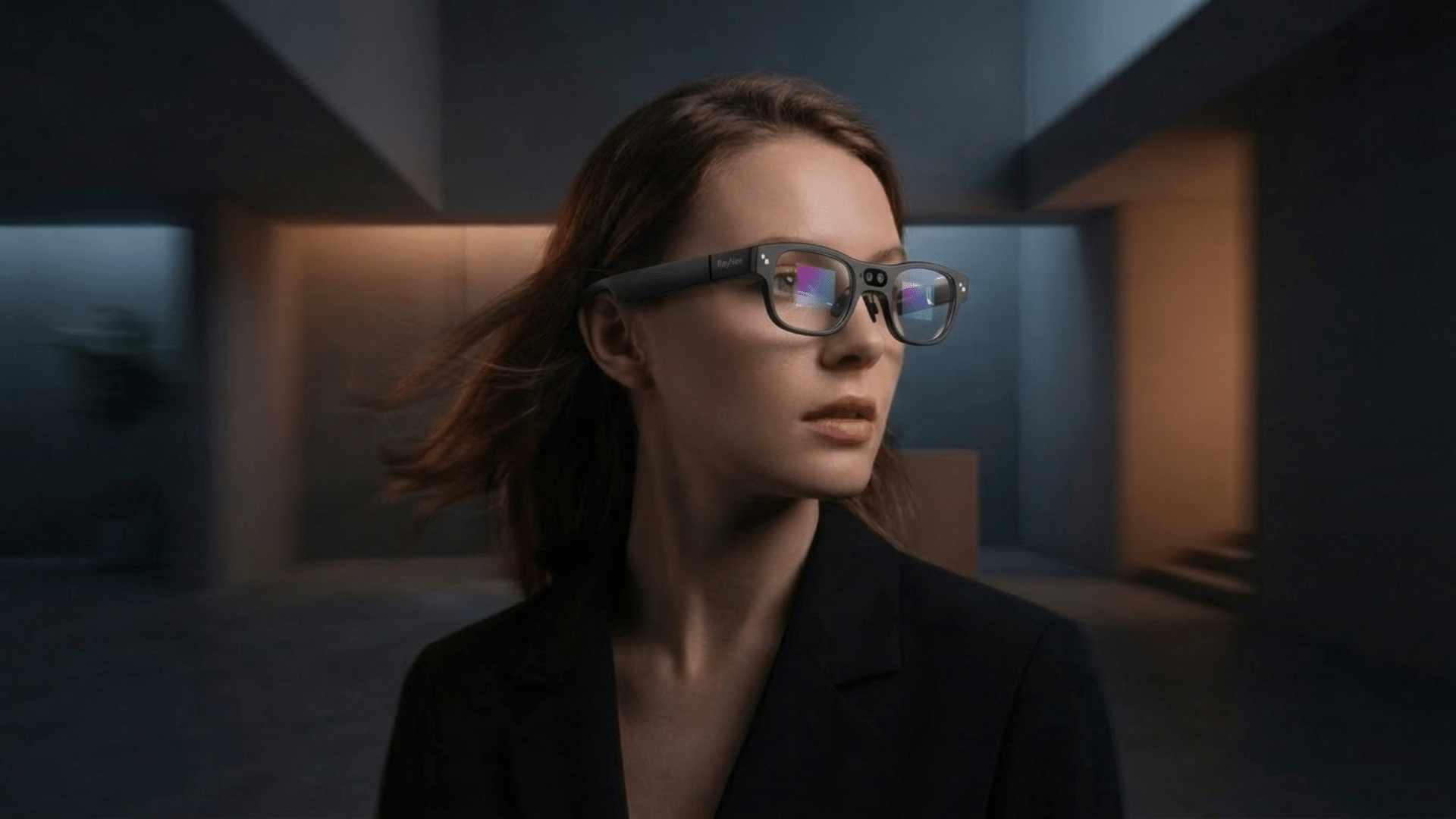
"Smart reading glasses" gets used for at least three different products, and mixing them up is the main reason people end up disappointed after buying one. There are early electronic glasses that physically refocus their lenses for presbyopia, the age-related loss of near focus that makes reading up close harder after your 40s. There are AR display glasses that project an oversized virtual screen so you can read at a bigger font size. And there are camera-and-AI glasses that scan printed text, translate it, and overlay the result in front of your eyes.
None of these is a universal fix, and none of them replaces an eye exam if your prescription has changed. This article walks through what each type actually does, then looks at where RayNeo's own glasses, the Air 2s and the X3 Pro, fit into that picture, and where they don't.
One scope note upfront: this article is about everyday reading and mild, common vision changes like presbyopia. If you're researching assistive technology for significant vision loss, such as macular degeneration or low vision, that's a related but separate product category with its own dedicated devices, and it isn't what's covered here.
Autofocus, liquid-lens prescription glasses. These aim to replace or supplement traditional progressive lenses by mechanically shifting the lens's focal point depending on whether you're looking near or far, using sensors to detect where your eyes are pointed. Trade press covered a working prototype from an optical startup at CES 2026, built into a 22-gram frame, with projected consumer pricing in the $300 to $1,000-plus range once it reaches market. As of this writing, this is an emerging category still moving from prototype to product, not something most readers can walk into a store and buy today. RayNeo doesn't make a product in this category.
AR display glasses that enlarge what you're reading. These don't change your eyes' focusing ability at all. Instead, they project a large virtual screen in front of you, mirroring your phone, laptop, or e-reader, so you can bump the font size up without the layout falling apart on a small physical screen. RayNeo's Air 2s is an example of this approach.
Camera-and-AI glasses that recognize and translate text. These use an onboard camera plus an AI model to read the words in a photo or live camera feed, a process called OCR (optical character recognition), most commonly to translate a menu, sign, or document into your language and display the result as an overlay. RayNeo's X3 Pro works this way.
Presbyopia is a normal part of aging. The eye's lens gradually loses flexibility, usually starting in your early-to-mid 40s, and close-up text starts to blur unless you hold it farther away or add reading correction. It's a different mechanism from nearsightedness or farsightedness, and it isn't something a distance prescription fixes.
The proven, widely available correction for presbyopia is still a reading-add prescription from an eye doctor, whether that's dedicated reading glasses, bifocals, or progressive lenses. The autofocus liquid-lens category described above is trying to automate that add power electronically, but it's not yet a mainstream, purchase-today option.
RayNeo doesn't sell a product built to correct presbyopia. RayNeo's own blog post on smart reading glasses states plainly that the Air 2s "does not correct for presbyopia." The Air 2s compensates for reading difficulty through its large virtual screen, not through any change to your eyes' focusing power.
It's also worth separating this from RayNeo's prescription lens inserts, covered on the Air-series and X3 Pro product pages through its optical partner Lensology. Those inserts correct myopia, astigmatism, and, on the Air 4 Pro, hyperopia, all distance-vision refractive errors you'd otherwise need your regular glasses for while wearing the AR display. None of them add near-vision reading power, and RayNeo's own materials don't describe a progressive or reading-lens version of these inserts. If presbyopia is your issue, the insert doesn't solve it either.
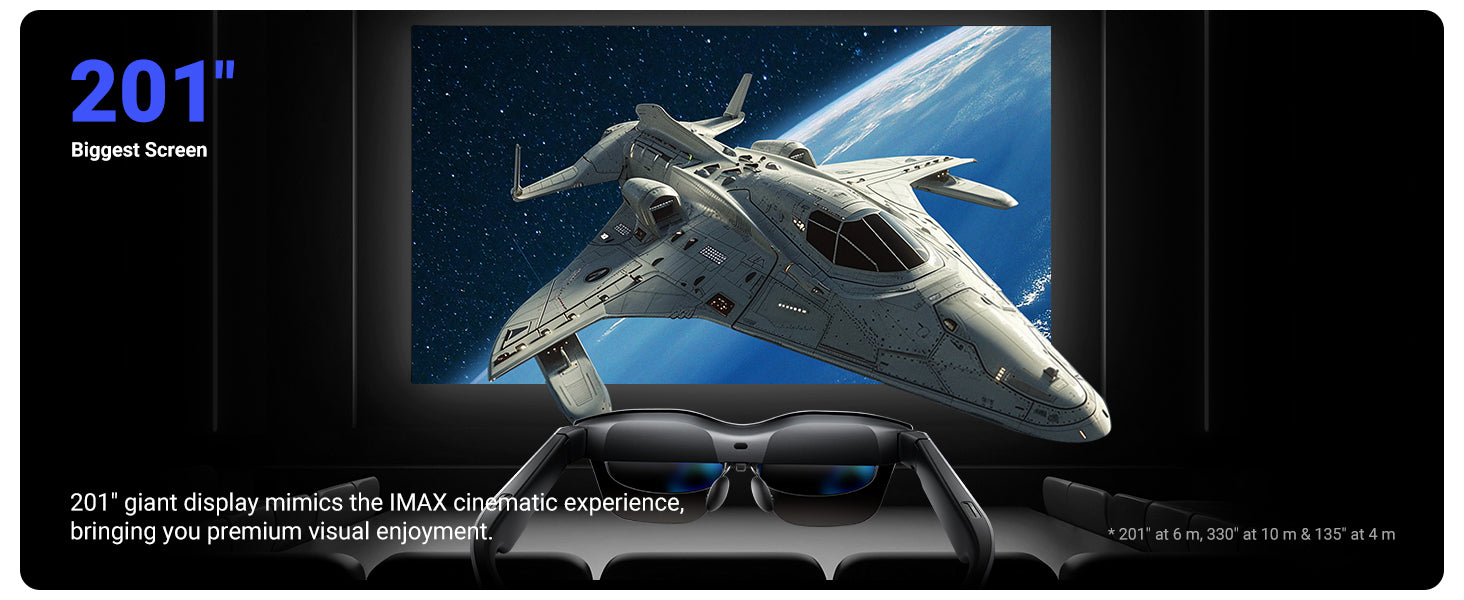
The RayNeo Air 2s doesn't scan or translate anything. What it does is take whatever's on your phone or laptop screen and project it as a much larger virtual display. RayNeo markets this as a 201-inch equivalent screen. That image comes from a 1080p Sony Micro-OLED panel running at 120Hz, at up to 5,000 nits of brightness.
In practice, that means you can increase the font size on an e-book, article, or spreadsheet well past what's comfortable on a 6-inch phone screen, without losing the layout the way you would zooming in and scrolling sideways on a small display. RayNeo's own reading-glasses blog post describes this specifically as a way to read digital text at a larger size, not as vision correction.
The Air 2s weighs 76 grams and connects over USB-C rather than Bluetooth. It needs a phone, laptop, or compatible console to actually display anything, since it isn't a standalone device. Because of that, it draws power through the same USB-C connection rather than running on its own battery, so there's no separate battery life to plan around the way there is with a standalone device like the X3 Pro.
It also isn't designed to be worn over your existing prescription glasses. Instead, RayNeo sells clip-on Lensology prescription lenses that attach inside the Air 2s frame itself, available separately if you're nearsighted. Those correct distance vision, not presbyopia. RayNeo lists the Air 2s at $159 (down from $299) as of August 2026.
If outdoor brightness or a sharper display matters more than the lowest price, RayNeo's Air 3s Pro (1,200 nits) and Air 4 Pro (HDR10, 200,000:1 contrast) use the same large-virtual-screen approach at a brighter, higher-contrast level, useful if you'll be reading near a window or outdoors rather than mostly indoors. One caveat on comparing those numbers directly: RayNeo's own marketing describes the Air 3s Pro's figure specifically as "to-eye brightness," while the Air 2s's product page lists its 5,000-nit spec with no such qualifier. That's a difference in how RayNeo itself words the two specs, not something this article is inferring, so treat the 5,000 vs. 1,200 comparison as directional rather than a confirmed apples-to-apples measurement.

The RayNeo X3 Pro solves a different reading problem: understanding text you can see but can't read, most often a menu, sign, or label in a language you don't speak. It pairs a 12MP camera with an always-on Gemini AI assistant and a MicroLED display, and according to RayNeo's own materials, it can recognize text in the camera's view and overlay a translation directly over the original, in real time, across roughly 14 languages built in collaboration with Microsoft.
Concretely, that means you can look at a restaurant menu written in a language you don't read, and instead of photographing it and waiting for a translation app to process a static image, the translated words appear layered over the menu as you look at it, no phone in hand. RayNeo's own blog describes this same workflow for shipping labels and ingredient lists, not just menus.
One gap worth flagging: RayNeo doesn't document a dedicated "read this page aloud" feature for printed text. The X3 Pro's Gemini assistant handles voice-based questions about what the camera sees, so asking it what a piece of text says is plausible, but RayNeo's product page and blog present the OCR feature as a visual translation overlay, not as a marketed audio reading-aid function. Those are two different things, even though it's easy to assume one implies the other.
The X3 Pro is a standalone AI and AR device built around a Snapdragon AR1 chip, with Bluetooth 5.3 and Wi-Fi 6 for connectivity. It weighs 76 grams and is priced at $1,099 (down from $1,299) as of August 2026.
Real-time translation needs an internet connection, in practice through the phone it's paired with. Battery life is one area where RayNeo's own materials don't agree with each other: one official page states up to 5 hours of audio playback, 3 hours of music, or 36 minutes of continuous video, while a separate RayNeo blog post gives lower figures, around 50 minutes of on-device recording and 1 to 2 hours of mixed real-world use. That conflict hasn't been resolved on RayNeo's own site as of this writing, so treat it as a range rather than a confirmed single number.
It doesn't correct presbyopia any more than the Air 2s does, and its own prescription-insert support has documented gaps worth checking directly with RayNeo or Lensology before buying if that matters to you.
This is arguably the single most common real-world situation for someone with presbyopia, and it deserves a direct answer: based on what RayNeo has published, neither the Air 2s nor the X3 Pro is built or marketed for this specific case.
The Air 2s has no camera. It only projects whatever is already showing on a connected phone, laptop, or console screen, so it has nothing to do with a physical page, label, or menu sitting in front of you. You could photograph that page with your phone first and then view the photo through the Air 2s's oversized virtual screen, but that's a workaround built around your phone's own camera and photo viewer, not a documented feature of the glasses themselves.
The X3 Pro does have a camera and can recognize text through OCR, but RayNeo's own materials describe that feature specifically as a translation overlay for text in a language you don't already read. Nothing on RayNeo's product page or blog documents a mode for pointing the camera at printed text in your own language and simply seeing it enlarged, without translation. If that's your specific need, RayNeo doesn't currently have a feature built for it, and a traditional magnifier or an updated reading-add prescription remains the more direct way to solve that particular problem today.
| Autofocus liquid-lens prescription glasses (emerging category) | RayNeo Air 2s | RayNeo X3 Pro | |
|---|---|---|---|
| Corrects presbyopia | Designed to, per prototype coverage; not yet broadly purchasable | No (confirmed by RayNeo) | No |
| Corrects myopia/astigmatism | Not documented | Via separate Lensology clip-on insert | Mixed evidence on insert support, confirm directly |
| Enlarges text you're reading | No | Yes, virtual screen up to a 201-inch equivalent | Not its main function |
| Enlarges physical print in your own language (menu, label, letter) | Not documented | No, no camera | Not documented as a feature; camera/OCR is built for translation, not magnification |
| Reads/translates printed text | No | No | Yes, OCR + ~14-language translation overlay |
| Reads text aloud | Not documented | No | Not documented as a dedicated feature |
| Wears over your existing prescription glasses | Not documented | No, uses clip-on Lensology inserts instead | No, routes through Lensology inserts (support gaps, confirm directly) |
| Battery life | Not documented | Not applicable; powered via USB-C from host device | Conflicting official figures: up to 5 hrs audio/3 hrs music/36 min video on one page, ~50 min recording and 1-2 hrs mixed use on another |
| Needs a phone or host device | Not documented | Yes, USB-C, no independent display | Only for network features like translation |
| Availability / price (Aug 2026) | Prototype stage, projected $300 to $1,000+ | $159 (down from $299) | $1,099 (down from $1,299) |
Can RayNeo's AR glasses replace my reading glasses, or is there any smart glasses product that actually corrects presbyopia? Not from RayNeo, and not yet as a mainstream, purchasable product from anyone. RayNeo's own materials confirm the Air 2s doesn't correct presbyopia, and the same limitation applies to the X3 Pro. What they do instead is make text on a connected screen bigger (Air 2s) or translate printed text you're looking at (X3 Pro), neither of which changes your eyes' focusing power. The autofocus liquid-lens category is designed to correct presbyopia directly, using sensors to shift the lens's focal point automatically, but as of this writing it's still moving from prototype to shipping product. A standard reading-add prescription from an optometrist remains the proven option today.
Do these glasses need Wi-Fi, Bluetooth, or a phone connection to work, or can they work offline? The two RayNeo devices covered here handle this differently. The Air 2s has no Wi-Fi or Bluetooth radio at all; it connects over a wired USB-C cable to a phone, laptop, or console and simply mirrors whatever that host device is already displaying, so it needs a connected host but not an internet connection of its own. The X3 Pro connects wirelessly over Bluetooth 5.3 and Wi-Fi 6, and its real-time translation feature specifically needs an internet connection, in practice through the phone it's paired with. RayNeo hasn't published which of the X3 Pro's other functions, if any, still work without one.
Do any RayNeo glasses read text out loud for you? Not as an automatic, hands-free feature. Neither the Air 2s nor the X3 Pro has a documented text-to-speech mode that reads a page aloud on its own. On the X3 Pro, you'd need to actively ask the Gemini assistant a question about the text in view, then listen to its spoken response, which is a different experience than pointing the camera at a page and having it read continuously without prompting.
What's the difference between a prescription lens insert and presbyopia correction? A prescription insert, like the Lensology option RayNeo offers on some models, corrects distance refractive errors, myopia, astigmatism, and on the Air 4 Pro, hyperopia, for the vision you use to see through the AR display clearly. Presbyopia correction is a separate near-vision add power for reading up close, and none of RayNeo's current inserts include that, based on RayNeo's own product documentation.
Are these the same as low-vision assistive devices for people with significant vision loss? No. Smart reading glasses in the sense covered here (autofocus lenses, large virtual screens, OCR translation) are aimed at common, mild vision changes like presbyopia and everyday reading convenience. Devices built for significant vision loss, such as macular degeneration or legal blindness, are a distinct product category with different design goals, and that's a separate topic from what this article covers.
Match your actual problem to the right category:
None of these substitutes for an eye exam, and none of them is designed for significant vision loss beyond common, mild refractive changes.







Share:
Camera Glasses That Look Like Normal Glasses: What's Actually Out There in 2026
Smart Glasses Guide 2026: How They Work and What They Can Do