

From $254.15

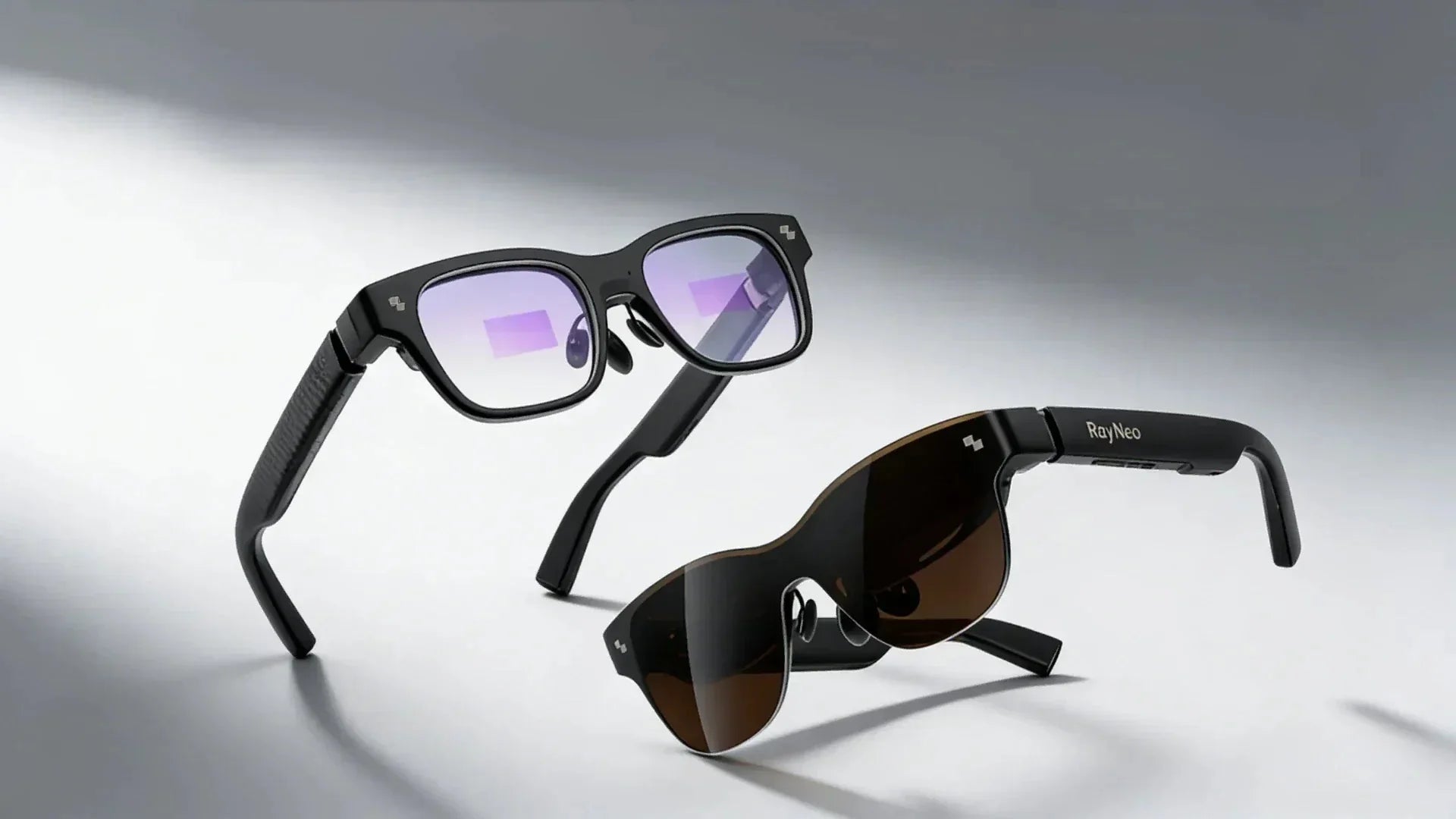
If you rely on corrective lenses every day, a smart frame is only useful when it also lets you see clearly. Smart glasses with prescription lenses combine vision correction with features such as open-ear audio, cameras, AI assistance, or a private display. Instead of choosing between clear vision and hands-free technology, you can look for a model built around both needs.
The important detail is how each pair handles your prescription. Some models replace the regular lenses with prescription lenses, while display-focused AR glasses often use a small corrective insert behind the optical system. In this guide, you’ll learn what prescription smart glasses are, what features to consider when buying one, and explore some of the best smart glasses in 2026.

Yes, smart glasses support prescription lenses, so you can use their smart features while still getting the vision correction you need. Depending on the model, your prescription may be fitted directly into the main lenses or added through a separate prescription insert. However, supported prescription ranges and lens-fitting methods vary, so check the specific model before you buy.
Prescription smart glasses are eyewear that corrects your vision while also providing built-in technology, such as audio, cameras, AI assistance, or digital displays. They let you use compatible smart features without giving up the prescription lenses you need to see clearly. They can vary, from discreet frames that resemble conventional eyeglasses to AR models with digital displays.
Start with a current eyeglass prescription, because a contact lens prescription does not contain the same fitting information. In the United States, the FTC’s Eyeglass Rule gives you the right to receive a copy after a refractive eye exam at no extra charge. Here’s how you can order your lenses:
1. Get your current eyeglass prescription. Ask your optometrist or ophthalmologist for your sphere, cylinder, axis, and ADD values when applicable, plus your pupillary distance if the lens seller requires it.
2. Check the model’s prescription limits. Confirm that the frame supports your total power, astigmatism, prism, progressive or bifocal needs, and preferred lens material before ordering.
3. Identify the prescription method. Find out whether the corrective lenses replace the plano lenses in the frame or arrive in a separate insert that clips or snaps behind the display optics.
4. Choose practical lens options. High-index material can reduce thickness for stronger prescriptions, while anti-reflective, scratch-resistant, photochromic, or sun-lens options may improve daily use if the frame supports them.
5. Order through an approved channel. Use the manufacturer’s certified retailer or named optical partner when required, because an unsupported lens replacement could affect optical alignment, electronics, or warranty coverage.
6. Check the finished fit and clarity. Once the glasses arrive, make sure the frame sits level, the display is centered, and your vision is clear without persistent strain, distortion, or pressure points.
When you shop for prescription smart glasses, consider how well they work as everyday eyewear as much as what their technology can do. Your prescription needs, comfort, and daily routine can help you narrow down which features are actually worth paying for. Here are features to look for:
Check whether the glasses support your prescription, since manufacturers may set limits on sphere, cylinder, or other lens requirements. You should also find out whether the model uses prescription lenses fitted directly into the frame or a separate corrective insert, as this can affect cost.
If you want to make calls, listen to music, or hear voice-assistant responses, look for speakers that deliver clear sound without requiring earbuds. Open-ear speakers can also help you remain aware of traffic, conversations, and other sounds around you.
Since prescription glasses may stay on your face for much of the day, check the weight, frame dimensions, nose support, and temple design. A frame that fits your face can reduce pressure around your nose and ears, while a style you like makes the glasses easier to treat as daily eyewear.
Choose battery life based on how you expect to use the smart features, whether that means occasional calls and AI interactions or frequent audio and other functions throughout the day. You should also consider charging time and whether the glasses use a charging case.
Consider what you actually want the glasses to do, because cameras and AI can support very different tasks, from hands-free photos and video to translation, reminders, voice assistance, and access to information. If you do not need a camera, a camera-free model may be a better fit, especially if your priorities are discreet everyday wear, audio, or glanceable information.
Prescription smart glasses can reduce the number of devices you use by combining vision correction with features that might otherwise require earbuds, a camera, or another screen. Regular prescription glasses take the opposite approach: they handle your vision needs while your phone, earbuds, and other devices remain separate.
If you need vision correction, the right smart glasses should accommodate your prescription without losing sight of what you actually want the glasses to do. RayNeo offers different approaches, with the Air 4 Pro focused on big-screen entertainment and the iO AI Glasses built around everyday information and AI assistance.
The RayNeo Air 4 Pro AR Glasses are built for movies, gaming, and mobile work on a large virtual screen. They support custom prescription lens inserts, available separately through RayNeo’s official prescription partner.
Best for: People who need vision correction and want a portable display for a compatible phone, computer, or console.

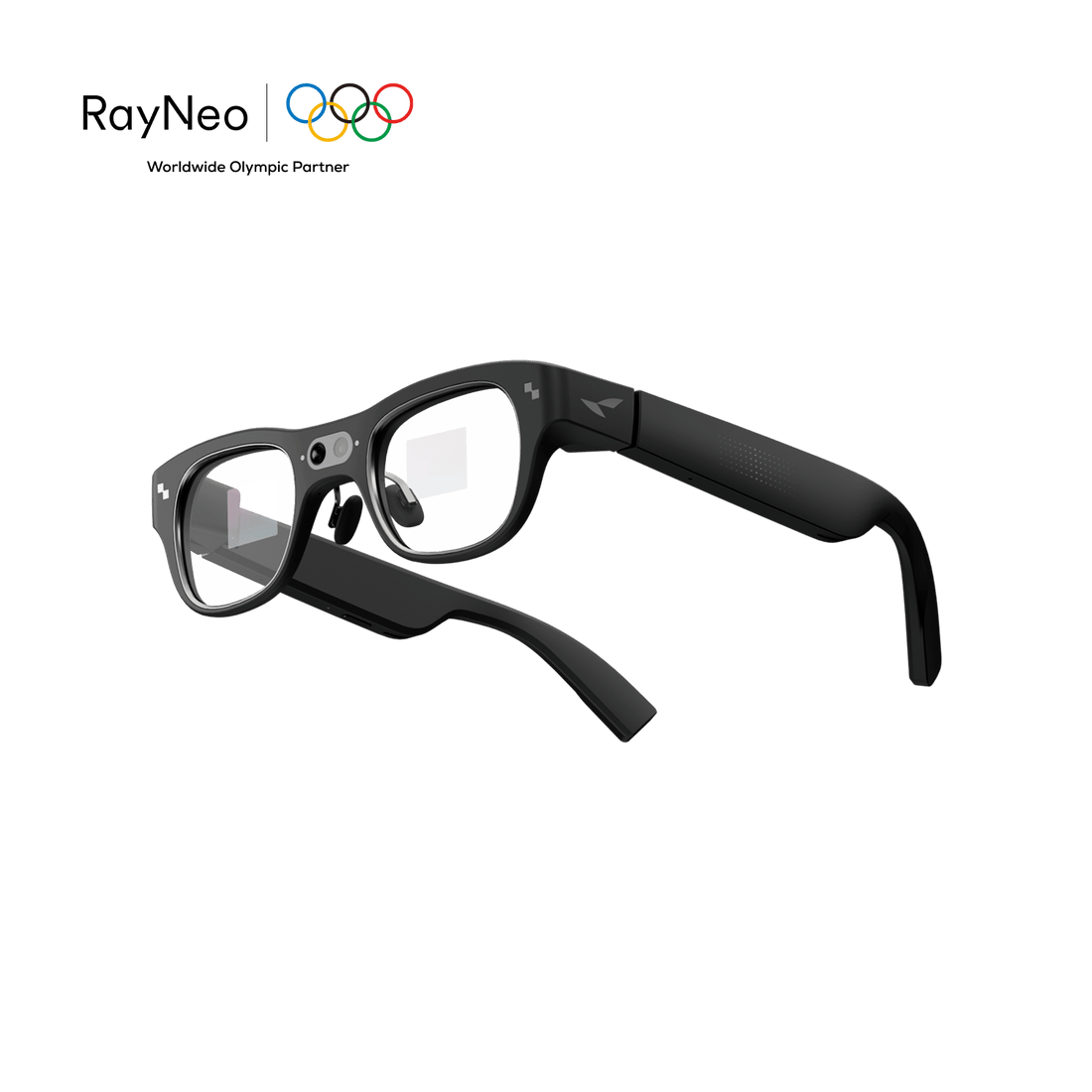
RayNeo iO AI Glasses are everyday AI eyewear with custom prescription lens support. Their transparent display is designed for short, glanceable information rather than a cinema-style screen, and the frame intentionally omits cameras and speakers.
Best for: Professionals, students, and travelers who want prescription-ready, lightweight AI eyewear for information, captions, notes, and prompts.
Smart glasses with prescription can be a sensible everyday upgrade when the frame truly supports you and fits comfortably. Choose direct-fit lenses for the cleanest daily-wear experience or an insert for display-focused AR glasses. Prioritize optical compatibility before cameras, AI, or speakers.
The Air 4 Pro suits gaming and private-screen entertainment, while the iO is designed around glanceable work and daily assistance. Before ordering, confirm the final price, prescription range, return policy, and service options.
Prescription smart glasses typically cost a few hundred dollars, but premium AR models can exceed $1,000 before lenses. Your total may include the electronic frame, prescription lenses or inserts, high-index material, coatings, shipping, and sales tax. Insurance, FSA, or HSA eligibility depends on the seller, your plan, and which portion qualifies as vision care. Request an itemized price and review the customized-product return policy carefully before you order today.
Yes, if the model is prescription-ready and your eyeglass prescription falls within its supported range. Some smart glasses take replacement lenses directly, while display-focused AR glasses often use a corrective insert behind the optical system. You will usually submit your sphere, cylinder, axis, and pupillary-distance measurements to an authorized retailer or optical partner. Confirm support for prism, bifocals, or progressives before paying, because options vary by frame and lens type.
Yes, prescription smart glasses are generally safe when the lenses are accurate, the frame fits correctly, and you follow the manufacturer’s directions. In the United States, spectacle lenses must meet FDA impact-resistance requirements, although impact-resistant does not mean shatterproof. Take regular breaks from near-eye displays, adjust brightness, and stop if you develop persistent headaches, dizziness, blurred vision, or eye strain. Ask an eye-care professional to evaluate continuing symptoms promptly.







Share:
Best Smart Glasses on Reddit: Top Picks in 2026
Can Glasses That Translate 40 Languages Help You Travel?