

$429.00

In many meetings, typing while trying to listen, think, and contribute can make a meeting feel like a juggling act. You may capture half a sentence, miss the next idea, and spend the rest of the discussion wondering whether you wrote down the right deadline. Learning how to take meeting notes hands-free offers another approach. AI glasses and voice-based tools can capture speech, while companion AI software can produce transcripts and organize key points.
These tools do not remove the need for judgment. Audio quality, speaker consent, company rules, and a careful review still matter. However, when you use them responsibly, hands-free notes can reduce screen distractions and create a more useful starting point for minutes, action items, and follow-up messages.

In short, you can take notes hands-free by using AI glasses, a wearable recorder, or a voice-enabled meeting app to capture speech and turn it into a transcript or summary. Get permission before recording, position the microphone well, mark important moments, and review names, decisions, and deadlines before sharing the notes.
First, it helps to understand what familiar note-taking methods do well. Pen and paper, laptops, templates, and assigned note-takers remain useful, especially when recording is unsuitable or a meeting includes confidential material.
Now, let’s turn the idea into a repeatable workflow. The practical answer to taking meeting notes hands-free is not simply pressing Record. You need a clear purpose, suitable hardware, and a short review process.
From there, AI glasses move the microphone and controls into something you already wear. This design can be especially useful in workshops, site visits, trade shows, and in-person meetings where a laptop feels awkward.
During an active discussion, supported glasses can start a voice memo through a physical control or, on some models, a voice command. You do not need to unlock a phone, open an app, or place a recorder on the table. A built-in microphone captures the conversation, while software converts the audio into text. Results still depend on room acoustics, microphone placement, accents, and overlapping speech, so treat the transcript as a draft.
When a discussion becomes dense, some AI glasses with displays may provide limited visual prompts, captions, or connected content without requiring a full-size screen. Some systems can identify key topics, mark decisions, or answer a short question. Use that assistance lightly: checking too many prompts can become another distraction. For sensitive or high-stakes meetings, confirm important information with the speaker instead of relying on an AI response.
With capture running in the background, your hands remain available for presenting, demonstrating a product, reviewing a sample, or taking part in a workshop. You can maintain more natural eye contact and listen for tone rather than typing every sentence. Hands-free does not have to mean note-free, either. A short handwritten keyword or a spoken highlight can preserve your own interpretation alongside the automated record.
Beyond convenience, the strongest benefits appear when the system supports better meeting behavior. The goal is not to create more text; it is to produce a clearer record with less disruption.
For many participants, constant typing pulls attention away from questions, facial expressions, and changes in tone. Automated capture can reduce that pressure. You can ask follow-up questions, challenge an assumption, or notice when the group has not reached a real decision. The tool becomes a quiet backup rather than the center of the meeting, helping you stay present while still preserving useful detail.
Once the conversation ends, AI can help turn a transcript into a summary, decision log, and action list. That gives you a first draft instead of a blank page. You still need a brief editing pass, but searching text is faster than replaying an hour of audio. A consistent template also makes follow-ups easier: confirm each responsible person, add a due date, remove repetition, and send only what participants need.
Because the system captures more of the spoken discussion, it may reduce some gaps caused by hurried typing. Speaker labels and timestamps also help you trace a point back to its context. Yet greater detail does not automatically mean correct. AI may mishear names, technical terms, numbers, or overlapping voices. Accuracy and reliability still require human review and testing, as part of responsible AI usage practices.
Before choosing a tool, think about the rooms, people, and information involved in your meetings. A useful solution should fit the workflow while giving you clear control over recording and data.
At the hardware level, look for multiple microphones, directional pickup, noise handling, and clear performance at realistic distances. Test the device in a conference room, open office, and video call rather than relying on a quiet demo. At the software level, check speaker separation, language support, custom vocabulary, and editing tools. A strong summary cannot repair every error created by weak source audio.
On the software side, useful tools should separate decisions, tasks, questions, and unresolved issues. Look for timestamps, speaker labels, searchable transcripts, highlight controls, and export formats your team already uses. Ask whether you can change the summary template for a sales call, project review, or interview. Also check whether the tool can identify uncertainty instead of presenting every generated statement with equal confidence.
More importantly, find out where audio and transcripts are stored, whether processing occurs on-device or in the cloud, and how long the provider keeps data. Review encryption, access controls, deletion options, administrator settings, and model-training policies. Organizations can use a structured framework to identify and manage privacy risk. Avoid recording legal, medical, HR, or customer information unless policy permits it.
Finally, a wearable only helps if you can keep it on comfortably. Check frame weight, front-to-back balance, nose-pad options, temple pressure, prescription-lens compatibility, battery life, and charging time. Try the controls while seated and walking. A subtle physical button or dial may be easier than repeated voice commands. If the glasses slide, pinch, or demand frequent charging, you may return to your phone after a few meetings.
At this point, the right choice depends on the meeting rather than the novelty of the tool. Compare setup, attention, output, and privacy before deciding.
| Factor | Smart glasses | Pen and paper | Laptop or tablet | Phone recorder |
|---|---|---|---|---|
| Hands-free use | Strong once recording starts | Limited | Limited | Moderate after setup |
| Eye contact | Easier to maintain | Usually natural | Often reduced | Usually natural |
| Output | Audio, transcript, summary, highlights | Personal notes | Searchable typed notes | Mainly raw audio unless an AI app is used |
| Search and sharing | Fast after processing | Manual | Fast | Slow without transcription |
| Accuracy risk | AI errors require review | Writer may miss details | Typist may miss details | Audio preserves wording but takes time to check |
| Best setting | Active, mobile, or in-person work | Short or sensitive meetings | Structured desk-based meetings | Occasional reference recording |
| Main concern | Consent, privacy, comfort, battery | Incomplete detail | Screen distraction | Placement, audio quality, review time |
In practice, you can combine methods. Let the glasses capture the discussion, then write one or two personal observations that explain why a decision matters. For a confidential session, skip recording and use approved written notes. The best method is the one that meets the meeting’s legal, security, and practical requirements.
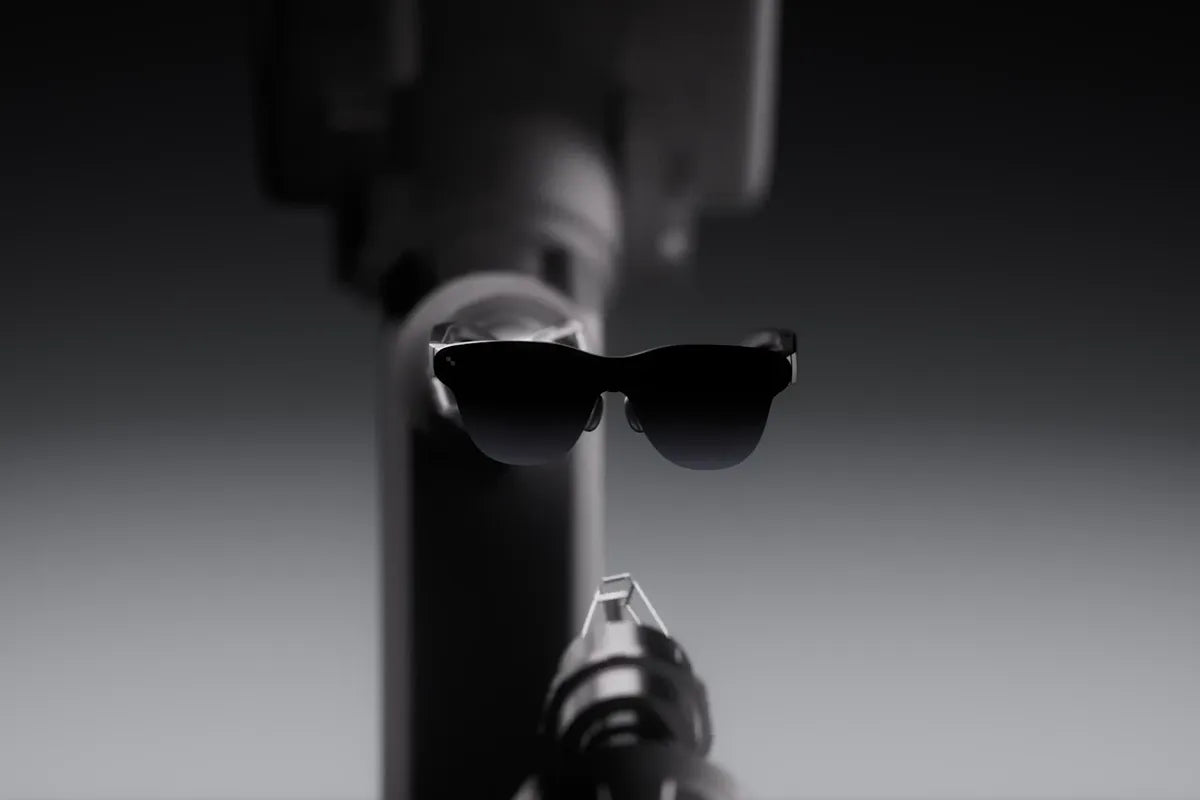
For a wearable approach, the RayNeo iO AI Glasses combine an understated in-lens display with voice capture and AI-powered organization.
Unlike audio-only wearables, the glasses can display supported prompts or visual information within the wearer’s view while your phone stays put away. This makes them relevant as AI glasses and as a meeting tool for professionals who move between conversations, presentations, and follow-up tasks.
For meeting capture, a four-microphone array works with a bone-conduction sensor to help improve voice pickup in noisy environments. A press of the Smart Crown can start a voice memo or mark an important moment.
Connected AI services can help turn recordings into transcripts, summaries, or action lists, depending on available features. That workflow reduces the need to replay long recordings when you only need decisions and owners.
For visual support, the Firefly Nano optical engine powers a highly transparent monochrome display designed to preserve the look of everyday eyewear. Captions, notifications, teleprompter text, and dashboard details can appear in the wearer’s line of sight. During a meeting, that means you can glance at a prompt or translated line while keeping your head up.
For longer workdays, the frame weighs about 34 g and distributes weight between the front and temples. A 240 mAh battery is rated for up to two days of typical use, although recording, translation, brightness, and connection habits affect runtime.
Smart Crown controls and head gestures offer quiet navigation. A recording indicator can improve transparency, but you should still tell participants and obtain the consent required for that meeting.
Ultimately, learning how to take meeting notes hands-free is less about replacing your memory and more about protecting your attention. A well-chosen tool can give you room to listen, respond, and notice what is happening in the room. Your role shifts from writing every word to checking what matters.
Start with a low-risk internal meeting, ask for permission, and test the output against notes you trust. Notice which names, accents, or technical terms need correction. Then build a simple review habit before you send anything to colleagues. AI glasses can make information capture more seamless, but responsible use still depends on human choices: clear consent, careful data handling, and an accurate final record that participants can rely on.
AI meeting notes can be accurate enough to capture main topics and create a useful first draft, especially when the audio is clear and speakers take turns. However, background noise, accents, technical terms, overlapping voices, and weak microphones can cause transcription mistakes. Summaries and action items may also lose context or add incorrect details, so review names, figures, decisions, and deadlines before sharing.
Neither method is better for every meeting. Typing encourages active thinking because you select, organize, and summarize information as you listen. AI transcription captures more of the conversation and can reduce distractions during fast discussions. A combined approach often works well: let AI create the transcript, write down your own observations, and review the generated summary afterward to confirm important decisions and responsibilities.
Yes, RayNeo AI Glasses can support meeting workflows by capturing voice memos, while connected AI services may help convert speech into text and organize information into summaries or action lists. Models such as RayNeo iO can also display captions and translated text within your field of view, helping you stay engaged without repeatedly checking a phone. Results still depend on audio conditions, participant consent, connectivity, and reviewing the AI-generated notes afterward.







Share:
How to Reduce Phone Screen Time Without Feeling Cut Off
Do iPhone Notification Smart Glasses Work for You?