

$429.00

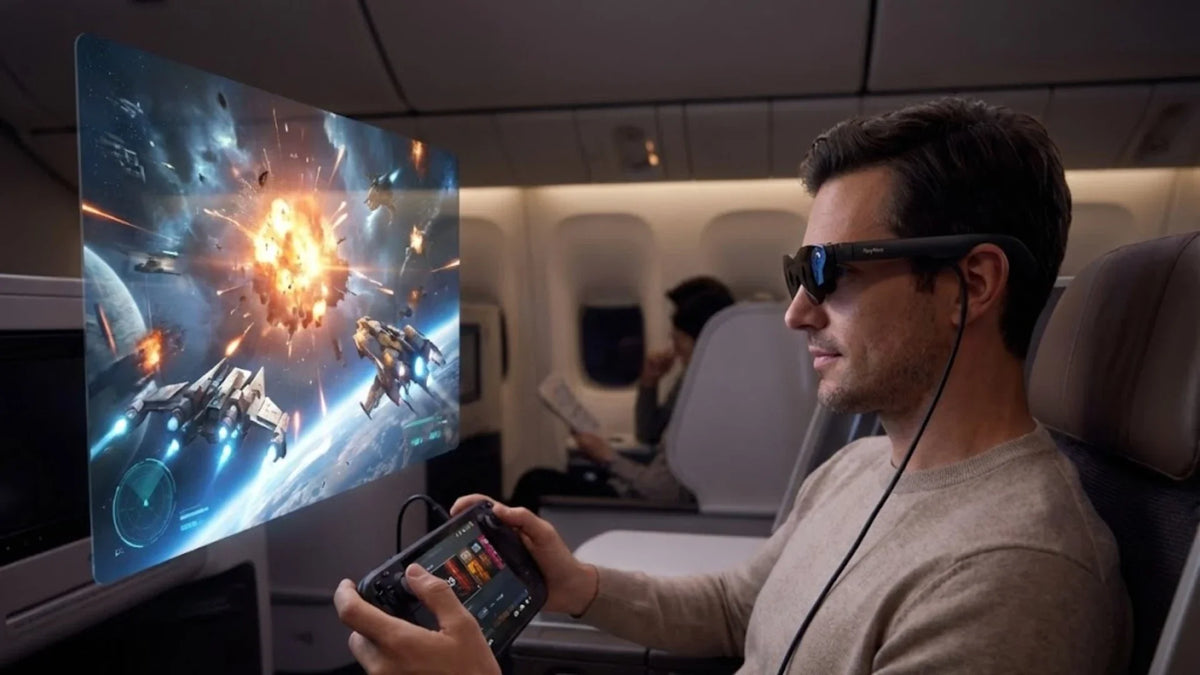
For a long-haul flight, the RayNeo GT Max is a strong fit. It projects a 267-inch virtual screen (227-inch and 307-inch sizes are also available), includes a Steady mode that RayNeo describes as built for travel and commuting, with subtle, natural motion instead of a snap-to-position display, and pairs Bang & Olufsen audio with a low-volume Whisper Mode that RayNeo says reduces audio leakage in quiet or public settings. At $399, it is the display-first pick for anyone who wants a real movie screen instead of a six-inch seatback panel. The RayNeo GT at $299 and 68 grams covers the same core experience at a smaller screen size (201 inches, with 136-inch and 231-inch options) for travelers who want the lighter of these two models for a red-eye.
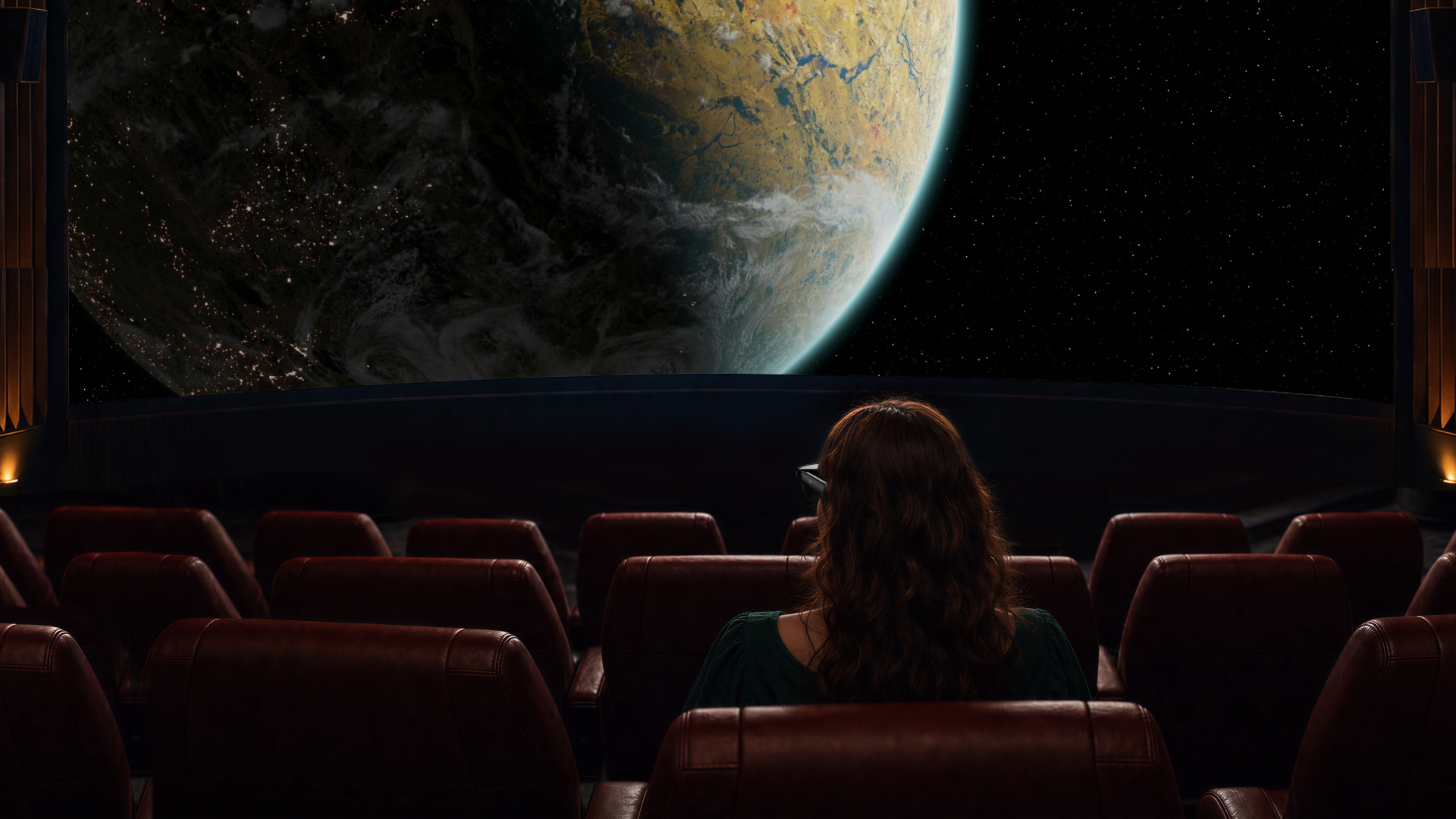
Economy seatback displays are small, often scratched, and positioned at an angle that strains your neck after two hours. Premium cabins do better, but not every route or fare gets one.
Holding a phone or tablet up for a five-hour movie tires your arms and neck long before the credits roll. A tray table helps, but turbulence shakes the device, and the person next to you can see everything on your screen whether you want them to or not.
Cabin noise is another factor. Engine hum and conversation make it hard to hear dialogue at a comfortable volume without noise-canceling headphones, which add another item to manage along with your phone, cable, and tray table space.
AR glasses with a built-in display solve the size and privacy problems by projecting a personal virtual screen positioned where you’re already looking, instead of a panel anyone in the next seat can glance at directly. The remaining question is which model actually holds up for a full flight.
The GT Max projects a 267-inch virtual display, with 227-inch and 307-inch sizes also available depending on preference. It uses a 0.6-inch Micro-OLED panel at 1920x1080 resolution with a 200,000:1 contrast ratio, which matters more on a plane than it might at home: cabin lighting is usually dim during a flight’s movie hours, and higher contrast can help keep dark scenes from washing out the way they tend to on a glare-prone tablet screen.
The glasses include a dedicated Movie display mode alongside Standard, Office, and Eye Protection modes. Movie mode sits alongside the Standard, Office, and Eye Protection presets, and it’s the one to try first when you settle in for a film.
The GT Max offers three spatial modes: Follow, Steady, and Pinned. RayNeo’s own descriptions: Follow “keeps the screen centered as you move your head. Ideal for casual and everyday viewing.” Pinned “keeps the screen fixed in one position. Ideal for focused, cinema-like viewing,” more like a fixed panel hanging in a set spot.
For a plane seat, Steady is the mode RayNeo specifically calls out for travel, described as “stable viewing with subtle natural movement. Ideal for travel and commuting.” Try both Steady and Pinned during your flight to see which feels better for your seat and the ride.
At 78 grams, the GT Max is heavier than a pair of regular glasses. It comes in three IPD (interpupillary distance) sizes, S, M, and L, so the fit is matched to your face rather than a single generic size, which matters over a multi-hour flight. The lighter GT, at 68 grams with a fixed 64mm IPD, is worth considering if you know that size works for you and prefer to save weight for a red-eye flight.
Both models use a four-speaker Bang & Olufsen-tuned open-ear audio system with immersive spatial sound. Whisper Mode is the one built for flights, and RayNeo describes it as reducing audio leakage in quiet or public environments; it’s toggled with a long press on the volume rocker (cycling Standard, Whisper Mode, and Spatial Surround Sound) or through RayNeo XR App > Glasses Settings > Whisper Mode. Keep in mind that open-ear speakers are still audible from about a meter and a half away, and someone leaning in closer may still hear some sound even with Whisper Mode on.
RayNeo also sells the RayNeo Lens Shade for GT Max ($19).

| RayNeo GT Max | RayNeo GT | |
|---|---|---|
| Price | $399 | $299 |
| Weight | 78g | 68g |
| Virtual screen | 227” / 267” / 307” | 136” / 201” / 231” |
| Field of view | 59° | 46° |
| IPD fit | S / M / L | Fixed 64mm |
| Display panel | 0.6” Micro-OLED, 1920x1080 | Same |
| Refresh rate | 2D 120Hz / 3D 60Hz | Same |
| Audio | B&O quad-speaker, Whisper Mode 2.0 | Same |
| Spatial modes | Follow / Steady / Pinned | Same |
| Dolby Vision | Yes, with Pocket TV Pro and Dolby Vision content | Yes, with Pocket TV Pro and Dolby Vision content |
Both glasses share the same audio system, spatial tracking, and refresh rates. The real difference for a flight is screen size and fit: GT Max gives a bigger virtual screen and a proper IPD match, while GT saves $100 and 10 grams for travelers who prioritize packing light over maximum screen real estate.
Airplane mode means no internet once you’re in the air, so content has to be on the device before boarding.
For most flights, the simplest setup is downloading movies or shows directly to your phone or tablet through whatever streaming apps support offline playback, then connecting that device to the glasses over USB-C once you’re seated. The GT Max and GT both connect via USB-C DisplayPort Alt Mode to iPhone 15, 16, and 17 series phones, Android phones with USB-C DisplayPort video output (RayNeo lists Galaxy S8 through S25 as examples), iPads from the 10th generation onward, and MacBooks from 2015 onward. iPhone 16e, 17e, and Air models don’t support this direct USB-C video connection. Older Lightning devices need an Apple Digital AV Adapter, which isn’t included in the box.
If you’d rather not tie up your phone’s storage and battery for the whole flight, the RayNeo Pocket TV Pro ($199) is a dedicated streaming device built to pair with GT and GT Max. It runs Google TV with access to a large catalog of apps, and RayNeo describes it as letting you keep movies and videos ready for local playback. Its 6,500mAh battery is rated for up to 5.5 hours of continuous viewing, so for anything longer than that, bring a way to top it off. Pairing GT or GT Max with Pocket TV Pro is also what unlocks Dolby Vision playback for compatible Dolby Vision content (more on what that does and doesn’t cover in the FAQ below).

The GT Max and GT are powered by whatever device you connect them to. RayNeo’s own FAQ puts it this way: “The connected device powers the glasses and processes video, so slight warmth and increased battery consumption are normal.” In practice, that means the phone, tablet, or Pocket TV Pro powering your movie will drain faster than it would just sitting in your pocket.
There’s a power-saving setting either way you watch, though which one applies depends on the setup. In the XR Space video player, turning on Eco Mode dims your phone’s screen to save power; when you’re mirroring a screen from a connected phone through RayNeo’s Immersive Casting feature, which is how the direct USB-C connection described above works, enabling Auto-Dim Brightness does the same after about 10 seconds of no activity. Both settings dim the connected device’s screen, not the glasses’ display, and the practical fix for a long flight is still bringing a power bank or using the seat’s USB port, where available, to top off your phone mid-flight.
One quirk worth planning for: the USB-C cable that connects the glasses to your phone occupies that phone’s only USB-C port, so it isn’t free for a charging cable at the same time. Whether your phone can still charge through an adapter while the glasses are plugged in depends on your specific phone model. The safest approach is charging your phone to full before boarding, or switching to the Pocket TV Pro, which has two USB-C ports so you can charge it while watching. A USB-C cable ships with the glasses, so no separate cable purchase is needed to get started.
| Item | Why it matters |
|---|---|
| Movies or shows downloaded to your phone/tablet before boarding | No internet access once airborne |
| Confirm your phone model supports direct USB-C video (iPhone 15/16/17, Android with USB-C DisplayPort output such as Galaxy S8-S25, iPad 10th gen+) | iPhone 16e/17e/Air need a workaround, not direct connect |
| Lightning adapter, if using an older iPhone or iPad | Not included with the glasses |
| Power bank or confirm seat has a USB port | Glasses draw power from the connected device |
| Pocket TV Pro charged, if bringing it instead of relying on your phone | Frees up your phone’s battery and storage for the flight |
| Prescription insert lenses fitted in advance, if needed | RayNeo partners with Lensology for prescription support |
| Check your airline’s policy on wearing electronics during taxi, takeoff, and landing | Device-use rules during these phases are set by the airline, not RayNeo |
Do I need Wi-Fi on the plane to use these glasses?
Will other passengers be able to see what I’m watching?
Can I wear these over my prescription glasses?
Does Dolby Vision work without the Pocket TV Pro?
How long can I actually watch before needing to charge something?
For anyone who watches movies on long flights regularly, the GT Max is the stronger buy: the bigger 267-inch screen, S/M/L IPD fit, and travel-oriented Steady mode make it well suited to this use case. If budget or weight matters more than screen size, the GT delivers the same audio, refresh rate, and Steady mode at $299 and 68 grams. Either way, the setup that works is simple: download your content the night before, confirm your phone connects directly or bring the right adapter, and pack a power bank so the glasses aren’t fighting your phone for the last hour of the flight.







Share:
RayNeo Smart Glasses Comparison: iO vs GT vs GT Max vs X3 Pro
The Newest Smart Glasses Released in 2026: RayNeo's iO and GT Series