

$429.00

Traditional audio-only smart glasses have established a specific category of wearable technology by focusing on a specific set of features: audio, camera, and voice AI, all packaged in a lightweight frame that looks like standard eyewear.
However, for a subset of users, the lack of a visual interface is a significant limitation. You can hear a notification, but you cannot read it. You can hear navigation instructions, but you cannot see a map. You can interact with an AI voice, but it cannot show you a diagram or a list.
If you are looking for an alternative to the purely audio-based approach, you likely fall into one of two categories:
"I want a lightweight form factor, but with a visual HUD." You want to maintain a relatively lightweight profile but gain the ability to see digital information overlaying the real world.
"I want immersive media consumption." You are looking for a device primarily for watching movies or gaming, which requires a completely different optical technology.
The Short Answer: In 2026, alternatives are defined by their optical technology.
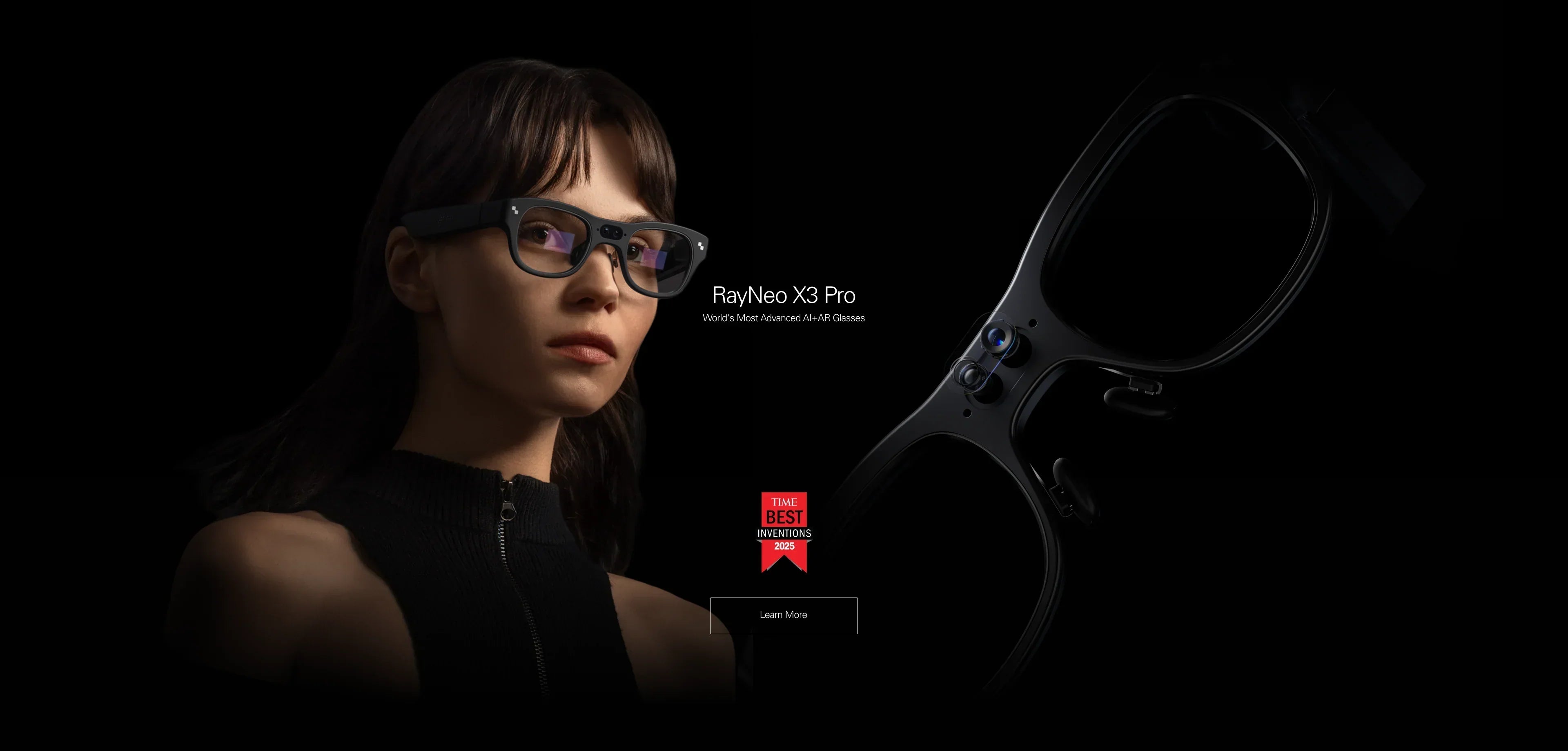
For Information & AI: Standalone AR glasses like the RayNeo X3 Pro integrate transparent MicroLED displays to provide visual overlays for navigation and translation.
For Notifications: Minimalist HUDs offer simple text-based displays.
For Media: Display glasses like the RayNeo Air 2s function as wearable monitors for immersive video.
This guide compares these different approaches to help you understand the trade-offs involved in adding a screen to your eyewear.
Before exploring specific models, it is helpful to identify the specific functionality you find missing in audio-only glasses.
The Scenario: You are navigating a noisy city or trying to communicate in a foreign language. Audio instructions can be hard to hear or visualize.
The Need: A visual interface that overlays arrows on the street or subtitles near a speaker's face.
Relevant Category: Waveguide AR Glasses (e.g., RayNeo X3 Pro).
The Scenario: You are in a meeting or a quiet environment. You want to check an urgent message without having it read aloud (even via directional audio) or checking your phone.
The Need: A discreet Heads-Up Display (HUD) that shows text notifications.
Relevant Category: Notification HUDs.
The Scenario: You want to watch videos or play games on a large screen while traveling. Audio glasses cannot provide this experience.
The Need: AR Display Glasses (e.g., RayNeo Air 2s). These devices typically block or tint the user's view to improve contrast for video content.
Adding a visual display to smart glasses involves overcoming significant physical constraints, primarily balancing brightness with bulk.
To make a digital image visible outdoors (where sunglasses are typically worn), the display needs to be exceptionally bright (often 1,000+ nits).
OLED Limitations: Traditional OLED micro-displays often require dark tinted lenses (birdbath optics) to make the image visible, which reduces eye contact and transparency.
MicroLED Solutions: Newer devices like the RayNeo X3 Pro use MicroLED technology coupled with optical waveguides. This allows for high transparency (letting you see the world) and high brightness (letting you see the data), but typically results in a thicker frame and higher cost compared to audio-only glasses.
Moving from basic audio glasses to visual AR glasses (like RayNeo) introduces new dependencies and behaviors.
Battery Management: Powering a display and a camera sensor simultaneously consumes more energy than audio alone. Users of standalone AR glasses typically need to rely on a charging case throughout the day, similar to TWS earbuds.
Connectivity Requirements: Advanced visual features, such as AI visual search or real-time translation, often require a stable internet connection. If the glasses are standalone (like the X3 Pro), you may need to connect them to a mobile hotspot when Wi-Fi is unavailable.
Weight & Comfort: While audio glasses often weigh under 50g, AR glasses with displays and onboard processors typically range from 70g to 80g. This difference may be noticeable during all-day wear.
Ecosystem Compatibility: Display-only glasses (like the Air 2s) require a wired connection to a device that supports video output (DP Alt Mode). Users with older phones or base-model Pixels may need additional adapters.

This category represents the "Visual AR" alternative to the purely audio approach. These devices are standalone Android computers.
Visual Capabilities: Full-color MicroLED Waveguide display.
Functional Differences:
Navigation: Displays 3D arrows and distance markers in the field of view.
Translation: Provides visual subtitles for conversations.
AI Interaction: Capable of visual search (analyzing objects via camera) with results displayed on screen.
Trade-offs: Heavier frame (~76g) and a more distinct "tech" aesthetic compared to standard eyewear.
This category focuses on minimalism, providing a simple visual layer without full AR computing power.
Visual Capabilities: Monochromatic (often green) text display.
Functional Differences: Primarily displays notifications, teleprompter text, and basic turn-by-turn navigation arrows.
Trade-offs: Lacks a camera for photo/video capture or visual AI analysis.
While not a direct competitor for "all-day wear," this category is often considered by users looking for "smart glasses."
Visual Capabilities: High-resolution Micro-OLED screens simulating a large monitor (e.g., 201 inches).
Functional Differences: Specialized for content consumption (gaming, movies, productivity) rather than information snacking.
Trade-offs: Requires a cable connection; restricts peripheral vision; not suitable for walking navigation.

Is a screen always better? Not necessarily. Different scenarios favor different interaction modalities.
Audio Approach: You must take a photo or ask the AI to read the text, which is a linear, time-consuming process.
Visual Approach (e.g., X3 Pro): The translation overlays directly onto the text in your field of view. Visual processing allows you to scan the entire menu simultaneously, which is generally faster for information retrieval.
Audio Approach: "Turn right in 300 feet." This allows you to keep your eyes scanning the environment but requires mental spatial mapping.
Visual Approach: A floating arrow indicates the exact turn. This reduces cognitive load but introduces visual elements into your field of view.
Audio Approach: A text message is read aloud (whispered). This can interrupt a conversation or be difficult to hear in loud environments.
Visual Approach: A text bubble appears. You can choose to glance at it or ignore it, similar to a smartwatch notification, without interrupting your auditory attention.
To choose the right alternative, match your primary "Gap" to the corresponding device category.
If you need to fill "Gap 1" (Navigation / Translation / AI): You should evaluate Standalone AR Glasses.
Key Spec to Check: Display brightness (nits) for outdoor visibility and battery life.
Next Step: Review the detailed feature set of devices like the RayNeo X3 Pro on the product page to understand its standalone capabilities.
If you need to fill "Gap 3" (Immersive Media): You should evaluate AR Display Glasses.
Key Spec to Check: Device compatibility (DP Alt Mode) and ergonomic adjustability.
Next Step: Use a compatibility checklist to ensure your smartphone supports video output before purchasing devices like the RayNeo Air 2s.
If weight and invisibility are your non-negotiables:
Consideration: Current visual AR technology adds weight. If ~76g is too heavy for your preference, you may need to wait for future generations of MicroLED miniaturization or stick with audio-only solutions for now.
Q: Can visual AR glasses like the X3 Pro work with an iPhone? A: Yes. Most standalone glasses have companion apps for iOS that allow for photo syncing, settings configuration, and internet tethering. However, iOS restrictions may limit some interactive notification features compared to Android.
Q: Is the camera on AR glasses comparable to audio-only smart glasses? A: It depends on the model. While standard smart glasses are often highly optimized for social media aesthetics, AR glasses like the RayNeo X3 Pro utilize cameras primarily for AI computer vision (recognizing objects, text) and POV recording, prioritizing utility and information extraction.
Q: Can I listen to music on visual AR glasses? A: Yes. Devices like the RayNeo X3 Pro run Android and support music apps or Bluetooth streaming, functioning similarly to audio glasses but with the added visual layer.







Share:
What Are the Best Smart Glasses? The Comprehensive 2026 Guide
Ray-Ban Meta Smart Glasses vs. Google Smart Glasses: Which Is Right for You?