From $254.15

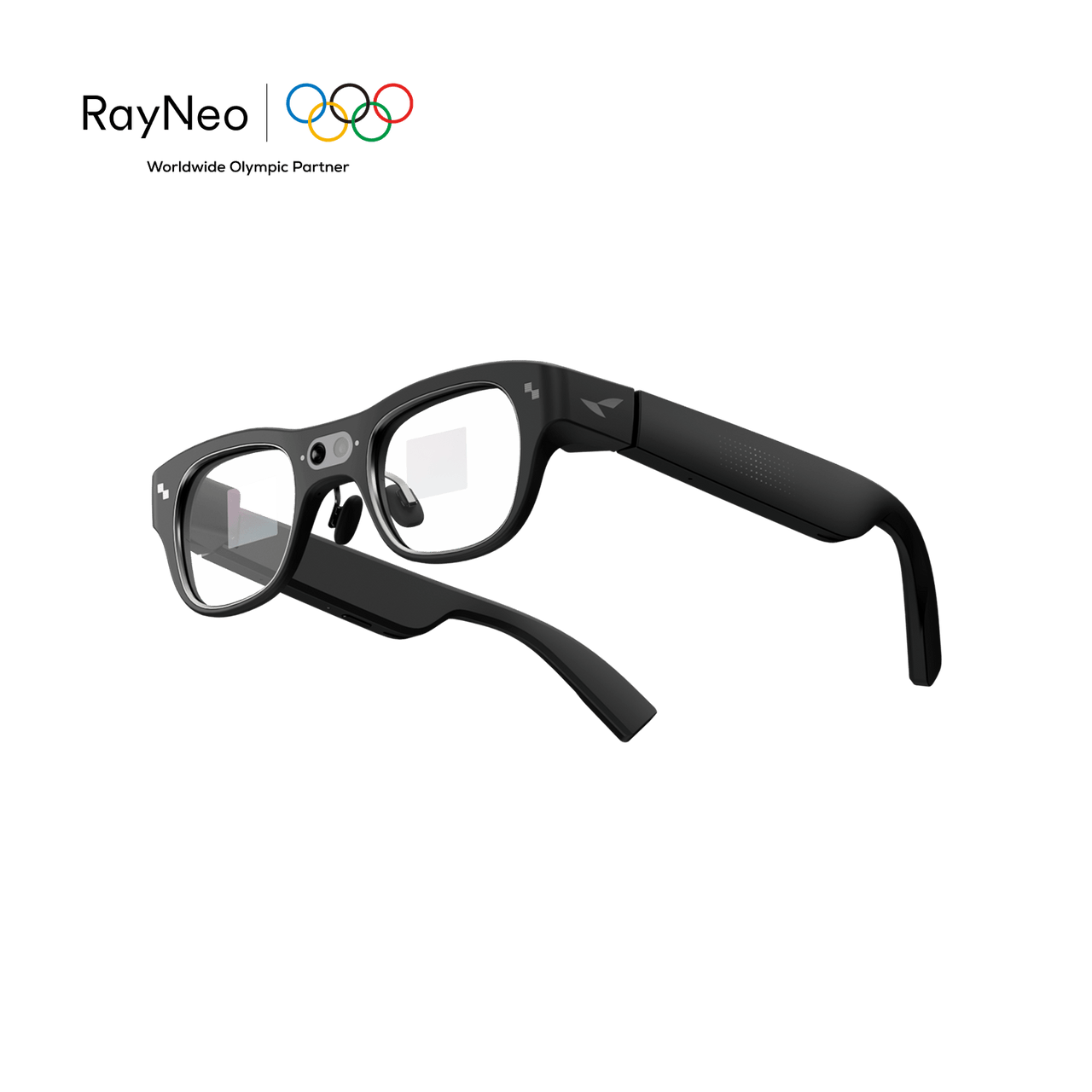
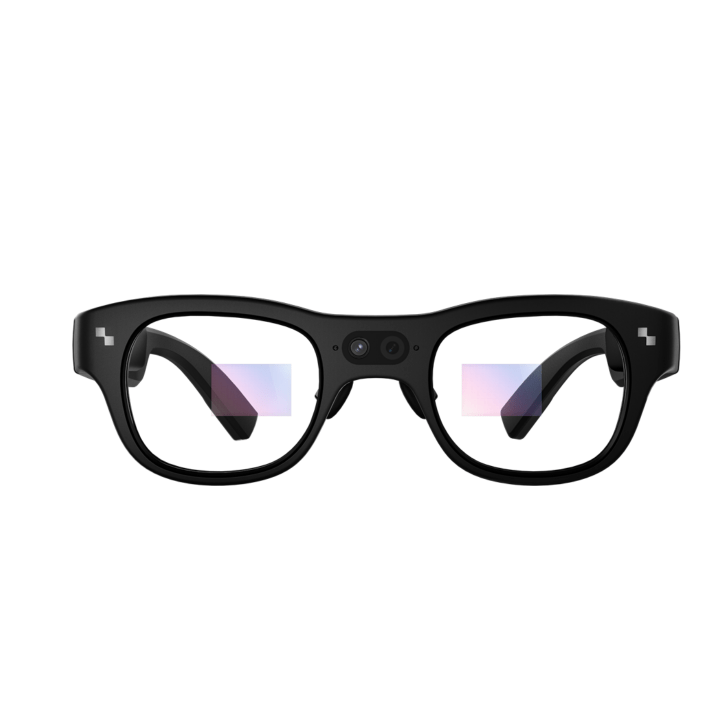



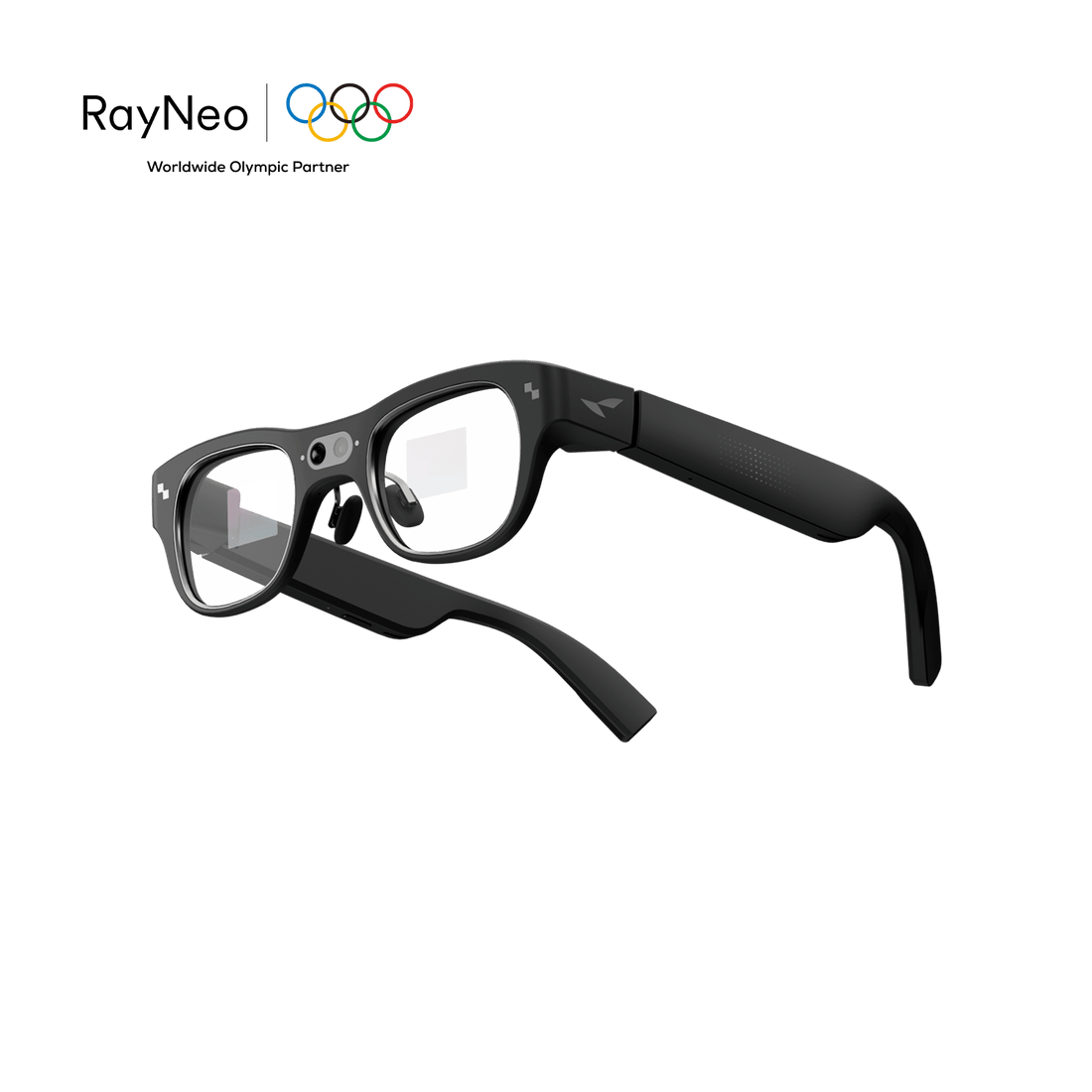
World's Most Advanced AI+AR Glasses
End of Summer Sale
Ending In:
Ask questions, get answers, and access AI assistance right in your view.
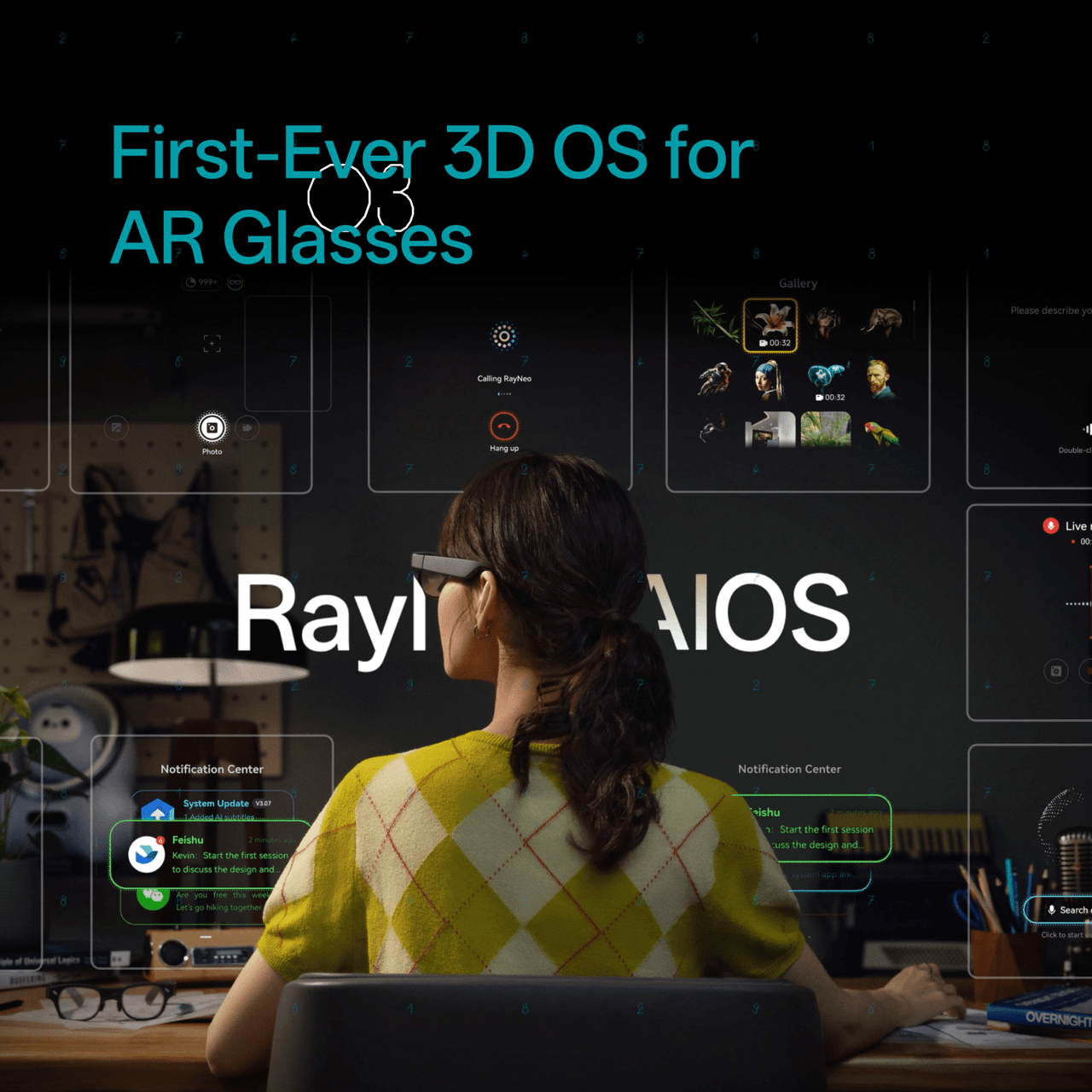
Navigate an intuitive 3D spatial interface built for AI+AR glasses.
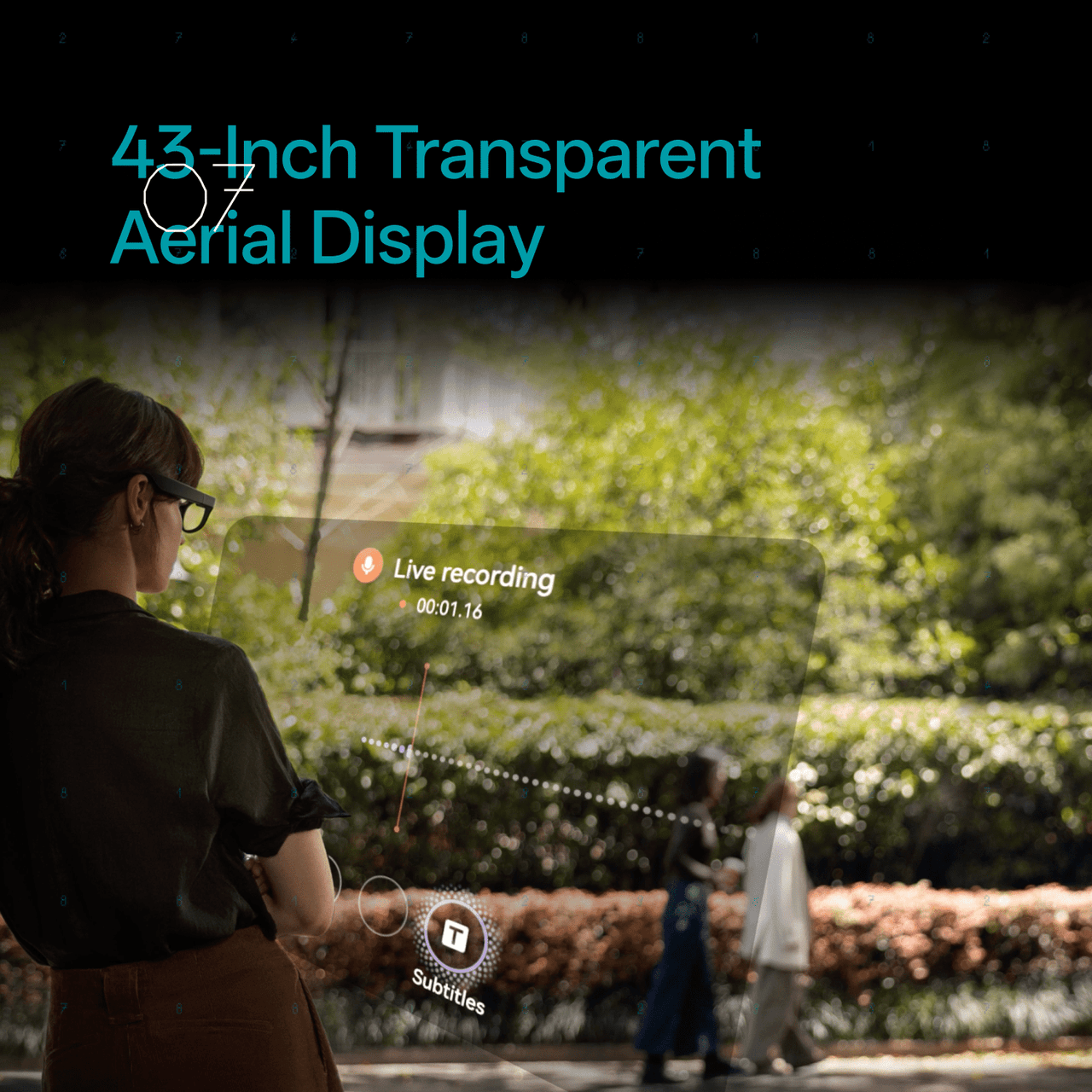
See and hear live translations across 14 supported languages.
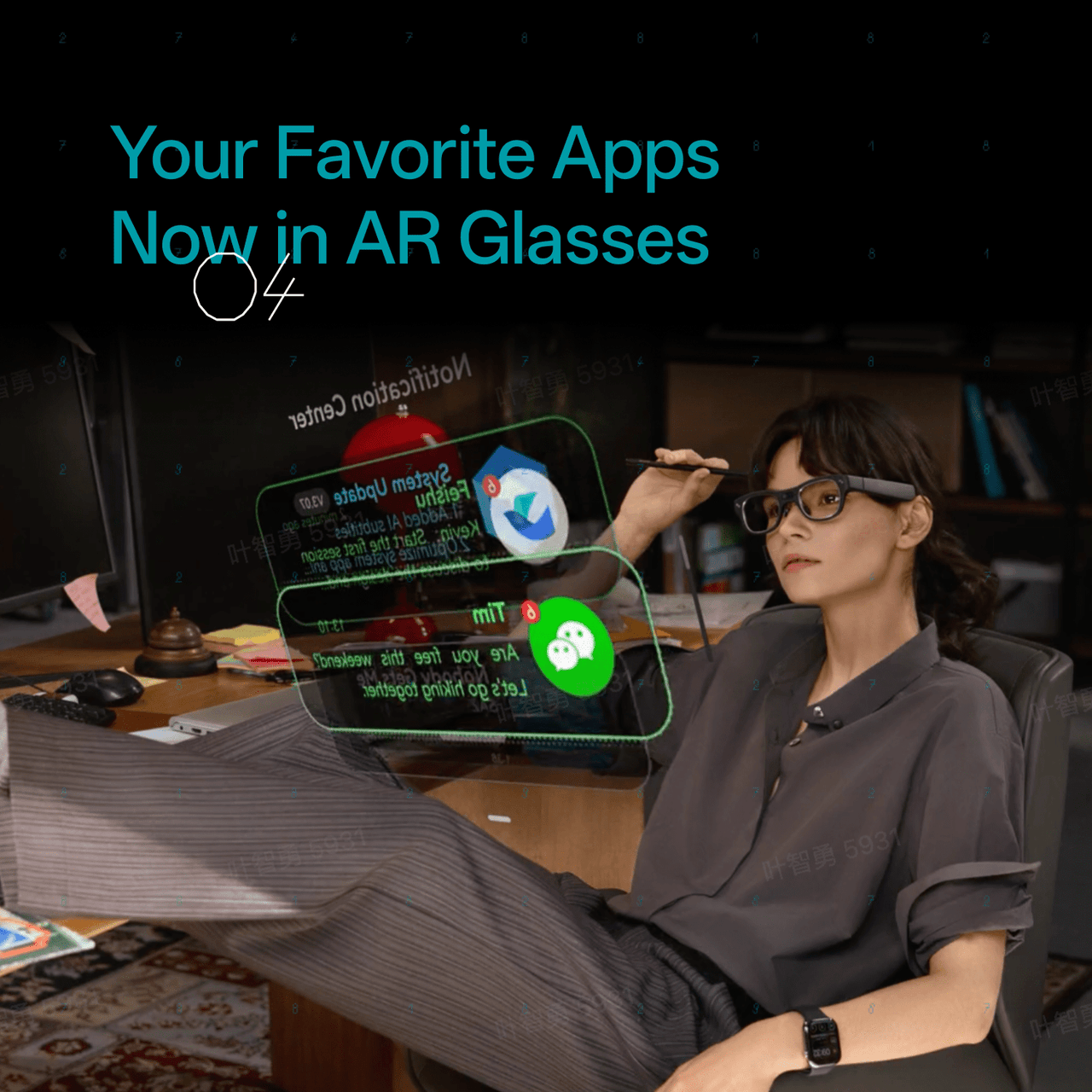
Access selected everyday apps and RayNeo tools directly through the AR display.
Manage to-dos, memos, schedules, and meeting summaries hands-free.
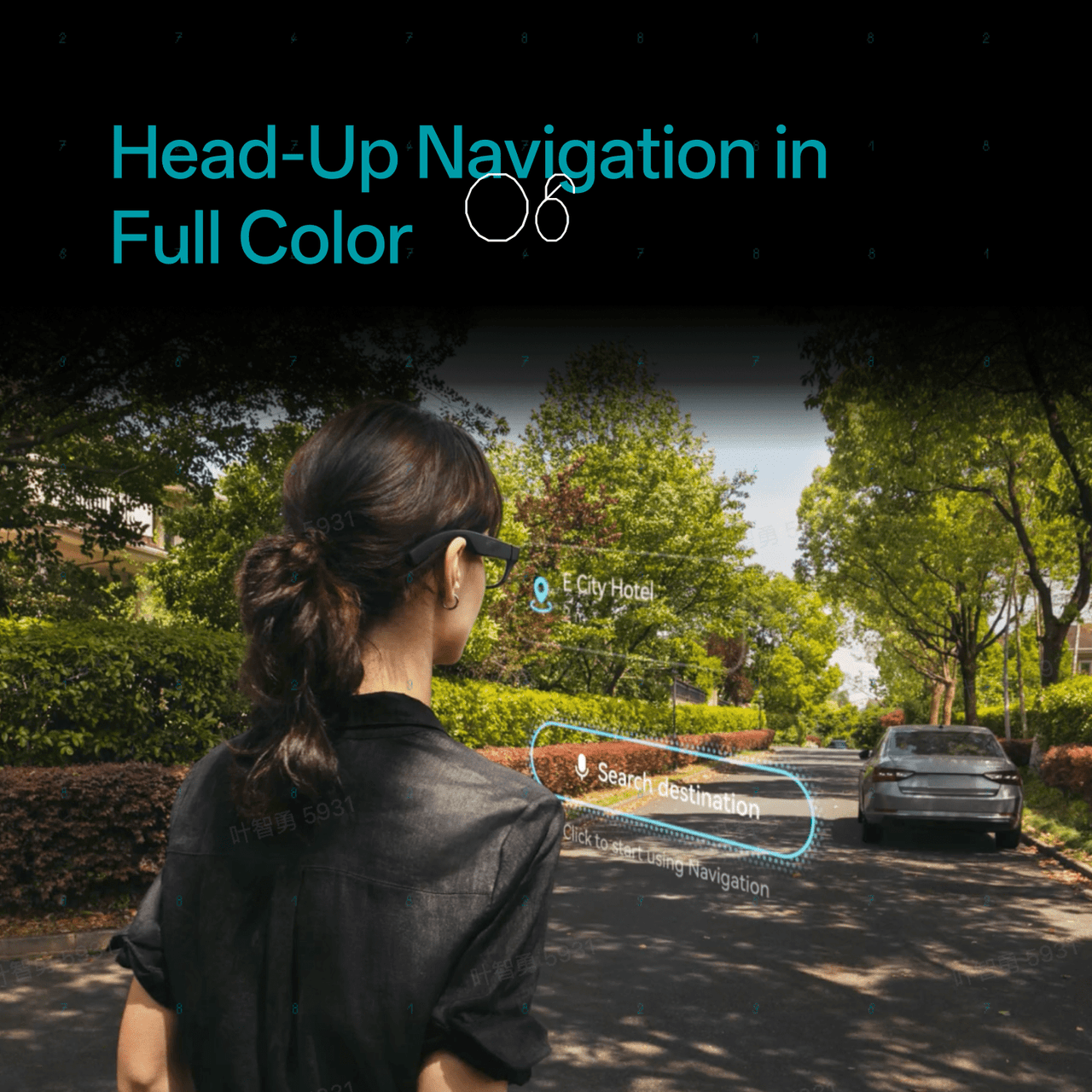
View turn-by-turn directions and nearby places without looking down at your phone.
Build spatial AR experiences with 6DoF + SLAM support using Unity or Android ARDK.
Need prescription lenses? Visit our official prescription lens partner, Lensology, to order custom prescription lenses for RayNeo X3 Pro. Worldwide shipping is available.
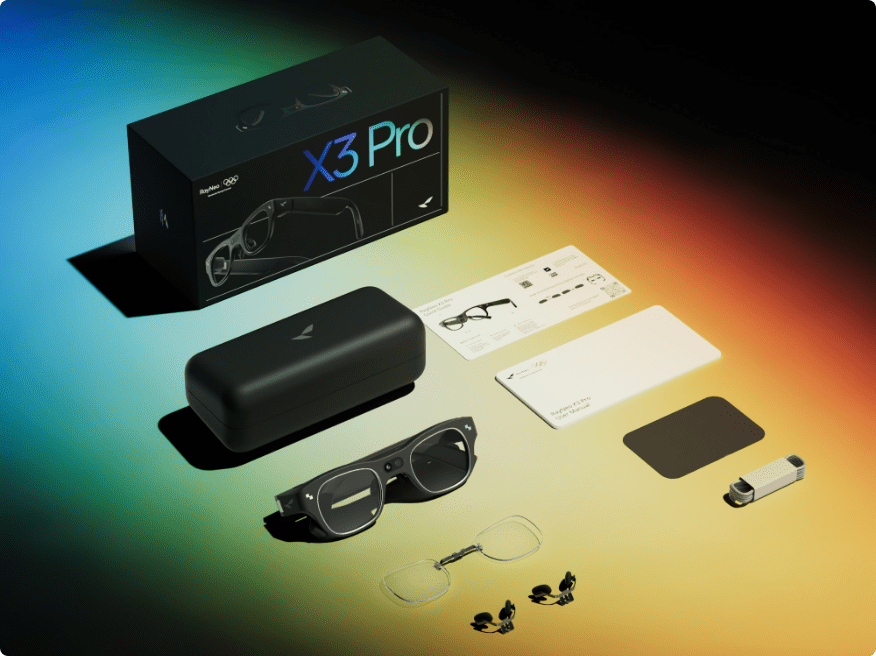
RayNeo X3 Pro*1、Charging Cable*1、Nose Pad *1、Cleaning Cloth & Carry Case*1、Quick Start Guide & User Manual *1、Prescription Lens Sample*1
Worry-Free Purchase Available With SeelLearn More
Free & Fast Shipping
Free standard shipping on eligible orders.
30-Day Price Protection
We will refund the difference if the price drops within 30 days.
30-Day Free Returns
Return within 30 days for a full refund.
1-Year Warranty
Includes a 1-year limited warranty.
Hassle-Free Support
Contact our support team for help anytime.

AI+AR Glasses
World's Most Advanced AI+AR Glasses
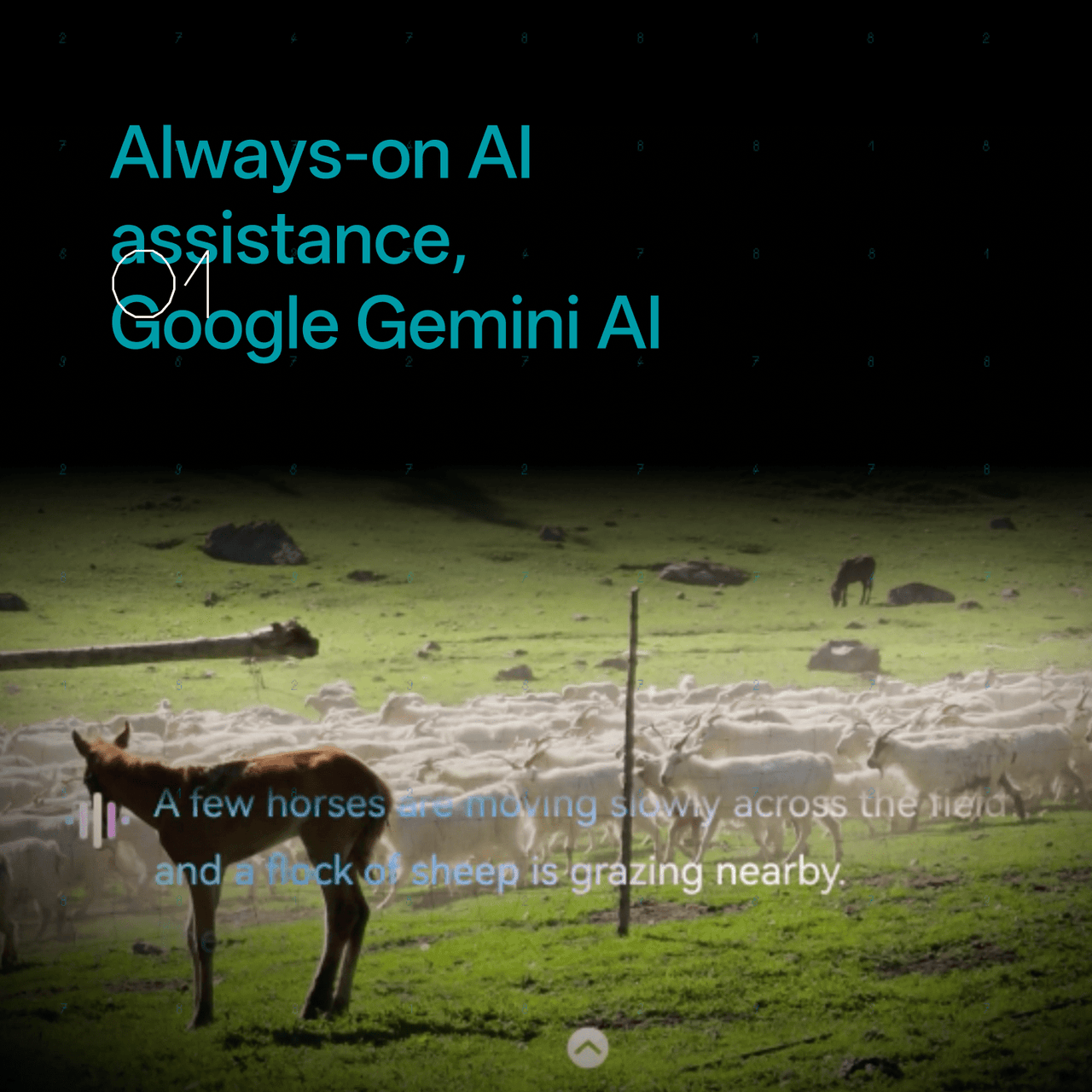
X3 Pro runs the latest Google Gemini-2.5 to help you analyze and understand the world more intelligently. Once a question pops up in your mind, the answer appears in front of your eyes.

X3 Pro integrates global AI translation for instant communication. In just 2.1 seconds, you're connected with the unknown language with on-screen text or synchronized with audio.

At the heart of X3 Pro is RayNeo AIOS — an intelligent system that sees, listens, and responds to you in real time.
From intuitive 3D interaction and instant Gemini-powered answers to developer-ready creation tools, it's more than an operating system.

With a built-in Android virtual environment, X3 Pro lets you use your everyday apps like TikTok, Instagram, and WhatsApp directly through the AR display.
RayNeo also provides tailored tools—teleprompter, music player, camera, and navigation—for an all-in-one, ready-to-go experience.

Explore more features that can help you find the right RayNeo experience.



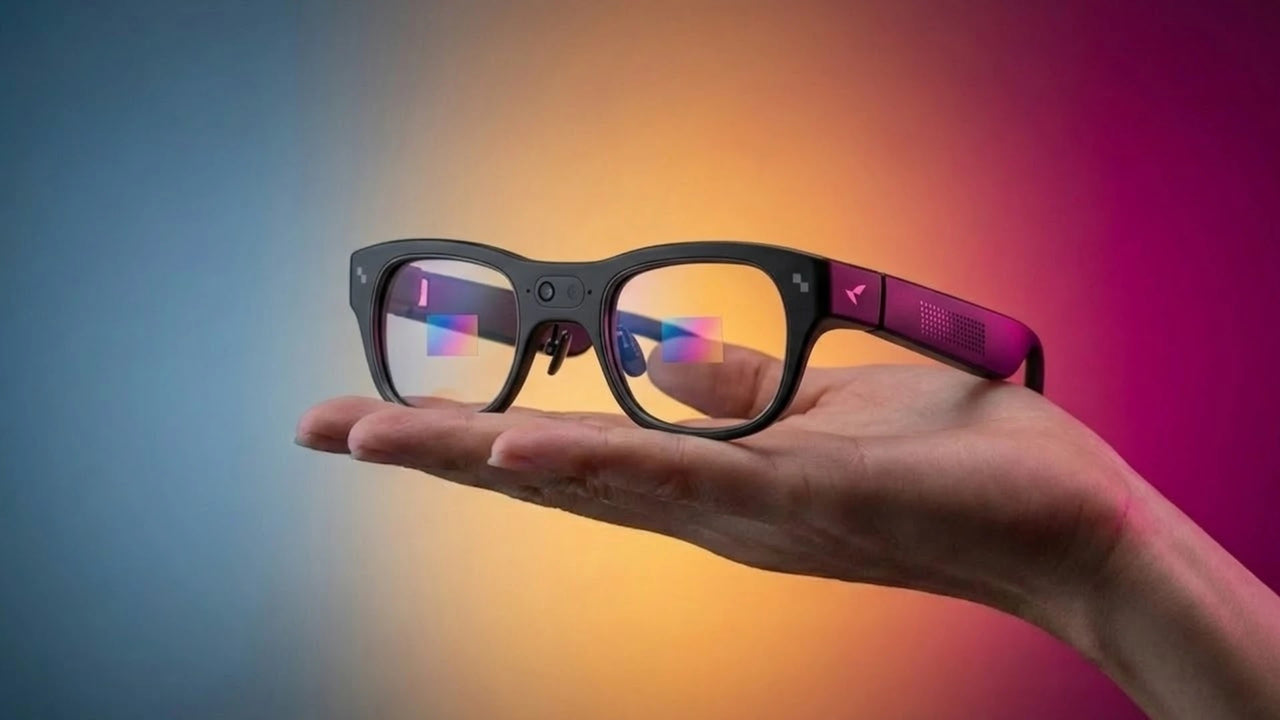
X3 Pro projects real-time navigation and nearby landmarks directly in your view—helping you find routes, restaurants, and transit safely, without ever looking down at your phone.
With Creator Mode and 6DoF + SLAM support, Unity ARDK or Android ARDK turns every space into your AR playground. Enjoy precise spatial positioning and environment mapping — your imagination is the only limit.
No setup. No delay. Just say "Hey RayNeo", X3 Pro is ready to answer your questions, read real-time news, find travel routes, manage schedules, and even record and summarize meetings with intelligent voice-to-text transcription and key-point extraction.
X3 Pro runs a newly upgraded 3D space UI with an intuitive, five-dimensional temple control. It also supports Apple Watch gesture control[4], mobile phone air mouse functionality, and voice control for an advanced accommodating user experience.
Full-Color MicroLED
Binocular Diffractive Waveguide
640 × 480
3,500 nits avg. / 6,000 nits peak
16.77 Million Colors
30°
43" at 2m
RayNeo Firefly Optical Engine
Gemini Live
RayNeo AIOS
14-Language Real-Time Translation
Heads-Up Turn-by-Turn Navigation
6DoF + SLAM Support
Meeting Notes / Transcription / Memos
Teleprompter / Camera / Music / Navigation
Creator Mode with Unity ARDK / Android ARDK
Snapdragon AR1 Gen 1
4GB RAM + 32GB Storage
Sony IMX681, 12MP
OV Spatial Camera
Up to 4K / 3K
3-Mic Array with Beamforming
245mAh
USB-C, Full Charge in 38 min
76 ± 1g
Wi-Fi 6
Bluetooth 5.3
USB 2.0 / Type-C
Accelerometer / Gyroscope / Magnetometer / Ambient Light / Wear Detection
5-Dimensional Temple Control
Supported
Air Mouse
Supported on compatible models
RayNeo X3 Pro combines full-color binocular MicroLED displays with Gemini-powered AI, real-time translation, heads-up navigation, camera capture, transcription, teleprompter tools, apps, and hands-free controls in a standalone AI+AR glasses design.
X3 Pro is a standalone smart-glasses platform with its own processor, storage, AIOS, Wi-Fi, and battery. A phone is still useful for setup, connectivity, hotspot access, and supported companion features.
X3 Pro integrates Google Gemini for multimodal AI assistance. You can ask questions by voice and receive information directly in your field of view.
X3 Pro supports real-time text and audio translation across 14 languages: Chinese, English, Cantonese, German, French, Spanish, Italian, Japanese, Korean, Russian, Thai, Vietnamese, Indonesian, and Malay.
Yes. RayNeo X3 Pro supports prescription lenses. If you need prescription lenses, please visit our official prescription lens partner, Lensology, to order custom lenses separately. Lensology offers worldwide shipping.
URL:https://lensology.co.uk/rayneo-x3-pro-prescription-inserts/
X3 Pro weighs about 76g and is designed with adjustable fitting features. Comfort varies by wearer and usage duration, so we recommend adjusting the fit before extended use.
Use the “Hey RayNeo” wake phrase to activate the AI assistant and ask questions hands-free.
X3 Pro supports temple touch controls and voice interaction. Selected additional control methods, including Apple Watch interaction, depend on software support and OTA availability.
Open the translation feature, select your languages, and start the conversation. Translation can appear as on-screen text and supported synchronized audio.
Open the navigation feature to view turn-by-turn directions and nearby points of interest directly in your field of view.
Open the navigation feature to view turn-by-turn directions and nearby points of interest directly in your field of view.
Yes. X3 Pro runs RayNeo AIOS on an Android-based platform and supports selected apps. Some additional apps may require manual installation or developer tools depending on the app.
Yes. X3 Pro supports voice-to-text transcription, key-point extraction, and meeting summaries through its AI productivity tools.
X3 Pro charges through USB-C, with a full charge taking approximately 38 minutes under specified conditions.
Battery life varies significantly with usage. Features such as navigation, camera recording, AI processing, wireless connectivity, and apps consume more power than light or intermittent use. Reduce active features when they are not needed and fully charge the glasses before extended sessions.
Some AI features and apps currently operate independently. Gemini may answer a question without automatically passing that action to another app such as navigation. Feature integration can change with future software updates.
Make sure the glasses are positioned correctly and adjust the fit so the display is centered in your field of view. Visibility can vary with ambient lighting, viewing angle, and individual eyesight.
Make sure the glasses and companion software are updated to the latest version, then restart and reconnect the device. Some early connectivity and stability issues reported in testing were improved through software updates.
Image quality can decrease in darker or challenging lighting conditions. For clearer photos and video, use the camera in well-lit environments whenever possible.
Some features depend on region, software version, app availability, network connection, or OTA updates. Check that your X3 Pro is running the latest software and review the feature requirements before use.
Still have questions?Get Help