Download

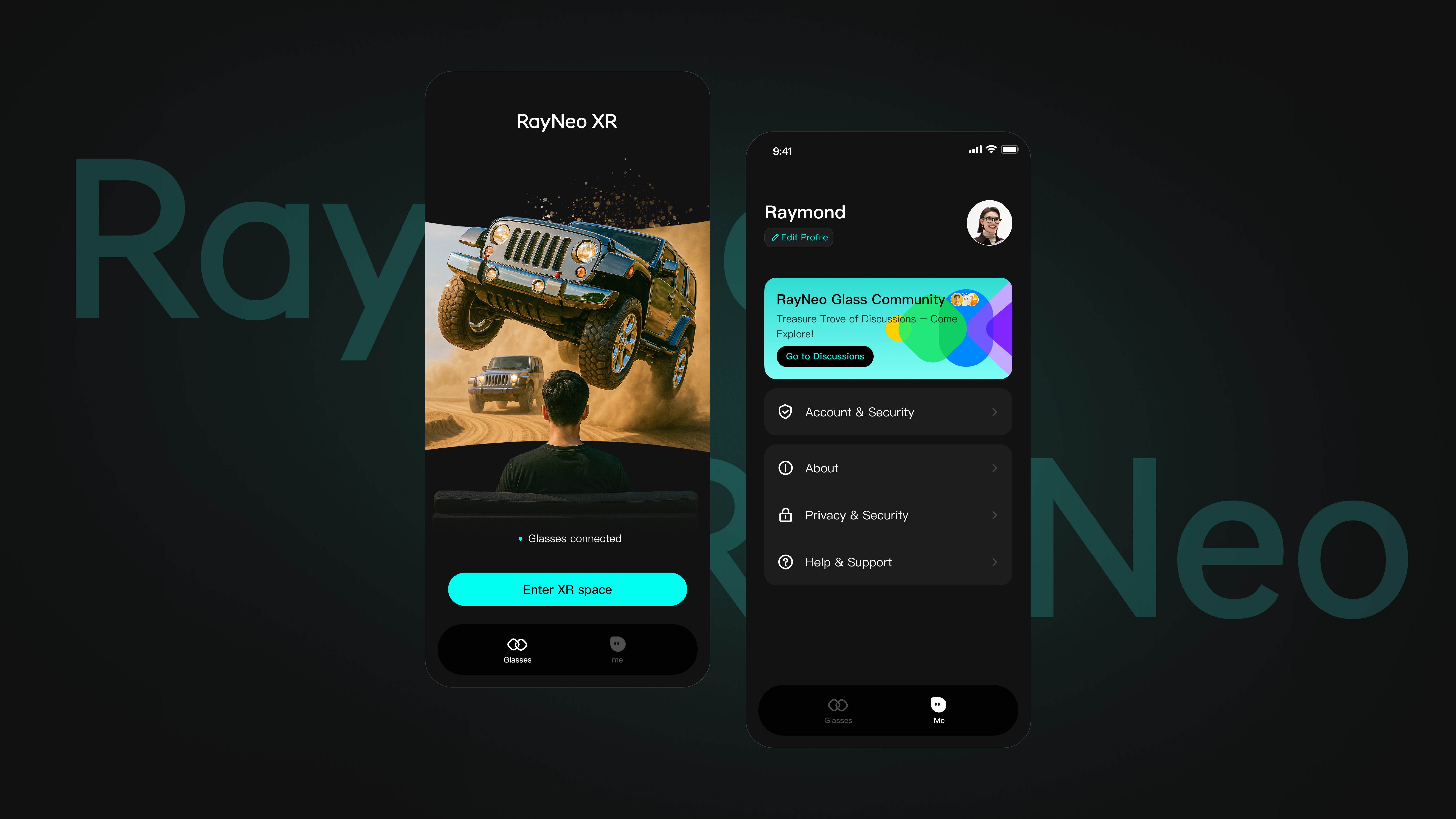
RayNeo Air Series App

For RayNeo Air Series XR Glasses. Requires Android version 8.0 or above with 3D and DisplayPort (DP) functions.
Download Compatibility List​
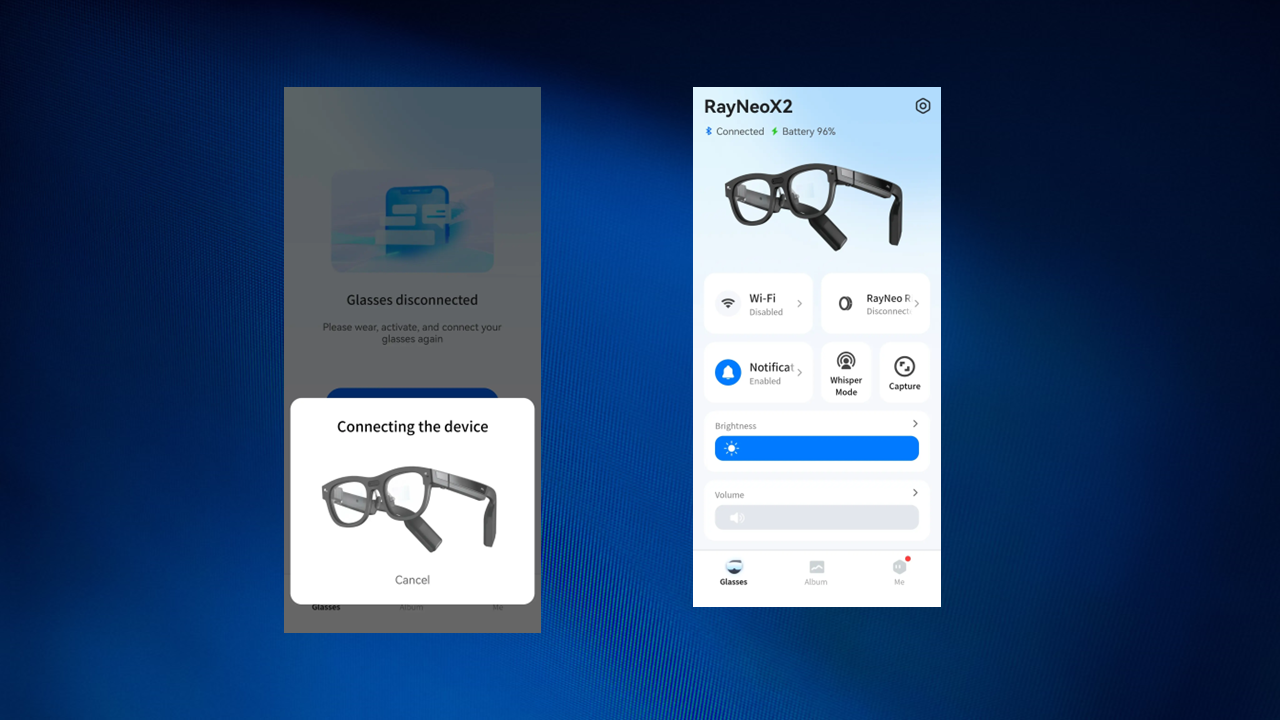
User interface screenshot of RayNeo APP showing connected and disconnected status for RayNeo smart glasses.

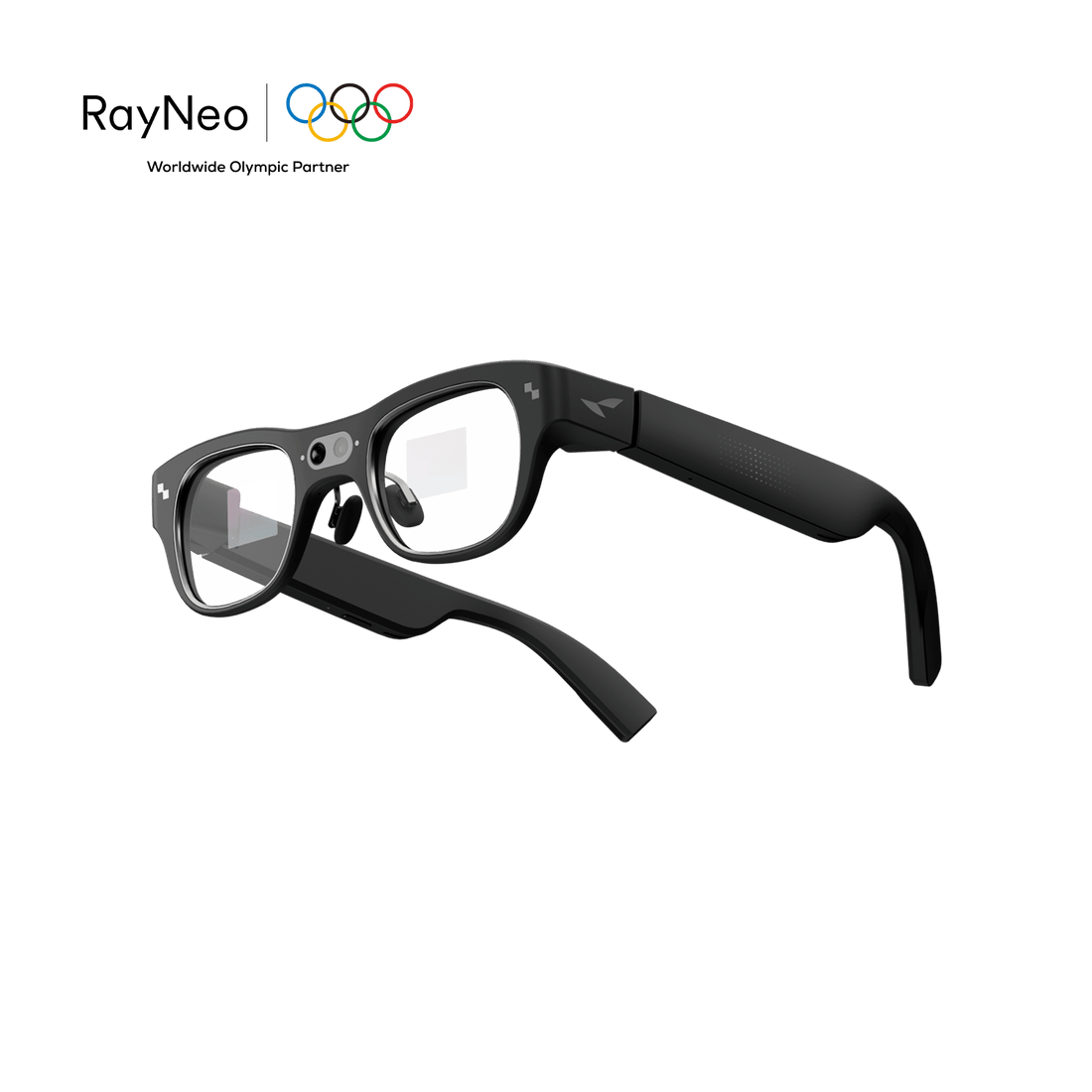
RayNeo X Series APP

For RayNeo X2 AR Glasses. Requires Bluetooth 5.2, wifi 5.0. Versions above Android 9, IOS 10 will be more stable!
Scan QR code to download the RayNeo augmented reality application AR APP.
Download
Man wearing blue TCL RayNeo X2 AI-Powered glasses looking at virtual display.

RayNeo X2 Marker

This code is used for AR calibration. After calibration, virtual elements will be spatially aligned with the real-world environment.

Download
In-flight augmented reality work experience with multiple floating screens showing data and a video call.

RayNeo Mirror Studio

Connect TCL NXTWEAR S glasses to your Windows PC and enjoy the multi-window experience for work and entertainment.

Download How To Use
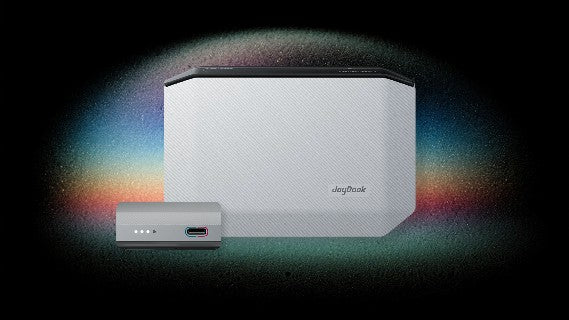
RayNeo JoyDock portable adapter for AR smart glasses.

JoyDock Firmware Upgrade

On your computer, you can update the firmware of your RayNeo JoyDock through Chrome browsers.
UPGRADE
A laptop and a pair of AR glasses are connected by a cable.

RayNeo Air Firmware Upgrade

On your computer, you can update or repair the firmware of your RayNeo Air glasses through Chrome or Opera browsers.

UPGRADE